تسجيل الدخول مطلوب
سجّل الدخول بحساب iOSGods للمتابعة.
Hack Features
- Damage Multiplier
- Defense Multiplier
يأتي هذا التطبيق مع iGameGod، مما يتيح لك الوصول إلى Auto Touch لأتمتة المهام المتكررة، وApp Speed Manager لضبط سرعة اللعب، وتعديل القيم عبر Memory Engine، والمزيد من أدوات ألعاب iOS القوية.
قم بتنزيل Mobile Royale: Kingdom Defense iOS Mod IPA من الروابط أعلاه. اضغط على زر التثبيت واتبع التعليمات لتثبيت هذا التعديل لـ iOS على iPhone أو iPad أو Apple Silicon.
هل تحتاج إلى مزيد من المساعدة؟ راجع الأسئلة الشائعة لتطبيق iOSGods للحصول على إجابات مفصلة ونصائح لاستكشاف الأخطاء.
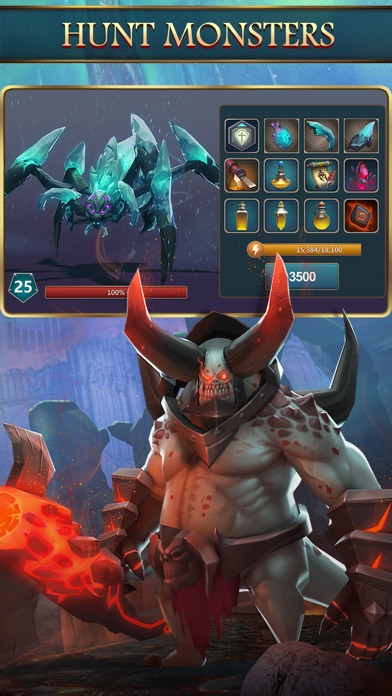
Exciting battles in a grand fantasy world brought to you by IGG!
Mobile Royale is a real-time global game for online strategy battle fans.
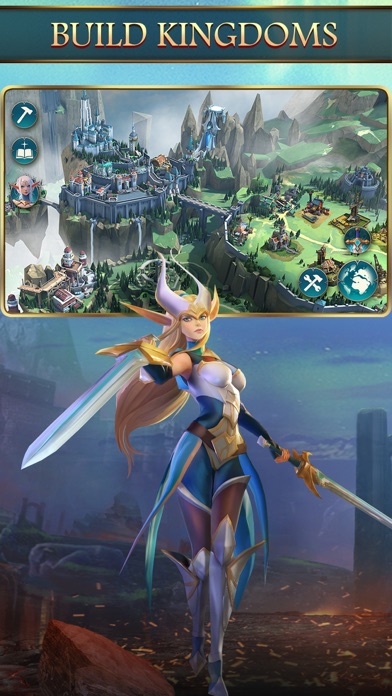
Develop your city, trade with different clans across the land, train a variety of troops to form your very own army, join a Guild, form alliances, and engage in exhilarating wars!
[Unique Game Features]
*Real-time translations allow battle with players from other countries. Conquer and rule the world with the help of your allies!
*Immerse yourself in beautifully detailed 3D graphics, grand battlefields, and a breathtaking fantasy world!
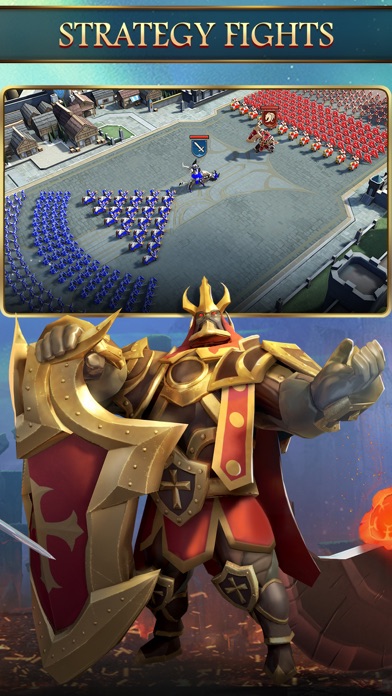
*Dreamy Airships and a floating fort are part and parcel of your battle strategies and trade affairs. Different troop types and army formations add layers of intrigue to warfare!
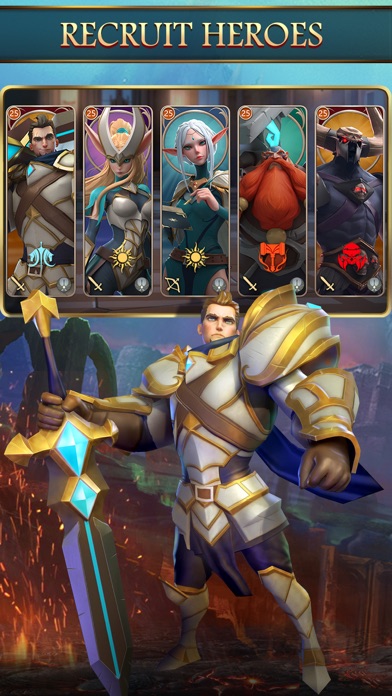
*The Heroes you command include humans, elves, dwarves, and beastkin! Be entertained by their fascinating background stories in the grand Hall of Heroes!
*A noble Guardian Dragon has chosen to believe in you, and helps you kill on the battlefield while kindly boosting your city's development.
*A complete world filled with lore, 5 races, 10 Clans, a chaotic world war, and dramatic story scenarios. Your decisions will decide your path, and who will become your friend or foe.
Facebook: https://www.facebook.com/MobileRoyaleGlobal
Subscription details and important things to note about Apple's official subscription feature:
1. Subscription Fees and Subscription Cycle
You can subscribe to the "Value Subscription" within the game for $1.99. Subscription lasts for one week (7 days). (Prices may change based on your region.)
2. Subscription Content
Players who have bought the subscription get to enjoy the perks during the subscription period.
3. Automatic Renewal
Subscriptions will be automatically renewed on the App Store, and the fee will be charged to your iTunes Account. Automatic renewal settings must be manually changed on your iTunes/Apple ID settings. Your subscription will be automatically renewed if automatic renewal is not turned off at least 24 hours before the end of the subscription period.
4. Terms of Service and Privacy Policy
Terms of Service https://policies.igg.com/terms_of_service
Privacy Policy https://policies.igg.com/privacy_policy
5. Canceling Subscriptions
Follow these steps on your Apple device if you would like to cancel your subscription: Settings→iTunes and App Store→Tap on your Apple ID→Check Apple ID→Account Settings→Subscriptions→Manage→Select the corresponding subscription for "Mobile Royale"
- iPhone أو iPad بجيلبريك أو بدون جيلبريك.
- Sideloadly أو بدائلها.
- كمبيوتر يعمل بنظام Windows/macOS/Linux مع تثبيت iTunes.
الخطوة 1: قم بتنزيل ملف .IPA المعدّل مسبقًا من الرابط أعلاه إلى الكمبيوتر الخاص بك. للتنزيل من تطبيق iOSGods App، اطلع على دليل تنزيل IPA من تطبيق iOSGods App الذي يتضمن مثالًا بالفيديو.
الخطوة 2: قم بتنزيل Sideloadly وتثبيته على جهاز Windows أو Mac.
الخطوة 3: افتح Sideloadly على الكمبيوتر، ووصّل جهاز iOS الخاص بك، وانتظر حتى يظهر اسم جهازك داخل Sideloadly.
الخطوة 4: بمجرد التعرّف على جهاز iDevice الخاص بك، اسحب ملف .IPA المعدّل الذي قمت بتنزيله وأفلِته داخل تطبيق Sideloadly.
الخطوة 5: أدخل البريد الإلكتروني لحساب Apple Account الخاص بك، ثم اضغط على «Start». سيُطلب منك بعد ذلك إدخال كلمة المرور. تابع وأدخل المعلومات المطلوبة.
الخطوة 6: انتظر حتى ينتهي Sideloadly من تحميل/تثبيت ملف IPA المعدّل. في حال واجهت أي مشاكل أثناء التثبيت، يرجى قراءة الملاحظة أدناه.
الخطوة 7: بعد اكتمال التثبيت ورؤية التطبيق على الشاشة الرئيسية، انتقل إلى Settings → General → Profiles / VPN & Device Management. ثم اضغط على البريد الإلكتروني الذي أدخلته في الخطوة 6، ثم اضغط على «الوثوق بـ [email protected]».
الخطوة 8: الآن انتقل إلى الشاشة الرئيسية وافتح التطبيق الذي تم تثبيته للتو وسيعمل كل شيء بشكل صحيح. قد تحتاج إلى اتباع تعليمات إضافية خاصة بكل تطبيق داخل النافذة المنبثقة للتعديل أثناء اللعب.
ملاحظة: بدءًا من iOS/iPadOS 16 وما بعده، يجب تفعيل وضع المطور (Developer Mode). بالنسبة لحسابات Apple Developer المجانية، ستحتاج إلى تكرار هذه العملية كل 7 أيام. إذا كانت لديك أي أسئلة أو مشاكل، يرجى قراءة قسم الأسئلة الشائعة حول Sideloadly في الموضوع.