Anmeldung erforderlich
Melde dich mit deinem iOSGods-Konto an, um fortzufahren.
Melde dich mit deinem iOSGods-Konto an, um fortzufahren.

Lade Mimo: Learn Coding/Programming iOS Mod IPA über die obigen Links herunter. Tippe auf den Installations-Button und folge den Anweisungen, um diese iOS-App auf deinem iPhone, iPad oder Apple Silicon zu installieren.
Brauchst du mehr Hilfe? In unseren iOSGods App häufig gestellten Fragen findest du ausführliche Antworten und Tipps zur Fehlerbehebung.
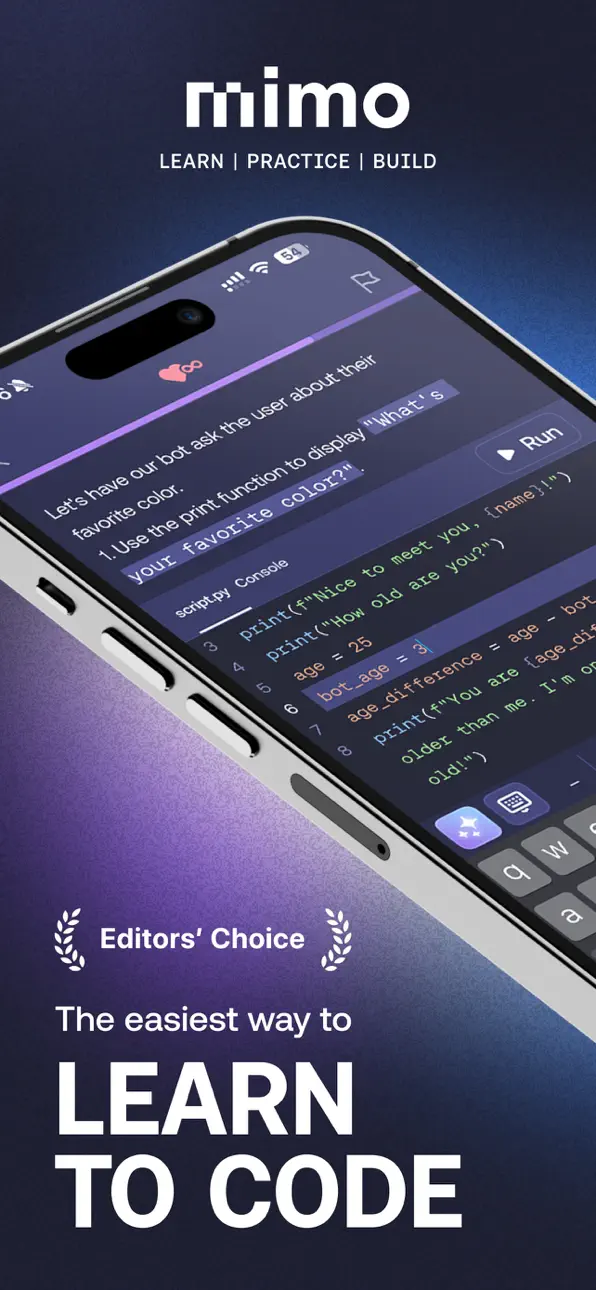
Learn Python, JavaScript, HTML, CSS, or SQL, and master modern AI-assisted development to become a developer in the age of AI. Mimo is a coding app that takes you from zero to building projects with AI. Gain the knowledge and tools to create production-ready software and pursue a job as a developer. Start building strong portfolio projects today, future-proof your skills, and take the next step beyond just coding syntax—download Mimo and launch your developer career now!
Who It's For
Mimo stands out by guiding aspiring developers through a proven, structured learning process. Unlike other programming apps that focus on passive tutorials or quick AI tricks, Mimo delivers hands-on, career-relevant coding skills. You progress from your first line of code to mastering AI-assisted software development, building a portfolio of real-world apps that showcase your abilities.
What You Get With Mimo
Mimo is an all-in-one programming app that provides guided learning paths and an AI-powered environment to help you build functional apps, games, and websites.
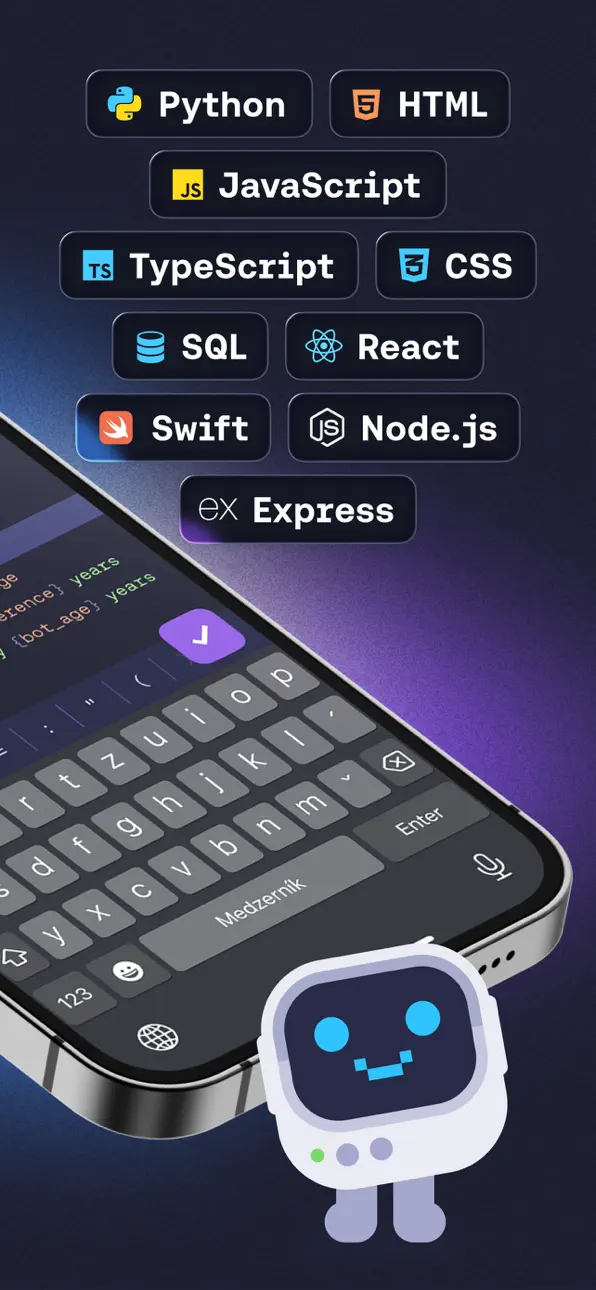
- Learn coding fundamentals of Python, JavaScript, HTML, CSS, SQL, and more.
- Go from beginner to developer with structured paths in AI-driven Front-End, Full-Stack, Python, and Backend development.
- Build apps, websites, and tools for a professional portfolio that stands out.
- Practice AI-powered software development by building with AI to understand, edit, and improve your code—all reflecting how modern software is built.
- Code anywhere with our mobile IDE. Write, run, and edit Python, JavaScript, and HTML directly in the app.
- Master collaboration, tooling, and workflows used by modern developers.
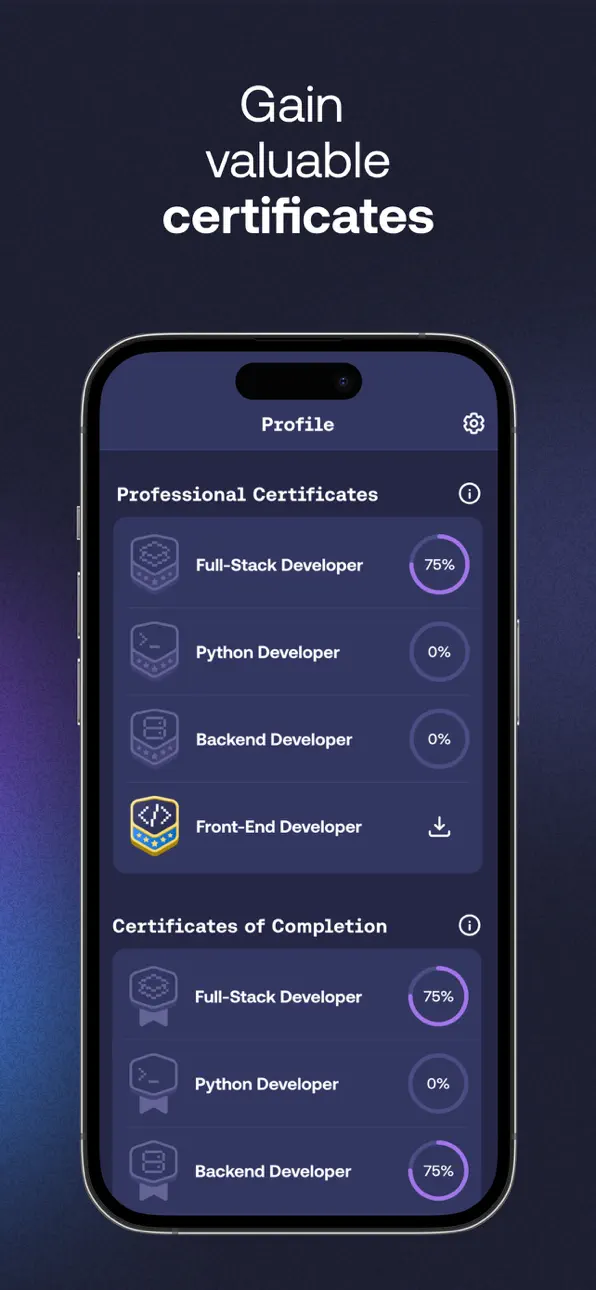
- Track progress, earn certificates, and stay motivated with streaks and leaderboards.
How It Works
1. Learn to Code Step by Step
Start with beginner-friendly interactive lessons in Python, JavaScript, or HTML to build a solid foundation.
2. Build with AI Like Modern Developers
Use AI to enhance your workflow, understand code, debug, and refine your work. You control your code—AI works with you, not for you. See, edit, and take charge of what you create.
3. Create Lasting Projects
Turn your skills into apps, websites, automations, games, and other portfolio-worthy projects.
What Makes Mimo Different
- Mimo combines hands-on coding with AI-powered development tools.
From your first project, you gain practical skills for today’s tech industry, supported by project experience and AI-driven learning that sets you apart in the job market.
- Learn to code by building software from the very beginning.
You’ll practice Python, JavaScript, HTML, CSS, SQL, TypeScript, and React. Build real software from day one—no waiting through months of tutorials.
- Learn AI-driven software development, not just programming syntax.
Mimo helps you build coding skills faster by using AI to explore solutions, understand code, and move forward with confidence.
- Gain lasting skills and build a portfolio that stays relevant as the industry evolves.
Aiming for a software development career? Mimo offers the skills, practice, and projects to get started.
Reviews and Recognitions:
- "This way, you can work learning to code into your daily routine whenever you have a few minutes." – TechCrunch.
- "The app's lessons are bite-sized to make it easy to squeeze coding into your busy day." – The New York Times.
Learn to code in popular programming languages and master AI-assisted, modern software development. Build apps, understand code, gain confidence, and become a future-ready developer with Mimo.
Don’t just learn yesterday’s coding syntax or chase today’s vibe coding hype. Get the skills that make you a software developer of tomorrow.
Start learning with Mimo now!
Helpful Links
- Privacy Policy & Terms: https://mimo.org/terms
- Terms of Use: https://apple.com/legal/internet-services/itunes/dev/stdeula
- Contact Support: [email protected]
Screenshots © der jeweiligen Inhaber · App Store


iOSGods ist nicht mit Apple Inc., Google LLC oder den Entwicklern der hier aufgeführten Apps verbunden und wird von ihnen weder unterstützt noch gesponsert. Apple, iOS und App Store sind Marken von Apple Inc. Android und Google Play sind Marken von Google LLC. Alle weiteren App-Namen, Symbole, Grafiken und Marken gehören ihren jeweiligen Inhabern.
- Nicht-Jailbroken/Jailed oder Jailbroken iPhone oder iPad.
- Sideloadly oder Alternativen.
- Computer mit Windows/macOS/Linux und installiertem iTunes.
SCHRITT 1: Lade die vorinstallierte .IPA-Datei über den obigen Link auf deinen Computer herunter. Zum Herunterladen aus der iOSGods-App siehe unser iOSGods App IPA Download-Tutorial mit Videobeispiel.
SCHRITT 2: Lade Sideloadly herunter und installiere es auf deinem Windows oder Mac.
SCHRITT 3: Öffne Sideloadly auf deinem Computer, verbinde dein iOS-Gerät und warte, bis dein Gerätename in Sideloadly erscheint.
SCHRITT 4: Sobald dein iDevice erkannt wird, ziehe die heruntergeladene gemoddete .IPA-Datei in die Sideloadly-Anwendung.
SCHRITT 5: Gib deine Apple-Account-E-Mail ein und drücke „Start". Du wirst dann nach deinem Passwort gefragt. Gib die erforderlichen Informationen ein.
SCHRITT 6: Warte, bis Sideloadly das Sideloading/Installieren der gehackten IPA abgeschlossen hat. Bei Problemen während der Installation lies bitte den Hinweis unten.
SCHRITT 7: Sobald die Installation abgeschlossen ist und die App auf deinem Home-Bildschirm angezeigt wird, musst du zu Einstellungen → Allgemein → Profile / VPN & Geräteverwaltung gehen. Tippe dort auf die E-Mail, die du in Schritt 6 eingegeben hast, und dann auf „Trust [email protected]".
SCHRITT 8: Gehe nun zu deinem Home-Bildschirm und öffne die neu installierte App – alles sollte einwandfrei funktionieren. Möglicherweise musst du weitere App-spezifische Anweisungen im Hack-Popup im Spiel befolgen.
HINWEIS: iOS/iPadOS 16 und höher: Du musst den Entwicklermodus aktivieren. Bei kostenlosen Apple Developer-Accounts musst du diesen Vorgang alle 7 Tage wiederholen. Bei Fragen oder Problemen lies bitte unsere Sideloadly-FAQ-Sektion im Thema.
Game Name iOS Mod IPA is an action adventure game enhanced with powerful gameplay boosts and quality-of-life improvements. Win battles faster, earn rewards quicker, and enjoy uninterrupted play without ads.
- Unlimited Gold - spend freely to unlock premium content
- Damage Multiplier - deal significantly more damage in combat
- Defense Multiplier - take less damage and survive longer
- Reward Multiplier - earn more loot from every battle
- Max Level - instantly reach the highest player rank
- No Ads - play without interruptions or advertisements
This app also comes with iGameGod, giving you access to Auto Touch to automate repetitive tasks, App Speed Manager for adjustable gameplay speed, Memory Engine value editing, and more powerful iOS game tools.
Lade Game Name Mod IPA über die obigen Links herunter. Tippe auf den Installations-Button und folge den Anweisungen, um diese iOS-App auf deinem iPhone, iPad oder Apple Silicon zu installieren.
Brauchst du mehr Hilfe In unseren iOSGods App häufig gestellten Fragen findest du ausführliche Antworten und Tipps zur Fehlerbehebung.
----------------------------------------------------------
--------------------------------------------------