Accesso richiesto
Accedi con il tuo account iOSGods per continuare.
Accedi con il tuo account iOSGods per continuare.

Scarica Mimo: Learn Coding/Programming iOS Mod IPA dai link sopra. Tocca il pulsante di installazione e segui le istruzioni per installare questo hack iOS sul tuo iPhone, iPad o Mac con Apple Silicon.
Hai bisogno di altro aiuto? Consulta le nostre Domande frequenti sull'app iOSGods per risposte dettagliate e consigli per la risoluzione dei problemi.
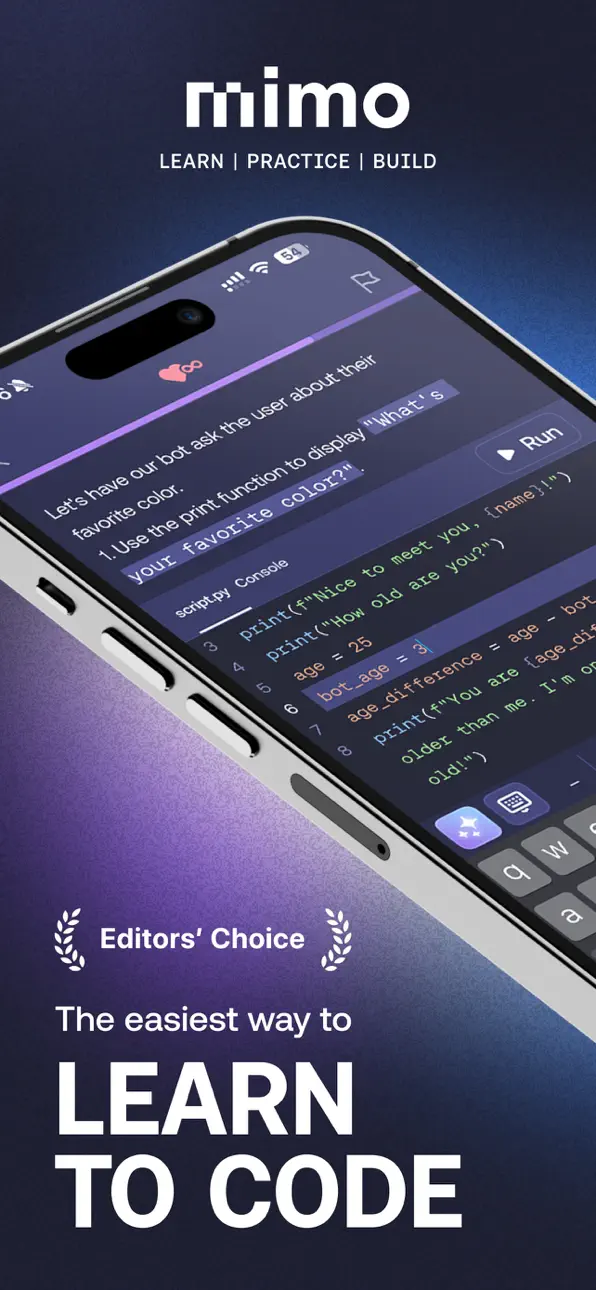
Learn Python, JavaScript, HTML, CSS, or SQL, and master modern AI-assisted development to become a developer in the age of AI. Mimo is a coding app that takes you from zero to building projects with AI. Gain the knowledge and tools to create production-ready software and pursue a job as a developer. Start building strong portfolio projects today, future-proof your skills, and take the next step beyond just coding syntax—download Mimo and launch your developer career now!
Who It's For
Mimo stands out by guiding aspiring developers through a proven, structured learning process. Unlike other programming apps that focus on passive tutorials or quick AI tricks, Mimo delivers hands-on, career-relevant coding skills. You progress from your first line of code to mastering AI-assisted software development, building a portfolio of real-world apps that showcase your abilities.
What You Get With Mimo
Mimo is an all-in-one programming app that provides guided learning paths and an AI-powered environment to help you build functional apps, games, and websites.
- Learn coding fundamentals of Python, JavaScript, HTML, CSS, SQL, and more.
- Go from beginner to developer with structured paths in AI-driven Front-End, Full-Stack, Python, and Backend development.
- Build apps, websites, and tools for a professional portfolio that stands out.
- Practice AI-powered software development by building with AI to understand, edit, and improve your code—all reflecting how modern software is built.
- Code anywhere with our mobile IDE. Write, run, and edit Python, JavaScript, and HTML directly in the app.
- Master collaboration, tooling, and workflows used by modern developers.
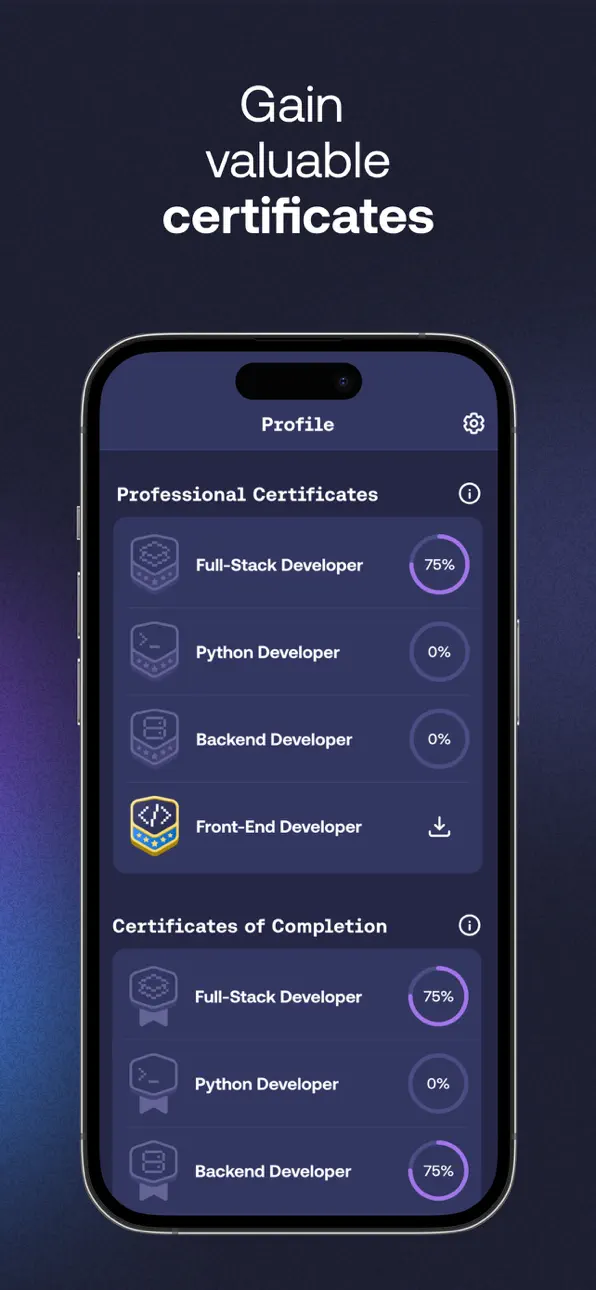
- Track progress, earn certificates, and stay motivated with streaks and leaderboards.
How It Works
1. Learn to Code Step by Step
Start with beginner-friendly interactive lessons in Python, JavaScript, or HTML to build a solid foundation.
2. Build with AI Like Modern Developers
Use AI to enhance your workflow, understand code, debug, and refine your work. You control your code—AI works with you, not for you. See, edit, and take charge of what you create.
3. Create Lasting Projects
Turn your skills into apps, websites, automations, games, and other portfolio-worthy projects.
What Makes Mimo Different
- Mimo combines hands-on coding with AI-powered development tools.
From your first project, you gain practical skills for today’s tech industry, supported by project experience and AI-driven learning that sets you apart in the job market.
- Learn to code by building software from the very beginning.
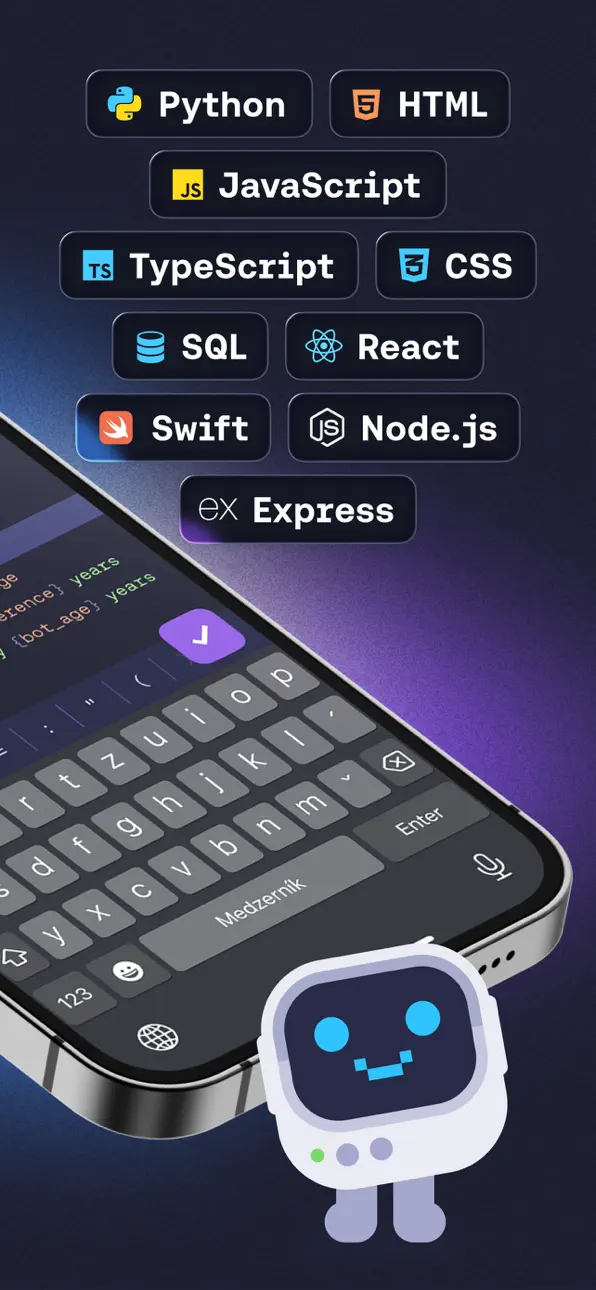
You’ll practice Python, JavaScript, HTML, CSS, SQL, TypeScript, and React. Build real software from day one—no waiting through months of tutorials.
- Learn AI-driven software development, not just programming syntax.
Mimo helps you build coding skills faster by using AI to explore solutions, understand code, and move forward with confidence.
- Gain lasting skills and build a portfolio that stays relevant as the industry evolves.
Aiming for a software development career? Mimo offers the skills, practice, and projects to get started.
Reviews and Recognitions:
- "This way, you can work learning to code into your daily routine whenever you have a few minutes." – TechCrunch.
- "The app's lessons are bite-sized to make it easy to squeeze coding into your busy day." – The New York Times.
Learn to code in popular programming languages and master AI-assisted, modern software development. Build apps, understand code, gain confidence, and become a future-ready developer with Mimo.
Don’t just learn yesterday’s coding syntax or chase today’s vibe coding hype. Get the skills that make you a software developer of tomorrow.
Start learning with Mimo now!
Helpful Links
- Privacy Policy & Terms: https://mimo.org/terms
- Terms of Use: https://apple.com/legal/internet-services/itunes/dev/stdeula
- Contact Support: [email protected]
Screenshot © rispettivi proprietari · App Store


iOSGods non è affiliata, approvata né sponsorizzata da Apple Inc., Google LLC o dagli sviluppatori delle app elencate qui. Apple, iOS e App Store sono marchi di Apple Inc. Android e Google Play sono marchi di Google LLC. Tutti gli altri nomi delle app, icone, immagini e marchi appartengono ai rispettivi proprietari.
- iPhone o iPad non jailbroken/jailed oppure jailbroken.
- Sideloadly o alternative.
- Computer con Windows/macOS/Linux con iTunes installato.
PASSO 1: Scarica il file .IPA pre-modificato dal link sopra sul tuo computer. Per scaricarlo dall'iOSGods App, consulta il nostro Tutorial download IPA dell'iOSGods App, che include un esempio video.
PASSO 2: Scarica Sideloadly e installalo sul tuo Windows o Mac.
PASSO 3: Apri Sideloadly sul tuo computer, collega il tuo dispositivo iOS e attendi finché il nome del dispositivo non appare in Sideloadly.
PASSO 4: Una volta riconosciuto il tuo iDevice, trascina il file .IPA moddato che hai scaricato e rilascialo nell'applicazione Sideloadly.
PASSO 5: Inserisci l'email del tuo Apple Account, poi premi “Start”. Ti verrà quindi chiesto di inserire la password. Procedi e fornisci le informazioni richieste.
PASSO 6: Attendi che Sideloadly completi il sideload/installazione dell'IPA modificata. Se ci sono problemi durante l'installazione, leggi la nota qui sotto.
PASSO 7: Una volta completata l'installazione e vista l'app sulla schermata Home, dovrai andare in Impostazioni → Generali → Profili / Gestione VPN e dispositivi. Una volta lì, tocca l'email inserita al passo 6 e poi tocca “Autorizza [email protected]”.
PASSO 8: Ora vai sulla schermata Home e apri l'app appena installata: tutto dovrebbe funzionare correttamente. Potrebbe essere necessario seguire ulteriori istruzioni specifiche all'interno del popup dell'hack nel gioco.
NOTA: Per iOS/iPadOS 16 e versioni successive, devi attivare la Modalità sviluppatore. Per gli account Apple Developer gratuiti, dovrai ripetere questa procedura ogni 7 giorni. Se hai domande o problemi, leggi la nostra sezione FAQ Sideloadly del topic.
Game Name iOS Mod IPA is an action adventure game enhanced with powerful gameplay boosts and quality-of-life improvements. Win battles faster, earn rewards quicker, and enjoy uninterrupted play without ads.
- Unlimited Gold - spend freely to unlock premium content
- Damage Multiplier - deal significantly more damage in combat
- Defense Multiplier - take less damage and survive longer
- Reward Multiplier - earn more loot from every battle
- Max Level - instantly reach the highest player rank
- No Ads - play without interruptions or advertisements
This app also comes with iGameGod, giving you access to Auto Touch to automate repetitive tasks, App Speed Manager for adjustable gameplay speed, Memory Engine value editing, and more powerful iOS game tools.
Scarica Game Name Mod IPA dai link sopra. Tocca il pulsante di installazione e segui le istruzioni per installare questo hack iOS sul tuo iPhone, iPad o Mac con Apple Silicon.
Hai bisogno di altro aiuto Consulta le nostre Domande frequenti sull'app iOSGods per risposte dettagliate e consigli per la risoluzione dei problemi.
----------------------------------------------------------
--------------------------------------------------