Anmeldung erforderlich
Melde dich mit deinem iOSGods-Konto an, um fortzufahren.
Melde dich mit deinem iOSGods-Konto an, um fortzufahren.

Lade Mimo: Learn Coding/Programming iOS Mod IPA über die obigen Links herunter. Tippe auf den Installations-Button und folge den Anweisungen, um diese iOS-App auf deinem iPhone, iPad oder Apple Silicon zu installieren.
Brauchst du mehr Hilfe? In unseren iOSGods App häufig gestellten Fragen findest du ausführliche Antworten und Tipps zur Fehlerbehebung.
Aprende Python, JavaScript, HTML, CSS o SQL y domina el desarrollo moderno asistido por IA para convertirte en un desarrollador preparado para la era de la inteligencia artificial. Mimo es una app que te lleva desde cero hasta crear proyectos reales con IA. Obtén los conocimientos y herramientas necesarios para crear software listo para producción y dar tus primeros pasos hacia una carrera en programación. Empieza a crear proyectos sólidos para tu portfolio, desarrolla habilidades de futuro y da el siguiente paso más allá de la sintaxis — ¡descarga Mimo y empieza tu camino ahora!
Para quién es Mimo
Mimo está pensado para cualquiera que quiera convertirse en desarrollador y busque un proceso claro, estructurado y efectivo. A diferencia de las apps basadas en tutoriales pasivos o trucos rápidos de IA, Mimo te enseña habilidades prácticas y relevantes. Pasas de tu primera línea de código a dominar el desarrollo asistido por IA mientras construyes un portfolio con proyectos reales.
Qué te ofrece Mimo
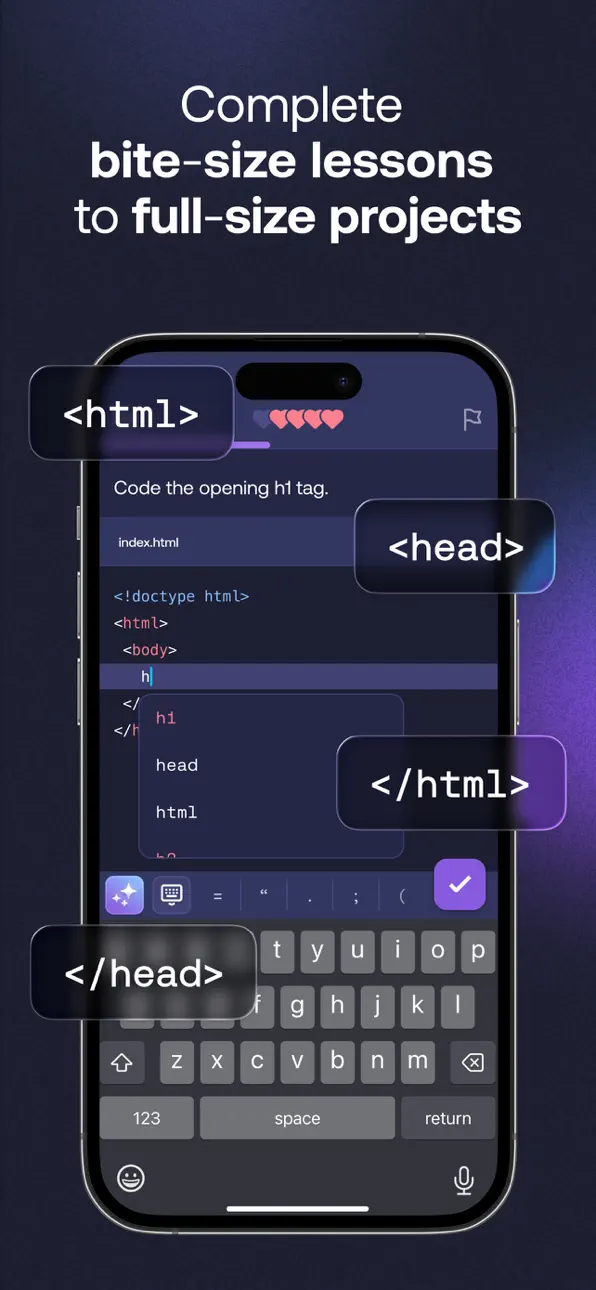
- Mimo es una app completa de programación con rutas guiadas y un entorno impulsado por IA que te ayuda a crear apps, juegos y sitios web funcionales.
- Aprende los fundamentos de Python, JavaScript, HTML, CSS, SQL y más.
Avanza de principiante a desarrollador con rutas estructuradas en Front-End, Full-Stack, Python y Backend impulsadas por IA.
- Crea apps, webs y herramientas que destaquen en tu portfolio profesional.
- Practica desarrollo moderno con IA: entiende, edita y mejora tu código como un desarrollador actual.
- Programa donde quieras con nuestro IDE móvil — escribe y ejecuta Python, JavaScript y HTML directamente en la app.
- Aprende herramientas, colaboración y flujos usados por desarrolladores modernos.
- Sigue tu progreso, consigue certificados y mantén tu motivación con rachas y rankings.
Cómo funciona
1. Aprende a programar paso a paso
Empieza con lecciones interactivas fáciles de seguir en Python, JavaScript o HTML para construir una base sólida.
2. Construye con IA como un desarrollador moderno
Usa IA para mejorar tu flujo de trabajo: comprender código, detectar errores, explorar soluciones y pulir proyectos. Tú controlas el proceso — la IA trabaja contigo, no por ti.
3. Crea proyectos duraderos
Transforma tus habilidades en apps, webs, automatizaciones, juegos y más proyectos para tu portfolio.
Qué hace diferente a Mimo
- Mimo combina programación práctica con herramientas de desarrollo impulsadas por IA.
Desde tu primer proyecto ganas experiencia real con habilidades útiles en el mundo laboral.
- Aprende a programar construyendo software real desde el principio.
Practica Python, JavaScript, HTML, CSS, SQL, TypeScript y React sin tener que pasar meses estudiando solo teoría.
- Aprende desarrollo moderno asistido por IA, no solo sintaxis.
La IA te ayuda a aprender más rápido explorando soluciones, entendiendo código y avanzando con confianza.
Construye habilidades duraderas y un portfolio que crecerá contigo.
¿Buscas una carrera de desarrollador? Mimo te da las habilidades y los proyectos para empezar.
Opiniones
“Puedes integrar el aprendizaje de programación en tu rutina diaria, incluso en pocos minutos.” – TechCrunch
“Las lecciones cortas facilitan seguir aprendiendo incluso en días ocupados.” – The New York Times
No te limites a aprender la sintaxis del pasado ni persigas cada nueva moda de IA. Construye las habilidades que te convierten en el desarrollador del mañana.
Empieza a aprender con Mimo hoy mismo.
Enlaces útiles
- Privacidad y condiciones: https://mimo.org/terms
- Términos de uso: https://apple.com/legal/internet-services/itunes/dev/stdeula
- Soporte: [email protected]
Screenshots © der jeweiligen Inhaber · App Store


iOSGods ist nicht mit Apple Inc., Google LLC oder den Entwicklern der hier aufgeführten Apps verbunden und wird von ihnen weder unterstützt noch gesponsert. Apple, iOS und App Store sind Marken von Apple Inc. Android und Google Play sind Marken von Google LLC. Alle weiteren App-Namen, Symbole, Grafiken und Marken gehören ihren jeweiligen Inhabern.
- Nicht-Jailbroken/Jailed oder Jailbroken iPhone oder iPad.
- Sideloadly oder Alternativen.
- Computer mit Windows/macOS/Linux und installiertem iTunes.
SCHRITT 1: Lade die vorinstallierte .IPA-Datei über den obigen Link auf deinen Computer herunter. Zum Herunterladen aus der iOSGods-App siehe unser iOSGods App IPA Download-Tutorial mit Videobeispiel.
SCHRITT 2: Lade Sideloadly herunter und installiere es auf deinem Windows oder Mac.
SCHRITT 3: Öffne Sideloadly auf deinem Computer, verbinde dein iOS-Gerät und warte, bis dein Gerätename in Sideloadly erscheint.
SCHRITT 4: Sobald dein iDevice erkannt wird, ziehe die heruntergeladene gemoddete .IPA-Datei in die Sideloadly-Anwendung.
SCHRITT 5: Gib deine Apple-Account-E-Mail ein und drücke „Start". Du wirst dann nach deinem Passwort gefragt. Gib die erforderlichen Informationen ein.
SCHRITT 6: Warte, bis Sideloadly das Sideloading/Installieren der gehackten IPA abgeschlossen hat. Bei Problemen während der Installation lies bitte den Hinweis unten.
SCHRITT 7: Sobald die Installation abgeschlossen ist und die App auf deinem Home-Bildschirm angezeigt wird, musst du zu Einstellungen → Allgemein → Profile / VPN & Geräteverwaltung gehen. Tippe dort auf die E-Mail, die du in Schritt 6 eingegeben hast, und dann auf „Trust [email protected]".
SCHRITT 8: Gehe nun zu deinem Home-Bildschirm und öffne die neu installierte App – alles sollte einwandfrei funktionieren. Möglicherweise musst du weitere App-spezifische Anweisungen im Hack-Popup im Spiel befolgen.
HINWEIS: iOS/iPadOS 16 und höher: Du musst den Entwicklermodus aktivieren. Bei kostenlosen Apple Developer-Accounts musst du diesen Vorgang alle 7 Tage wiederholen. Bei Fragen oder Problemen lies bitte unsere Sideloadly-FAQ-Sektion im Thema.
Game Name iOS Mod IPA is an action adventure game enhanced with powerful gameplay boosts and quality-of-life improvements. Win battles faster, earn rewards quicker, and enjoy uninterrupted play without ads.
- Unlimited Gold - spend freely to unlock premium content
- Damage Multiplier - deal significantly more damage in combat
- Defense Multiplier - take less damage and survive longer
- Reward Multiplier - earn more loot from every battle
- Max Level - instantly reach the highest player rank
- No Ads - play without interruptions or advertisements
This app also comes with iGameGod, giving you access to Auto Touch to automate repetitive tasks, App Speed Manager for adjustable gameplay speed, Memory Engine value editing, and more powerful iOS game tools.
Lade Game Name Mod IPA über die obigen Links herunter. Tippe auf den Installations-Button und folge den Anweisungen, um diese iOS-App auf deinem iPhone, iPad oder Apple Silicon zu installieren.
Brauchst du mehr Hilfe In unseren iOSGods App häufig gestellten Fragen findest du ausführliche Antworten und Tipps zur Fehlerbehebung.
----------------------------------------------------------
--------------------------------------------------