Требуется вход
Войдите в учётную запись iOSGods, чтобы продолжить.
Войдите в учётную запись iOSGods, чтобы продолжить.

Стратегия защиты башен встречается с выживанием в апокалипсисе зомби в TDS - Tower Destiny Survive, модифицированной игре для iOS, где вы строите и защищаете свою крепость от бесконечных волн нежити. Этот взлом открывает режим бога и мгновенные убийства, позволяя вам сосредоточиться на строительстве башен и стратегии без необходимости долгой игры.
С бесконечной валютой и ресурсами под рукой вы можете свободно экспериментировать с размещением оружия и расположением башен, превращая то, что могло бы быть головоломкой управления ресурсами, в чистый творческий геймплей защиты.
- Меню отладки → доступ к расширенным опциям
- Бесконечная валюта → трата без ограничений
- Бесконечные ресурсы → строительство без ограничений
- Режим бога → отсутствие урона
- Мгновенное убийство → мгновенное уничтожение зомби
Это приложение также поставляется с iGameGod, который открывает доступ к Auto Touch для автоматизации повторяющихся действий, App Speed Manager для регулируемой скорости игры, редактированию значений Memory Engine и другим мощным инструментам для iOS-игр.
Скачайте TDS - Tower Destiny Survive Hack modded IPA по ссылкам выше. Нажмите кнопку установки и следуйте инструкциям, чтобы установить этот хак iOS на iPhone, iPad или Mac с Apple Silicon.
Нужна помощь? Посмотрите наши Часто задаваемые вопросы по приложению iOSGods, чтобы получить подробные ответы и советы по устранению неполадок.
► КОРОЛЬ ЗАМКА
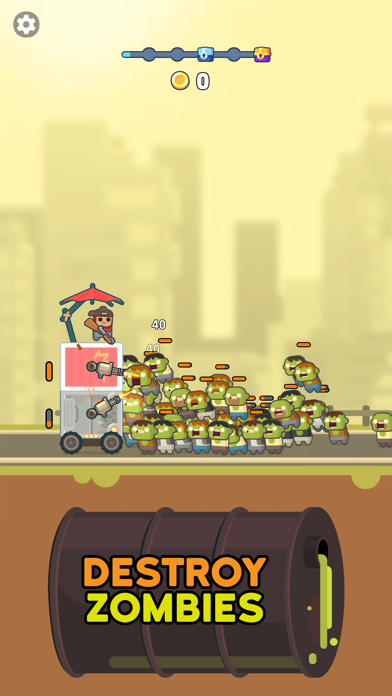
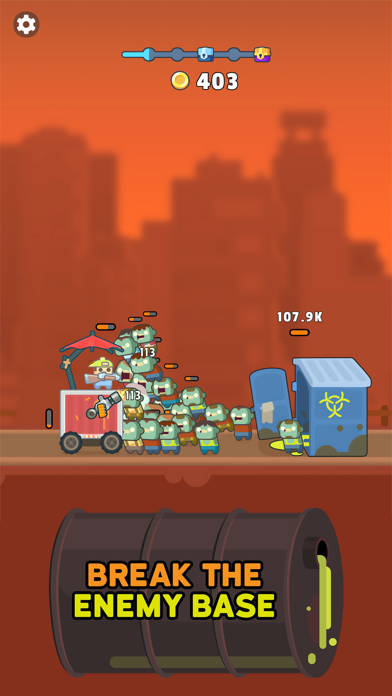
Король башни, если быть точнее. И для защиты башни в этом idle-хорроре на выживание тебе предстоит отбиваться от волн зомби. Толпы покойников бродят по улицам, и похоже, что приближается зомби-апокалипсис. Так что держи оружие наготове, пока строишь башню, и не дай мертвецам захватить ее.
► СТРОЙ И ЗАЩИЩАЙ
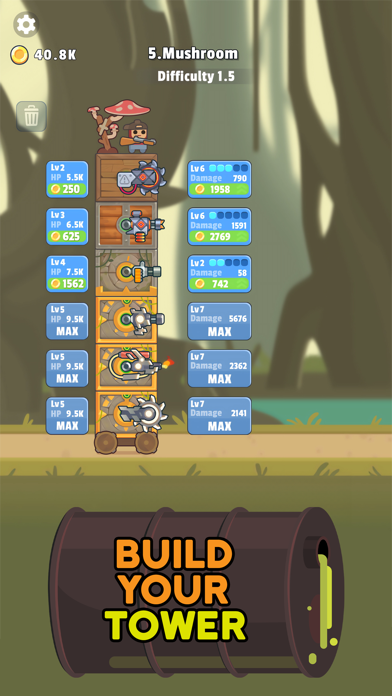
Для строительства башни тебе нужно собирать различные блоки на своем пути. Из них и сложится твоя крепость. На каждом уровне можно добавлять разнообразное оружие, которое поможет защитить башню и продолжать движение, несмотря на зомби, которые пытаются пробраться внутрь и съесть твои мозги. Осторожнее! Как только мертвецы прорвут защиту, ты станешь одним из них. Продолжай строить, защищаться и продвигаться!
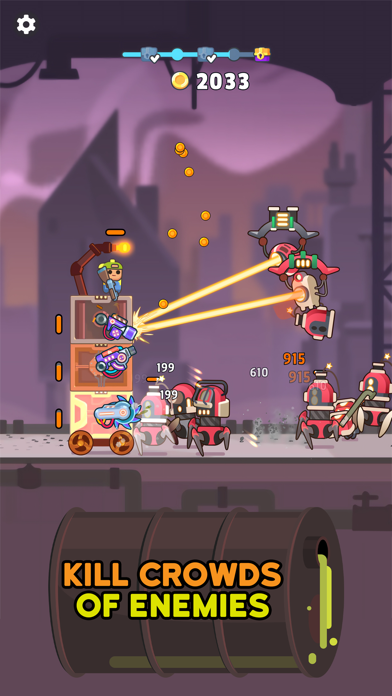
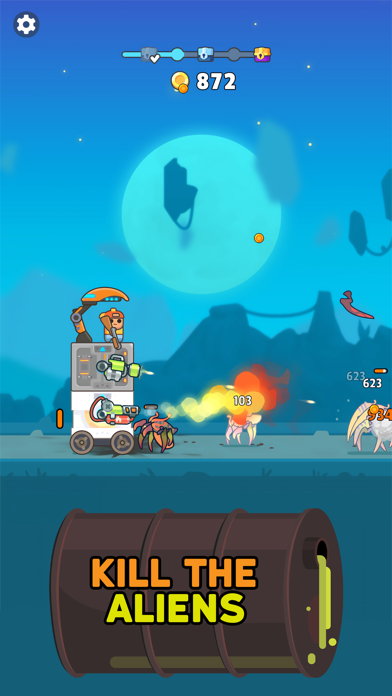
● Готовься, целься, стреляй — надвигается зомби-цунами! Уничтожай монстров в этой idle-игре, одновременно строя и защищая свою башню. Начни войну против нежити, чтобы самому не стать нежитью. Собирай потрясающее оружие по дороге и не забывай его улучшать, чтобы стрелять быстрее и точнее.
● Разрабатывай стратегию — она пригодится, чтобы уничтожать монстров, пока ты бродишь в поисках блоков для башни. Кроме стрельбы по зомби тебе нужно будет заранее все спланировать и подумать о том, как и куда установить оружие в крепости. Для встречи с прибывающими толпами врагов тебе понадобится все оружие, которое ты сможешь найти на уровнях!
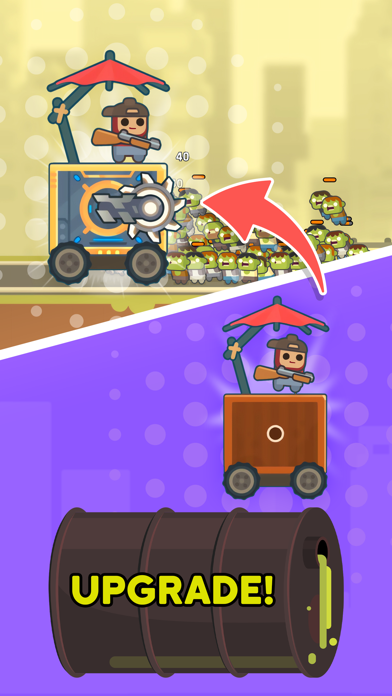
● Повышай уровень — Проходи уровни в этой RPG в жанре «выживание» и получай доступ к невероятным улучшениям, оружию, блокам и многому другому! Во времена апокалипсиса возможно все. Постарайся не превратиться в зомби, сражайся за свою жизнь и продолжай исследовать!
● Живенько — графика, а не зомби. Погрузись в мир ярких и милых персонажей с восхитительной анимацией, которая по-настоящему все оживляет. Кто бы мог подумать, что убивать зомби может быть так весело? Даже работая над победной стратегией, ты сможешь расслабиться и отдохнуть благодаря успокаивающей атмосфере.
► ЗЕМЛЯ МЕРТВЕЦОВ
Так что вперед, строй башню и веди войну с зомби в этом веселом и захватывающем стратегическом шутере на выживание! Используй башню для путешествий по землям, исследований и уничтожения врагов, а также наслаждайся крутыми пушками, которые помогут в борьбе с нежитью.
Скачивай Tower Destiny Survive уже сейчас и попытайся выжить!
Политика конфиденциальности: https://say.games/privacy-policy
Условия использования: https://say.games/terms-of-use
- iPhone или iPad без джейлбрейка/в обычном режиме или с джейлбрейком.
- Sideloadly или альтернативы.
- Компьютер с Windows/macOS/Linux и установленным iTunes.
ШАГ 1: Скачайте предварительно взломанный файл .IPA по ссылке выше на свой компьютер. Чтобы скачать его из приложения iOSGods, посмотрите наш Туториал по скачиванию IPA в приложении iOSGods, в котором есть видеопример.
ШАГ 2: Скачайте Sideloadly и установите его на Windows или Mac.
ШАГ 3: Откройте Sideloadly на компьютере, подключите iOS-устройство и дождитесь, пока его имя появится в Sideloadly.
ШАГ 4: Когда устройство будет распознано, перетащите скачанный модифицированный файл .IPA в окно Sideloadly.
ШАГ 5: Введите адрес электронной почты вашего Apple Account, затем нажмите «Start». После этого вас попросят ввести пароль. Укажите необходимые данные.
ШАГ 6: Дождитесь, пока Sideloadly завершит sideload/установку взломанного IPA. При возникновении проблем во время установки ознакомьтесь с примечанием ниже.
ШАГ 7: После завершения установки и появления приложения на главном экране перейдите в Настройки → Основные → Профили / VPN и управление устройством. Там нажмите на email, который вы ввели на шаге 6, а затем нажмите «Доверять [email protected]».
ШАГ 8: Теперь перейдите на главный экран и откройте установленное приложение — всё должно работать. Возможно, потребуется выполнить дополнительные инструкции в попапе мода внутри игры.
ПРИМЕЧАНИЕ: На iOS/iPadOS 16 и новее необходимо включить режим разработчика. Для бесплатных учётных записей Apple Developer этот процесс нужно повторять каждые 7 дней. Если возникнут вопросы или проблемы, ознакомьтесь с нашим разделом FAQ по Sideloadly в теме.




![[VIP] Andy Volcano: Tile Match Story Hack](https://is1-ssl.mzstatic.com/image/thumb/Purple211/v4/50/c5/d0/50c5d0f8-a137-ade7-9074-f3fb9544d525/AppIcon-0-0-1x_U007emarketing-0-8-0-85-220.png/100x100bb.jpg)


