Требуется вход
Войдите в учётную запись iOSGods, чтобы продолжить.
Hack Features
- AI Won't Pass
Скачайте eFootball™ iOS Mod IPA по ссылкам выше. Нажмите кнопку установки и следуйте инструкциям, чтобы установить этот хак iOS на iPhone, iPad или Mac с Apple Silicon.
Нужна помощь? Посмотрите наши Часто задаваемые вопросы по приложению iOSGods, чтобы получить подробные ответы и советы по устранению неполадок.
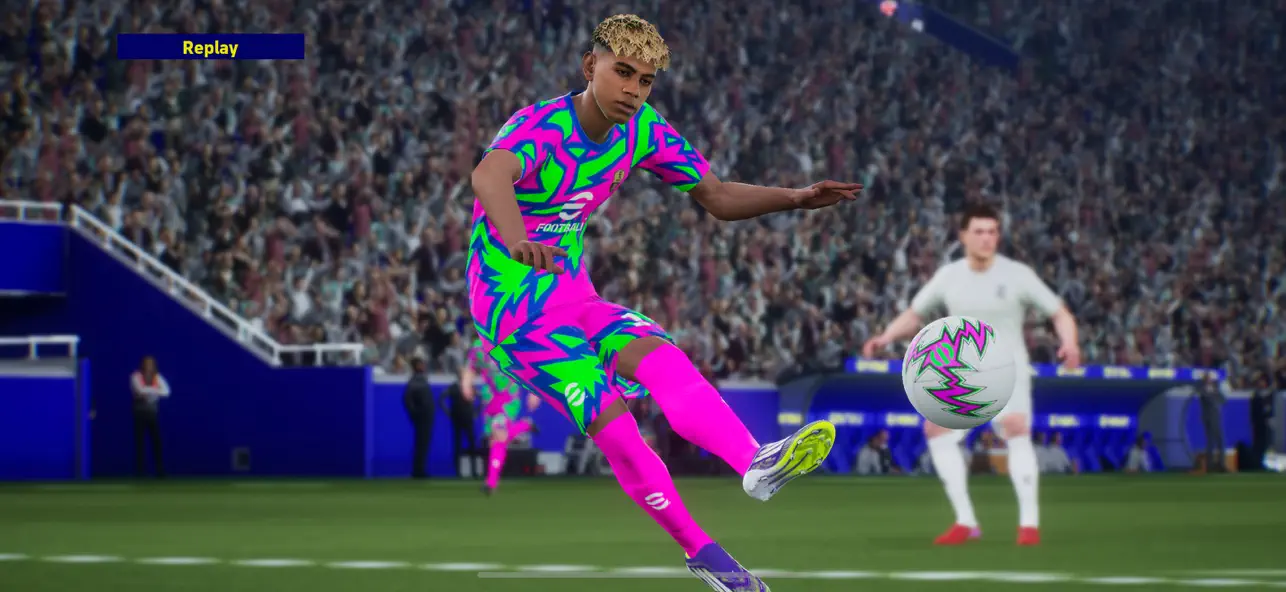
■ "eFootball™" - An Evolution from "PES"
It's an all-new era of digital soccer: "PES" has now evolved into "eFootball™"! And now you can experience the next generation of soccer gaming with "eFootball™"!
■ Welcoming Newcomers
After downloading, you can learn the basic controls of the game via a step-by-step tutorial that includes practical demonstrations! Complete them all, and receive Lionel Messi!
We have also added the Smart Assist setting to help users enjoy the fun and excitement of playing matches.
Without entering complex commands, get past the opposing defense with a brilliant dribble or pass, then score a goal with a powerful shot.
[Ways of Playing]
■Start Off With Your Favorite Team
Whether it's a club or national side from Europe, the Americas, Asia, or elsewhere around the world, begin a new game with the team you support!
■ Sign Players
After creating your team, it's time to get some signings in! From current superstars to soccer legends, sign players and take your team to new heights!
■ Playing Matches
Once you have built a team with your favorite players, it's time to take them to the field.
From testing your skills against the AI, to competing for ranking in Online Matches, enjoy eFootball™ the way you like!
■ Player Development
Depending on Player Types, signed players can be further developed.
Level up players by putting them in matches or using in-game items, then spend the Progression Points acquired to increase Player Stats.
In case you prefer to customize a player to fit your personal preferences, you have the option to allocate the Progression Points manually.
When in doubt about how to develop the player, you can use the [Recommended] function to automatically allocate his Points.
Develop your players to your exact liking!
[For More Fun]
■ Weekly Live Updates
The Live Update is the feature that reflects player transfers and match achievements from soccer in real life.
Take note of the Live Updates released each week, adjust your squad, and make your mark out on the field.
■ Customize a Stadium
Choose your favorite Stadium Elements, such as Tifos and Giant Props, and watch them appear at your stadium during the matches you play.
Add color to the game by arranging your stadium however you like!
*Users with one of the following nations as their Country/Region of Residence will not have access to loot boxes that require eFootball™ Coins as payment.
Belgium, Brazil (users under 18 years of age)
[For the Latest News]
New features, modes, events, and gameplay improvements will be continuously implemented.
For more information, see the official eFootball™ website.
[Downloading the Game]
Approximately 3.2 GB of free storage space is required to download and install eFootball™.
Please make sure you have enough free space before beginning the download.
We also recommend that you use a Wi-Fi connection to download the base game and any of its updates.
[Online Connectivity]
An internet connection is required to play eFootball™. We also strongly recommend playing with a stable connection to ensure you get the most out of the game.
- iPhone или iPad без джейлбрейка/в обычном режиме или с джейлбрейком.
- Sideloadly или альтернативы.
- Компьютер с Windows/macOS/Linux и установленным iTunes.
ШАГ 1: Скачайте предварительно взломанный файл .IPA по ссылке выше на свой компьютер. Чтобы скачать его из приложения iOSGods, посмотрите наш Туториал по скачиванию IPA в приложении iOSGods, в котором есть видеопример.
ШАГ 2: Скачайте Sideloadly и установите его на Windows или Mac.
ШАГ 3: Откройте Sideloadly на компьютере, подключите iOS-устройство и дождитесь, пока его имя появится в Sideloadly.
ШАГ 4: Когда устройство будет распознано, перетащите скачанный модифицированный файл .IPA в окно Sideloadly.
ШАГ 5: Введите адрес электронной почты вашего Apple Account, затем нажмите «Start». После этого вас попросят ввести пароль. Укажите необходимые данные.
ШАГ 6: Дождитесь, пока Sideloadly завершит sideload/установку взломанного IPA. При возникновении проблем во время установки ознакомьтесь с примечанием ниже.
ШАГ 7: После завершения установки и появления приложения на главном экране перейдите в Настройки → Основные → Профили / VPN и управление устройством. Там нажмите на email, который вы ввели на шаге 6, а затем нажмите «Доверять [email protected]».
ШАГ 8: Теперь перейдите на главный экран и откройте установленное приложение — всё должно работать. Возможно, потребуется выполнить дополнительные инструкции в попапе мода внутри игры.
ПРИМЕЧАНИЕ: На iOS/iPadOS 16 и новее необходимо включить режим разработчика. Для бесплатных учётных записей Apple Developer этот процесс нужно повторять каждые 7 дней. Если возникнут вопросы или проблемы, ознакомьтесь с нашим разделом FAQ по Sideloadly в теме.