تسجيل الدخول مطلوب
سجّل الدخول بحساب iOSGods للمتابعة.
Hack Features
- Hint Unlimited / Spend Some
قم بتنزيل Nonograms Katana iOS Mod IPA من الروابط أعلاه. اضغط على زر التثبيت واتبع التعليمات لتثبيت هذا التعديل لـ iOS على iPhone أو iPad أو Apple Silicon.
هل تحتاج إلى مزيد من المساعدة؟ راجع الأسئلة الشائعة لتطبيق iOSGods للحصول على إجابات مفصلة ونصائح لاستكشاف الأخطاء.
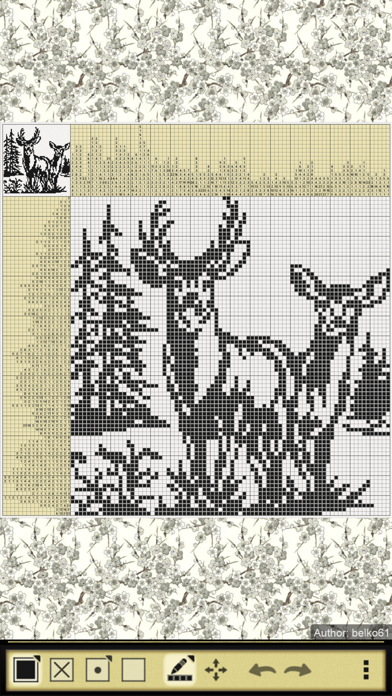
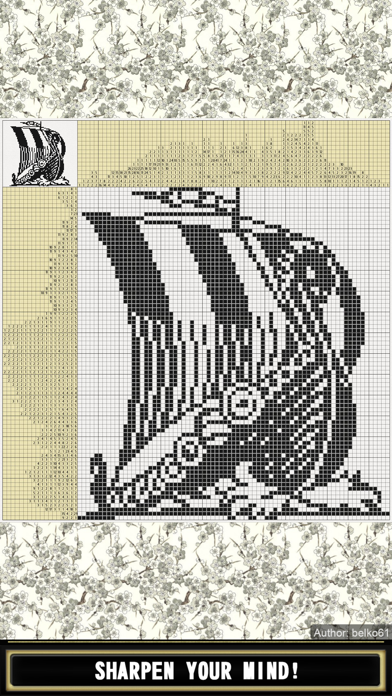
Nonograms Katana: Sharpen your mind!
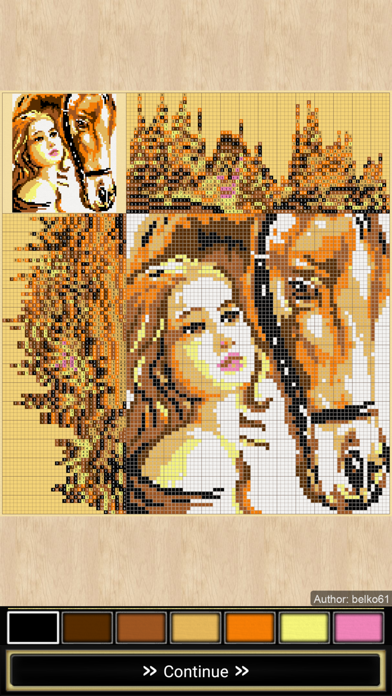
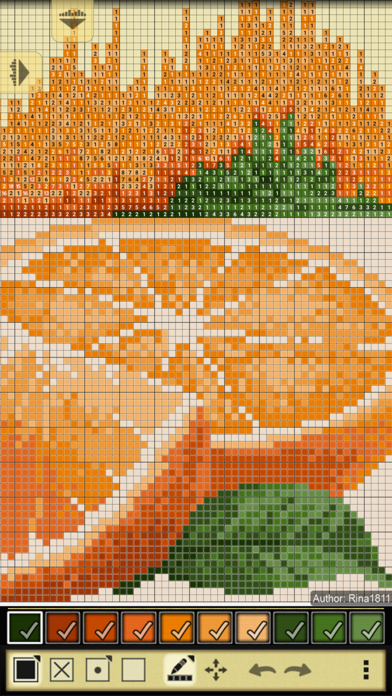
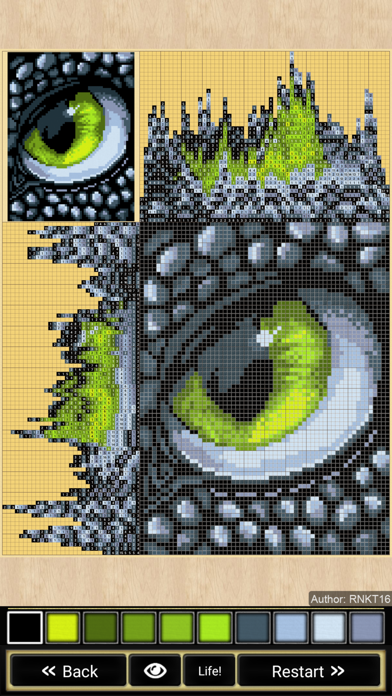
Nonograms, also known as Hanjie, Griddlers, Picross, Japanese Crosswords, Japanese Puzzles, Pic-a-Pix, "Paint by numbers" and other names, are picture logic puzzles in which cells in a grid must be colored or left blank according to numbers at the side of the grid to reveal a hidden picture. The numbers are a form of discrete tomography that measures how many unbroken lines of filled-in squares there are in any given row or column. For example, a clue of "4 8 3" would mean there are sets of four, eight, and three filled squares, in that order, with at least one blank square between successive groups.
To solve a puzzle, one needs to determine which cells will be boxes and which will be empty. Determining which cells are to be left empty (called spaces) is as important as determining which to fill (called boxes). Later in the solving process, the spaces help determine where a clue (continuing block of boxes and a number in the legend) may spread. Solvers usually use a dot or a cross to mark cells they are certain are spaces.
It is also important never to guess. Only cells that can be determined by logic should be filled. If guessing, a single error can spread over the entire field and completely ruin the solution.
Features:
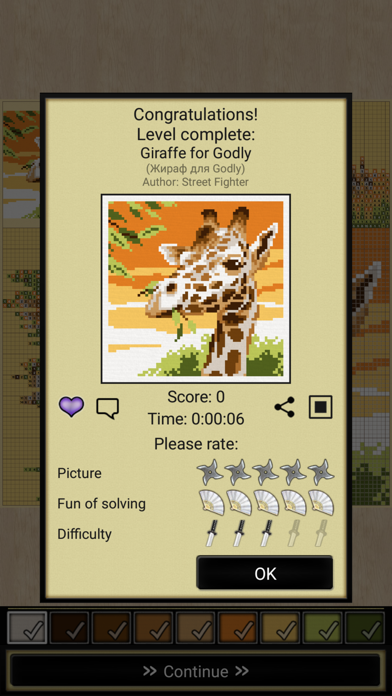
- 1001 nonograms
- All puzzles are free
- All puzzles tested by computer program and have unique solution
- Black-and-white and colored
- Nonograms sorted by groups from 5x5 to 50x50
- Download puzzles sent by other users
- Create and share your own puzzles
- 15 free hints per puzzle
- Use crosses, dots and other symbols to mark cells
- Auto cross out numbers
- Auto fill trivial and completed lines
- Auto save; if you stuck you can try another puzzle and come back later
- Zoom and smooth scrolling
- Lock and zoom number bars
- Lock current puzzle state, check assumptions
- Customize background
- Optional cursor for accurate picking
- Undo and redo
- Share result pictures
- Save game progress to the cloud
- Achievements and leaderboards
- Screen rotation
- Suitable for phones and tablets
VIP Features:
- No Ads
- View Answer
- 5 extra hints per puzzle
site: https://nonograms-katana.com
facebook: https://www.facebook.com/Nonograms.Katana
- iPhone أو iPad بجيلبريك أو بدون جيلبريك.
- Sideloadly أو بدائلها.
- كمبيوتر يعمل بنظام Windows/macOS/Linux مع تثبيت iTunes.
الخطوة 1: قم بتنزيل ملف .IPA المعدّل مسبقًا من الرابط أعلاه إلى الكمبيوتر الخاص بك. للتنزيل من تطبيق iOSGods App، اطلع على دليل تنزيل IPA من تطبيق iOSGods App الذي يتضمن مثالًا بالفيديو.
الخطوة 2: قم بتنزيل Sideloadly وتثبيته على جهاز Windows أو Mac.
الخطوة 3: افتح Sideloadly على الكمبيوتر، ووصّل جهاز iOS الخاص بك، وانتظر حتى يظهر اسم جهازك داخل Sideloadly.
الخطوة 4: بمجرد التعرّف على جهاز iDevice الخاص بك، اسحب ملف .IPA المعدّل الذي قمت بتنزيله وأفلِته داخل تطبيق Sideloadly.
الخطوة 5: أدخل البريد الإلكتروني لحساب Apple Account الخاص بك، ثم اضغط على «Start». سيُطلب منك بعد ذلك إدخال كلمة المرور. تابع وأدخل المعلومات المطلوبة.
الخطوة 6: انتظر حتى ينتهي Sideloadly من تحميل/تثبيت ملف IPA المعدّل. في حال واجهت أي مشاكل أثناء التثبيت، يرجى قراءة الملاحظة أدناه.
الخطوة 7: بعد اكتمال التثبيت ورؤية التطبيق على الشاشة الرئيسية، انتقل إلى Settings → General → Profiles / VPN & Device Management. ثم اضغط على البريد الإلكتروني الذي أدخلته في الخطوة 6، ثم اضغط على «الوثوق بـ [email protected]».
الخطوة 8: الآن انتقل إلى الشاشة الرئيسية وافتح التطبيق الذي تم تثبيته للتو وسيعمل كل شيء بشكل صحيح. قد تحتاج إلى اتباع تعليمات إضافية خاصة بكل تطبيق داخل النافذة المنبثقة للتعديل أثناء اللعب.
ملاحظة: بدءًا من iOS/iPadOS 16 وما بعده، يجب تفعيل وضع المطور (Developer Mode). بالنسبة لحسابات Apple Developer المجانية، ستحتاج إلى تكرار هذه العملية كل 7 أيام. إذا كانت لديك أي أسئلة أو مشاكل، يرجى قراءة قسم الأسئلة الشائعة حول Sideloadly في الموضوع.