ログインが必要
iOSGodsアカウントでサインインして続けてください。
iOSGodsアカウントでサインインして続けてください。
無制限のヒントにより、Nonograms Katana iOS Mod IPAのすべてのパズルを解くことができ、最も難しいグリッドにも自分のペースで取り組む自由が得られます。このチート機能付きiOSパズルゲームは、単調な作業を排除し、脳を鍛える楽しさを継続させます。
- ヒント無制限 / 消費なし → パズルの解答を無制限に表示
このアプリにはiGameGodも搭載されており、繰り返し作業を自動化するAuto Touch、ゲーム速度を調整できるApp Speed Manager、Memory Engineによる値の編集など、強力なiOSゲーム用ツールをご利用いただけます。
Nonograms Katana iOS Mod IPAを上のリンクからダウンロードします。インストールボタンをタップし、画面の指示に従ってiPhone、iPad、Apple SiliconにこのiOSアプリハックをインストールします。
さらにヘルプが必要ですか? 詳しい回答とトラブルシューティングはiOSGodsアプリ よくある質問をご覧ください。
ノノグラム・カタナ: 頭脳を明晰にします!
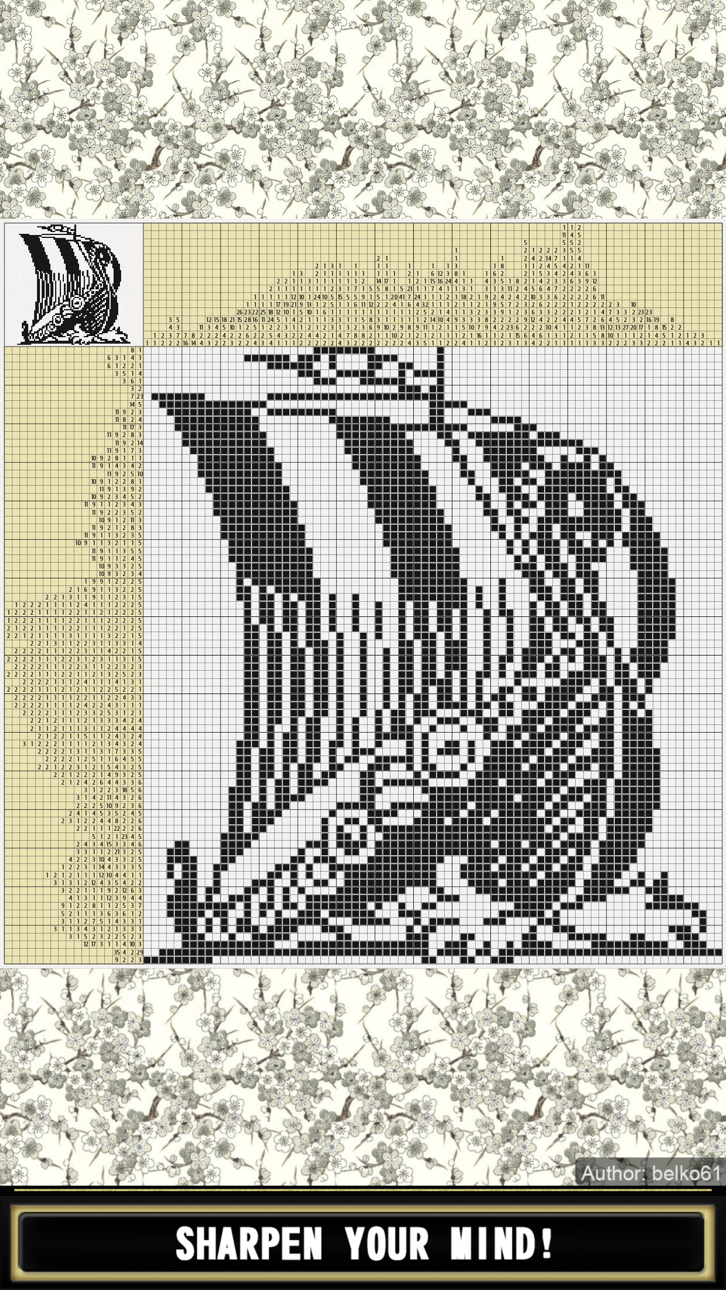
お絵かきロジック、お絵かきパズル、判じ絵、グリドラー、ピクロス、クロスワードパズル、Pic-a-Pix、"数で色分け"等の名前で知られるノノグラムは、セルの隣の数字によってグリッド中のセルに色を付けるか空白のままで残すかし、隠れた絵を解き明かすピクチャーロジックパズルです。ヒントの数字は、ある列や行に、色つきのセルのとびとびの線が何本あるかを示す不連続トモグラフィーというものです。たとえば、 "4 8 3"というヒントが与えられた場合には、4と8と3という組の色つきのセルが、この順番で、後に続くグループとの間に1つ以上の殻のスクウエアを挟んで存在するということを意味しています。
パズルを解くには、どのセルをボックス(色を付けること)にして、どのセルをスペース(空のままにすること)にするかを考えなければなりません。どれをスペースにするかを決めるのは、どれをボックスにするかと同じぐらい重要です。あるパズルを解いていく際に、ボックスの連続や説明にある数字などのヒントがどこに当てはまるのかを決める際に、後々スペースは役に立ってきます。確実にスペースであるとわかっているセルには、点や十字を付けるのが一般的です。
また、勘でやらないということも重要です。論理的に確実にそうであるとわかるセルのみに色を付けるべきです。勘でプレイすると、1つの間違いが全フィールドに影響を及ぼし、解けなくなってしまうことがあります。
特徴:
- 1001個のノノグラム
- 全パズル無料
- 全てのパズルはコンピュータープログラムでテストされており、それぞれに異なる論理的解法が用意されています
- 5x5から50x50までのグループでノノグラムをソート可能
- 白と黒とカラー
- 十字または点でセルへの印付けが可能
- Undo機能あり
- ヒントあり
- 数字を自動的に塗りつぶし
- 最後の数字をマークすれば、自動的にラインを埋めてくれる
- 全てのパズルを自動保存可能。また、ひとつのパズルでつまずいたら、別のものに挑戦し、元のパズルにあとで挑戦することが可能
- カスタマイズ可能な背景
- なめらかなスクロールとズーム
- オプションのカーソルで正確に選択
- FacebookやTwitterなどで結果をシェア
- ゲームの進行状況をクラウドに保存
- アチーブメント
- 画面回転サポート
- タブレットサポート
VIP版の特徴:
- 広告なし
- 答えを見る
- パズルごとに5つの追加ヒント
ギルド:
アドベンチャーギルドへようこそ!
パズルをコンプリートすると、戦利品と経験値がもらえます。
パズルを短時間でコンプリートすることを可能にする武器が与えられます。
クエストをコンプリートすると報酬がもらえます。
集落を再建し、失われたモザイクをひとつひとつ集める必要があります。
site: https://nonograms-katana.com
facebook: https://www.facebook.com/Nonograms.Katana
スクリーンショット © 各権利者 · App Store


iOSGods は Apple Inc.、Google LLC、および掲載アプリの開発者と提携しておらず、承認や協賛も受けていません。Apple、iOS、App Store は Apple Inc. の商標です。Android および Google Play は Google LLC の商標です。その他のアプリ名、アイコン、画像、商標はすべて各権利者に帰属します。

- 脱獄/Jailed済みまたは脱獄済みのiPhoneまたはiPad。
- Sideloadlyまたは代替手段。
- iTunesがインストールされているWindows/macOS/Linuxを実行しているコンピュータ。
ステップ1: 上のリンクから事前にハックされた.IPAファイルをコンピュータにダウンロードします。iOSGodsアプリからダウンロードする方法は、ビデオ例付きのiOSGodsアプリIPAダウンロードチュートリアルをご覧ください。
ステップ2: SideloadlyをダウンロードしてWindowsまたはMacにインストールします。
ステップ3: コンピュータでSideloadlyを開き、iOSデバイスを接続して、デバイス名がSideloadlyに表示されるまで待ちます。
ステップ4: iDeviceが認識されたら、ダウンロードしたModされた.IPAファイルをSideloadlyアプリにドラッグ&ドロップします。
ステップ5: Apple Accountのメールアドレスを入力し、「Start」を押します。次にパスワードの入力を求められます。必要な情報を入力してください。
ステップ6: Sideloadlyがハックされたipaのサイドロード/インストールを完了するのを待ちます。インストール中に問題が発生した場合は、以下の注意事項をお読みください。
ステップ7: インストールが完了し、ホーム画面にアプリが表示されたら、設定 → 一般 → プロファイル / VPNとデバイス管理に移動する必要があります。そこで、ステップ6で入力したメールをタップし、「Trust [email protected]」をタップします。
ステップ8: ホーム画面に戻り、新しくインストールされたアプリを開けば、すべて正常に動作するはずです。ゲーム内のハックのポップアップで、アプリごとの追加指示に従う必要がある場合があります。
注意: iOS/iPadOS 16以降では、デベロッパモードを有効にするが必要です。無料のApple Developerアカウントの場合、このプロセスを7日ごとに繰り返す必要があります。質問や問題がある場合は、トピックのSideloadly FAQセクションをお読みください。
Game Name iOS Mod IPA is an action adventure game enhanced with powerful gameplay boosts and quality-of-life improvements. Win battles faster, earn rewards quicker, and enjoy uninterrupted play without ads.
- Unlimited Gold - spend freely to unlock premium content
- Damage Multiplier - deal significantly more damage in combat
- Defense Multiplier - take less damage and survive longer
- Reward Multiplier - earn more loot from every battle
- Max Level - instantly reach the highest player rank
- No Ads - play without interruptions or advertisements
This app also comes with iGameGod, giving you access to Auto Touch to automate repetitive tasks, App Speed Manager for adjustable gameplay speed, Memory Engine value editing, and more powerful iOS game tools.
Game Name Mod IPAを上のリンクからダウンロードします。インストールボタンをタップし、画面の指示に従ってiPhone、iPad、Apple SiliconにこのiOSアプリハックをインストールします。
さらにヘルプが必要ですか 詳しい回答とトラブルシューティングはiOSGodsアプリ よくある質問をご覧ください。
----------------------------------------------------------
--------------------------------------------------