Inicio de sesión requerido
Inicia sesión con tu cuenta de iOSGods para continuar.
Inicia sesión con tu cuenta de iOSGods para continuar.

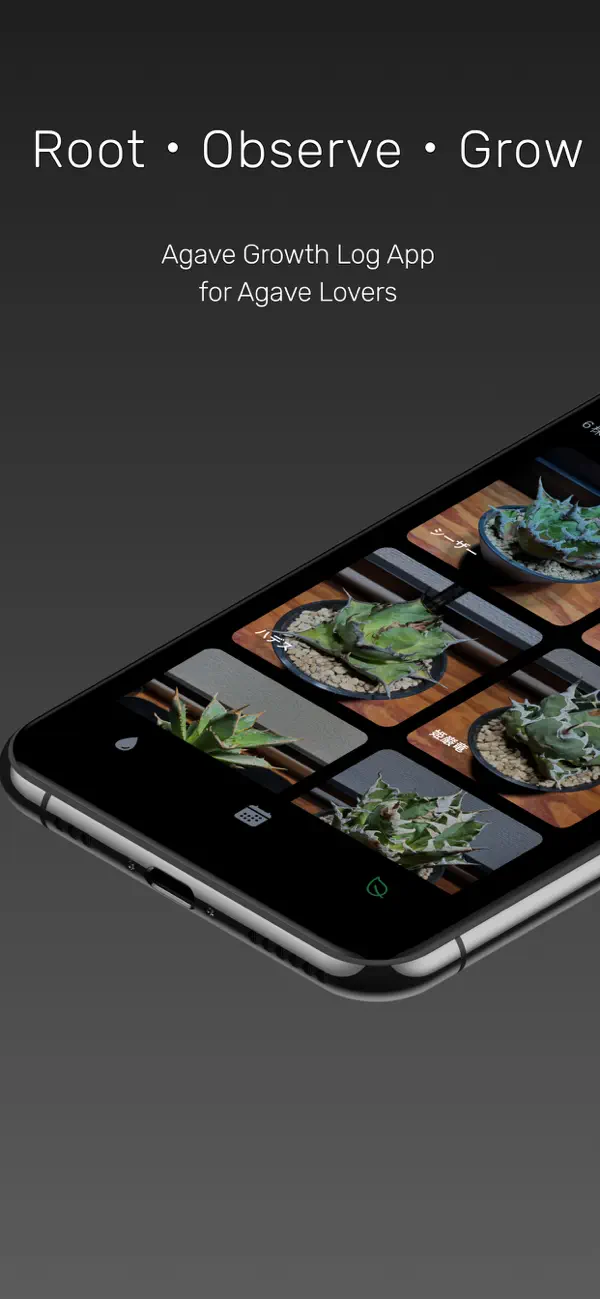
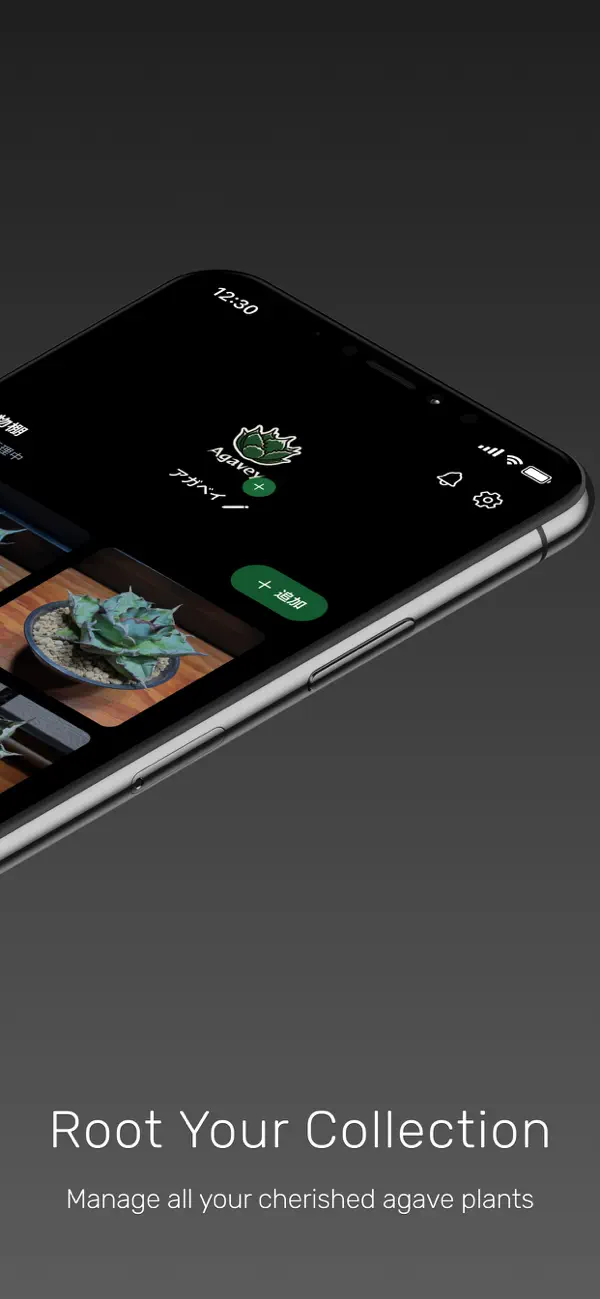
Agavey es una aplicación de seguimiento de plantas para entusiastas del agave que registra riego, iluminación, fertilización y poda para ayudarte a observar y hacer crecer tu colección a lo largo del tiempo. Este Mod IPA desbloquea funciones premium, dándote acceso completo a todas las herramientas de seguimiento de crecimiento sin restricciones.
- Premium Desbloqueado → acceso completo a todas las funciones
Esta app también incluye iGameGod, que te ofrece acceso a Auto Touch para automatizar tareas repetitivas, App Speed Manager para ajustar la velocidad del juego, edición de valores con Memory Engine y más potentes herramientas para juegos de iOS.
Descarga Agavey iOS Mod IPA desde los enlaces de arriba. Toca el botón de instalación y sigue las instrucciones para instalar este hack iOS en tu iPhone, iPad o Mac con Apple Silicon.
¿Necesitas más ayuda? Consulta nuestras Preguntas frecuentes de la app iOSGods para respuestas detalladas y consejos de solución de problemas.
Agavey is an app that brings together "Root, Observe, and Grow" for Agave lovers.
It was created to visualize the "differences" in how each person grows their plants and turn that experience into shared wisdom.
More than just a tracking app, it is a tool for Agaves and people to grow together through observation, recording, and cultivation.
Main Features
■ Growth Records
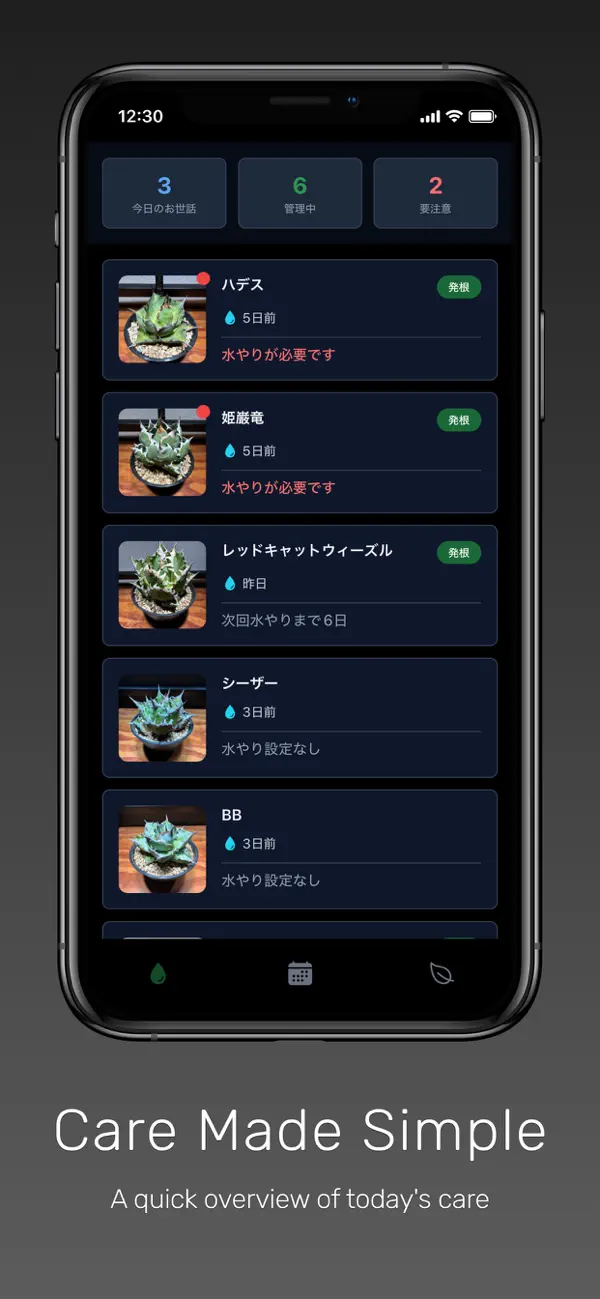
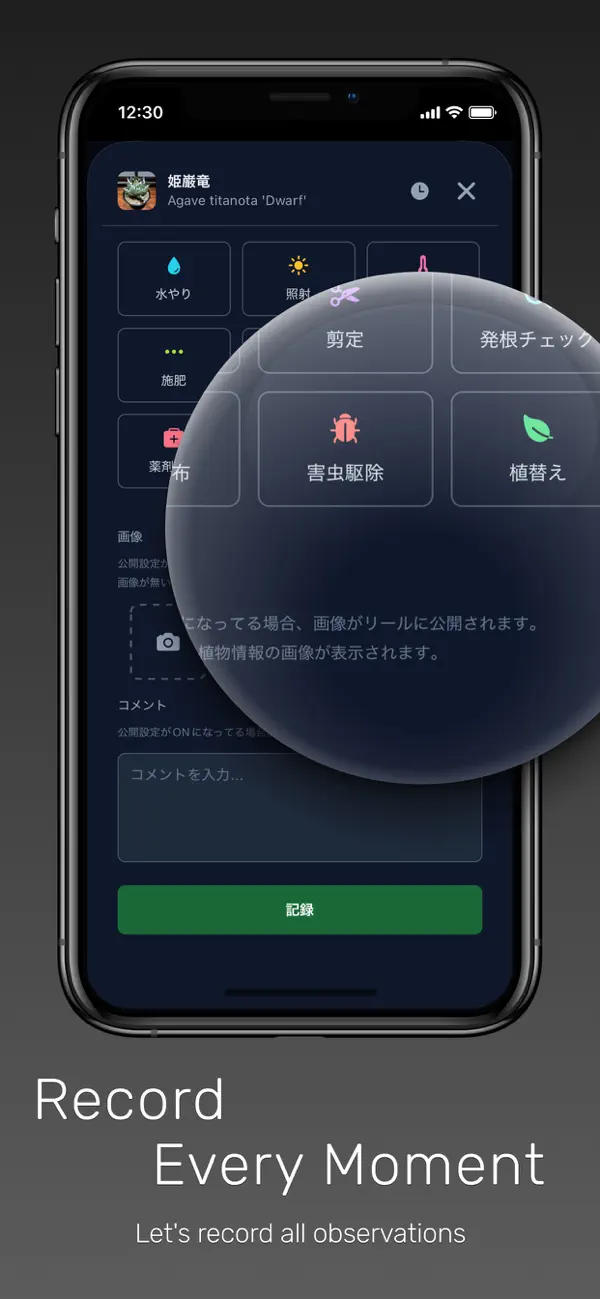
Register actions such as watering, lighting, fertilizing, and pruning with a single tap.
You can save temperature, humidity, notes, and photos together, allowing you to review changes in growth at a glance.
The group function also enables bulk recording for multiple plants.
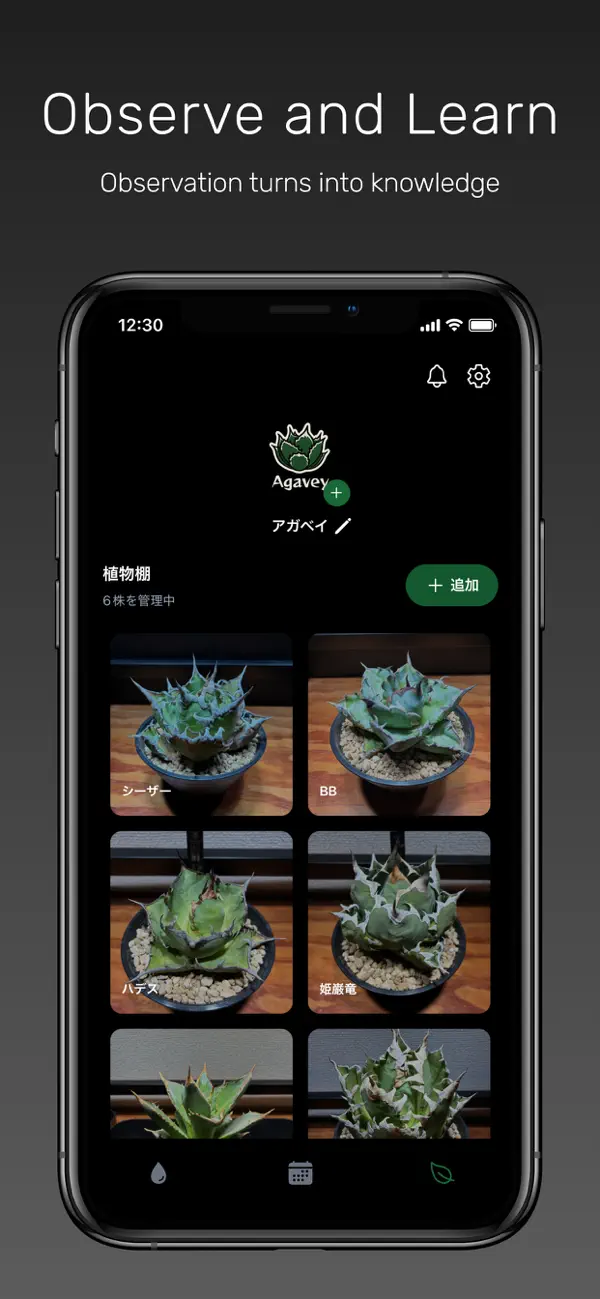
■ Plant Shelf
Manage plant names, purchase information, planting dates, and reminders all in one place.
Centralize the management of your entire Agave collection.
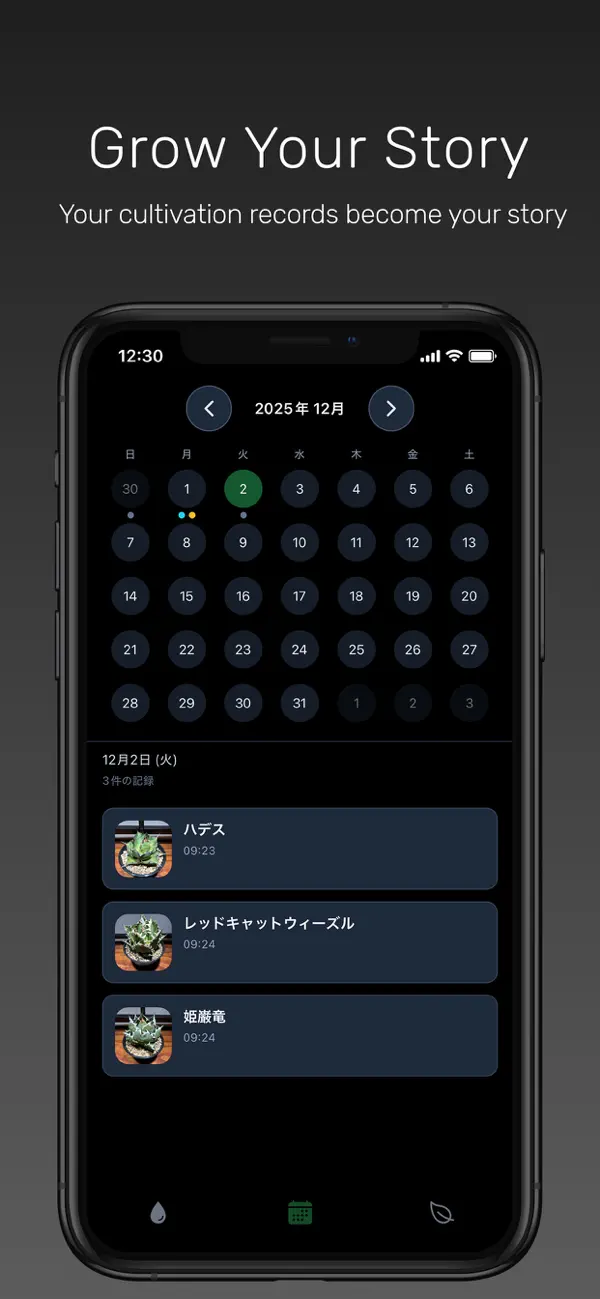
■ Calendar
Record watering and care status by date.
You can manage a list of plants and see exactly what actions were taken on any given day.
■ Overlay Camera & Time-lapse
Take frame-by-frame photos using the overlay camera.
You can also turn those images into time-lapse videos to share the growth on social media.
■ Notifications & Reminders
Receive automatic notifications for watering and care timing.
Terms of Service: https://agavey.app/terms/en
- iPhone o iPad con o sin Jailbreak.
- Sideloadly u otras alternativas.
- Ordenador con Windows/macOS/Linux e iTunes instalado.
PASO 1: Descargue el archivo .IPA pre-modificado desde el enlace de arriba a su ordenador. Para descargarlo desde la iOSGods App, consulte nuestro Tutorial de descarga del IPA desde la iOSGods App, que incluye un ejemplo en vídeo.
PASO 2: Descargue Sideloadly e instálelo en su Windows o Mac.
PASO 3: Abra Sideloadly en su ordenador, conecte su dispositivo iOS y espere hasta que el nombre del dispositivo aparezca en Sideloadly.
PASO 4: Una vez que su iDevice sea reconocido, arrastre el archivo .IPA modificado que descargó y suéltelo en la aplicación Sideloadly.
PASO 5: Introduzca el correo electrónico de su Apple Account y, a continuación, pulse «Start». Le pedirá que introduzca su contraseña. Proporcione la información solicitada.
PASO 6: Espere a que Sideloadly termine de hacer sideload/instalar el IPA modificado. Si surgen problemas durante la instalación, por favor lea la nota a continuación.
PASO 7: Una vez completada la instalación y al ver la app en la pantalla de inicio, deberá ir a Ajustes → General → Perfiles / VPN y Gestión de Dispositivos. Una vez allí, toque el correo electrónico que introdujo en el paso 6 y, después, toque en «Confiar en [email protected]».
PASO 8: Ahora vaya a la pantalla de inicio y abra la app recién instalada; todo debería funcionar correctamente. Es posible que tenga que seguir instrucciones adicionales específicas de cada app dentro del popup del hack en el juego.
NOTA: En iOS/iPadOS 16 y posteriores, debe activar el Modo Desarrollador. Para cuentas gratuitas de Apple Developer, deberá repetir este proceso cada 7 días. Si tiene alguna pregunta o problema, lea nuestra sección de Preguntas Frecuentes de Sideloadly del tema.