Connexion requise
Connectez-vous avec votre compte iOSGods pour continuer.
Connectez-vous avec votre compte iOSGods pour continuer.

Déverrouillez l'accès premium à Bebi: Baby Games for Preschool, le Mod IPA éducatif qui offre à votre tout-petit plus de 500 activités d'apprentissage sans restrictions. Cette triche supprime les murs payants pour que votre enfant d'âge préscolaire puisse explorer des jeux de dessin, de coloriage, de phonétique, de mathématiques, de formes et de musique dans un environnement sûr et sans publicités conçu pour les enfants de 2 à 5 ans.
- Premium Déverrouillé → accédez à tout le contenu et toutes les fonctionnalités payantes
Téléchargez Bebi: Baby Games for Preschool iOS Mod IPA depuis les liens ci-dessus. Appuyez sur le bouton d'installation et suivez les instructions pour installer ce hack iOS sur votre iPhone, iPad ou Apple Silicon.
Besoin de plus d'aide ? Consultez notre FAQ de l'app iOSGods pour des réponses détaillées et des conseils de dépannage.
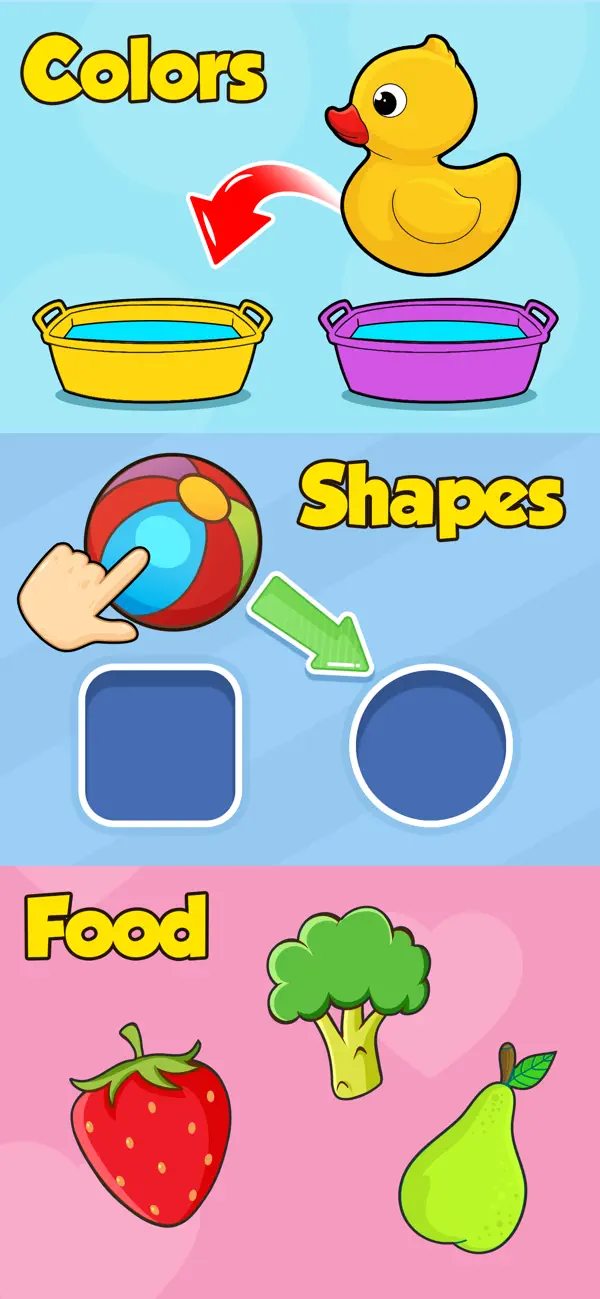
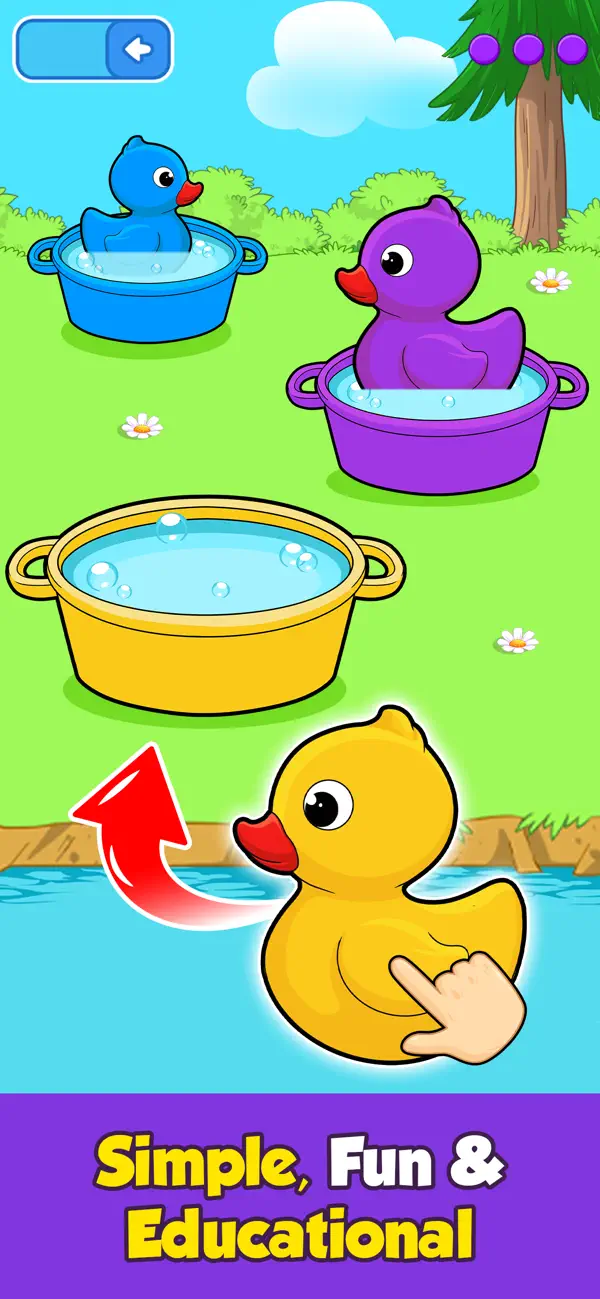
Estimule a su niño o niña en edad preescolar para que aprenda y se divierta con 500+ juegos educativos, desde dibujo, coloreado y fonética hasta matemáticas, formas y música. Con Juegos para bebes 2 - 4 de Bebi, puede apoyar y animar a su bebé a aprender sin supervisión mientras se divierte en un entorno seguro y 100% libre de publicidad.
Juegos para bebes 2 - 4 mantiene a los niños ocupados y alejados de las aplicaciones de video al ofrecerles 500+ actividades educativas, juegos y rompecabezas. La instalación es gratuita, así que ¿por qué no descargarla hoy y empezar a enriquecer la educación de su pequeño?
¿Qué pueden aprender los niños de 2,3,4 o incluso 5 años?
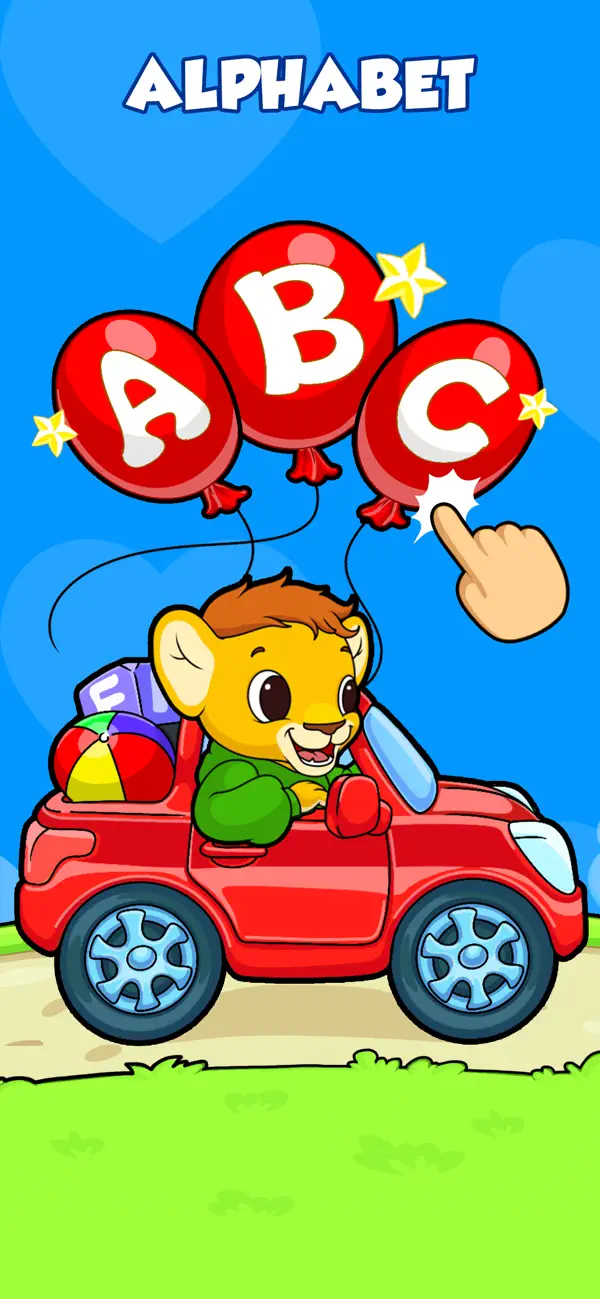
► El alfabeto, fonética, números, palabras, calco, formas, patrones y colores.
► Matemáticas y ciencias básicas mediante juegos y actividades
► Cómo reconocer y cuidar a los animales
► Todo sobre la comida y la alimentación saludable
► Música, instrumentos y canto
► Habilidades artísticas coloreando, dibujando y garabateando.
► Resolución de problemas, destreza y mucho, mucho más…
Para los niños en Pre-K, el juego es una parte integral de su desarrollo. Los niños pequeños disfrutan de los juegos ligeros, pero Juegos para bebes 2 - 4 además los anima a aprender y absorber información valiosa mediante la diversión y la interactividad.
De manera similar, aprender de libros y papeles no es fácil en edad preescolar o de kinder. Deje que su bebé se relaje con juegos divertidos y educativos: su cerebro absorbente adquirirá todos los nuevos conocimientos por sí solo, lo que le permitirá a usted relajarse con la tranquilidad de saber que el tiempo que el niño o niña pasa frente a la pantalla es positivo y gratificante. Una vez que note que su bebé se ha interesado en nuestros juegos educativos, verá que el proceso de aprendizaje ha comenzado.
Ya sea haciendo estallar globos, descubriendo ciencia, desarrollando su artista interior o simplemente aprendiendo canciones, ¡es posible que incluso los padres disfruten de algunos de los juegos y actividades de la aplicación!
¿Por qué Juegos para bebes 2 - 4 ?
► Nuestros 500+ juegos educativos brindan una experiencia de dispositivo segura y útil para los niños de 2 a 4 años
► Desarrollada y probada por expertos en desarrollo infantil
► Diseñada para brindar seguridad y comodidad sin necesidad de supervisión
► Control parental: secciones protegidas por código para que los niños no cambien accidentalmente la configuración ni realicen compras no deseadas
► Todas las configuraciones y enlaces están protegidos y sólo son accesibles para adultos
► Disponible sin conexión y jugable sin conexión a Internet
► Consejos oportunos para que los niños no se sientan frustrados o perdidos en la aplicación
► 100% libre de publicidad y sin molestas interrupciones
¿Quién dice que aprender no puede ser divertido?
Apóyenos escribiendo reseñas si le gusta la aplicación, y comuníquenos también sus sugerencias y problemas.
Esta aplicación de juegos para niños es completamente gratuita y sin anuncios.
- iPhone ou iPad avec ou sans Jailbreak.
- Sideloadly ou alternatives.
- Ordinateur sous Windows/macOS/Linux avec iTunes installé.
ÉTAPE 1: Téléchargez le fichier .IPA pré-modifié depuis le lien ci-dessus sur votre ordinateur. Pour le télécharger depuis l'iOSGods App, consultez notre Tutoriel de téléchargement de l'IPA depuis l'iOSGods App qui comprend un exemple en vidéo.
ÉTAPE 2: Téléchargez Sideloadly et installez-le sur votre Windows ou Mac.
ÉTAPE 3: Ouvrez Sideloadly sur votre ordinateur, connectez votre appareil iOS et attendez que le nom de votre appareil apparaisse dans Sideloadly.
ÉTAPE 4: Une fois votre iDevice reconnu, glissez le fichier .IPA modifié que vous avez téléchargé et déposez-le dans l'application Sideloadly.
ÉTAPE 5: Saisissez l'adresse e-mail de votre Apple Account, puis appuyez sur « Start ». Il vous sera ensuite demandé d'entrer votre mot de passe. Fournissez les informations requises.
ÉTAPE 6: Attendez que Sideloadly termine le sideloading/l'installation de l'IPA modifié. En cas de problème durant l'installation, veuillez lire la remarque ci-dessous.
ÉTAPE 7: Une fois l'installation terminée et l'app visible sur votre écran d'accueil, vous devez aller dans Réglages → Général → Profils / VPN et gestion de l'appareil. Là, appuyez sur l'adresse e-mail saisie à l'étape 6, puis appuyez sur « Faire confiance à [email protected] ».
ÉTAPE 8: Allez maintenant sur votre écran d'accueil et ouvrez l'app nouvellement installée ; tout devrait fonctionner correctement. Vous devrez peut-être suivre des instructions supplémentaires propres à chaque app, dans la fenêtre du hack en jeu.
REMARQUE : À partir d'iOS/iPadOS 16, vous devez activer le mode Développeur. Pour les comptes Apple Developer gratuits, vous devrez répéter ce processus tous les 7 jours. Pour toute question ou problème, lisez notre section FAQ Sideloadly du sujet.