تسجيل الدخول مطلوب
سجّل الدخول بحساب iOSGods للمتابعة.
سجّل الدخول بحساب iOSGods للمتابعة.
افتح الوصول المميز إلى Bebi: Baby Games for Preschool، تطبيق Mod IPA التعليمي الذي يوفر لطفلك الصغير أكثر من 500 نشاط تعليمي بدون قيود. يزيل هذا التعديل الحواجز المالية حتى يتمكن طفلك من استكشاف ألعاب الرسم والتلوين والنطق والرياضيات والأشكال والموسيقى في بيئة آمنة وخالية من الإعلانات مصممة للأطفال من سن 2 إلى 5 سنوات.
- المحتوى المميز مفتوح → الوصول إلى جميع المحتوى والميزات المدفوعة
قم بتنزيل Bebi: Baby Games for Preschool iOS Mod IPA من الروابط أعلاه. اضغط على زر التثبيت واتبع التعليمات لتثبيت هذا التعديل لـ iOS على iPhone أو iPad أو Apple Silicon.
هل تحتاج إلى مزيد من المساعدة؟ راجع الأسئلة الشائعة لتطبيق iOSGods للحصول على إجابات مفصلة ونصائح لاستكشاف الأخطاء.
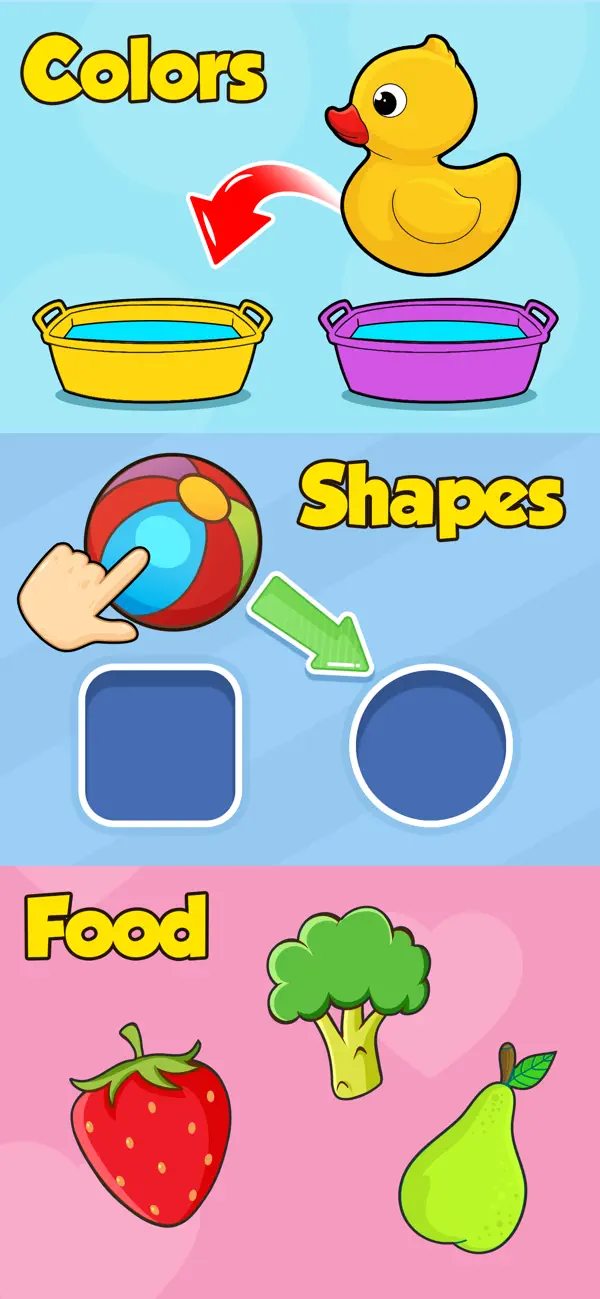
Empower your preschool toddler to learn and have fun playing 500+ educational games, from drawing, colouring and phonics to math, shapes and music. With Baby Games for Preschool by Bebi, you can support and encourage your toddler to learn unsupervised while having a fun in a 100% ad free, safe environment.
Baby Games for Preschool keeps your toddler occupied and away from video streaming apps by offering 500+ different educational activities, puzzles and games. It’s free to install, so why not download today and start enriching your toddler’s education?
What can 2,3,4 or even 5 year olds learn?
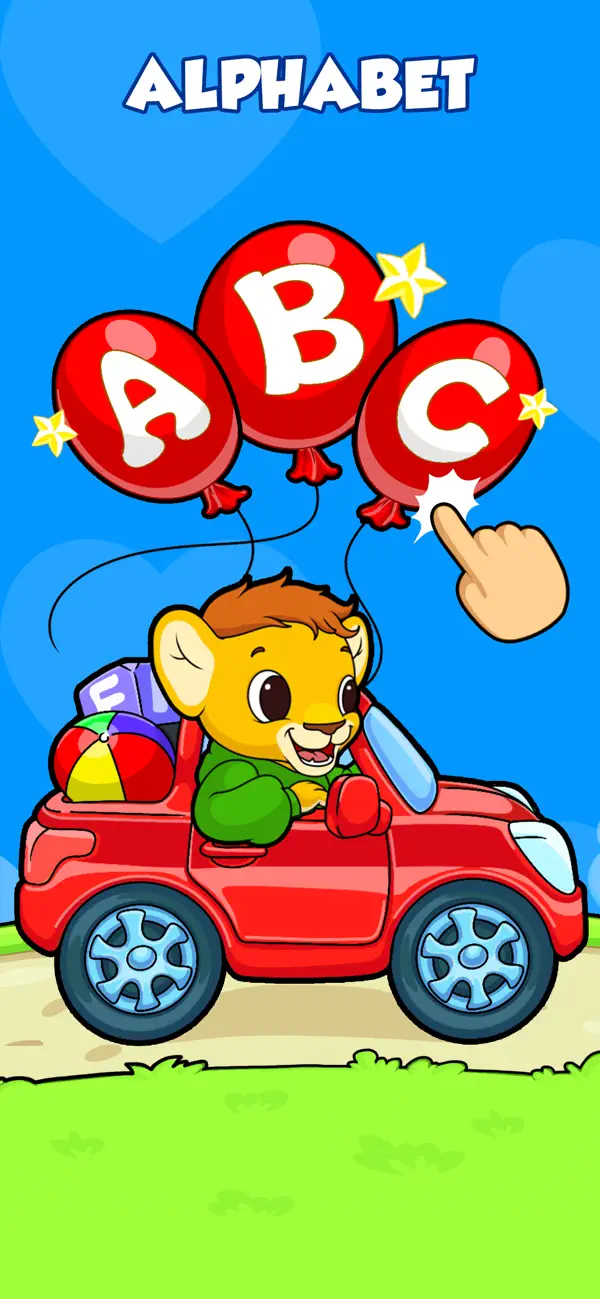
►The alphabet, phonics, numbers, words, tracing, shapes, patterns and colours
► Basic math and science through games and activities
► How to recognise and look after animals
► All about food and healthy eating
► Music, instruments and singing
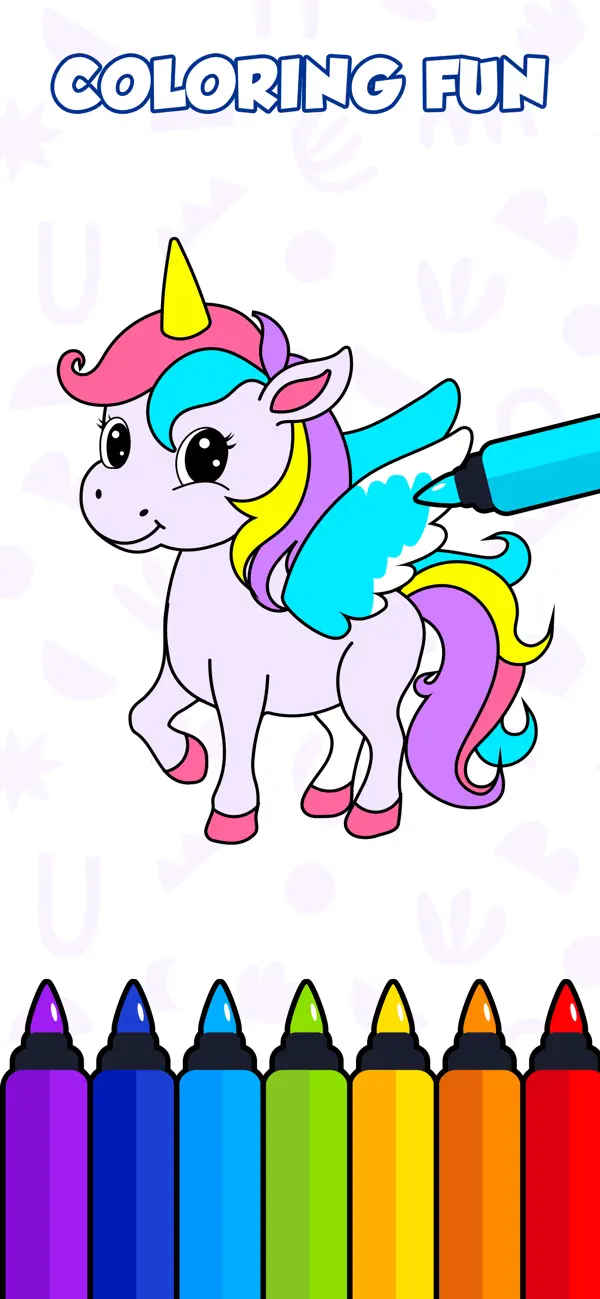
► Art skills through colouring, drawing and doodling
► Problem solving, dexterity and much, much more…
For kindergarten kids, play is an integral part of their development. Toddlers enjoy playing casual games, but Baby Games for Preschool encourages them to learn and absorb valuable information through interactivity and fun. Similarly, learning from books and papers is not easy at a kindergarten or preschool age.
Let your toddler relax with fun and educational games: their absorbent brain will soak up all the new knowledge on its own, allowing you as a parent to relax safe in the knowledge that their screen time is positive and rewarding. Once you notice that your toddler is engaged playing our educational games, you will see that the learning process has begun.
Whether its popping balloons, discovering science, developing the inner artist or simply learning songs through music, you might even find yourself enjoying a few of the app’s games and activities.
Why Baby Games for Preschool?
► Our 500+ learning games provide a safe and useful device experience for your 2-4 year old toddler
► Developed and tested by child development experts
► Designed for safety and convenience with no supervision needed
► Parental Gate - code protected sections so that your child doesn’t accidentally change settings or make unwanted purchases
► All settings and outbound links are protected and only accessible for adults
► Available offline and playable without an internet connection
► Timely hints so your child doesn't feel frustrated or lost in the app
► 100 % Ad free with no annoying interruptions
Who says learning can't be fun?
Please support us by writing reviews if you like the app and let us know about any issue or suggestions too.
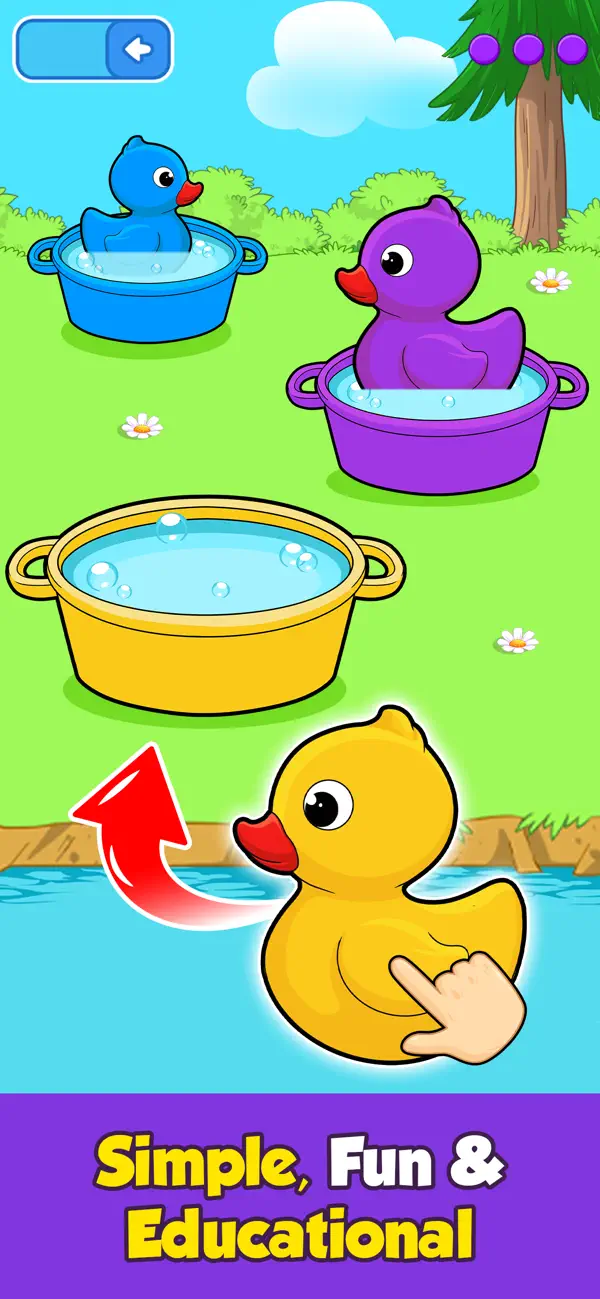
This toddler games app has dozens of free games without ads

- iPhone أو iPad بجيلبريك أو بدون جيلبريك.
- Sideloadly أو بدائلها.
- كمبيوتر يعمل بنظام Windows/macOS/Linux مع تثبيت iTunes.
الخطوة 1: قم بتنزيل ملف .IPA المعدّل مسبقًا من الرابط أعلاه إلى الكمبيوتر الخاص بك. للتنزيل من تطبيق iOSGods App، اطلع على دليل تنزيل IPA من تطبيق iOSGods App الذي يتضمن مثالًا بالفيديو.
الخطوة 2: قم بتنزيل Sideloadly وتثبيته على جهاز Windows أو Mac.
الخطوة 3: افتح Sideloadly على الكمبيوتر، ووصّل جهاز iOS الخاص بك، وانتظر حتى يظهر اسم جهازك داخل Sideloadly.
الخطوة 4: بمجرد التعرّف على جهاز iDevice الخاص بك، اسحب ملف .IPA المعدّل الذي قمت بتنزيله وأفلِته داخل تطبيق Sideloadly.
الخطوة 5: أدخل البريد الإلكتروني لحساب Apple Account الخاص بك، ثم اضغط على «Start». سيُطلب منك بعد ذلك إدخال كلمة المرور. تابع وأدخل المعلومات المطلوبة.
الخطوة 6: انتظر حتى ينتهي Sideloadly من تحميل/تثبيت ملف IPA المعدّل. في حال واجهت أي مشاكل أثناء التثبيت، يرجى قراءة الملاحظة أدناه.
الخطوة 7: بعد اكتمال التثبيت ورؤية التطبيق على الشاشة الرئيسية، انتقل إلى Settings → General → Profiles / VPN & Device Management. ثم اضغط على البريد الإلكتروني الذي أدخلته في الخطوة 6، ثم اضغط على «الوثوق بـ [email protected]».
الخطوة 8: الآن انتقل إلى الشاشة الرئيسية وافتح التطبيق الذي تم تثبيته للتو وسيعمل كل شيء بشكل صحيح. قد تحتاج إلى اتباع تعليمات إضافية خاصة بكل تطبيق داخل النافذة المنبثقة للتعديل أثناء اللعب.
ملاحظة: بدءًا من iOS/iPadOS 16 وما بعده، يجب تفعيل وضع المطور (Developer Mode). بالنسبة لحسابات Apple Developer المجانية، ستحتاج إلى تكرار هذه العملية كل 7 أيام. إذا كانت لديك أي أسئلة أو مشاكل، يرجى قراءة قسم الأسئلة الشائعة حول Sideloadly في الموضوع.