Inicio de sesión requerido
Inicia sesión con tu cuenta de iOSGods para continuar.
Inicia sesión con tu cuenta de iOSGods para continuar.
Descarga My War: Frozen Survival iOS Mod IPA desde los enlaces de arriba. Toca el botón de instalación y sigue las instrucciones para instalar este hack iOS en tu iPhone, iPad o Mac con Apple Silicon.
¿Necesitas más ayuda? Consulta nuestras Preguntas frecuentes de la app iOSGods para respuestas detalladas y consejos de solución de problemas.
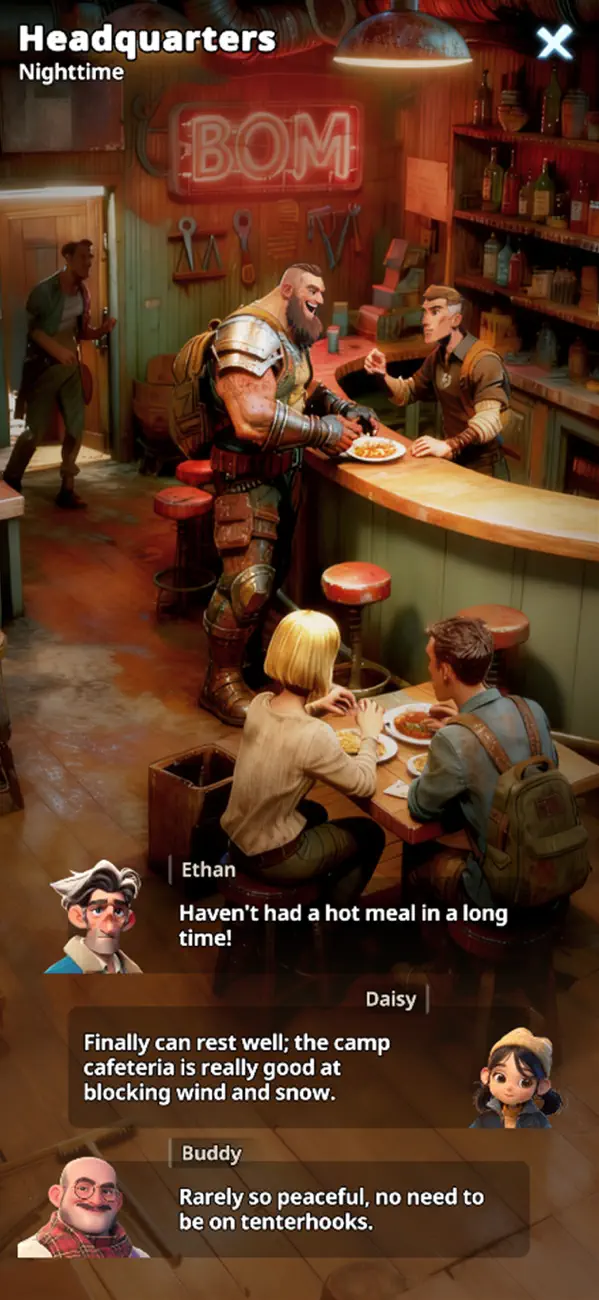
My War: Frozen Survival — The Last Light in a Frozen World.
The bombs fell. The world froze. Civilization collapsed beneath the snow and silence. In this endless nuclear winter, only the strongest endure. Hunger, cold, and zombies threaten every step—but you are not just surviving. You are leading. Humanity’s last hope rests in your hands.
[Survive the Ice and Chaos]
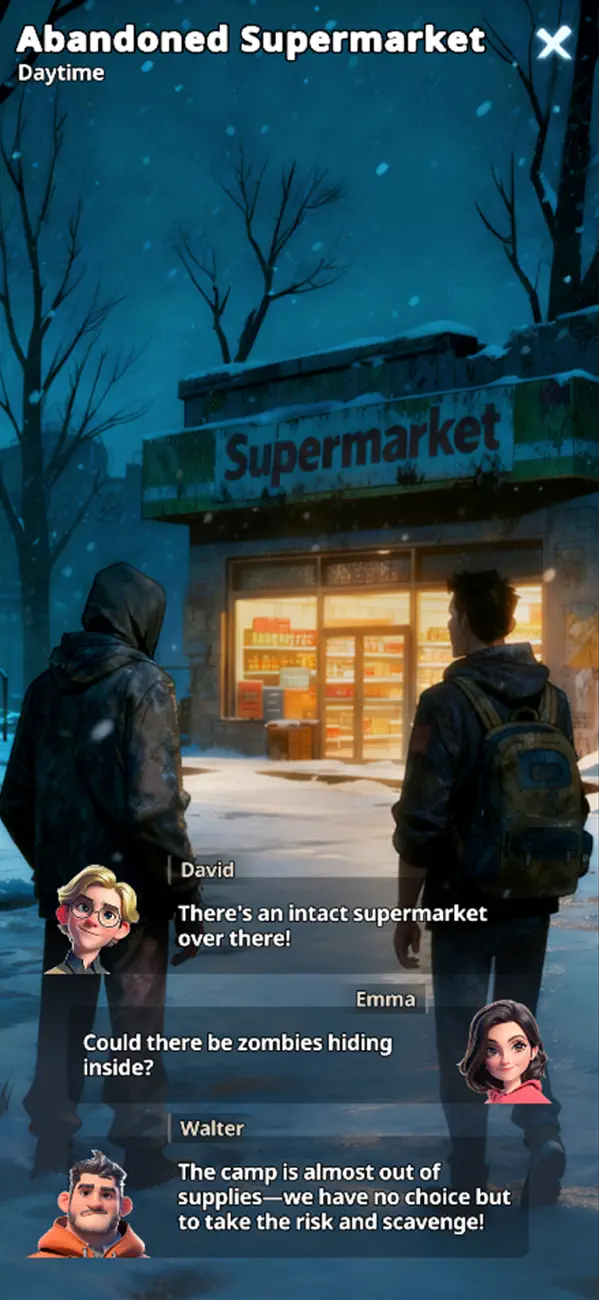
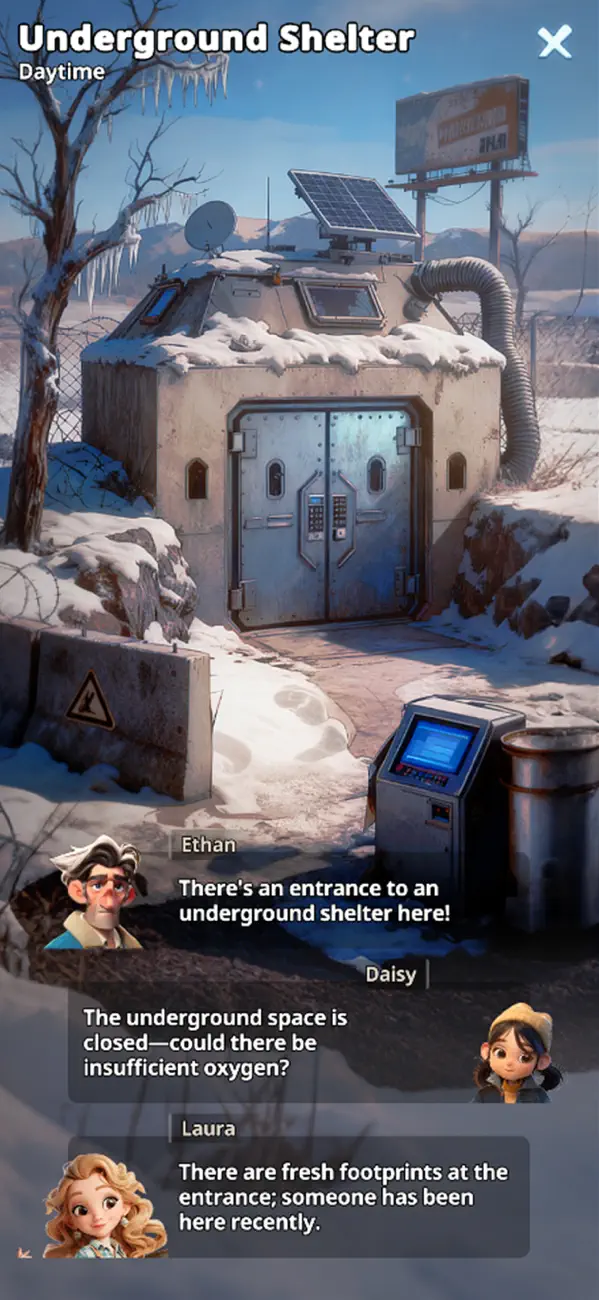
Explore a devastated earth wrapped in ice. Abandoned cities stand as frozen tombs. Every scrap of food, every can of fuel, every moment of warmth… is a victory. But remember—the cold isn’t the only enemy lurking in the dark.
[Build Humanity’s Final Shelter]
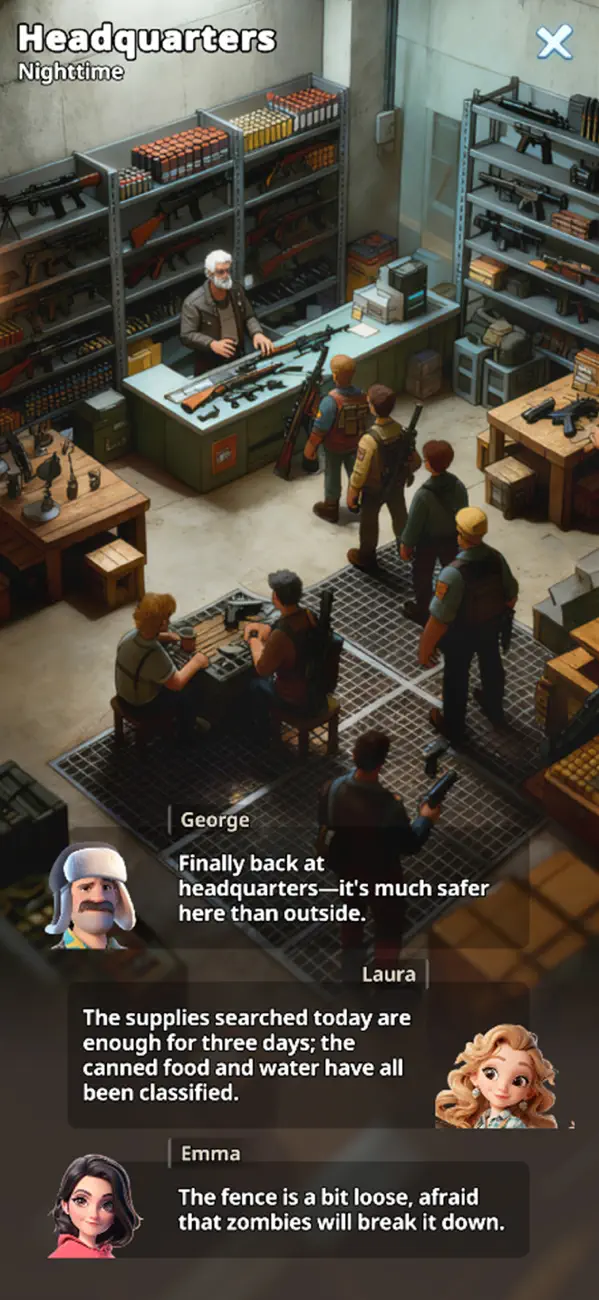
From a makeshift tent to a fortified stronghold‘, design and defend what could be mankind’s last refuge. Construct storage, medical bays, and strategic defense towers to hold back relentless zombie attacks. Your base is more than wood and steel—it is survival itself.
[Recruit and Lead Survivors]
Survivors will gather around your base, each with unique skills and stories. Assign roles, train abilities, and forge a community bound by trust and hope.
[Fight Among Shadows]
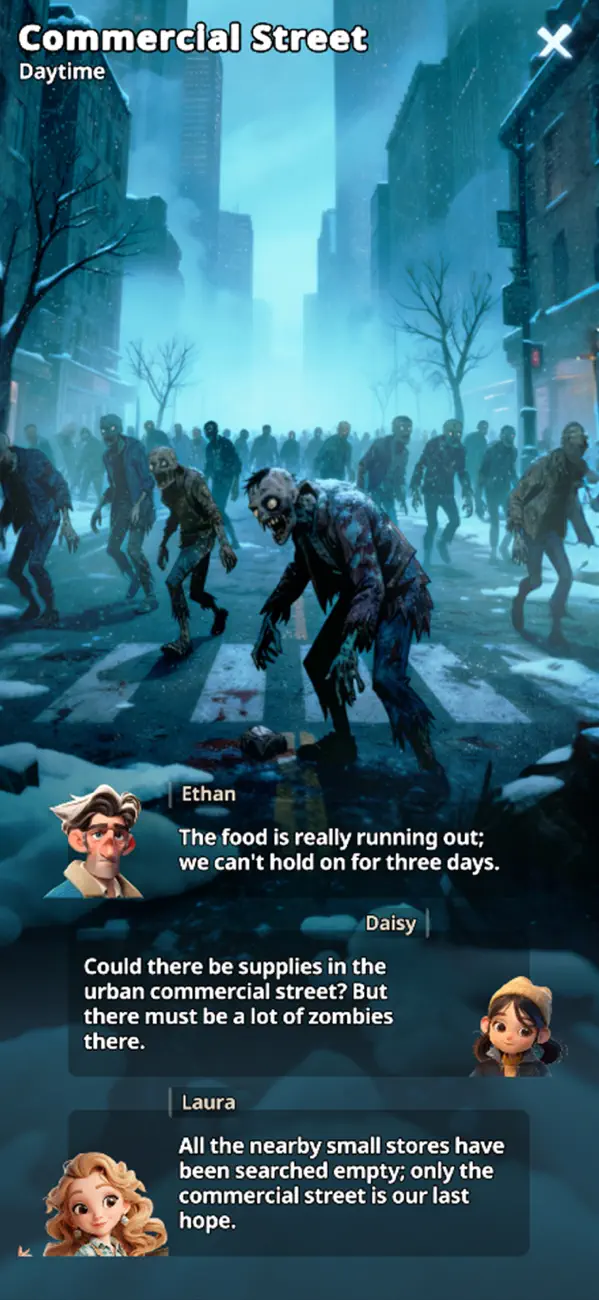
Face endless threats—zombies clawing through ruins, rival clans striking from the blizzards. Scavenge resources, raid enemy bases, and form alliances. Use strategy and tactics to decide who lives, who dies, and who thrives.
[Shape Your Own Survival Story]
Make hard choices: save a stranger or protect your people? Raid another camp for medicine or risk starvation? Every decision echoes through your community. Uncover the truth behind the winter and write a story worth remembering.
[Join a Global Community]
Compete or collaborate with players worldwide in the ultimate strategy survival challenge.
[Free to Play, Truly Survival]
My War: Frozen Survival is free to download and play. Optional in-app purchases can accelerate progress, but every survival moment can be fully enjoyed without spending money.
Download now and define the future of humankind!
- iPhone o iPad con o sin Jailbreak.
- Sideloadly u otras alternativas.
- Ordenador con Windows/macOS/Linux e iTunes instalado.
PASO 1: Descargue el archivo .IPA pre-modificado desde el enlace de arriba a su ordenador. Para descargarlo desde la iOSGods App, consulte nuestro Tutorial de descarga del IPA desde la iOSGods App, que incluye un ejemplo en vídeo.
PASO 2: Descargue Sideloadly e instálelo en su Windows o Mac.
PASO 3: Abra Sideloadly en su ordenador, conecte su dispositivo iOS y espere hasta que el nombre del dispositivo aparezca en Sideloadly.
PASO 4: Una vez que su iDevice sea reconocido, arrastre el archivo .IPA modificado que descargó y suéltelo en la aplicación Sideloadly.
PASO 5: Introduzca el correo electrónico de su Apple Account y, a continuación, pulse «Start». Le pedirá que introduzca su contraseña. Proporcione la información solicitada.
PASO 6: Espere a que Sideloadly termine de hacer sideload/instalar el IPA modificado. Si surgen problemas durante la instalación, por favor lea la nota a continuación.
PASO 7: Una vez completada la instalación y al ver la app en la pantalla de inicio, deberá ir a Ajustes → General → Perfiles / VPN y Gestión de Dispositivos. Una vez allí, toque el correo electrónico que introdujo en el paso 6 y, después, toque en «Confiar en [email protected]».
PASO 8: Ahora vaya a la pantalla de inicio y abra la app recién instalada; todo debería funcionar correctamente. Es posible que tenga que seguir instrucciones adicionales específicas de cada app dentro del popup del hack en el juego.
NOTA: En iOS/iPadOS 16 y posteriores, debe activar el Modo Desarrollador. Para cuentas gratuitas de Apple Developer, deberá repetir este proceso cada 7 días. Si tiene alguna pregunta o problema, lea nuestra sección de Preguntas Frecuentes de Sideloadly del tema.



![[The Battle Cats JP] にゃんこ大戦争 iOS Mod IPA](https://is1-ssl.mzstatic.com/image/thumb/Purple221/v4/d5/5d/5e/d55d5ecc-9bbd-3446-2092-56eef81db097/AppIcon-0-0-1x_U007epad-0-1-85-220.png/100x100bb.jpg)


