Giriş Gerekli
Devam etmek için iOSGods hesabınızla giriş yapın.
Devam etmek için iOSGods hesabınızla giriş yapın.
Haunted Room: Sleep Survivor'da evini doğaüstü yaratıklardan koru, kapıları bariyerle kapat ve geceyi hayatta kal etmek için kahramanları konuşlandır. Bu ücretsiz iOS Mod IPA ile tanrı modu, güçlendirilmiş saldırı gücü ve premium kilit açmalarını elde et. Okullar, hastaneler ve günlük mekanlar, şehir efsaneleri ve folklordan gelen canavarlarla karşı karşıya geldiğinde kapıya vurulan her sesi kalbinin hızlı atışıyla hissederken, hunharca savaş alanlarına dönüşüyor.
- Tanrı Modu → oyun sırasında yenilmezlik
- Tek Vuruşta Öldürme → geliştirilmiş veya anlık hasar çıktısı
- Premium Avantajı Kilidi Aç → premium özelliklere erişim
NOT: Oyunda yatak veya canavarlar eksik olduğunda hata oluşur
Yukarıdaki bağlantılardan Haunted Room: Sleep Survivor iOS Mod IPA indirin. Yükle düğmesine dokunup ekrandaki yönergeleri izleyerek bu iOS uygulama hack'ini iPhone, iPad veya Apple Silicon'a yükleyin.
Daha fazla yardıma mı ihtiyacınız var? Ayrıntılı yanıtlar ve sorun giderme ipuçları için iOSGods Uygulaması Sık Sorulan Sorular sayfamıza bakın.
[Special Rewards] 500 Draws, Skeleton Outfit, Random Orange Hero, and Limited Decor!
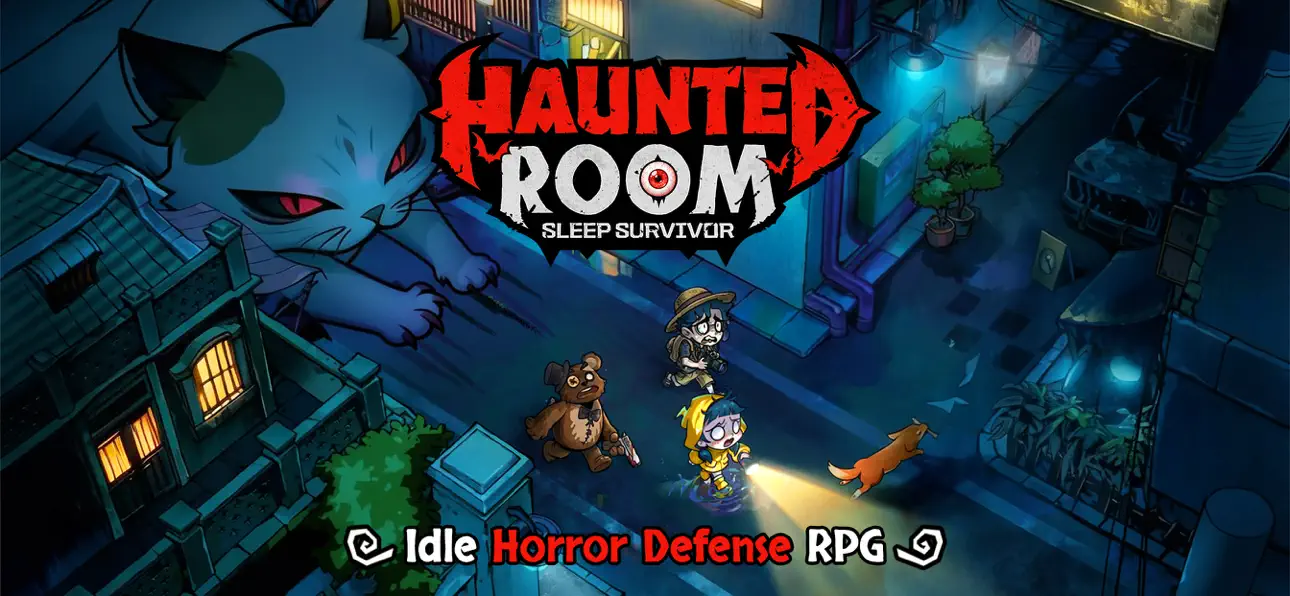
When your city becomes the hunting ground for ghosts and monsters... "Knock, knock." Someone's knocking on your door...
"Shh, don't make a sound, and don't open the door."
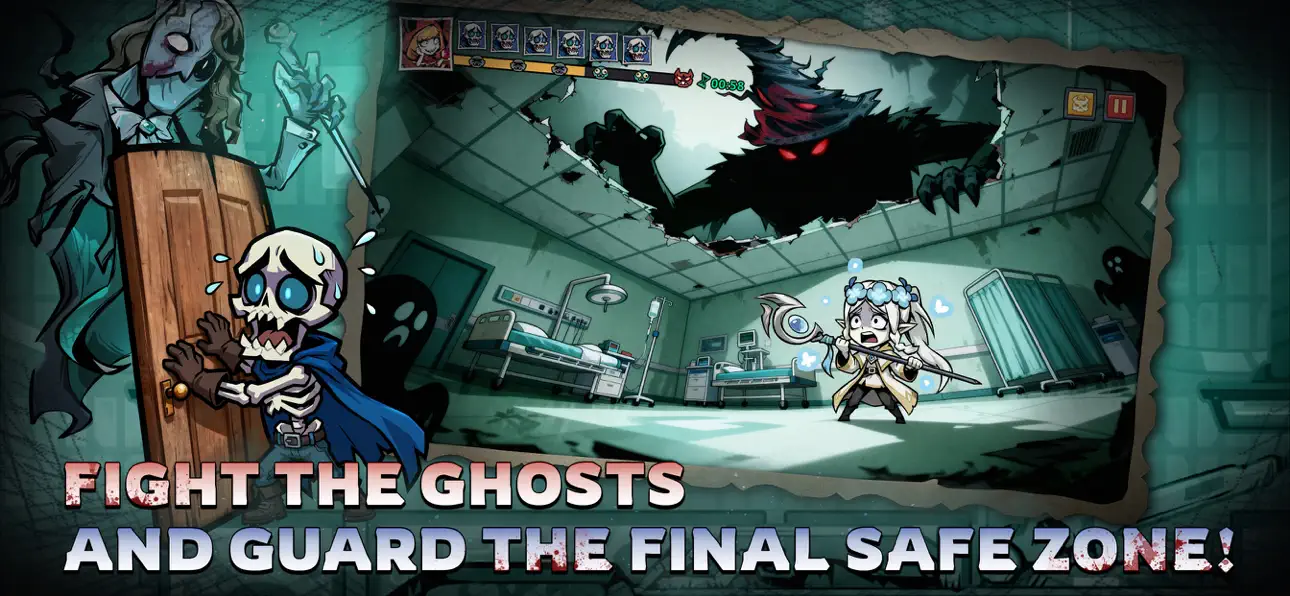
Creatures from age-old tales and urban legends are trying to break into your house. Your job? Close the door and defend it with your heroes as your heart pounds with excitement and no fear.
Schools, hospitals, hotels, streets, and office buildings—the most mundane locations become thrill-filled tower defense challenges. Get ready for stunning visuals and smooth controls in 5-minute matches!
[Five Main Features to Define New Horror Tower Defense]
※ Choose your room, close the door, relax, and level up!
Ghosts are here and there's no escape? Well—kick back and relax!
Choose your room, close the door, and kick back to level up in dreams and summon heroes to build your defense line! It's up to you to defend the ghosts and monsters at night!
※ Strategize to turn the table in the mind game
No risking your life, but more than hide-and-seek! Everything from the beds, doors, to your heroes can be leveled up, because the whole room is your defense line. Build the right lineup and plan wisely for every challenge and event. Every win is guaranteed to be rewarding.
※ Immersive visual experience
Dive into the immersive eerie world with a distinct gothic chibi-style aesthetic. Is it blood or wine in the cup held by the vampire? Why is the killer with a chainsaw wearing a cute bunny mask? A hundred unique and stylized heroes and ghosts with cute horror elements.
※ Wide selections of avatars and instances
Turn into a ghost hunter and explore all kinds of haunted locations—from a train with lingering phantoms, a dormitory echoing with singing at midnight, to a mysterious underground cave. Now, pick your avatar from a wide collection and brace yourself for the ghost chase.
※ Fast and exciting tower defense battle
Grab your phone and start a 5-minute no-stress match anytime, anywhere! Quality tower defense fun made simple and fast.
Ekran görüntüleri © ilgili sahipleri · App Store



iOSGods; Apple Inc., Google LLC veya burada listelenen uygulamaların geliştiricileriyle bağlantılı değildir, onlar tarafından onaylanmamış ve desteklenmemiştir. Apple, iOS ve App Store, Apple Inc. şirketinin ticari markalarıdır. Android ve Google Play, Google LLC şirketinin ticari markalarıdır. Diğer tüm uygulama adları, simgeler, görseller ve ticari markalar ilgili sahiplerine aittir.

- Jailbreak'siz/normal ya da jailbreak'li iPhone veya iPad.
- Sideloadly veya alternatifleri.
- iTunes yüklü Windows/macOS/Linux çalıştıran bir bilgisayar.
ADIM 1: Yukarıdaki bağlantıdan önceden hacklenmiş .IPA dosyasını bilgisayarınıza indirin. iOSGods App üzerinden indirmek için video örneği de içeren iOSGods App IPA İndirme Kılavuzu bölümümüze göz atın.
ADIM 2: Sideloadly indirin ve Windows veya Mac'inize kurun.
ADIM 3: Bilgisayarınızda Sideloadly'yi açın, iOS cihazınızı bağlayın ve cihaz adınız Sideloadly'de görünene kadar bekleyin.
ADIM 4: iCihazınız tanındıktan sonra, indirdiğiniz modlu .IPA dosyasını sürükleyip Sideloadly uygulamasına bırakın.
ADIM 5: Apple Account e-posta adresinizi girin ve ardından "Start" düğmesine basın. Sonrasında sizden şifreniz istenecektir. Gerekli bilgileri girin.
ADIM 6: Sideloadly'nin hacklenmiş IPA'yı sideload edip yüklemesini bekleyin. Yükleme sırasında bir sorun olursa lütfen aşağıdaki notu okuyun.
ADIM 7: Yükleme tamamlandıktan ve uygulamayı Ana Ekranınızda gördükten sonra Ayarlar → Genel → Profiller / VPN ve Cihaz Yönetimi bölümüne gitmelisiniz. Burada 6. adımda girdiğiniz e-postaya dokunun ve ardından "[email protected]'a Güven" seçeneğine dokunun.
ADIM 8: Şimdi Ana Ekranınıza gidin ve yeni yüklediğiniz uygulamayı açın; her şey sorunsuz çalışmalıdır. Oyun içindeki hack açılır penceresinde uygulamaya özel ek talimatları takip etmeniz gerekebilir.
NOT: iOS/iPadOS 16 ve sonrasında Geliştirici Modu'nu etkinleştirmeniz gerekir. Ücretsiz Apple Developer hesapları için bu işlemi her 7 günde bir tekrarlamanız gerekir. Sorularınız veya sorunlarınız varsa konunun Sideloadly SSS bölümünü okuyun.
Game Name iOS Mod IPA is an action adventure game enhanced with powerful gameplay boosts and quality-of-life improvements. Win battles faster, earn rewards quicker, and enjoy uninterrupted play without ads.
- Unlimited Gold - spend freely to unlock premium content
- Damage Multiplier - deal significantly more damage in combat
- Defense Multiplier - take less damage and survive longer
- Reward Multiplier - earn more loot from every battle
- Max Level - instantly reach the highest player rank
- No Ads - play without interruptions or advertisements
This app also comes with iGameGod, giving you access to Auto Touch to automate repetitive tasks, App Speed Manager for adjustable gameplay speed, Memory Engine value editing, and more powerful iOS game tools.
Yukarıdaki bağlantılardan Game Name Mod IPA indirin. Yükle düğmesine dokunup ekrandaki yönergeleri izleyerek bu iOS uygulama hack'ini iPhone, iPad veya Apple Silicon'a yükleyin.
Daha fazla yardıma mı ihtiyacınız var Ayrıntılı yanıtlar ve sorun giderme ipuçları için iOSGods Uygulaması Sık Sorulan Sorular sayfamıza bakın.
----------------------------------------------------------
--------------------------------------------------





![[The Battle Cats JP] にゃんこ大戦争 iOS Mod IPA](https://is1-ssl.mzstatic.com/image/thumb/Purple221/v4/49/1f/65/491f6564-34c3-03dc-d4e0-2d08dc00f72f/AppIcon-0-0-1x_U007epad-0-1-85-220.png/100x100bb.jpg)


