Accesso richiesto
Accedi con il tuo account iOSGods per continuare.
Accedi con il tuo account iOSGods per continuare.
Sopravvivi all'apocalisse gelido con una potenza inarrestabile usando questo hack My War: Frozen Survival Mod IPA. La Modalità Dio ti mantiene vivo nelle condizioni più difficili, mentre Moltiplicatore di Attacco ti permette di dominare ogni scontro con gli zombie e battaglia per le risorse. Guida l'ultima speranza dell'umanità senza paura della sconfitta.
- Modalità Dio → sopravvivi a qualsiasi minaccia imbattuto
- Moltiplicatore di Attacco → infliggi danni massicci ai nemici
Scarica My War: Frozen Survival iOS Mod IPA dai link sopra. Tocca il pulsante di installazione e segui le istruzioni per installare questo hack iOS sul tuo iPhone, iPad o Mac con Apple Silicon.
Hai bisogno di altro aiuto? Consulta le nostre Domande frequenti sull'app iOSGods per risposte dettagliate e consigli per la risoluzione dei problemi.
My War: Frozen Survival — The Last Light in a Frozen World.
The bombs fell. The world froze. Civilization collapsed beneath the snow and silence. In this endless nuclear winter, only the strongest endure. Hunger, cold, and zombies threaten every step—but you are not just surviving. You are leading. Humanity’s last hope rests in your hands.
[Survive the Ice and Chaos]
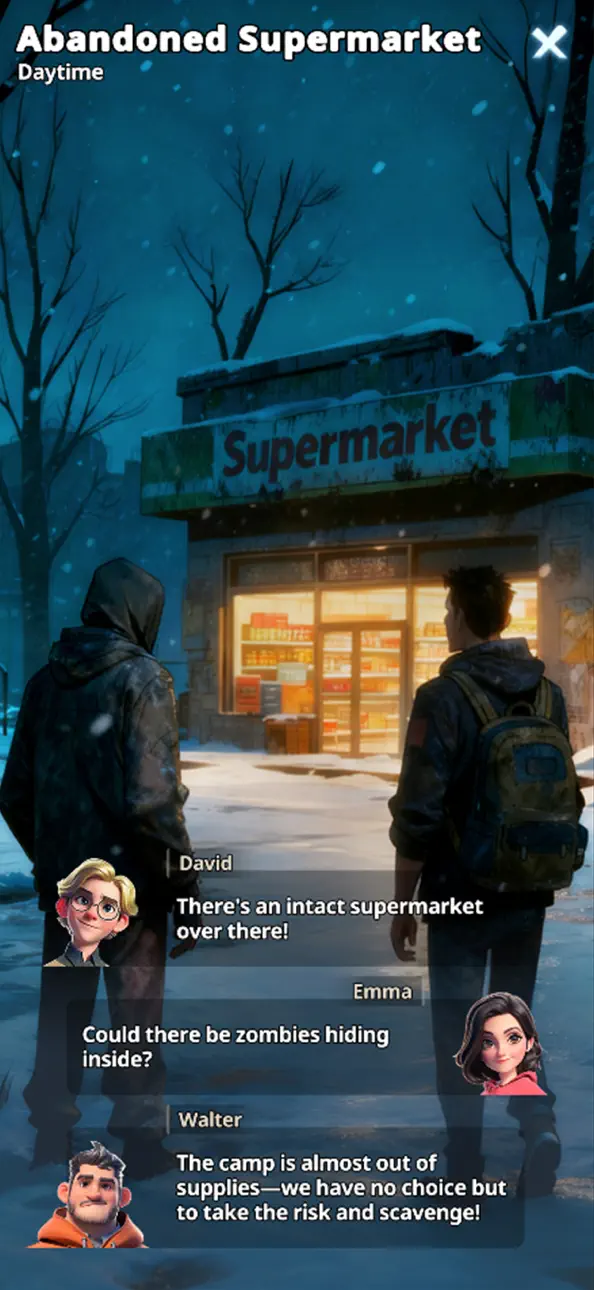
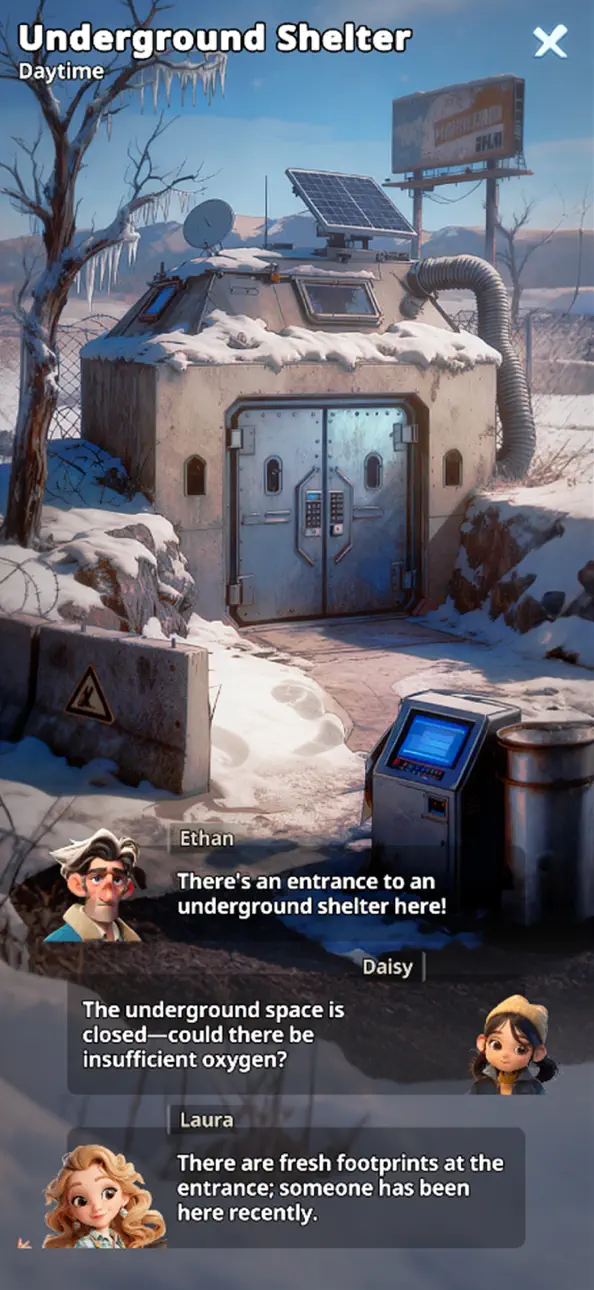
Explore a devastated earth wrapped in ice. Abandoned cities stand as frozen tombs. Every scrap of food, every can of fuel, every moment of warmth… is a victory. But remember—the cold isn’t the only enemy lurking in the dark.
[Build Humanity’s Final Shelter]
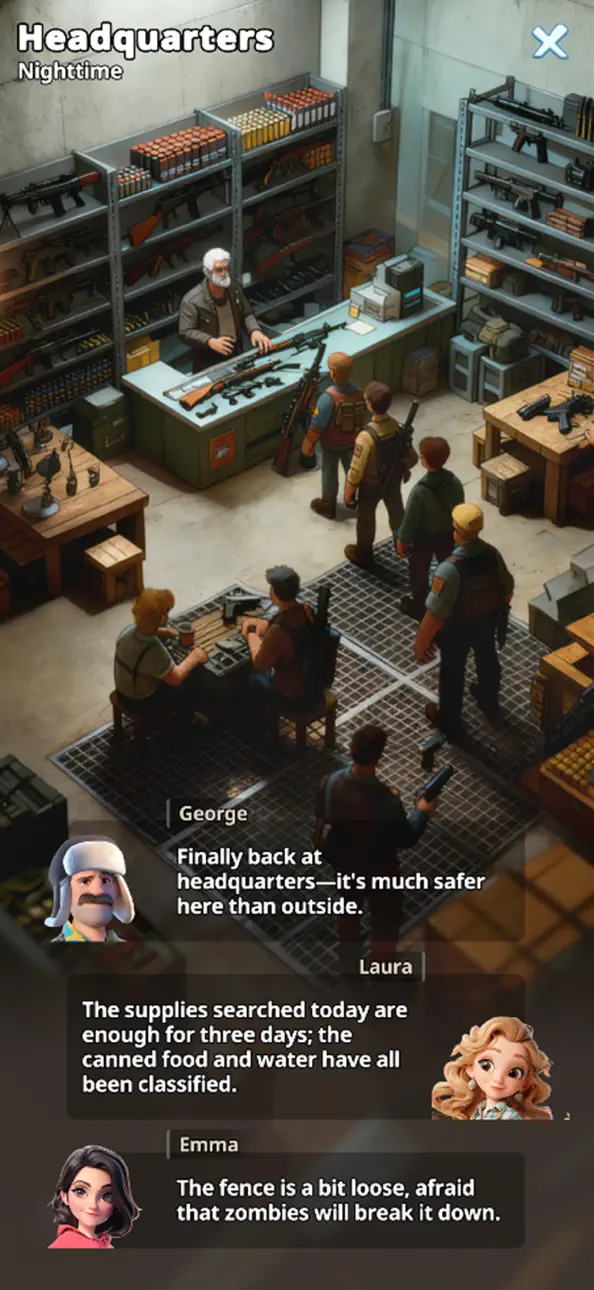
From a makeshift tent to a fortified stronghold‘, design and defend what could be mankind’s last refuge. Construct storage, medical bays, and strategic defense towers to hold back relentless zombie attacks. Your base is more than wood and steel—it is survival itself.
[Recruit and Lead Survivors]
Survivors will gather around your base, each with unique skills and stories. Assign roles, train abilities, and forge a community bound by trust and hope.
[Fight Among Shadows]
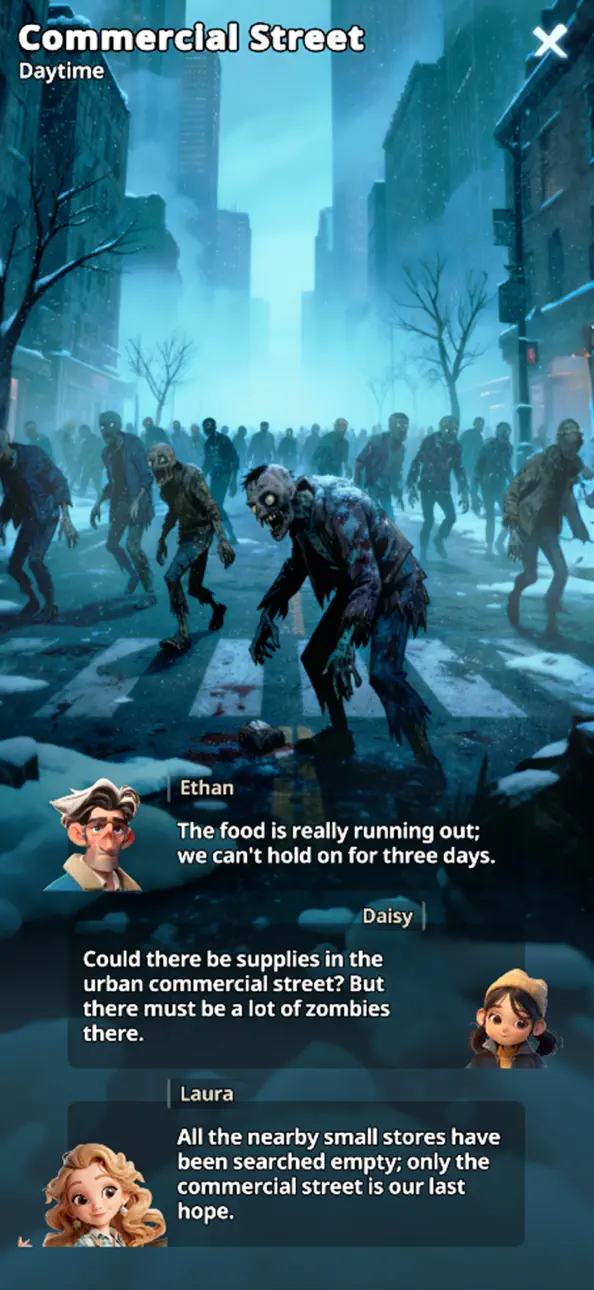
Face endless threats—zombies clawing through ruins, rival clans striking from the blizzards. Scavenge resources, raid enemy bases, and form alliances. Use strategy and tactics to decide who lives, who dies, and who thrives.
[Shape Your Own Survival Story]
Make hard choices: save a stranger or protect your people? Raid another camp for medicine or risk starvation? Every decision echoes through your community. Uncover the truth behind the winter and write a story worth remembering.
[Join a Global Community]
Compete or collaborate with players worldwide in the ultimate strategy survival challenge.
[Free to Play, Truly Survival]
My War: Frozen Survival is free to download and play. Optional in-app purchases can accelerate progress, but every survival moment can be fully enjoyed without spending money.
Download now and define the future of humankind!
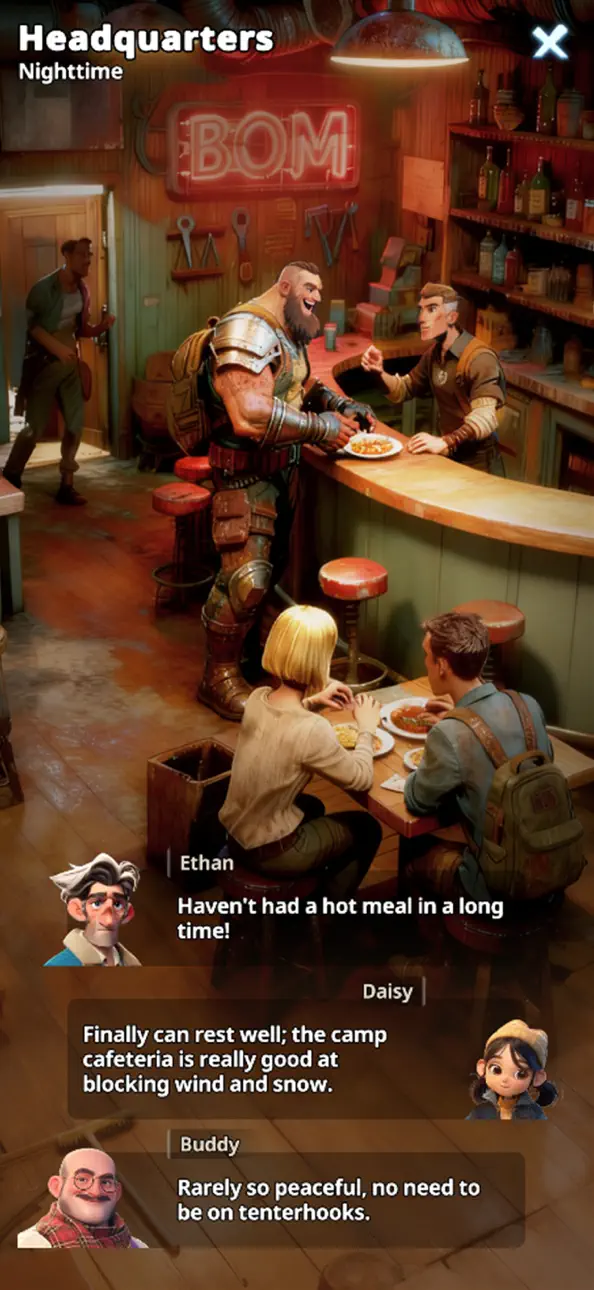
Screenshot © rispettivi proprietari · App Store


![[The Battle Cats JP] にゃんこ大戦争 iOS Mod IPA](https://is1-ssl.mzstatic.com/image/thumb/Purple221/v4/49/1f/65/491f6564-34c3-03dc-d4e0-2d08dc00f72f/AppIcon-0-0-1x_U007epad-0-1-85-220.png/100x100bb.jpg)
iOSGods non è affiliata, approvata né sponsorizzata da Apple Inc., Google LLC o dagli sviluppatori delle app elencate qui. Apple, iOS e App Store sono marchi di Apple Inc. Android e Google Play sono marchi di Google LLC. Tutti gli altri nomi delle app, icone, immagini e marchi appartengono ai rispettivi proprietari.
- iPhone o iPad non jailbroken/jailed oppure jailbroken.
- Sideloadly o alternative.
- Computer con Windows/macOS/Linux con iTunes installato.
PASSO 1: Scarica il file .IPA pre-modificato dal link sopra sul tuo computer. Per scaricarlo dall'iOSGods App, consulta il nostro Tutorial download IPA dell'iOSGods App, che include un esempio video.
PASSO 2: Scarica Sideloadly e installalo sul tuo Windows o Mac.
PASSO 3: Apri Sideloadly sul tuo computer, collega il tuo dispositivo iOS e attendi finché il nome del dispositivo non appare in Sideloadly.
PASSO 4: Una volta riconosciuto il tuo iDevice, trascina il file .IPA moddato che hai scaricato e rilascialo nell'applicazione Sideloadly.
PASSO 5: Inserisci l'email del tuo Apple Account, poi premi “Start”. Ti verrà quindi chiesto di inserire la password. Procedi e fornisci le informazioni richieste.
PASSO 6: Attendi che Sideloadly completi il sideload/installazione dell'IPA modificata. Se ci sono problemi durante l'installazione, leggi la nota qui sotto.
PASSO 7: Una volta completata l'installazione e vista l'app sulla schermata Home, dovrai andare in Impostazioni → Generali → Profili / Gestione VPN e dispositivi. Una volta lì, tocca l'email inserita al passo 6 e poi tocca “Autorizza [email protected]”.
PASSO 8: Ora vai sulla schermata Home e apri l'app appena installata: tutto dovrebbe funzionare correttamente. Potrebbe essere necessario seguire ulteriori istruzioni specifiche all'interno del popup dell'hack nel gioco.
NOTA: Per iOS/iPadOS 16 e versioni successive, devi attivare la Modalità sviluppatore. Per gli account Apple Developer gratuiti, dovrai ripetere questa procedura ogni 7 giorni. Se hai domande o problemi, leggi la nostra sezione FAQ Sideloadly del topic.
Game Name iOS Mod IPA is an action adventure game enhanced with powerful gameplay boosts and quality-of-life improvements. Win battles faster, earn rewards quicker, and enjoy uninterrupted play without ads.
- Unlimited Gold - spend freely to unlock premium content
- Damage Multiplier - deal significantly more damage in combat
- Defense Multiplier - take less damage and survive longer
- Reward Multiplier - earn more loot from every battle
- Max Level - instantly reach the highest player rank
- No Ads - play without interruptions or advertisements
This app also comes with iGameGod, giving you access to Auto Touch to automate repetitive tasks, App Speed Manager for adjustable gameplay speed, Memory Engine value editing, and more powerful iOS game tools.
Scarica Game Name Mod IPA dai link sopra. Tocca il pulsante di installazione e segui le istruzioni per installare questo hack iOS sul tuo iPhone, iPad o Mac con Apple Silicon.
Hai bisogno di altro aiuto Consulta le nostre Domande frequenti sull'app iOSGods per risposte dettagliate e consigli per la risoluzione dei problemi.
----------------------------------------------------------
--------------------------------------------------