Inloggen vereist
Log in met je iOSGods-account om door te gaan.
Log in met je iOSGods-account om door te gaan.

Bevries valuta's en ontgrendel alles gratis in deze tactische luchtafweer Mod IPA, waarmee je echte wapensystemen kunt besturen zonder resources uit te geven. WARHEAD is een modern militair tower-defense spel waarin je iconische verdedigingshardware inzet om betwiste luchten te beschermen, met verwoestbare slagvelden en diepgaande strategische progressie.
- Bevries valuta's / Alles gratis → geef niets uit terwijl je je arsenaal opbouwt
- Godmodus
Deze app bevat ook iGameGod, waarmee je toegang krijgt tot Auto Touch om repetitieve taken te automatiseren, App Speed Manager voor een aanpasbare spelsnelheid, het bewerken van waarden met Memory Engine en andere krachtige iOS-gametools.
Download WARHEAD: Air & Missile Defense iOS Mod IPA via de bovenstaande links. Tik op de installatieknop en volg de instructies om deze iOS-app-hack op je iPhone, iPad of Apple Silicon te installeren.
Meer hulp nodig? Bekijk onze Veelgestelde vragen over de iOSGods-app voor uitgebreide antwoorden en probleemoplossingstips.
The sky is no longer safe. The world is on the brink. Step into tactical command of the world's most advanced air & missile defense systems and restore stability to contested skies.
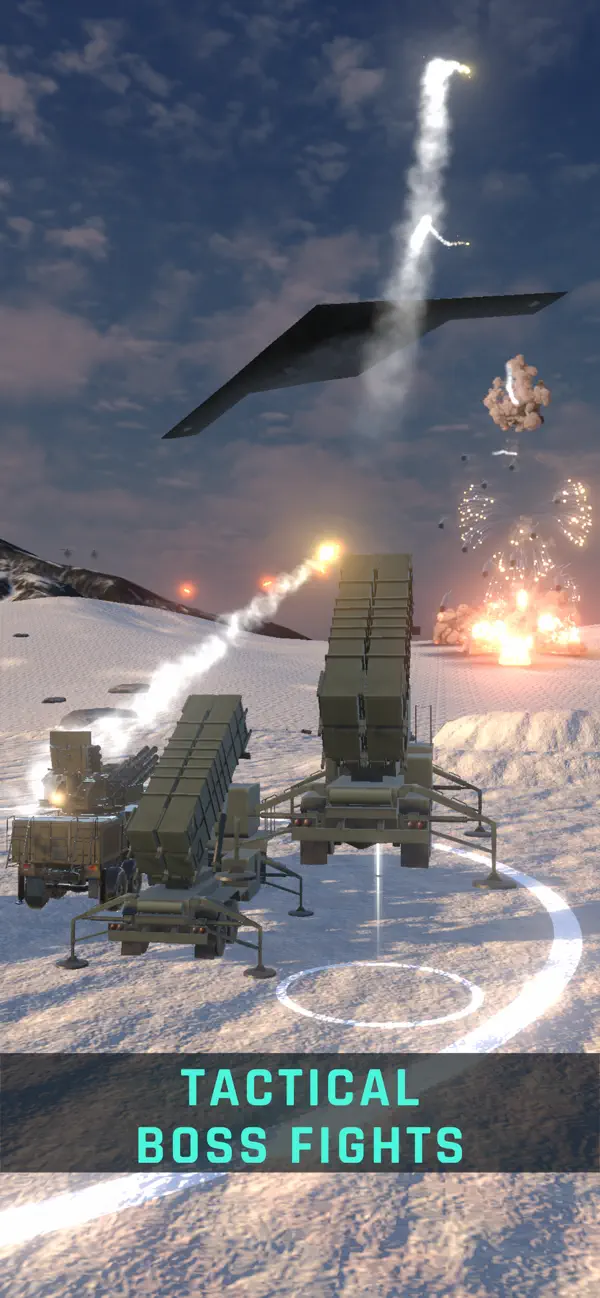
Welcome to WARHEAD — a modern military tower-defense experience where the hardware is real, the strategy is deep, and every battlefield is destructible. Forget fantasy towers; this is about the raw power of iconic, real-world weapon systems.
---
WHAT MAKES WARHEAD DIFFERENT
• INSTANT TO PLAY, DEEP TO MASTER
Jump into compact, intense matches packed with layered strategy and a long-term, tank-style progression that rewards skill.
• AUTHENTIC, COLLECTIBLE HARDWARE
Command legendary platforms across two deep tech branches: Cannon (CIWS & autocannons) and Missile (SAM networks).
• DESTRUCTIBLE BATTLEFIELDS
Explosions reshape the map, destroying cover and creating new choke points. Adapt your tactics in real time or be overwhelmed.
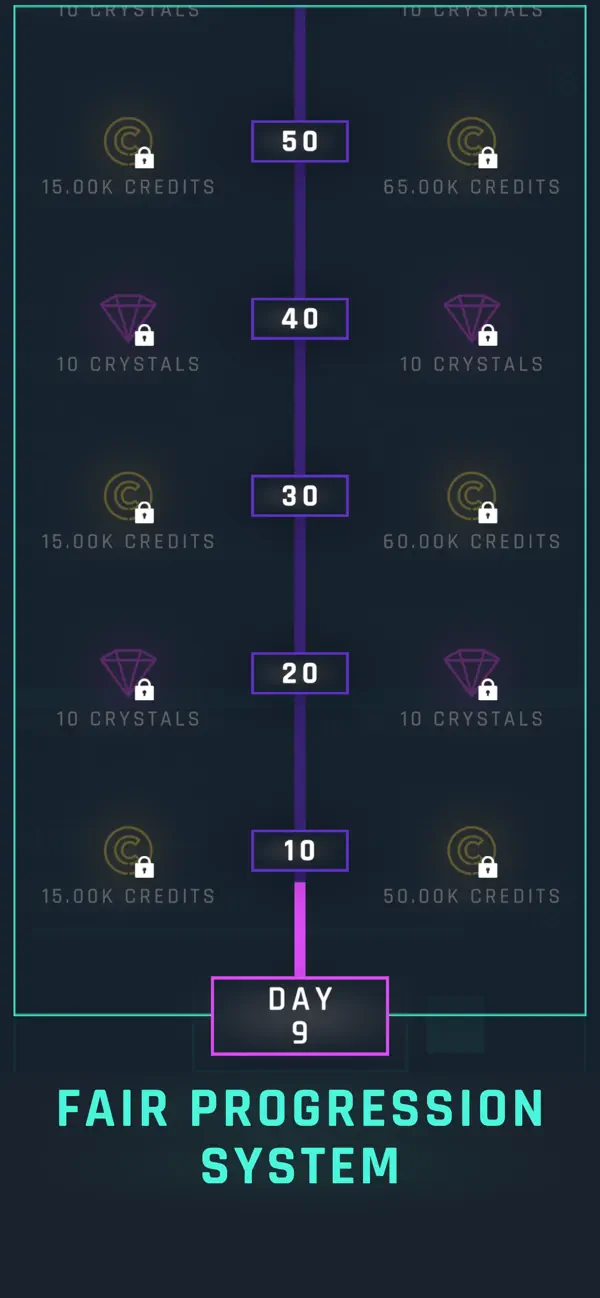
• FAIR, PROGRESSION-FIRST ECONOMY
Earn your arsenal through play. Optional purchases and a value-led Battle Pass accelerate progress — no pay-to-win mechanics.
---
CORE COMMAND FEATURES
• ONE-HAND VERTICAL PLAY
Intuitive tap, drag, and upgrade controls designed for instant action on the go.
• DEEP MODULAR UPGRADES
Go beyond simple stat boosts. Research modules that fundamentally alter unit behavior and create powerful synergies between systems.
• QUICK, TACTICAL ROUNDS
Short, mobile-friendly missions — a handful of decisive choices per level that have lasting consequences.
• CONSTANTLY EVOLVING WARZONE
Daily contracts, challenging live events, and new seasons bring fresh enemies and technology to the fight.
---
YOUR ARSENAL INCLUDES:
• CANNON SYSTEMS: M163 PIVADS, ZSU-23-4 Shilka, Gepard, 2S38 Derivatsiya, C-RAM (Centurion), Skynex, CADS-N-1 Kashtan & more.
• MISSILE SYSTEMS: Avenger, Crotale, Pantsir, NASAMS, Buk, Patriot PAC-2/PAC-3, S-400 Triumf, THAAD & more.
Download WARHEAD: Air & Missile Defence now.
Defend the sky. Master the technology. Dominate the war.
- Niet-jailbroken/jailed of jailbroken iPhone of iPad.
- Sideloadly of alternatieven.
- Computer met Windows/macOS/Linux en iTunes geïnstalleerd.
STAP 1: Download het vooraf gehackte .IPA-bestand via de link hierboven naar uw computer. Om het te downloaden vanuit de iOSGods App, bekijk onze iOSGods App IPA-downloadhandleiding met een videovoorbeeld.
STAP 2: Download Sideloadly en installeer het op uw Windows of Mac.
STAP 3: Open Sideloadly op uw computer, sluit uw iOS-apparaat aan en wacht tot de naam van uw apparaat in Sideloadly verschijnt.
STAP 4: Zodra uw iDevice is herkend, sleept u het gedownloade gemodde .IPA-bestand naar de Sideloadly-applicatie.
STAP 5: Voer het e-mailadres van uw Apple Account in en druk op “Start”. U wordt vervolgens gevraagd om uw wachtwoord in te voeren. Geef de gevraagde informatie op.
STAP 6: Wacht tot Sideloadly het sideloaden/installeren van de gehackte IPA heeft voltooid. Als er problemen zijn tijdens de installatie, lees dan onderstaande opmerking.
STAP 7: Zodra de installatie is voltooid en u de app op uw beginscherm ziet, gaat u naar Instellingen → Algemeen → Profielen / VPN- en apparaatbeheer. Tik daar op het e-mailadres dat u in stap 6 hebt ingevoerd en tik vervolgens op “Vertrouw [email protected]”.
STAP 8: Ga nu naar uw beginscherm en open de zojuist geïnstalleerde app; alles zou correct moeten werken. Mogelijk moet u verdere app-specifieke instructies volgen in de hack-popup in het spel.
OPMERKING: Op iOS/iPadOS 16 en later moet u Ontwikkelaarsmodus inschakelen. Voor gratis Apple Developer-accounts moet u dit proces elke 7 dagen herhalen. Als u vragen of problemen hebt, lees dan onze Sideloadly FAQ-sectie van het onderwerp.