Login Diperlukan
Masuk dengan akun iOSGods kamu untuk melanjutkan.
Masuk dengan akun iOSGods kamu untuk melanjutkan.
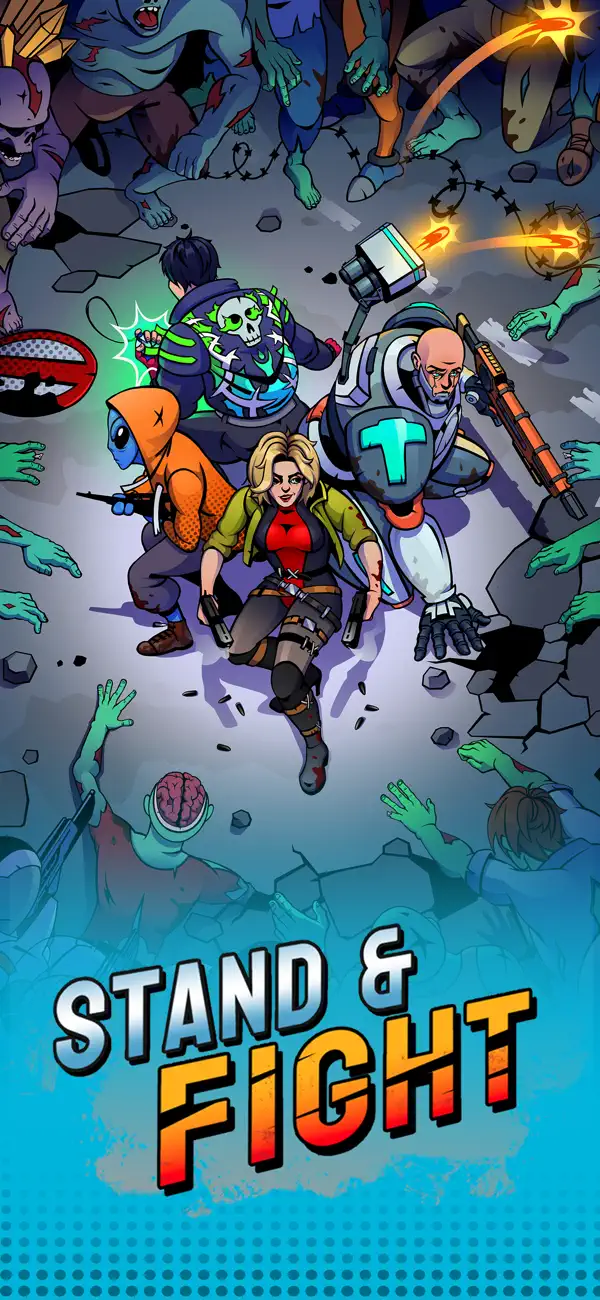
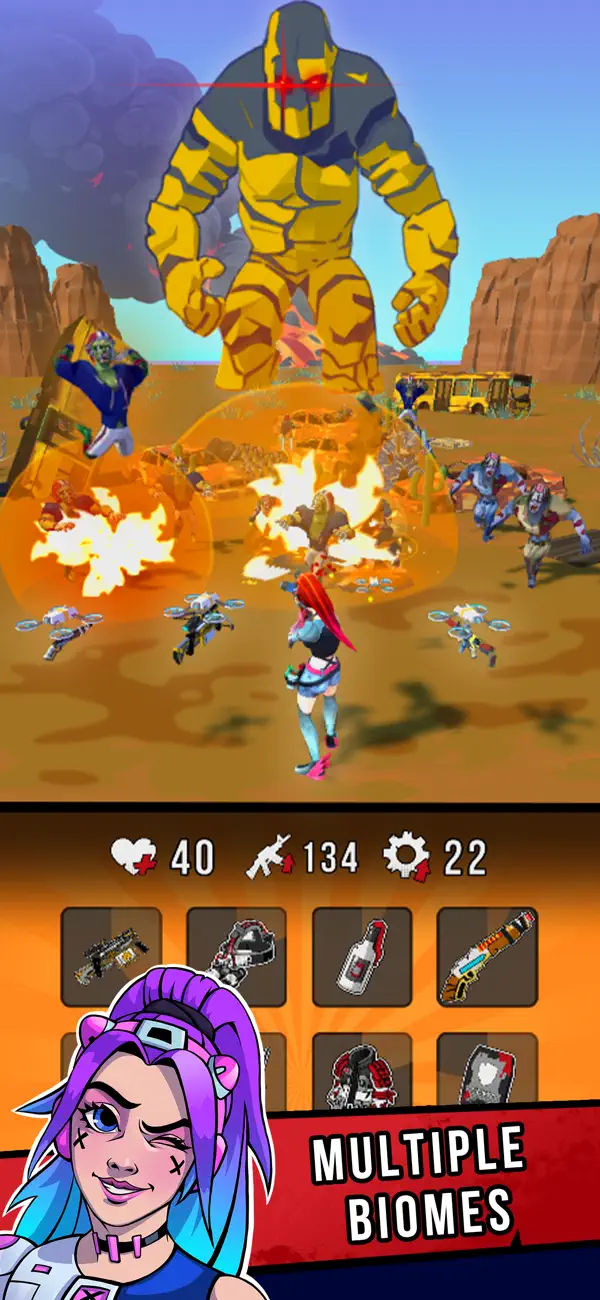
Buka hack Menu Debug untuk Stand & Fight: Backpack Battle Mod IPA untuk mengakses alat pengembang dan mendapatkan kontrol yang lebih dalam atas pengalaman gameplay Anda. Hack iOS ini membuka opsi tersembunyi yang memungkinkan Anda menyesuaikan dan menguji mekanik permainan saat Anda menggabungkan senjata, membuat perlengkapan yang kuat, dan bertempur melawan gerombolan musuh di berbagai bioma.
- Menu Debug → akses alat pengembang dan opsi tersembunyi
Aplikasi ini juga dilengkapi dengan iGameGod, yang memberi Anda akses ke Auto Touch untuk mengotomatiskan tugas berulang, App Speed Manager untuk mengatur kecepatan permainan, pengeditan nilai Memory Engine, dan alat permainan iOS lainnya yang lebih canggih.
Unduh Stand & Fight: Backpack Battle Hack modded IPA dari tautan di atas. Ketuk tombol pasang dan ikuti petunjuk di layar untuk memasang hack iOS ini di iPhone, iPad, atau Apple Silicon.
Butuh bantuan lebih lanjut? Lihat Pertanyaan yang Sering Diajukan untuk Aplikasi iOSGods kami untuk jawaban dan tips lengkap.
¡Fusiona objetos para abrirte paso entre hordas de enemigos!
Características principales:
Armas y equipamiento secundario – Consigue y mejora una gran variedad de armas, desde escopetas y katanas hasta miniguns y motosierras.
Mochila y cofres – Obtén equipo aleatorio y organízalo estratégicamente en tu mochila.
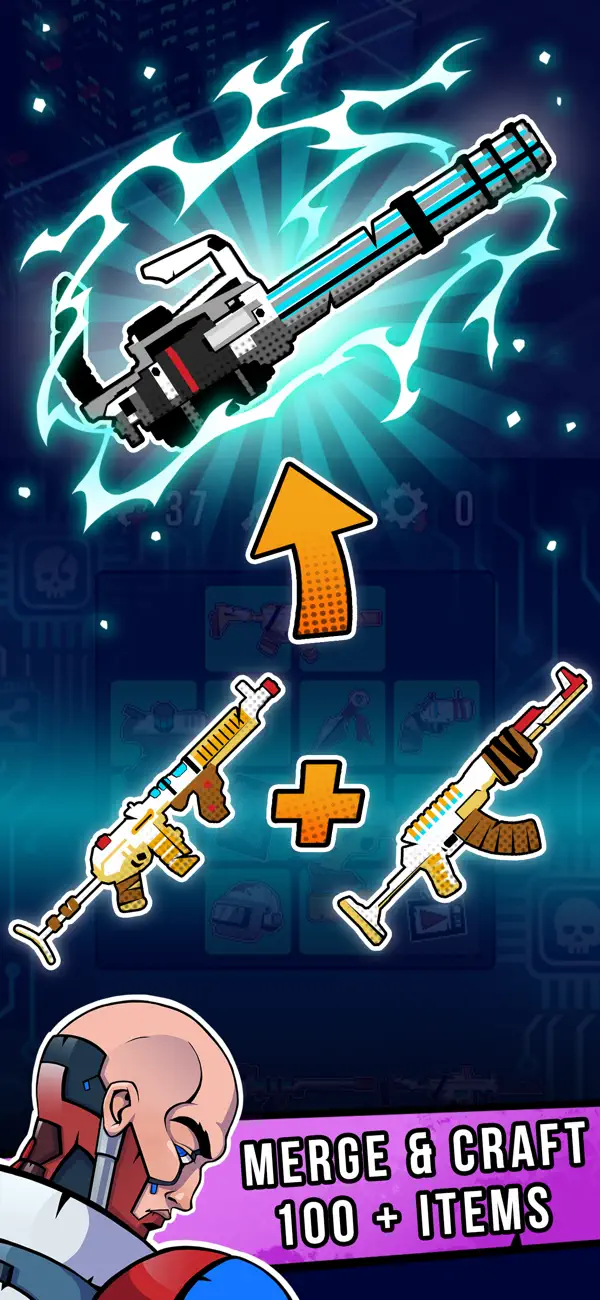
Fusión y creación – Combina objetos para convertirlos en versiones doradas y fabrícalos en armas y equipamiento más poderoso. ¡Empieza con una escopeta y termina con un lanzador de nanohojas!
Acción 3D completa y entornos dinámicos – ¡Los enemigos atacan desde diferentes direcciones! Los escenarios son detallados y variados: diferentes biomas, cambios de hora del día e incluso efectos climáticos.
Cajas de suministros, colecciones y misiones diarias – Obtén valiosas recompensas al completar misiones, fabricar objetos y derrotar enemigos.
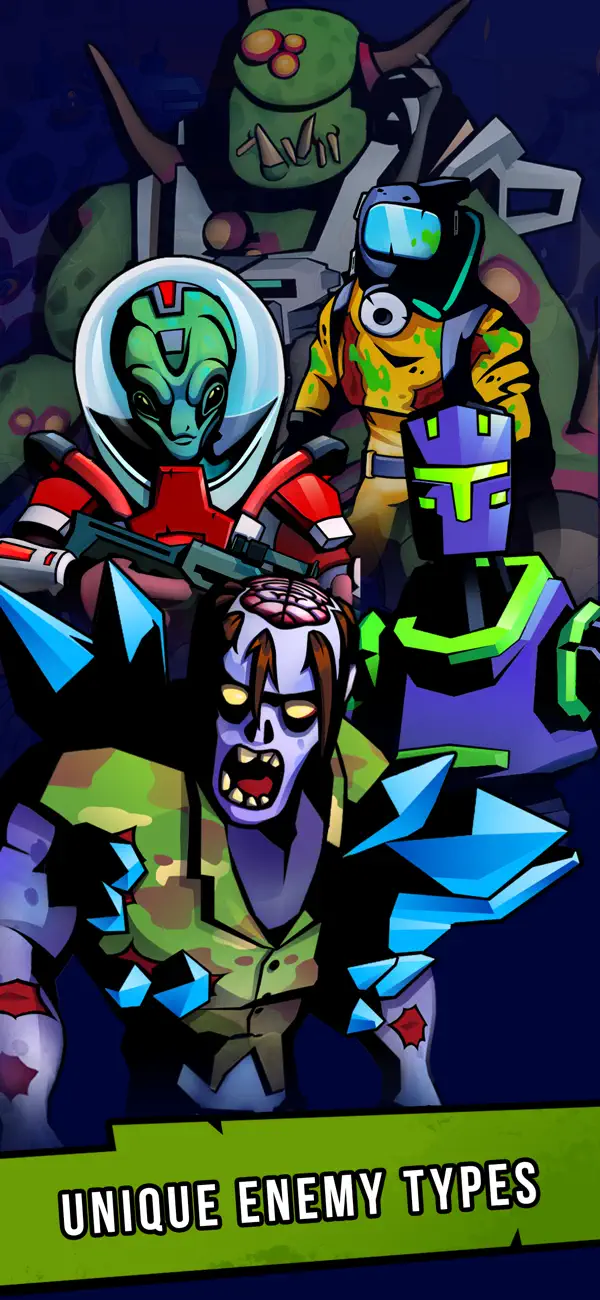
Gran variedad de enemigos – Enfréntate a hordas de zombis que corren o saltan sobre ti, soldados alienígenas, francotiradores, lanzallamas, drones, robots kamikazes, colosos gigantes, torretas fortificadas e incluso tanques. Cada bioma tiene diferentes tipos de enemigos con comportamientos y estadísticas únicas. ¡No son simples sacos de golpes!
Acción intensa y explosiva – ¡Destroza zombis en pedazos, quémalos con lanzallamas, lanza granadas y córtalos con láseres! Los cohetes rugen mientras surcan el aire, los cócteles Molotov prenden fuego al suelo y las balas de minigun rebotan en las paredes.
¡Esto es mucho más que lanzar iconos contra goblins en 2D!
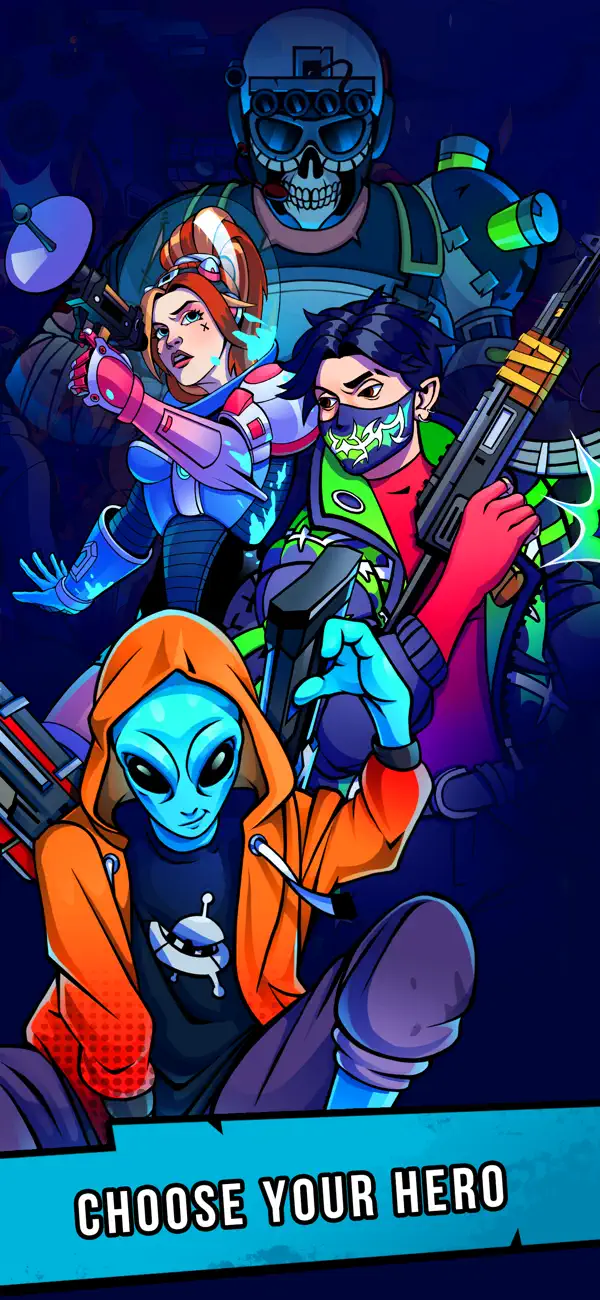
¿Estás listo? Embárcate en una aventura en un mundo invadido por zombis y alienígenas. ¡Levántate y lucha, héroe!

- iPhone atau iPad tanpa Jailbreak atau dengan Jailbreak.
- Sideloadly atau alternatifnya.
- Komputer dengan Windows/macOS/Linux dan iTunes terpasang.
LANGKAH 1: Unduh file .IPA yang sudah di-hack dari tautan di atas ke komputer Anda. Untuk mengunduhnya dari iOSGods App, silakan lihat Tutorial Mengunduh IPA dari iOSGods App kami yang dilengkapi contoh video.
LANGKAH 2: Unduh Sideloadly dan pasang di Windows atau Mac Anda.
LANGKAH 3: Buka Sideloadly di komputer Anda, sambungkan perangkat iOS Anda, dan tunggu hingga nama perangkat Anda muncul di Sideloadly.
LANGKAH 4: Setelah iDevice Anda terdeteksi, seret file .IPA yang sudah dimodifikasi dan lepaskan ke dalam aplikasi Sideloadly.
LANGKAH 5: Masukkan email Apple Account Anda, lalu tekan "Start". Anda kemudian akan diminta memasukkan kata sandi. Silakan isi informasi yang diminta.
LANGKAH 6: Tunggu hingga Sideloadly selesai melakukan sideloading/pemasangan IPA yang di-hack. Jika terjadi masalah saat pemasangan, silakan baca catatan di bawah ini.
LANGKAH 7: Setelah pemasangan selesai dan Anda melihat aplikasi di Layar Beranda, Anda perlu masuk ke Pengaturan → Umum → Profil / VPN & Manajemen Perangkat. Setelah itu, ketuk email yang Anda masukkan pada langkah 6, lalu ketuk "Percayai [email protected]".
LANGKAH 8: Sekarang buka Layar Beranda dan jalankan aplikasi yang baru saja dipasang; semuanya seharusnya berjalan normal. Anda mungkin perlu mengikuti petunjuk tambahan per aplikasi yang muncul di popup hack di dalam game.
CATATAN: Pada iOS/iPadOS 16 dan yang lebih baru, Anda harus mengaktifkan Mode Pengembang. Untuk akun Apple Developer gratis, Anda perlu mengulangi proses ini setiap 7 hari. Jika Anda memiliki pertanyaan atau masalah, silakan baca bagian FAQ Sideloadly di topik tersebut kami.