Accesso richiesto
Accedi con il tuo account iOSGods per continuare.
Accedi con il tuo account iOSGods per continuare.
Sblocca l'hack del Menu Debug per Stand & Fight: Backpack Battle Mod IPA per accedere agli strumenti per sviluppatori e ottenere un controllo più profondo sulla tua esperienza di gioco. Questo hack iOS apre opzioni nascoste che ti permettono di modificare e testare i meccanismi di gioco mentre unisci armi, crei equipaggiamento potente e combatti orde di nemici attraverso più biomi.
- Menu Debug → accedi agli strumenti per sviluppatori e alle opzioni nascoste
Questa app include anche iGameGod, che ti offre accesso ad Auto Touch per automatizzare attività ripetitive, App Speed Manager per regolare la velocità di gioco, modifica dei valori con Memory Engine e altri potenti strumenti per giochi iOS.
Scarica Stand & Fight: Backpack Battle Hack modded IPA dai link sopra. Tocca il pulsante di installazione e segui le istruzioni per installare questo hack iOS sul tuo iPhone, iPad o Mac con Apple Silicon.
Hai bisogno di altro aiuto? Consulta le nostre Domande frequenti sull'app iOSGods per risposte dettagliate e consigli per la risoluzione dei problemi.
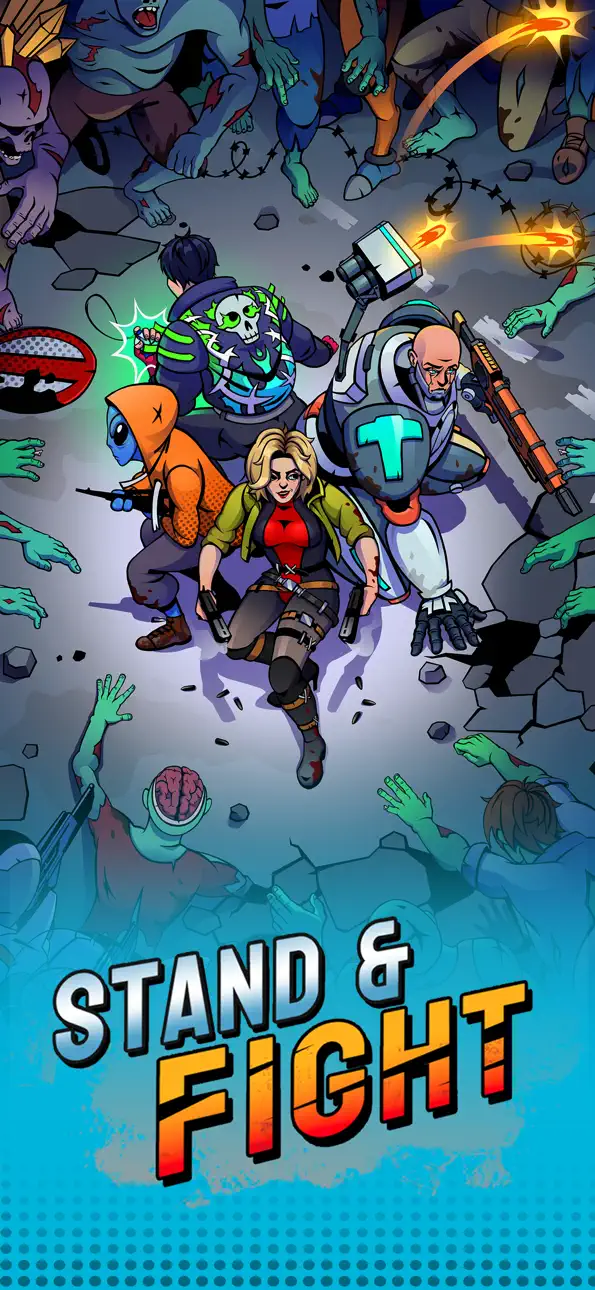
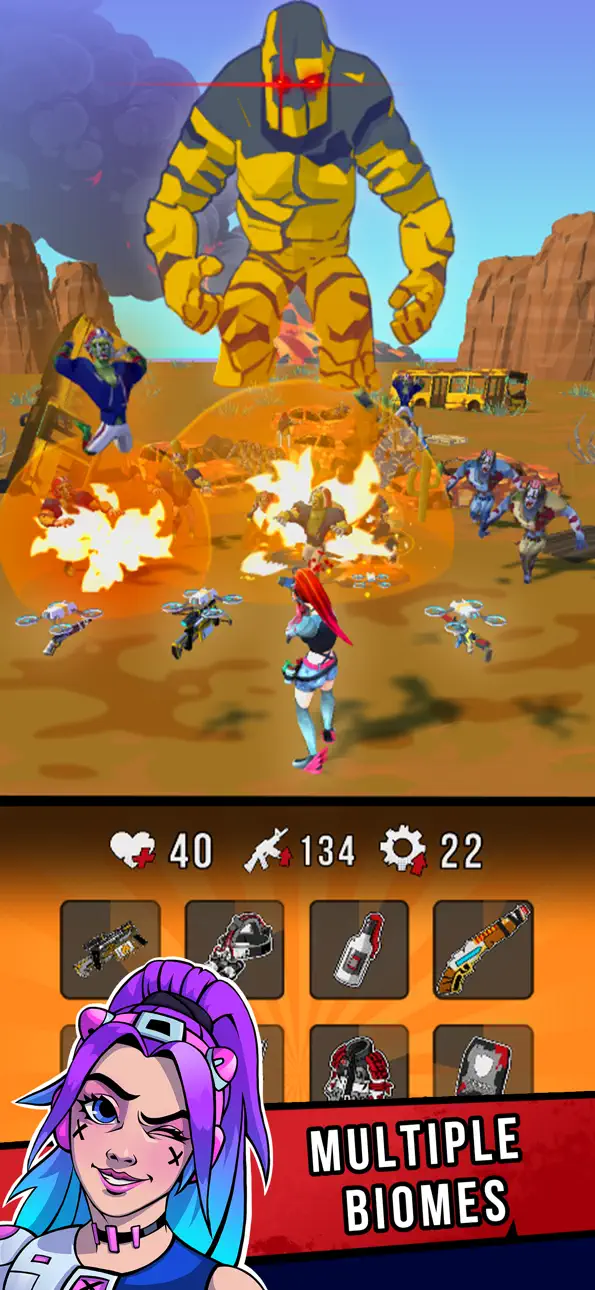
Merge items to fight through hordes of enemies!
Key Features:
Guns and sidearms - get different weapons and sidearms and upgrade them, from shotgun and katana to minigun and chainsaw!
Backpack + Chests - get random equipment and organize it in your backpack.
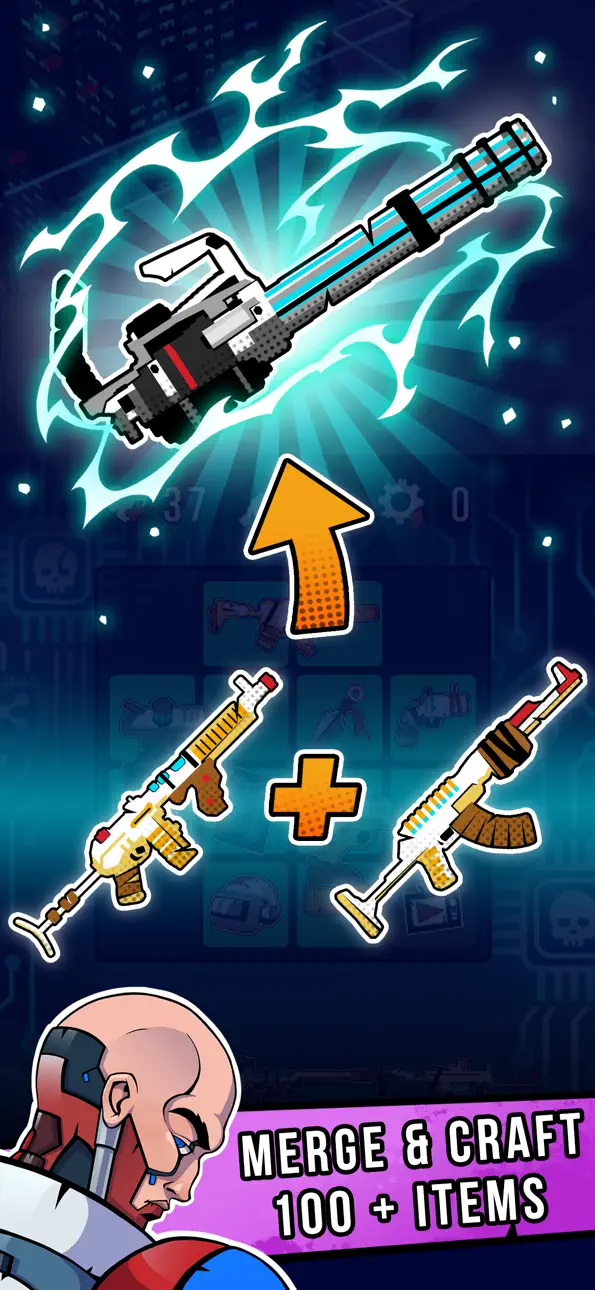
Merge + Craft - merge items into gold versions and craft them into more powerful items & weapons. Begin with a shotgun and finish with a nanoblade launcher!
Full 3D action and backgrounds - enemies attack from different directions, backgrounds are different and deep, there are diferrent bioms, different daytime and even weather!
Supply Boxes, Collections & Daily Quests - get lots of additional rewards for completing missions, crafting items and defeating enemies!
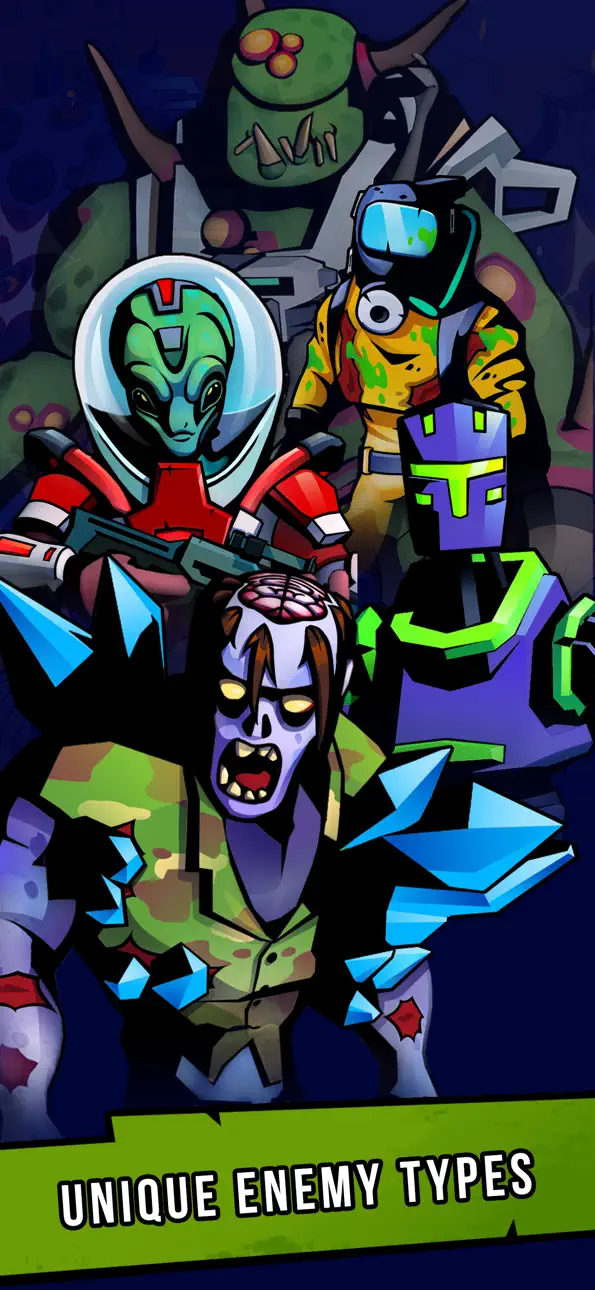
Lots of different enemies - you'll meet hordes of zombies, running or jumping on you, alien soldiers, alien snipers and flamethrowers, drones; kamikaze bots and dangerous robots, giant brutes, fortified turrets and even tanks! Different bioms have different sets of enemies, and enemies have different behaviour and stats (they're not just jumping bags!).
Hardcore action - blast zombies into pieces, burn them wih flamethrowers, throw grenades and cut them with lasers. Rockets roar as they accelarate, molotov's burn the ground, minigun bullets ricochet from the walls! It's much better then just throw icons into casual 2D goblins!
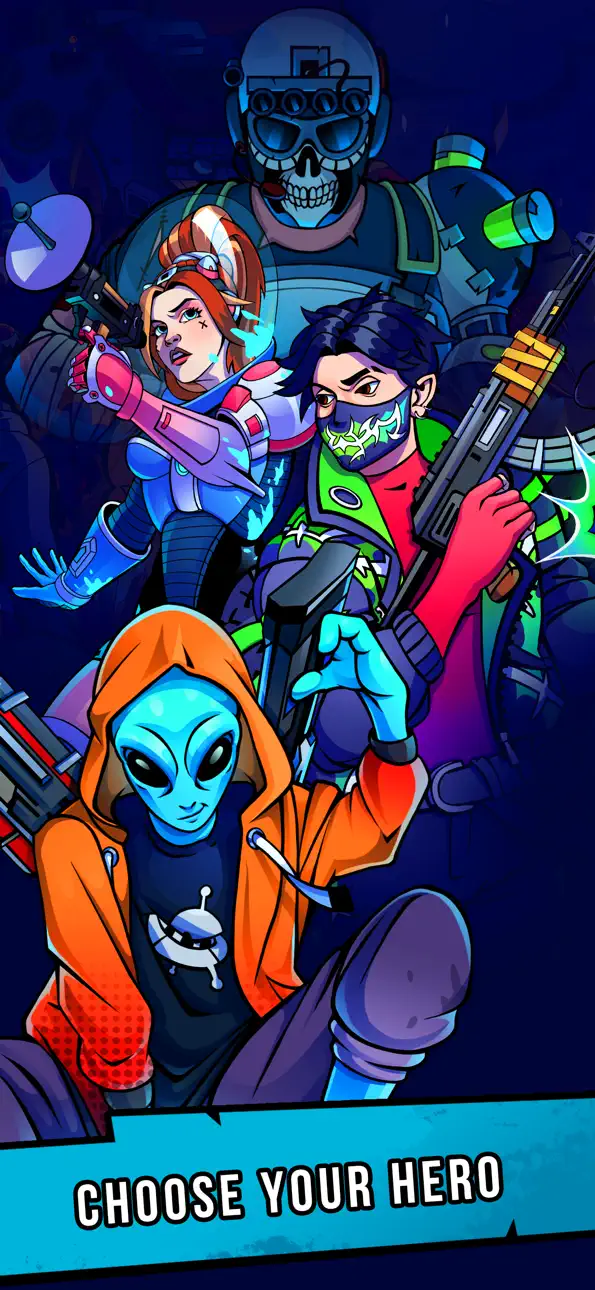
So what's up? Embark on an adventure through a land overrun by zombies and aliens. Stand up and fight, heroes!
Screenshot © rispettivi proprietari · App Store


iOSGods non è affiliata, approvata né sponsorizzata da Apple Inc., Google LLC o dagli sviluppatori delle app elencate qui. Apple, iOS e App Store sono marchi di Apple Inc. Android e Google Play sono marchi di Google LLC. Tutti gli altri nomi delle app, icone, immagini e marchi appartengono ai rispettivi proprietari.

- iPhone o iPad non jailbroken/jailed oppure jailbroken.
- Sideloadly o alternative.
- Computer con Windows/macOS/Linux con iTunes installato.
PASSO 1: Scarica il file .IPA pre-modificato dal link sopra sul tuo computer. Per scaricarlo dall'iOSGods App, consulta il nostro Tutorial download IPA dell'iOSGods App, che include un esempio video.
PASSO 2: Scarica Sideloadly e installalo sul tuo Windows o Mac.
PASSO 3: Apri Sideloadly sul tuo computer, collega il tuo dispositivo iOS e attendi finché il nome del dispositivo non appare in Sideloadly.
PASSO 4: Una volta riconosciuto il tuo iDevice, trascina il file .IPA moddato che hai scaricato e rilascialo nell'applicazione Sideloadly.
PASSO 5: Inserisci l'email del tuo Apple Account, poi premi “Start”. Ti verrà quindi chiesto di inserire la password. Procedi e fornisci le informazioni richieste.
PASSO 6: Attendi che Sideloadly completi il sideload/installazione dell'IPA modificata. Se ci sono problemi durante l'installazione, leggi la nota qui sotto.
PASSO 7: Una volta completata l'installazione e vista l'app sulla schermata Home, dovrai andare in Impostazioni → Generali → Profili / Gestione VPN e dispositivi. Una volta lì, tocca l'email inserita al passo 6 e poi tocca “Autorizza [email protected]”.
PASSO 8: Ora vai sulla schermata Home e apri l'app appena installata: tutto dovrebbe funzionare correttamente. Potrebbe essere necessario seguire ulteriori istruzioni specifiche all'interno del popup dell'hack nel gioco.
NOTA: Per iOS/iPadOS 16 e versioni successive, devi attivare la Modalità sviluppatore. Per gli account Apple Developer gratuiti, dovrai ripetere questa procedura ogni 7 giorni. Se hai domande o problemi, leggi la nostra sezione FAQ Sideloadly del topic.
Game Name iOS Mod IPA is an action adventure game enhanced with powerful gameplay boosts and quality-of-life improvements. Win battles faster, earn rewards quicker, and enjoy uninterrupted play without ads.
- Unlimited Gold - spend freely to unlock premium content
- Damage Multiplier - deal significantly more damage in combat
- Defense Multiplier - take less damage and survive longer
- Reward Multiplier - earn more loot from every battle
- Max Level - instantly reach the highest player rank
- No Ads - play without interruptions or advertisements
This app also comes with iGameGod, giving you access to Auto Touch to automate repetitive tasks, App Speed Manager for adjustable gameplay speed, Memory Engine value editing, and more powerful iOS game tools.
Scarica Game Name Mod IPA dai link sopra. Tocca il pulsante di installazione e segui le istruzioni per installare questo hack iOS sul tuo iPhone, iPad o Mac con Apple Silicon.
Hai bisogno di altro aiuto Consulta le nostre Domande frequenti sull'app iOSGods per risposte dettagliate e consigli per la risoluzione dei problemi.
----------------------------------------------------------
--------------------------------------------------