需要登入
請使用您的 iOSGods 帳戶登入以繼續。
請使用您的 iOSGods 帳戶登入以繼續。
這款 Duck Survival Mod IPA 動作類 Roguelike 射擊遊戲破解版讓你在殭屍末日中生存而不會死亡。白天建造你的鴨子堡壘,夜間防禦變異殭屍的波浪攻擊,使用作弊功能移除死亡、增加傷害輸出倍數,並消除技能冷卻時間,讓你能夠持續釋放能力。
- 永不死亡 → 在任何遭遇中生存
- 傷害倍數 → 對敵人造成增加的傷害
- 無技能冷卻時間(即使在冷卻中) → 無需等待即可使用能力
從上方連結下載 Duck Survival iOS Mod IPA。點選安裝按鈕並依照畫面指示在 iPhone、iPad 或 Apple Silicon 上安裝此 iOS 應用程式修改版。
需要更多協助?請查看我們的 iOSGods 應用程式常見問題 以獲得詳細解答與疑難排解。
[Login Rewards] 777 draws, an exclusive Duck Soldier outfit, a Gatling gun, and 100,000 Banknotes!
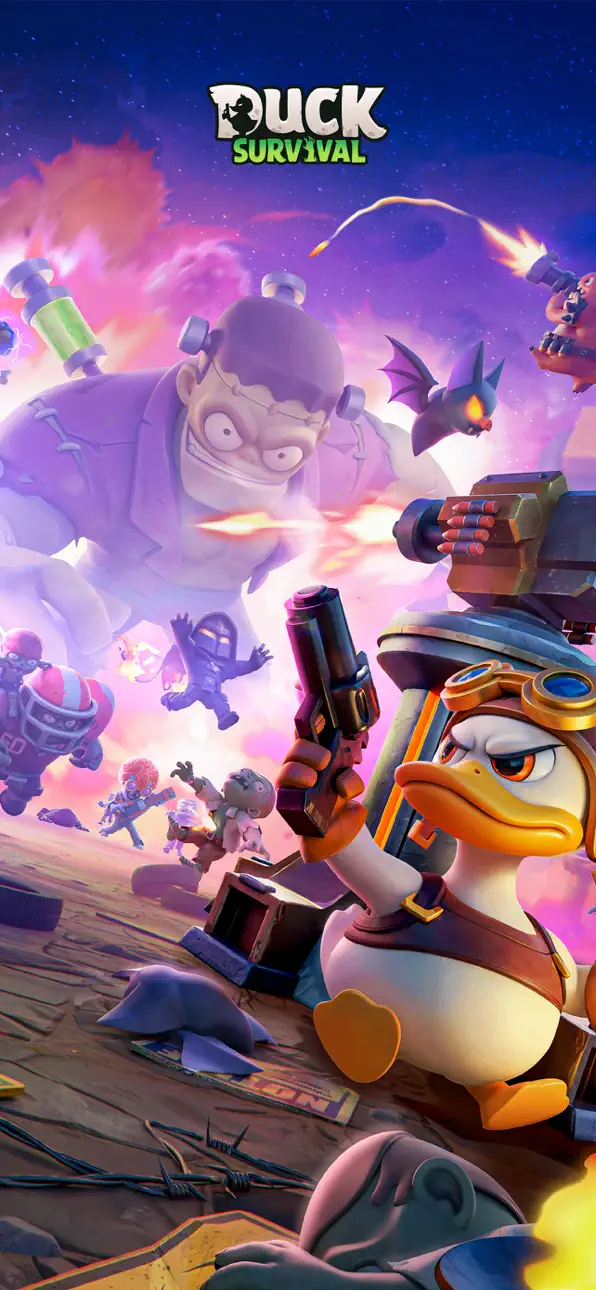
Ducks vs. Zombies — fight your way through the apocalypse!
An easy-to-play Roguelike shooter combined with thrilling tower defense survival gameplay!
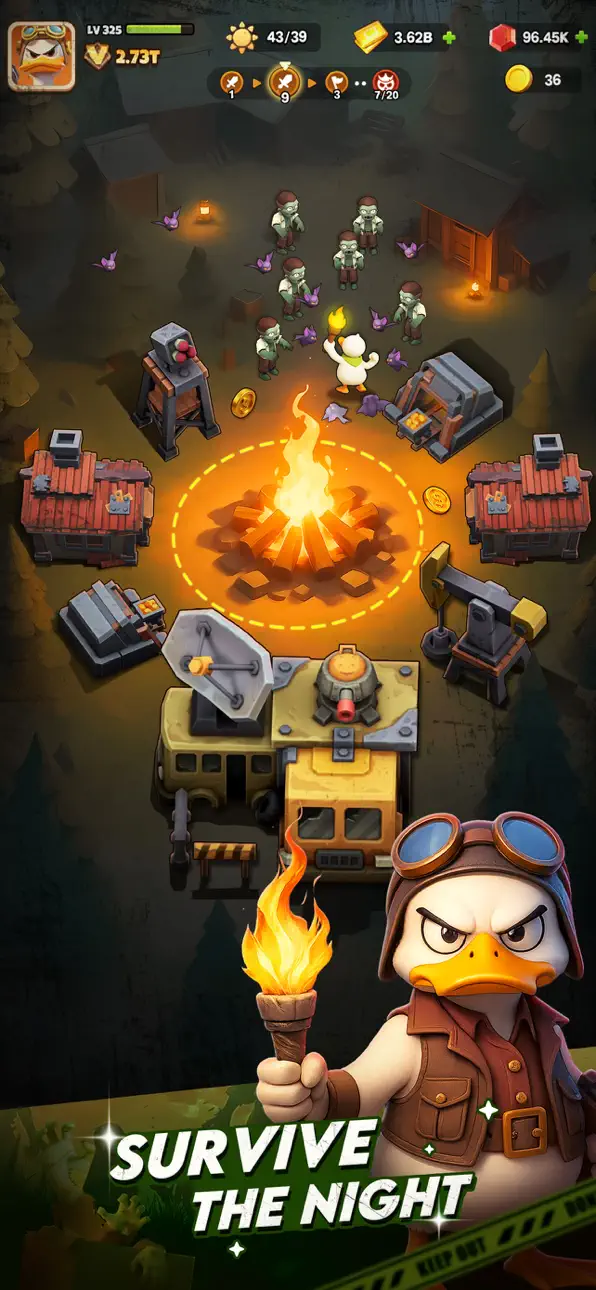
- Build by Day, Defend by Night!
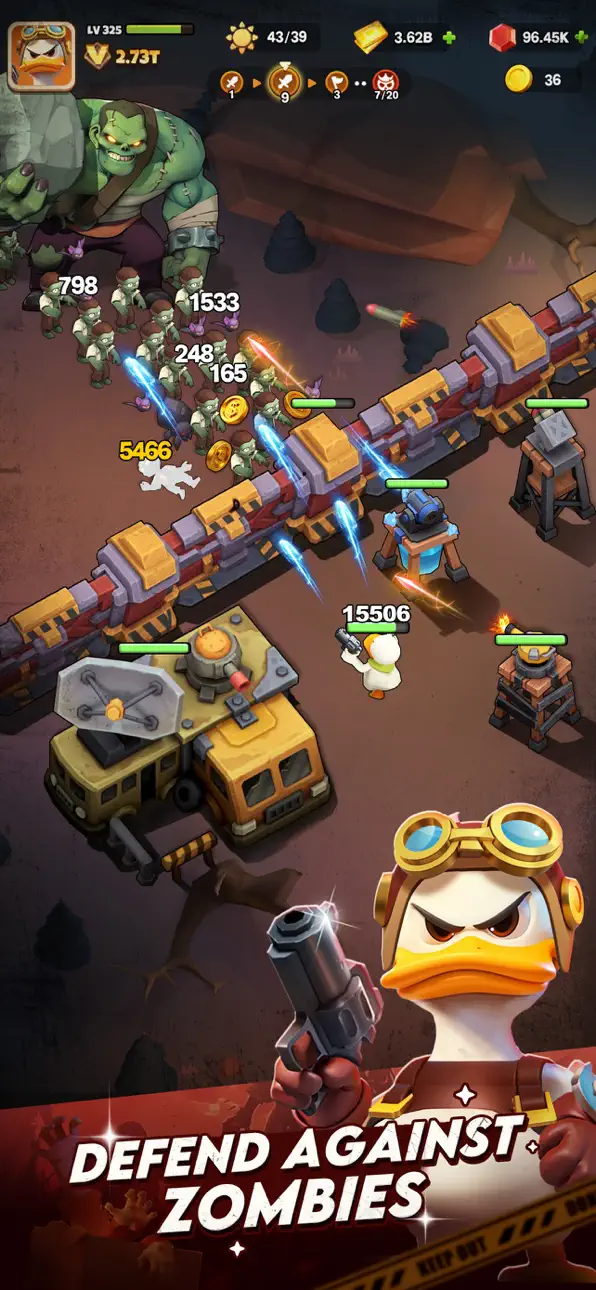
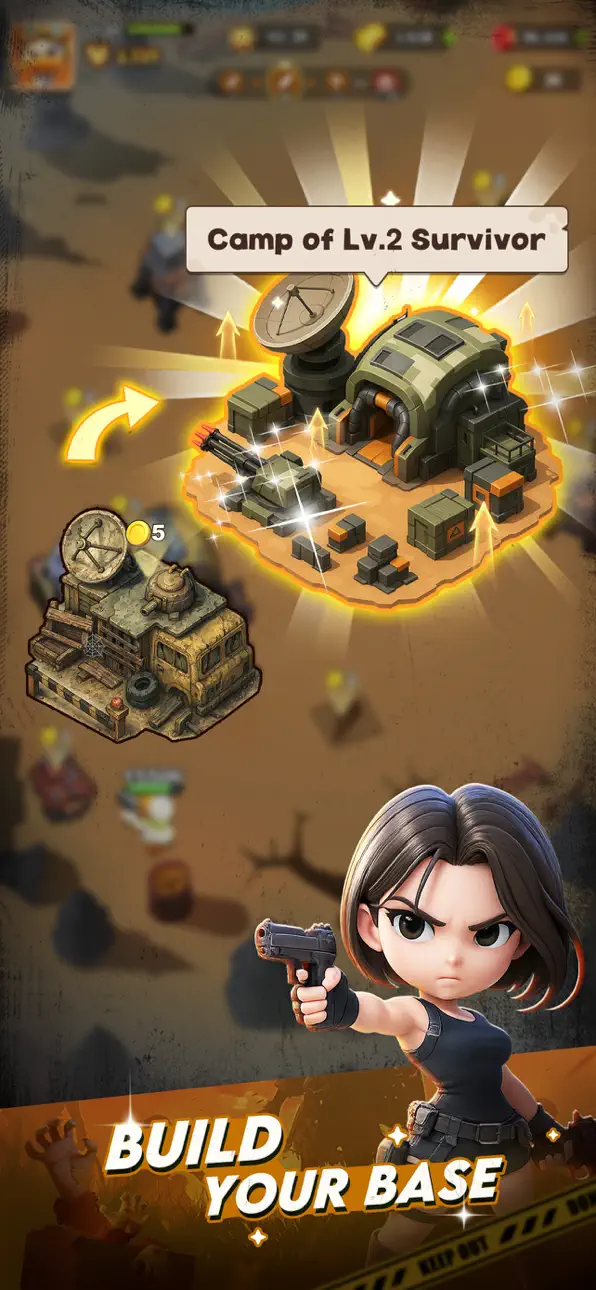
Daytime: Use your resources to upgrade your base, recruit soldiers, and deploy powerful defenses like Machine Gun Towers and EMP Towers to prepare for battle!
Nighttime: Nearly a hundred mutated zombies and giant bosses storm in—defend your fortress until dawn!
- Quirky Ducks, Doomsday Survival!
Forget human survivors—this time, you’ll play as a brave duck, unlocking a wide variety of stylish and unique duck skins!
Every night you survive fuels your base's evolution. Fail? The zombies will quack their way through your defenses!
- Assemble Heroes, Build the Ultimate Team!
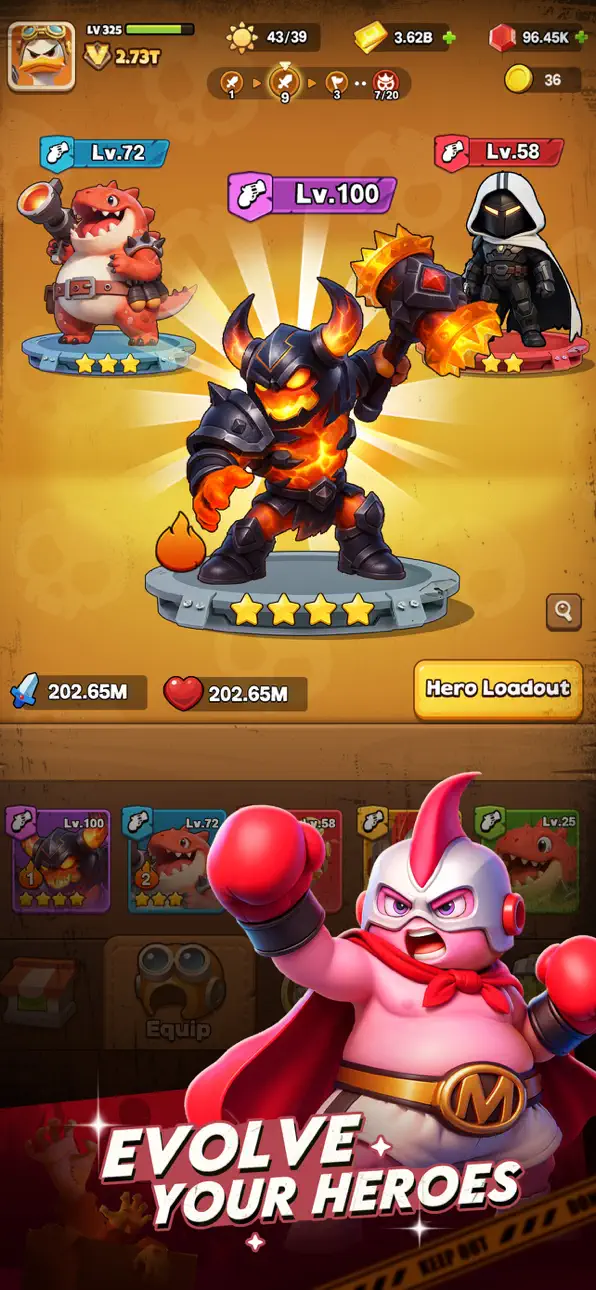
Skilled agents, machine-gun-wielding baby dragons, and many more super-powered heroes are waiting to join you!
Freely combine elements like Burning, Lightning, Frost, Energy, and Physical to activate exclusive team synergies and build your invincible duck army!
- Random Skills, Fresh Experience Every Run!
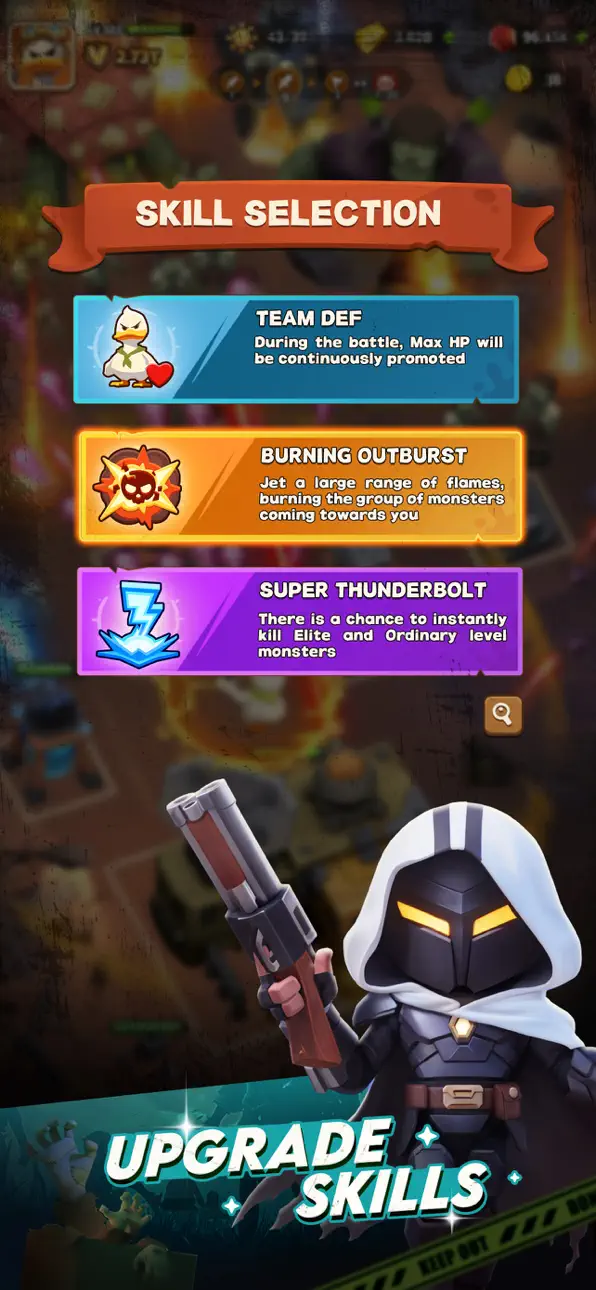
A huge variety of skills can drop during battle—will you choose Meteor Strike, Frost Shield, or Focused Laser?
Adapt to the ever-changing battlefield, adjust your strategy on the fly, and experience the endless possibilities of Roguelike combat!
- Diverse Builds, Strategy Meets Progression!
Heroes, skills, and tower defense mechanics work together to create a wide range of combat builds.
With gear, gems, and other progression systems outside of battle, you can keep growing stronger and crush endless zombie hordes!
- Rich Gameplay, Escalating Challenges!
Beyond intense base defense battles, you can also dive into dungeon exploration, Guild Boss fights, and Arena PvP.
In the face of endless zombie hordes, prove that you are the ultimate survivor!
Can you quack your way to the very end of the apocalypse?
Join Duck Survival now—rally your duck squad and dive into fast-paced horde shooting and strategic tower defense battles!
螢幕截圖 © 各自所有者 · App Store


iOSGods 與 Apple Inc.、Google LLC 及此處列出應用程式的開發者並無關聯,亦未獲其認可或贊助。Apple、iOS 與 App Store 為 Apple Inc. 的商標。Android 與 Google Play 為 Google LLC 的商標。其他所有應用程式名稱、圖示、圖片與商標均屬其各自所有者。
- 未越獄/受限或已越獄的 iPhone 或 iPad。
- Sideloadly 或替代方案。
- 執行 Windows/macOS/Linux 且已安裝 iTunes 的電腦。
步驟 1: 透過上方連結將已破解的 .IPA 檔案下載到您的電腦。若要從 iOSGods App 下載,請參閱我們的 iOSGods App IPA 下載教學,其中包含影片範例。
步驟 2: 下載 Sideloadly 並將其安裝在您的 Windows 或 Mac 上。
步驟 3: 在電腦上開啟 Sideloadly,連接您的 iOS 裝置,並等待裝置名稱出現在 Sideloadly 中。
步驟 4: 當 Sideloadly 辨識到您的 iOS 裝置後,將下載好的修改版 .IPA 檔案拖曳並放到 Sideloadly 應用程式中。
步驟 5: 輸入您的 Apple Account 電子郵件,然後按下「Start」。系統會要求您輸入密碼,請依指示提供所需資訊。
步驟 6: 等待 Sideloadly 完成已破解 IPA 的旁載/安裝。如果安裝過程中發生問題,請閱讀下方的注意事項。
步驟 7: 安裝完成並在主畫面上看到該應用程式後,您需要前往 設定 → 一般 → 描述檔 / VPN 與裝置管理。進入後,點選您在步驟 6 中輸入的電子郵件,然後點選「信任 [email protected]」。
步驟 8: 現在回到主畫面並開啟新安裝的應用程式,一切應該都能正常運作。您可能需要依照遊戲內破解彈出視窗中的進一步指示操作。
注意: 在 iOS/iPadOS 16 及更新版本上,您必須 啟用開發者模式。若使用免費的 Apple Developer 帳號,您將需要每 7 天重複此程序。如有任何疑問或問題,請閱讀我們的 主題中的 Sideloadly 常見問題區段。
Game Name iOS Mod IPA is an action adventure game enhanced with powerful gameplay boosts and quality-of-life improvements. Win battles faster, earn rewards quicker, and enjoy uninterrupted play without ads.
- Unlimited Gold - spend freely to unlock premium content
- Damage Multiplier - deal significantly more damage in combat
- Defense Multiplier - take less damage and survive longer
- Reward Multiplier - earn more loot from every battle
- Max Level - instantly reach the highest player rank
- No Ads - play without interruptions or advertisements
This app also comes with iGameGod, giving you access to Auto Touch to automate repetitive tasks, App Speed Manager for adjustable gameplay speed, Memory Engine value editing, and more powerful iOS game tools.
從上方連結下載 Game Name Mod IPA。點選安裝按鈕並依照畫面指示在 iPhone、iPad 或 Apple Silicon 上安裝此 iOS 應用程式修改版。
需要更多協助請查看我們的 iOSGods 應用程式常見問題 以獲得詳細解答與疑難排解。
----------------------------------------------------------
--------------------------------------------------



![Bullet Force Hack [Aimbot - ESP]](https://is1-ssl.mzstatic.com/image/thumb/Purple211/v4/b1/d3/fb/b1d3fbca-1e96-ad61-1d20-cb4475d74e5d/AppIcon-0-0-1x_U007emarketing-0-8-0-85-220.png/100x100bb.jpg)