Inicio de sesión requerido
Inicia sesión con tu cuenta de iOSGods para continuar.
Inicia sesión con tu cuenta de iOSGods para continuar.

- Free iAP (Press cancel when Buy) -- Turn on cheat option inside iOSGods Menu first
Esta app también incluye iGameGod, que te ofrece acceso a Auto Touch para automatizar tareas repetitivas, App Speed Manager para ajustar la velocidad del juego, edición de valores con Memory Engine y más potentes herramientas para juegos de iOS.
Descarga Grand Mountain Adventure 2 iOS Mod IPA desde los enlaces de arriba. Toca el botón de instalación y sigue las instrucciones para instalar este hack iOS en tu iPhone, iPad o Mac con Apple Silicon.
¿Necesitas más ayuda? Consulta nuestras Preguntas frecuentes de la app iOSGods para respuestas detalladas y consejos de solución de problemas.
Una aventura de esquí y snowboard en mundo abierto
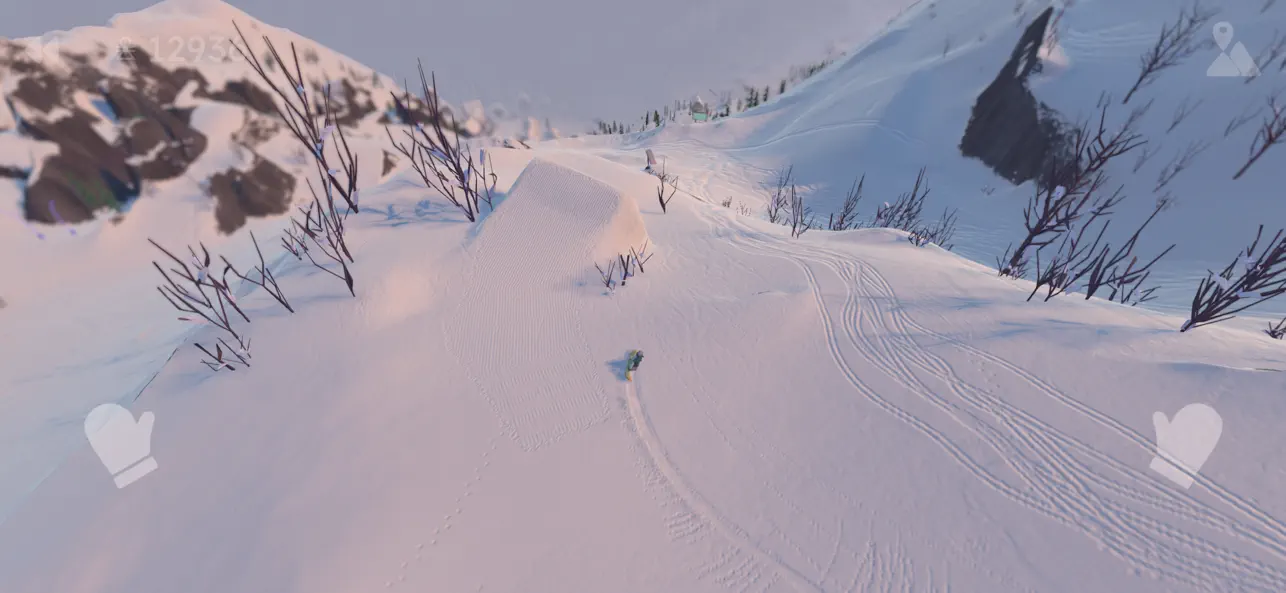
¡Coge tus esquís (o snowboard) y disfruta de un día en la montaña! Compite en desafíos, prueba actividades emocionantes como parapente, tirolesa y esquí de velocidad, o crea tu propio camino montaña abajo. ¡La elección es tuya en esta aventura de mundo abierto!
ENORMES ESTACIONES DE ESQUÍ DE MUNDO ABIERTO
Explora enormes estaciones de esquí con pistas concurridas, bosques profundos, acantilados escarpados, zonas rurales vírgenes y animado Après Skis. Sube a los remontes, explora las pistas o sal de las pistas para descubrir lugares secretos. Las montañas no son lineales, lo que te da la libertad de explorar cualquier lugar.
CIENTOS DE DESAFÍOS
Pon a prueba tus habilidades en una amplia gama de desafíos como slalom, big air, estilo de pista, carreras cuesta abajo y saltos de esquí. Los desafíos son fáciles de aprender pero difíciles de dominar, con una dificultad extrema de doble diamante para los más atrevidos.
ACTIVIDADES Y MODOS ESPECIALES
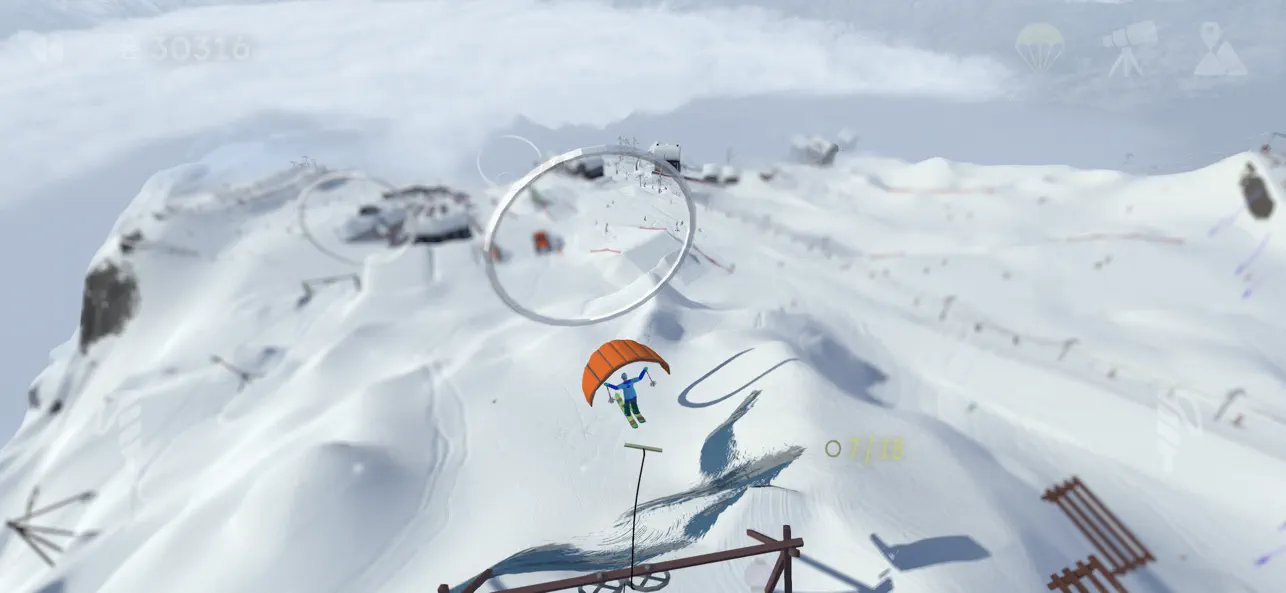
Desde parapente y tirolesa hasta longboard y esquí de velocidad, la montaña está repleta de actividades y modos únicos como plataformas en 2D y esquí de arriba hacia abajo.
EQUIPO Y ROPA
Gana equipo y ropa nuevos a medida que completas desafíos. Cada esquí y snowboard tiene un rendimiento diferente, por lo que puedes personalizar tu estilo y apariencia.
TRUCOS, COMBOS Y TRANSICIONES
Combina giros, volteretas, rodeos, agarres, cajas, rieles y transiciones para obtener combos de trucos impresionantes. Domina movimientos avanzados como presionar la nariz/cola o tocar los árboles con la punta del esquí para obtener multiplicadores épicos.
SIMULADOR DE MONTAÑA REALISTA
Experimenta pistas dinámicas llenas de esquiadores, condiciones cambiantes de la montaña y elementos realistas como viento, nevadas, ciclos de día y noche, avalanchas y rocas rodantes.
MODO ZEN
Activa el modo Zen para disfrutar de un día de polvo sin distracciones. Sin esquiadores ni desafíos que interrumpan tu viaje, puedes disfrutar de las estaciones de esquí por ti mismo.
CONTROLES INTUITIVOS
Los controles táctiles simples y únicos y la compatibilidad con el controlador de juegos garantizan una experiencia fluida e inmersiva.
**Acerca de Toppluva**
Grand Mountain Adventure 2 está creado por tres hermanos snowboarders de Suecia: Viktor, Sebastian y Alexander. Este es nuestro segundo juego de la popular serie Grand Mountain Adventure, jugado por más de 20 millones de jugadores en todo el mundo. Nosotros mismos hacemos todo en el juego y nuestro objetivo es hacer que esta secuela sea más grande, mejor, más fuerte, más divertida, más mágica y más para los fanáticos de los deportes de invierno como nosotros.
- iPhone o iPad con o sin Jailbreak.
- Sideloadly u otras alternativas.
- Ordenador con Windows/macOS/Linux e iTunes instalado.
PASO 1: Descargue el archivo .IPA pre-modificado desde el enlace de arriba a su ordenador. Para descargarlo desde la iOSGods App, consulte nuestro Tutorial de descarga del IPA desde la iOSGods App, que incluye un ejemplo en vídeo.
PASO 2: Descargue Sideloadly e instálelo en su Windows o Mac.
PASO 3: Abra Sideloadly en su ordenador, conecte su dispositivo iOS y espere hasta que el nombre del dispositivo aparezca en Sideloadly.
PASO 4: Una vez que su iDevice sea reconocido, arrastre el archivo .IPA modificado que descargó y suéltelo en la aplicación Sideloadly.
PASO 5: Introduzca el correo electrónico de su Apple Account y, a continuación, pulse «Start». Le pedirá que introduzca su contraseña. Proporcione la información solicitada.
PASO 6: Espere a que Sideloadly termine de hacer sideload/instalar el IPA modificado. Si surgen problemas durante la instalación, por favor lea la nota a continuación.
PASO 7: Una vez completada la instalación y al ver la app en la pantalla de inicio, deberá ir a Ajustes → General → Perfiles / VPN y Gestión de Dispositivos. Una vez allí, toque el correo electrónico que introdujo en el paso 6 y, después, toque en «Confiar en [email protected]».
PASO 8: Ahora vaya a la pantalla de inicio y abra la app recién instalada; todo debería funcionar correctamente. Es posible que tenga que seguir instrucciones adicionales específicas de cada app dentro del popup del hack en el juego.
NOTA: En iOS/iPadOS 16 y posteriores, debe activar el Modo Desarrollador. Para cuentas gratuitas de Apple Developer, deberá repetir este proceso cada 7 días. Si tiene alguna pregunta o problema, lea nuestra sección de Preguntas Frecuentes de Sideloadly del tema.





![[Seven Deadly Sins] 七つの大罪 光と闇の交戦 : グラクロ iOS Mod IPA](https://is1-ssl.mzstatic.com/image/thumb/Purple211/v4/91/9f/fe/919ffe5c-78e4-1cf1-94b4-d389eb3a9bc9/AppIcon-1x_U007emarketing-0-8-0-85-220-0.png/100x100bb.jpg)