ログインが必要
iOSGodsアカウントでサインインして続けてください。
iOSGodsアカウントでサインインして続けてください。
このGrand Mountain Adventure 2 Mod IPAハックで、アプリ内購入をすべてすぐにアンロックでき、プレミアムギアとコンテンツにリアルマネーを使わずにアクセスできます。このモッド版はペイウォールを削除しているため、広大なオープンワールドの山々を探索し、スロープを滑り、非線形リゾート全体で極限のスキーとスノーボードチャレンジをマスターするのに中断なく集中できます。
- 無料iAP(購入時にキャンセルを押す)-- まずiOSGodsメニュー内のチート機能をオンにしてください → すべてのアプリ内購入を無料でアンロック
このアプリにはiGameGodも搭載されており、繰り返し作業を自動化するAuto Touch、ゲーム速度を調整できるApp Speed Manager、Memory Engineによる値の編集など、強力なiOSゲーム用ツールをご利用いただけます。
Grand Mountain Adventure 2 iOS Mod IPAを上のリンクからダウンロードします。インストールボタンをタップし、画面の指示に従ってiPhone、iPad、Apple SiliconにこのiOSアプリハックをインストールします。
さらにヘルプが必要ですか? 詳しい回答とトラブルシューティングはiOSGodsアプリ よくある質問をご覧ください。
Uma aventura de esqui e snowboard em mundo aberto
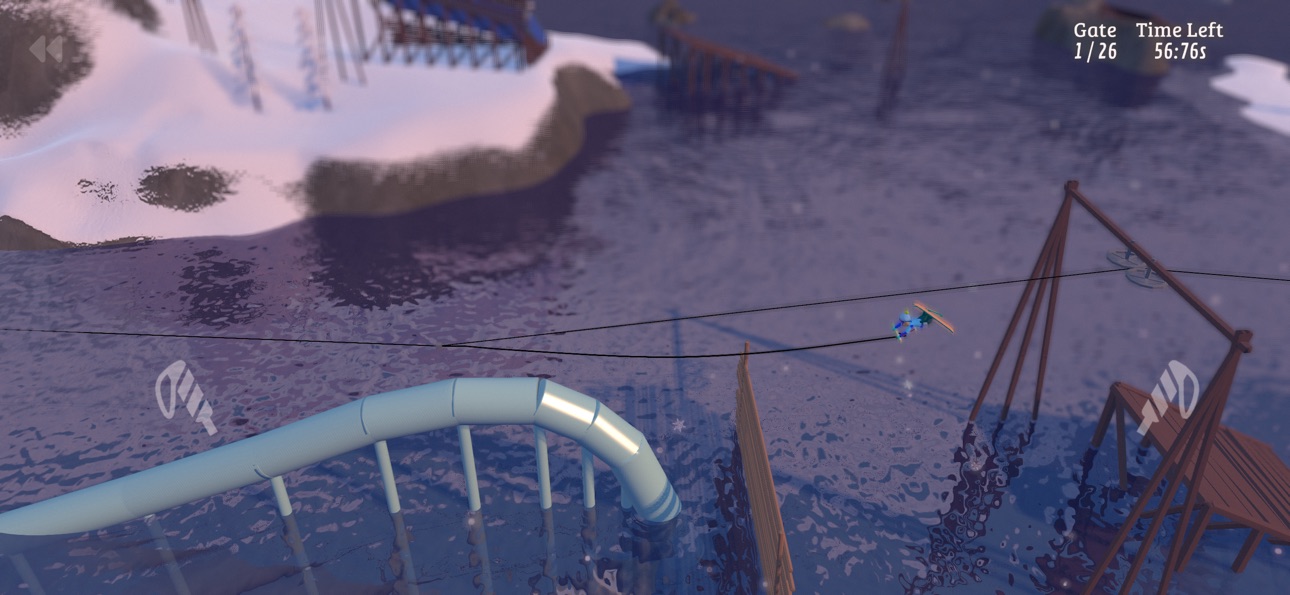
Pegue seus esquis (ou snowboard) e aproveite um dia nas montanhas! Compita em desafios, experimente atividades emocionantes como parapente, tirolesa e esqui de velocidade, ou abra seu próprio caminho montanha abaixo. A escolha é sua nesta aventura de mundo aberto!
ENORMES ESTAÇÕES DE ESQUI EM MUNDO ABERTO
Explore enormes resorts de esqui com encostas movimentadas, florestas profundas, penhascos íngremes, sertões intocados e animados Après Skis. Ande nos teleféricos, explore as pistas ou saia das pistas para descobrir pontos secretos. As montanhas não são lineares, dando a você a liberdade de explorar qualquer lugar.
CENTENAS DE DESAFIOS
Teste suas habilidades em uma ampla gama de desafios, como slalom, big air, tiltstyle, corrida em declive e saltos de esqui. Os desafios são fáceis de aprender, mas difíceis de dominar, com uma dificuldade extrema de diamante duplo para os ousados.
ATIVIDADES E MODOS ESPECIAIS
De parapente e tirolesa a longboard e esqui de velocidade, a montanha está repleta de atividades e modos exclusivos, como plataformas 2D e esqui de cima para baixo.
EQUIPAMENTOS E ROUPAS
Ganhe novos equipamentos e roupas ao completar desafios. Cada esqui e snowboard tem um desempenho diferente, para que você possa personalizar seu estilo e aparência.
TRUQUES, COMBOS E TRANSIÇÕES
Combine rodadas, flips, rodeios, garras, caixas, trilhos e transições para combos de truques impressionantes. Domine movimentos avançados como prensas de nariz/cauda ou toque em árvores com sua ponta de esqui para multiplicadores épicos.
SIMULADOR DE MONTANHA REALISTA
Experimente pistas dinâmicas cheias de esquiadores, mudando as condições das montanhas e elementos realistas como vento, neve, ciclos dia-noite, avalanches e rochas rolantes.
MODO ZEN
Ative o Modo Zen para desfrutar de um dia de pó sem distrações. Sem esquiadores ou desafios para interromper seu passeio, você pode aproveitar as estações de esqui por si mesmo.
CONTROLES INTUITIVOS
Controles de toque simples e exclusivos e suporte a controlador de jogo garantem uma experiência suave e imersiva.
**Sobre a Toppluva**
Grand Mountain Adventure 2 é feito por três irmãos snowboarders da Suécia: Viktor, Sebastian e Alexander. Este é o nosso segundo jogo da popular série Grand Mountain Adventure, jogada por mais de 20 milhões de jogadores em todo o mundo. Nós mesmos fazemos tudo no jogo e nosso objetivo é tornar esta sequência maior, melhor, mais forte, mais divertida, mais mágica e mais tudo para fãs de esportes de inverno como nós.
スクリーンショット © 各権利者 · App Store


iOSGods は Apple Inc.、Google LLC、および掲載アプリの開発者と提携しておらず、承認や協賛も受けていません。Apple、iOS、App Store は Apple Inc. の商標です。Android および Google Play は Google LLC の商標です。その他のアプリ名、アイコン、画像、商標はすべて各権利者に帰属します。

- 脱獄/Jailed済みまたは脱獄済みのiPhoneまたはiPad。
- Sideloadlyまたは代替手段。
- iTunesがインストールされているWindows/macOS/Linuxを実行しているコンピュータ。
ステップ1: 上のリンクから事前にハックされた.IPAファイルをコンピュータにダウンロードします。iOSGodsアプリからダウンロードする方法は、ビデオ例付きのiOSGodsアプリIPAダウンロードチュートリアルをご覧ください。
ステップ2: SideloadlyをダウンロードしてWindowsまたはMacにインストールします。
ステップ3: コンピュータでSideloadlyを開き、iOSデバイスを接続して、デバイス名がSideloadlyに表示されるまで待ちます。
ステップ4: iDeviceが認識されたら、ダウンロードしたModされた.IPAファイルをSideloadlyアプリにドラッグ&ドロップします。
ステップ5: Apple Accountのメールアドレスを入力し、「Start」を押します。次にパスワードの入力を求められます。必要な情報を入力してください。
ステップ6: Sideloadlyがハックされたipaのサイドロード/インストールを完了するのを待ちます。インストール中に問題が発生した場合は、以下の注意事項をお読みください。
ステップ7: インストールが完了し、ホーム画面にアプリが表示されたら、設定 → 一般 → プロファイル / VPNとデバイス管理に移動する必要があります。そこで、ステップ6で入力したメールをタップし、「Trust [email protected]」をタップします。
ステップ8: ホーム画面に戻り、新しくインストールされたアプリを開けば、すべて正常に動作するはずです。ゲーム内のハックのポップアップで、アプリごとの追加指示に従う必要がある場合があります。
注意: iOS/iPadOS 16以降では、デベロッパモードを有効にするが必要です。無料のApple Developerアカウントの場合、このプロセスを7日ごとに繰り返す必要があります。質問や問題がある場合は、トピックのSideloadly FAQセクションをお読みください。
Game Name iOS Mod IPA is an action adventure game enhanced with powerful gameplay boosts and quality-of-life improvements. Win battles faster, earn rewards quicker, and enjoy uninterrupted play without ads.
- Unlimited Gold - spend freely to unlock premium content
- Damage Multiplier - deal significantly more damage in combat
- Defense Multiplier - take less damage and survive longer
- Reward Multiplier - earn more loot from every battle
- Max Level - instantly reach the highest player rank
- No Ads - play without interruptions or advertisements
This app also comes with iGameGod, giving you access to Auto Touch to automate repetitive tasks, App Speed Manager for adjustable gameplay speed, Memory Engine value editing, and more powerful iOS game tools.
Game Name Mod IPAを上のリンクからダウンロードします。インストールボタンをタップし、画面の指示に従ってiPhone、iPad、Apple SiliconにこのiOSアプリハックをインストールします。
さらにヘルプが必要ですか 詳しい回答とトラブルシューティングはiOSGodsアプリ よくある質問をご覧ください。
----------------------------------------------------------
--------------------------------------------------







![[Seven Deadly Sins] 七つの大罪 光と闇の交戦 : グラクロ iOS Mod IPA](https://is1-ssl.mzstatic.com/image/thumb/Purple211/v4/c1/0c/13/c10c13c6-a86b-682c-e39d-636365caf3de/AppIcon-1x_U007emarketing-0-8-0-85-220-0.png/100x100bb.jpg)


