تسجيل الدخول مطلوب
سجّل الدخول بحساب iOSGods للمتابعة.
سجّل الدخول بحساب iOSGods للمتابعة.

رمِ النرد وانزل بالضبط حيث تريد في Quantum Wars Hack، لعبة استراتيجية معدلة على iOS تضع السيطرة الكاملة على حركة لوحتك في يديك. يتيح لك هذا التعديل اختيار مساحة الهبوط بحرية، مما يحول كل دور إلى نصر محسوب. مثالي للاعبين الذين يريدون إتقان ساحة المعركة الرقمية دون ترك الاستراتيجية للصدفة.
- محدد رمية النرد (قم بتشغيله فقط أثناء دورك - سيتجمد المباراة عند دور الخصم وستضطر إلى إغلاق/فتح اللعبة) → لن يتغير النرد لكنك ستهبط على أي مساحة تريدها
يأتي هذا التطبيق أيضًا مع iGameGod، مما يتيح لك الوصول إلى Auto Touch لأتمتة المهام المتكررة، وApp Speed Manager لضبط سرعة اللعب، وتعديل القيم عبر Memory Engine، والمزيد من أدوات ألعاب iOS القوية.
قم بتنزيل Quantum Wars Hack modded IPA من الروابط أعلاه. اضغط على زر التثبيت واتبع التعليمات لتثبيت هذا التعديل لـ iOS على iPhone أو iPad أو Apple Silicon.
هل تحتاج إلى مزيد من المساعدة؟ راجع الأسئلة الشائعة لتطبيق iOSGods للحصول على إجابات مفصلة ونصائح لاستكشاف الأخطاء.
Step into Quantum Wars!
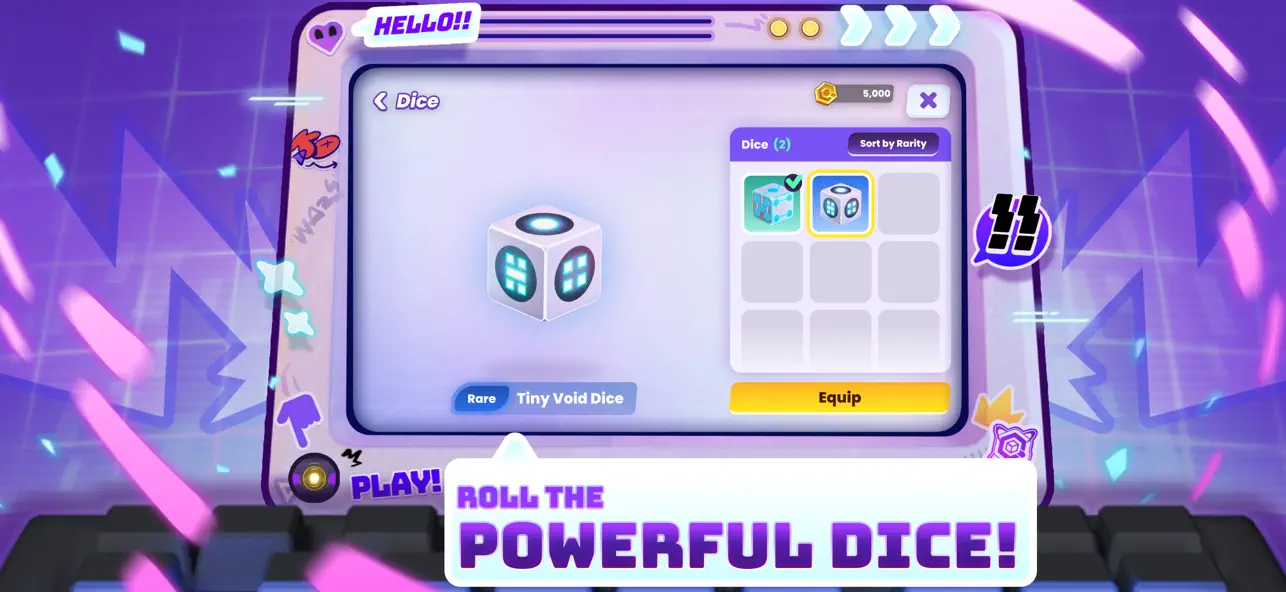
Roll the dice, make your move, and build your strategy deck to battle players worldwide in this ultimate high tech virtual war! Take on the role of a genius "Data Hunter," unlock the power of the Quantum Key, and prove your skills in a digital battlefield where every decision means victory!
Quantum Wars is the perfect blend of accessible casual fun and deep turn based strategic planning. Whether you want a relaxing match with friends or an intense climb up the ranks in Competitive mode, your adventure starts here!
Highlights you shouldn't miss:
● Casual fun in a thrilling board game: Experience a fresh take on the dice game genre! Travel through an unpredictable data network, collect "Pennies," and have fun with adorable Chibi characters like Bulbbolt or the novice, Rootkit.
● Craft your battle strategy with Skill Cards: Use the dice to predict the future and your skill card deck as your ultimate command! Build powerful combos with countless cards and Gear. Upgrade your character's level to unlock item slots and adapt your strategy to survive every turn.
● Real time Multiplayer PVP Arena: Outsmart Data Hunters worldwide! Steal resources and counter-attack with precision in the virtual world. The more you play, the more challenging it gets the more you win, the more rewarding it feels!
● Rise to the top in Competitive Mode: Prove you are the true master of the Quantum Dimension! Climb the leaderboard in competitive mode, designed for players seeking fame and wanting to prove their skills to the world.
● Dynamic Bosses and Events on the board: Face off against Guardian Bots and villainous bosses like VC-DII, who will alter the board with Hex blocks in real-time! Challenge your decryption skills with Set Zero and survive digital obstacles.
Are you ready, Data Hunter? The Quantum energy source awaits you!
Download Quantum Wars today and journey to the peak of the Quantum Dimension!
Join our community:
https://adisoft.co/games/quantum-wars
Fun games from Adisoft:
If you like Quantum Wars, don't forget to try out Monster Campfire and Duriano, high quality games from the same development team!
PLEASE NOTE
●Quantum Wars is free to download and play.
●There is an in-app purchase system (Gems/Pennies) using real money.
● A network connection is required to play the multiplayer mode.
- iPhone أو iPad بجيلبريك أو بدون جيلبريك.
- Sideloadly أو بدائلها.
- كمبيوتر يعمل بنظام Windows/macOS/Linux مع تثبيت iTunes.
الخطوة 1: قم بتنزيل ملف .IPA المعدّل مسبقًا من الرابط أعلاه إلى الكمبيوتر الخاص بك. للتنزيل من تطبيق iOSGods App، اطلع على دليل تنزيل IPA من تطبيق iOSGods App الذي يتضمن مثالًا بالفيديو.
الخطوة 2: قم بتنزيل Sideloadly وتثبيته على جهاز Windows أو Mac.
الخطوة 3: افتح Sideloadly على الكمبيوتر، ووصّل جهاز iOS الخاص بك، وانتظر حتى يظهر اسم جهازك داخل Sideloadly.
الخطوة 4: بمجرد التعرّف على جهاز iDevice الخاص بك، اسحب ملف .IPA المعدّل الذي قمت بتنزيله وأفلِته داخل تطبيق Sideloadly.
الخطوة 5: أدخل البريد الإلكتروني لحساب Apple Account الخاص بك، ثم اضغط على «Start». سيُطلب منك بعد ذلك إدخال كلمة المرور. تابع وأدخل المعلومات المطلوبة.
الخطوة 6: انتظر حتى ينتهي Sideloadly من تحميل/تثبيت ملف IPA المعدّل. في حال واجهت أي مشاكل أثناء التثبيت، يرجى قراءة الملاحظة أدناه.
الخطوة 7: بعد اكتمال التثبيت ورؤية التطبيق على الشاشة الرئيسية، انتقل إلى Settings → General → Profiles / VPN & Device Management. ثم اضغط على البريد الإلكتروني الذي أدخلته في الخطوة 6، ثم اضغط على «الوثوق بـ [email protected]».
الخطوة 8: الآن انتقل إلى الشاشة الرئيسية وافتح التطبيق الذي تم تثبيته للتو وسيعمل كل شيء بشكل صحيح. قد تحتاج إلى اتباع تعليمات إضافية خاصة بكل تطبيق داخل النافذة المنبثقة للتعديل أثناء اللعب.
ملاحظة: بدءًا من iOS/iPadOS 16 وما بعده، يجب تفعيل وضع المطور (Developer Mode). بالنسبة لحسابات Apple Developer المجانية، ستحتاج إلى تكرار هذه العملية كل 7 أيام. إذا كانت لديك أي أسئلة أو مشاكل، يرجى قراءة قسم الأسئلة الشائعة حول Sideloadly في الموضوع.