Login Diperlukan
Masuk dengan akun iOSGods kamu untuk melanjutkan.
Masuk dengan akun iOSGods kamu untuk melanjutkan.
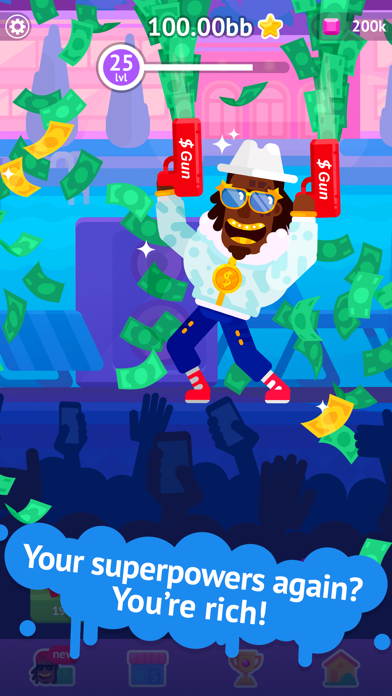
Ketuk jalan Anda menuju bintang di Partymasters - Fun Idle Game Hack, di mana Anda membangun mansion pesta ultimate sambil mengumpulkan koin dan permata tanpa batas. Versi iOS yang dimodifikasi ini menghilangkan grind dan iklan, memungkinkan Anda fokus pada kesenangan murni mengadakan pesta legendaris dengan Lol Vein dan 40+ karakter liar.
Dengan sumber daya tak terbatas yang dibuka dari awal, Anda akan melewati waktu tunggu biasa dan paywall berlangganan, langsung terjun ke peningkatan mansion, membuka penari, dan mendapatkan prestise untuk mengadakan pesta terbaik di kota.
- Koin Tak Terbatas → belanjakan bebas untuk upgrade dan booster
- Permata Tak Terbatas → buka konten premium tanpa batas
- Tanpa Iklan → gameplay tanpa gangguan
- ViP → akses semua keuntungan keanggotaan premium
Aplikasi ini juga dilengkapi dengan iGameGod, yang memberi Anda akses ke Auto Touch untuk mengotomatiskan tugas berulang, App Speed Manager untuk mengatur kecepatan permainan, pengeditan nilai Memory Engine, dan alat permainan iOS lainnya yang lebih canggih.
Unduh Partymasters - Fun Idle Game Hack modded IPA dari tautan di atas. Ketuk tombol pasang dan ikuti petunjuk di layar untuk memasang hack iOS ini di iPhone, iPad, atau Apple Silicon.
Butuh bantuan lebih lanjut? Lihat Pertanyaan yang Sering Diajukan untuk Aplikasi iOSGods kami untuk jawaban dan tips lengkap.
Do u wanna be the new R’n’B star? TAP-TAPOLICIOUS game starring the famous Lol Vein from Bowmasters.
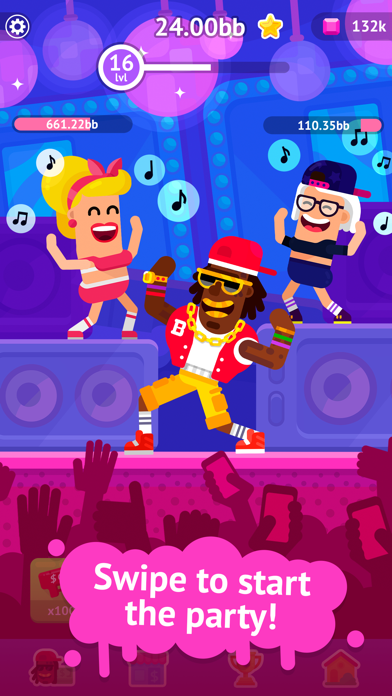
Enjoy awesome dancers, cool money boosters, real hype, and all of your fans partying with you!
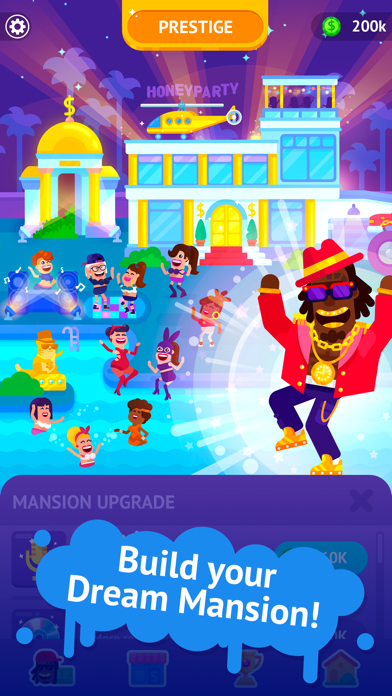
Build the best PARTY MANSION in da hood! Follow the star way of Lol Vein, tap-tap, and PARTY-UP!
* 40+ awesome characters
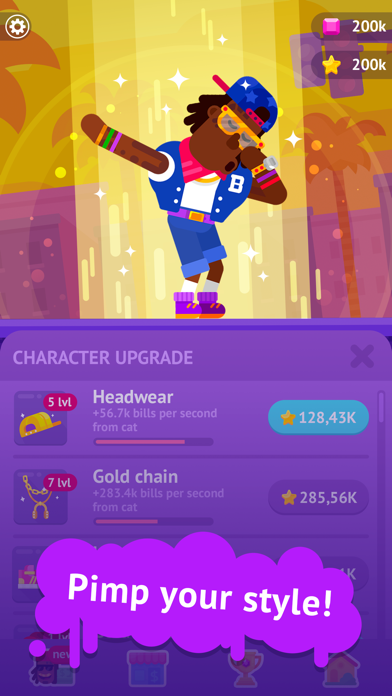
* super-duper boosters to make THE SHOW
* earn PRESTIGE to throw dope parties at your mansion.
We Love You! Enjoy!
SUBSCRIPTION PRICING AND TERMS
Subscription options
In our game we have the following subscription length:
1. Weekly Diamond Membership for $7.99 offers a weekly subscription after a 3-day free trial, unlocks 1 Unique Cat Lil Meow (it's double auto tap damage), doubles prestige, and removes all ads. The subscription also provides Reputation (depending on the level) and 100 Gems on a daily basis.
2. Monthly Diamond Membership for $19.99 offers a monthly subscription, unlocks 1 Unique Cat Lil Meow (it's double auto tap damage), doubles prestige, and removes all ads. The subscription also provides Reputation (depending on the level) and 100 Gems on a daily basis.
3. Yearly Diamond Membership for $99.99 offers a yearly subscription, unlocks 1 Unique Cat Lil Meow (it's double auto tap damage), doubles prestige, and removes all ads. The subscription also provides Reputation (depending on the level) and 100 Gems on a daily basis.
End of trial and subscription renewal
This price is for United States customers. Pricing in other countries may vary, and actual charges may be converted to your local currency depending on the country of residence.
Your subscription will be charged to your iTunes Account at confirmation of purchase.
Subscription automatically renews unless auto-renew is turned off at least 24-hours before the end of the current period.
Account will be charged for renewal within 24-hours prior to the end of the current period, and identify the cost of the renewal.
Subscriptions may be managed by the user and auto-renewal may be turned off by going to the user’s Account Settings after purchase.
Any unused portion of a free trial period, if offered, will be forfeited when the user purchases a subscription to that publication, where applicable.
Canceling trial or subscription
You can turn off the auto-renew for the subscription whenever you want to through iTunes. Check https://support.apple.com/HT202039. When your current trial/subscription period expires, you will be unsubscribed. The current active subscription period can not be canceled. After your subscription expires, you will no longer be able to use sticker packs marked as Premium.
Privacy Policy: https://aigames.ae/policy
Terms of Use: https://aigames.ae/policy#terms
- iPhone atau iPad tanpa Jailbreak atau dengan Jailbreak.
- Sideloadly atau alternatifnya.
- Komputer dengan Windows/macOS/Linux dan iTunes terpasang.
LANGKAH 1: Unduh file .IPA yang sudah di-hack dari tautan di atas ke komputer Anda. Untuk mengunduhnya dari iOSGods App, silakan lihat Tutorial Mengunduh IPA dari iOSGods App kami yang dilengkapi contoh video.
LANGKAH 2: Unduh Sideloadly dan pasang di Windows atau Mac Anda.
LANGKAH 3: Buka Sideloadly di komputer Anda, sambungkan perangkat iOS Anda, dan tunggu hingga nama perangkat Anda muncul di Sideloadly.
LANGKAH 4: Setelah iDevice Anda terdeteksi, seret file .IPA yang sudah dimodifikasi dan lepaskan ke dalam aplikasi Sideloadly.
LANGKAH 5: Masukkan email Apple Account Anda, lalu tekan "Start". Anda kemudian akan diminta memasukkan kata sandi. Silakan isi informasi yang diminta.
LANGKAH 6: Tunggu hingga Sideloadly selesai melakukan sideloading/pemasangan IPA yang di-hack. Jika terjadi masalah saat pemasangan, silakan baca catatan di bawah ini.
LANGKAH 7: Setelah pemasangan selesai dan Anda melihat aplikasi di Layar Beranda, Anda perlu masuk ke Pengaturan → Umum → Profil / VPN & Manajemen Perangkat. Setelah itu, ketuk email yang Anda masukkan pada langkah 6, lalu ketuk "Percayai [email protected]".
LANGKAH 8: Sekarang buka Layar Beranda dan jalankan aplikasi yang baru saja dipasang; semuanya seharusnya berjalan normal. Anda mungkin perlu mengikuti petunjuk tambahan per aplikasi yang muncul di popup hack di dalam game.
CATATAN: Pada iOS/iPadOS 16 dan yang lebih baru, Anda harus mengaktifkan Mode Pengembang. Untuk akun Apple Developer gratis, Anda perlu mengulangi proses ini setiap 7 hari. Jika Anda memiliki pertanyaan atau masalah, silakan baca bagian FAQ Sideloadly di topik tersebut kami.



![[Puzzle & Dragons JP] パズル&ドラゴンズ Hack](https://is1-ssl.mzstatic.com/image/thumb/Purple211/v4/ca/88/05/ca880549-d75e-5b3d-321e-b111dbb2fcda/AppIcon-0-0-1x_U007emarketing-0-8-0-85-220.png/100x100bb.jpg)


