تسجيل الدخول مطلوب
سجّل الدخول بحساب iOSGods للمتابعة.
سجّل الدخول بحساب iOSGods للمتابعة.
افتح أدوات التصميم وتحرير الصور المتقدمة مع محرر Bazaart AI Photo Editor Mod IPA هذا، مما يمنحك وصولاً فورياً إلى جميع الميزات المدفوعة بدون قيود. Bazaart هو محرر قوي يعمل بالذكاء الاصطناعي لإنشاء صور منتجات احترافية ومحتوى وسائل اجتماعية وتجميعات وتصاميم مخصصة، بدون الحاجة إلى خبرة في التصميم. تزيل هذه النسخة المعدلة الحواجز المالية حتى تتمكن من الحصول على التحكم الإبداعي الكامل عبر تحرير الفيديو والتحسين بالذكاء الاصطناعي وقوالب التصميم.
- الميزات المتقدمة مفتوحة → الوصول إلى جميع الميزات والأدوات المدفوعة
قم بتنزيل Bazaart AI Photo Editor Design iOS Mod IPA من الروابط أعلاه. اضغط على زر التثبيت واتبع التعليمات لتثبيت هذا التعديل لـ iOS على iPhone أو iPad أو Apple Silicon.
هل تحتاج إلى مزيد من المساعدة؟ راجع الأسئلة الشائعة لتطبيق iOSGods للحصول على إجابات مفصلة ونصائح لاستكشاف الأخطاء.
Bazaart is an easy-to-use AI photo editor, video editor, and design app. No design background needed. Create fast for online selling, digital marketing, and social media. Get your design superpowers today!
What you can make
For your business:
Product photos, model shots, home listings, profile pics, logos, flyers, ads, posters.
For your social media:
Reels, TikTok videos, stories, posts, slideshows, thumbnails, stop motion videos.
For your everyday life:
Collages, cards, invitations, memes, WhatsApp stickers, backgrounds, wallpapers, GIFs, works of art.
AI tools
• Edit with AI: change or replace anything in a photo with simple prompts
• Remove background: background remover for photos and videos
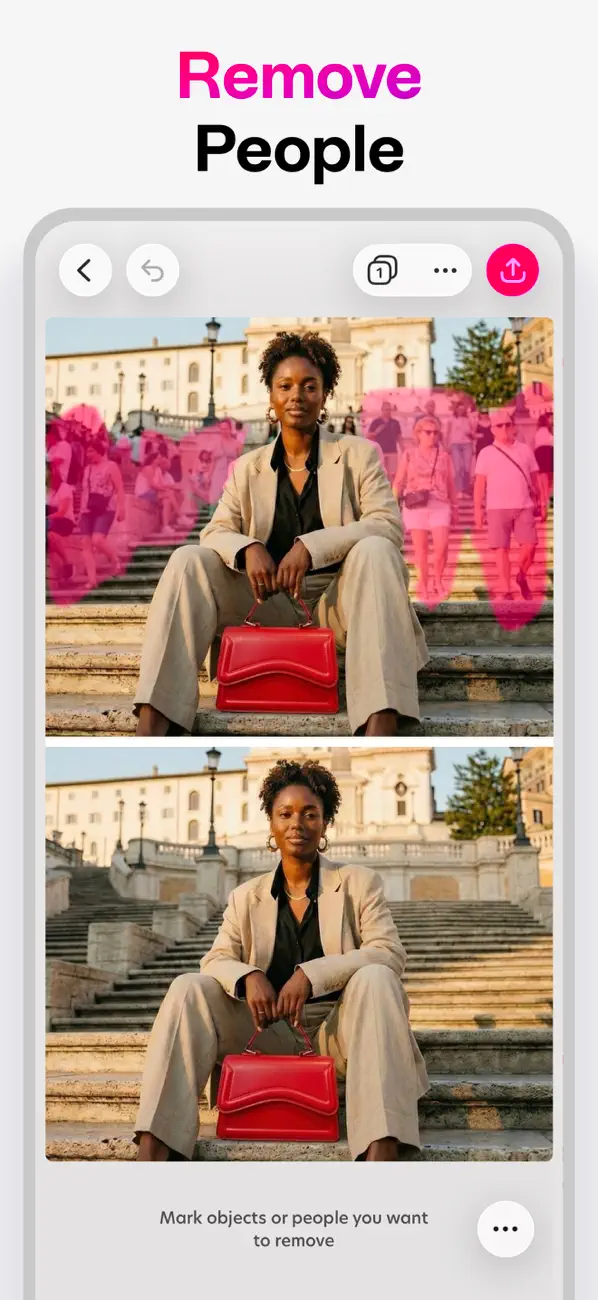
• Remove: remove objects and people from any photo
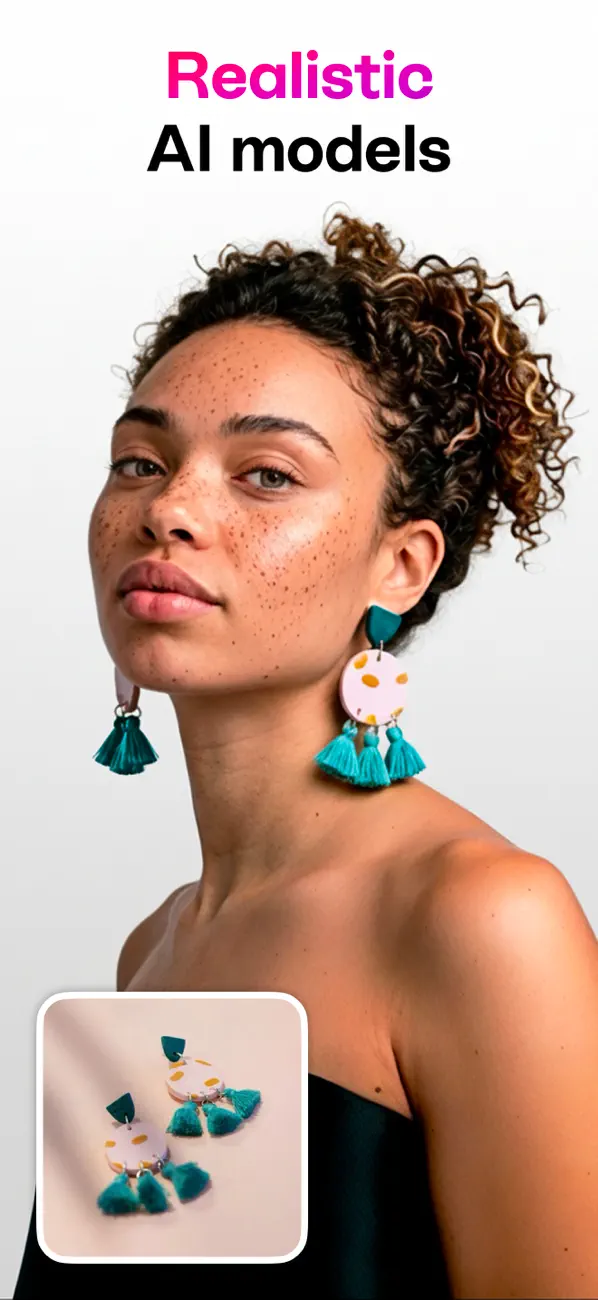
• AI models: create on-model product shots
• AI video: turn product photos into videos
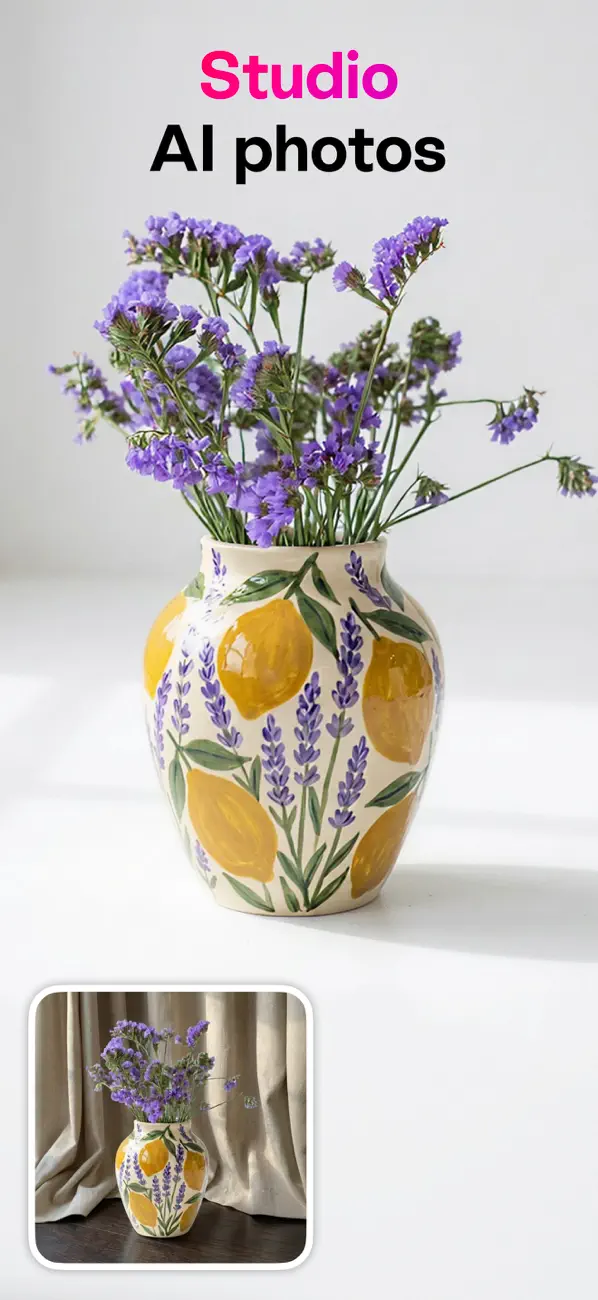
• Magic Background: create on-brand, AI-generated scenes for products and portraits
• AI Image: turn text prompts into images
• AI Restyle: restyle photos in one tap (from product try-ons to creative looks)
• Magic Edit: select an area and replace it using a prompt
• Enhance: improve photo quality in a tap
• Expand: extend your photos to any size
• Lift: cut the subject from the background, move and resize it
Photo and video editing tools
• Cut out with crop, scissors, eraser, and shape cut-out
• Adjust exposure, contrast, saturation, vibrance, warmth, tint, shadows, highlights, fade, sharpness, and blur
• Make elements stand out with outlines and shadows
• Combine photos and videos with blending modes
• Batch edit to speed through multiple photos
• Blur background of any photo for a portrait look
Design tools
• Create in custom sizes and popular presets
• Sketch and draw freely
• Curve text on arcs and circles
• Style text with quick presets
• Fine-tune text alignment, letter spacing, and line spacing
• Auto-snapping for perfect alignment
• Nudge tool for precise positioning
• Work with layers; every change is reversible
• Organize projects into folders
• Save projects to the cloud to keep them in sync
Content that speeds you up
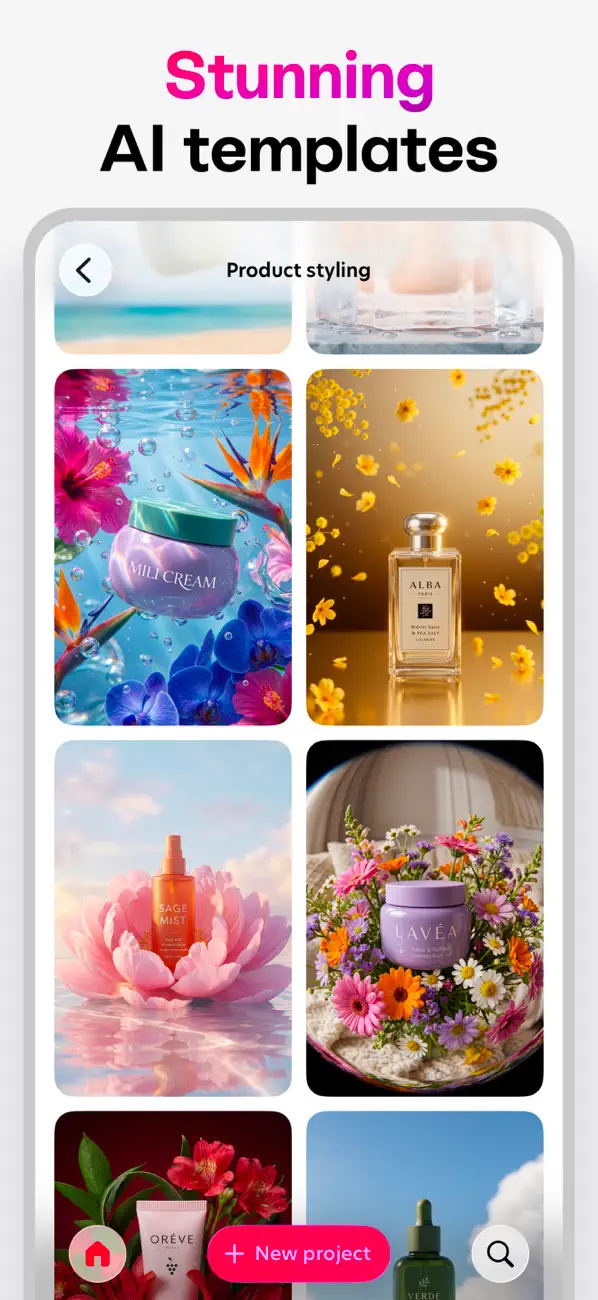
• Beautiful templates made by designers
• Thousands of backgrounds, graphics, shapes, and animated graphics
• Photo and video effects
• Large font library, plus add your own
• Use photos and videos from albums, camera, files, or stock
Export and share
• Save images as JPG or PNG with transparency
• Save videos or animated GIFs
• Save as PDF
• Share anywhere
Upgrade your design experience
Bazaart Premium
Unlock AI tools and content, higher AI usage, save without watermark, VIP support.
Bazaart Super (perfect for small businesses)
Everything in Premium, 4x more AI usage, unlock AI video.
Terms of Service: https://www.bazaart.com/terms
Privacy Policy: https://www.bazaart.com/terms/#privacy
Need help? Email [email protected] and we’ll get back to you quickly.
BAZAART is a registered trademark of Bazaart Ltd.

- iPhone أو iPad بجيلبريك أو بدون جيلبريك.
- Sideloadly أو بدائلها.
- كمبيوتر يعمل بنظام Windows/macOS/Linux مع تثبيت iTunes.
الخطوة 1: قم بتنزيل ملف .IPA المعدّل مسبقًا من الرابط أعلاه إلى الكمبيوتر الخاص بك. للتنزيل من تطبيق iOSGods App، اطلع على دليل تنزيل IPA من تطبيق iOSGods App الذي يتضمن مثالًا بالفيديو.
الخطوة 2: قم بتنزيل Sideloadly وتثبيته على جهاز Windows أو Mac.
الخطوة 3: افتح Sideloadly على الكمبيوتر، ووصّل جهاز iOS الخاص بك، وانتظر حتى يظهر اسم جهازك داخل Sideloadly.
الخطوة 4: بمجرد التعرّف على جهاز iDevice الخاص بك، اسحب ملف .IPA المعدّل الذي قمت بتنزيله وأفلِته داخل تطبيق Sideloadly.
الخطوة 5: أدخل البريد الإلكتروني لحساب Apple Account الخاص بك، ثم اضغط على «Start». سيُطلب منك بعد ذلك إدخال كلمة المرور. تابع وأدخل المعلومات المطلوبة.
الخطوة 6: انتظر حتى ينتهي Sideloadly من تحميل/تثبيت ملف IPA المعدّل. في حال واجهت أي مشاكل أثناء التثبيت، يرجى قراءة الملاحظة أدناه.
الخطوة 7: بعد اكتمال التثبيت ورؤية التطبيق على الشاشة الرئيسية، انتقل إلى Settings → General → Profiles / VPN & Device Management. ثم اضغط على البريد الإلكتروني الذي أدخلته في الخطوة 6، ثم اضغط على «الوثوق بـ [email protected]».
الخطوة 8: الآن انتقل إلى الشاشة الرئيسية وافتح التطبيق الذي تم تثبيته للتو وسيعمل كل شيء بشكل صحيح. قد تحتاج إلى اتباع تعليمات إضافية خاصة بكل تطبيق داخل النافذة المنبثقة للتعديل أثناء اللعب.
ملاحظة: بدءًا من iOS/iPadOS 16 وما بعده، يجب تفعيل وضع المطور (Developer Mode). بالنسبة لحسابات Apple Developer المجانية، ستحتاج إلى تكرار هذه العملية كل 7 أيام. إذا كانت لديك أي أسئلة أو مشاكل، يرجى قراءة قسم الأسئلة الشائعة حول Sideloadly في الموضوع.