需要登入
請使用您的 iOSGods 帳戶登入以繼續。

Hack Features:
- PREMIUM
從上方連結下載 KineMaster Hack modded IPA。點選安裝按鈕並依照畫面指示在 iPhone、iPad 或 Apple Silicon 上安裝此 iOS 應用程式修改版。
需要更多協助?請查看我們的 iOSGods 應用程式常見問題 以獲得詳細解答與疑難排解。
Learn more about the latest version of KineMaster at KineMaster.com!
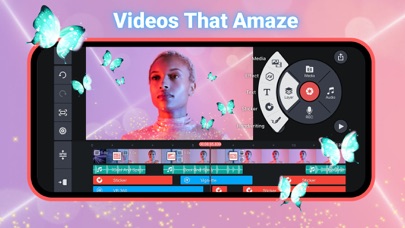
KineMaster makes video editing fun on your iPhone, iPad, or M1 computer! KineMaster makes it easy to edit videos with lots of powerful tools, downloadable assets, and much more:
• Search assets in the Asset Store (NEW!)
• Automatically apply previously used font to newly added text (NEW!)
• Take control of video speed with the SpeedRamp button (NEW!)
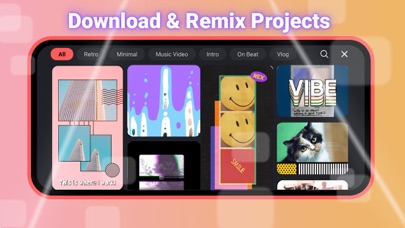
• Download and re-edit over 300 projects from the Get Projects menu
• Import and export project files
• Tools to cut, splice, and crop your videos
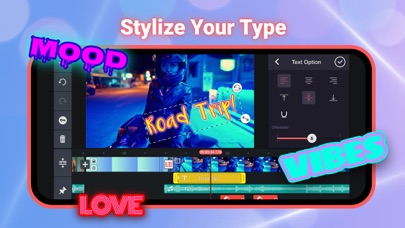
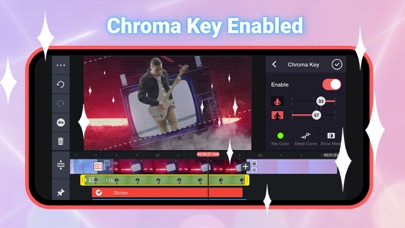
• Combine and edit videos, images, stickers, special effects, text, and more
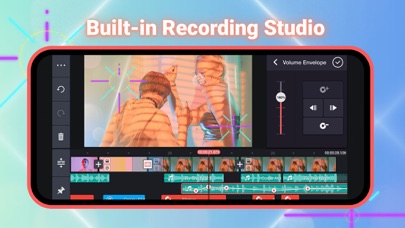
• Add music, voiceovers, sound effects, and voice changers
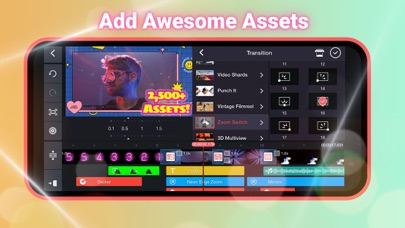
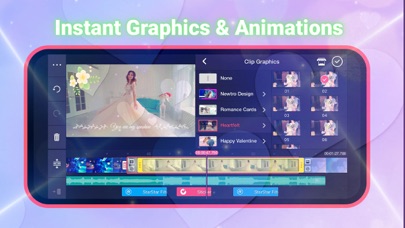
• More than 2,500 downloadable transitions, effects, videos & images, stickers, fonts, and animations from the KineMaster Asset Store
• Create amazing visual effects by reversing, speeding up, adding slow-mo, and applying blending modes
• Use color filters and color adjustments to make your video stand out
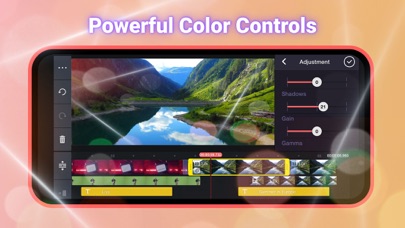
• Color adjustment tools to correct and enhance videos and images
• EQ presets, ducking, and volume envelope tools for immersive audio
• Keyframe animation tool to add motion to layers
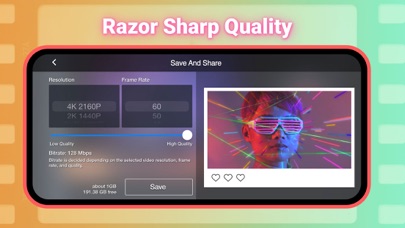
• Save your video in 4K 2160p at 30FPS
• Share on YouTube, TikTok, Facebook Feed and Stories, Instagram Feed, Reels, Stories, and more!
• Many, many more features, options, and settings!
KineMaster is completely free to use, but you can unlock even more with a KineMaster Premium subscription! A subscription removes the KineMaster watermark, offers an ad-free experience and gives you unlimited access to the entire Asset Store. Learn more by tapping the crown button on the main screen.
Find out why creators love KineMaster for YouTube, TikTok, and Instagram and why journalists, educators, marketers, and vloggers use it professionally! Download KineMaster to edit and share your own amazing videos!
Subscriptions to KineMaster Premium automatically renew, unless auto-renew is turned off in Account Settings at least 24 hours before the end of the current payment period.
KineMaster and KineMaster Asset Store Terms of Service: https://www.kinemaster.com/tos/ios
For more information, please tap the FAQ button on the KineMaster main screen. If you cannot find the solution you're looking for, contact KineMaster by tapping the E-mail Support button at the bottom of any FAQ article.
- 未越獄/受限或已越獄的 iPhone 或 iPad。
- Sideloadly 或替代方案。
- 執行 Windows/macOS/Linux 且已安裝 iTunes 的電腦。
步驟 1: 透過上方連結將已破解的 .IPA 檔案下載到您的電腦。若要從 iOSGods App 下載,請參閱我們的 iOSGods App IPA 下載教學,其中包含影片範例。
步驟 2: 下載 Sideloadly 並將其安裝在您的 Windows 或 Mac 上。
步驟 3: 在電腦上開啟 Sideloadly,連接您的 iOS 裝置,並等待裝置名稱出現在 Sideloadly 中。
步驟 4: 當 Sideloadly 辨識到您的 iOS 裝置後,將下載好的修改版 .IPA 檔案拖曳並放到 Sideloadly 應用程式中。
步驟 5: 輸入您的 Apple Account 電子郵件,然後按下「Start」。系統會要求您輸入密碼,請依指示提供所需資訊。
步驟 6: 等待 Sideloadly 完成已破解 IPA 的旁載/安裝。如果安裝過程中發生問題,請閱讀下方的注意事項。
步驟 7: 安裝完成並在主畫面上看到該應用程式後,您需要前往 設定 → 一般 → 描述檔 / VPN 與裝置管理。進入後,點選您在步驟 6 中輸入的電子郵件,然後點選「信任 [email protected]」。
步驟 8: 現在回到主畫面並開啟新安裝的應用程式,一切應該都能正常運作。您可能需要依照遊戲內破解彈出視窗中的進一步指示操作。
注意: 在 iOS/iPadOS 16 及更新版本上,您必須 啟用開發者模式。若使用免費的 Apple Developer 帳號,您將需要每 7 天重複此程序。如有任何疑問或問題,請閱讀我們的 主題中的 Sideloadly 常見問題區段。