Требуется вход
Войдите в учётную запись iOSGods, чтобы продолжить.
Hack Features:
- PREMIUM
Скачайте KineMaster Hack modded IPA по ссылкам выше. Нажмите кнопку установки и следуйте инструкциям, чтобы установить этот хак iOS на iPhone, iPad или Mac с Apple Silicon.
Нужна помощь? Посмотрите наши Часто задаваемые вопросы по приложению iOSGods, чтобы получить подробные ответы и советы по устранению неполадок.
Learn more about the latest version of KineMaster at KineMaster.com!
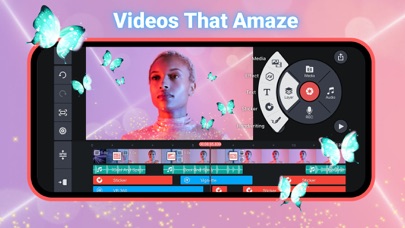
KineMaster makes video editing fun on your iPhone, iPad, or M1 computer! KineMaster makes it easy to edit videos with lots of powerful tools, downloadable assets, and much more:
• Search assets in the Asset Store (NEW!)
• Automatically apply previously used font to newly added text (NEW!)
• Take control of video speed with the SpeedRamp button (NEW!)
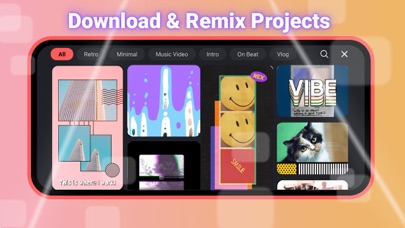
• Download and re-edit over 300 projects from the Get Projects menu
• Import and export project files
• Tools to cut, splice, and crop your videos
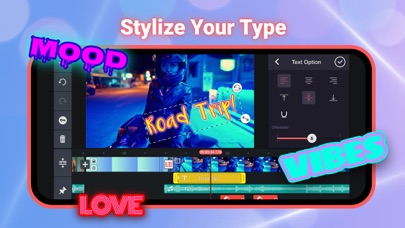
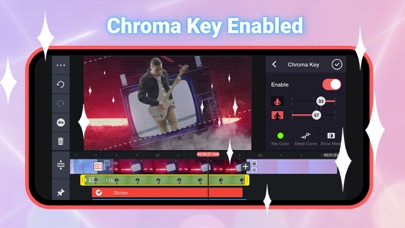
• Combine and edit videos, images, stickers, special effects, text, and more
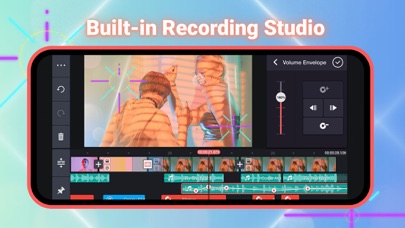
• Add music, voiceovers, sound effects, and voice changers
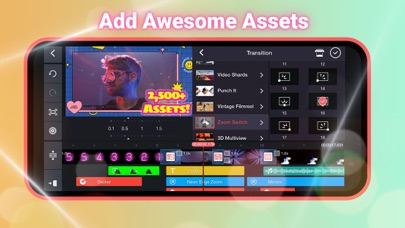
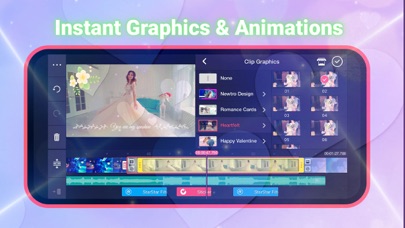
• More than 2,500 downloadable transitions, effects, videos & images, stickers, fonts, and animations from the KineMaster Asset Store
• Create amazing visual effects by reversing, speeding up, adding slow-mo, and applying blending modes
• Use color filters and color adjustments to make your video stand out
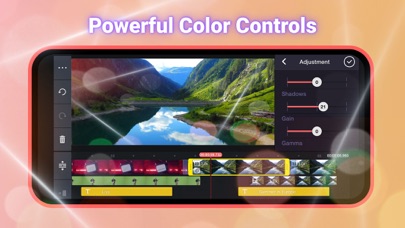
• Color adjustment tools to correct and enhance videos and images
• EQ presets, ducking, and volume envelope tools for immersive audio
• Keyframe animation tool to add motion to layers
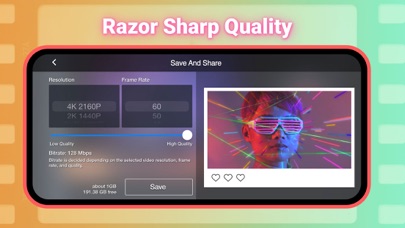
• Save your video in 4K 2160p at 30FPS
• Share on YouTube, TikTok, Facebook Feed and Stories, Instagram Feed, Reels, Stories, and more!
• Many, many more features, options, and settings!
KineMaster is completely free to use, but you can unlock even more with a KineMaster Premium subscription! A subscription removes the KineMaster watermark, offers an ad-free experience and gives you unlimited access to the entire Asset Store. Learn more by tapping the crown button on the main screen.
Find out why creators love KineMaster for YouTube, TikTok, and Instagram and why journalists, educators, marketers, and vloggers use it professionally! Download KineMaster to edit and share your own amazing videos!
Subscriptions to KineMaster Premium automatically renew, unless auto-renew is turned off in Account Settings at least 24 hours before the end of the current payment period.
KineMaster and KineMaster Asset Store Terms of Service: https://www.kinemaster.com/tos/ios
For more information, please tap the FAQ button on the KineMaster main screen. If you cannot find the solution you're looking for, contact KineMaster by tapping the E-mail Support button at the bottom of any FAQ article.
- iPhone или iPad без джейлбрейка/в обычном режиме или с джейлбрейком.
- Sideloadly или альтернативы.
- Компьютер с Windows/macOS/Linux и установленным iTunes.
ШАГ 1: Скачайте предварительно взломанный файл .IPA по ссылке выше на свой компьютер. Чтобы скачать его из приложения iOSGods, посмотрите наш Туториал по скачиванию IPA в приложении iOSGods, в котором есть видеопример.
ШАГ 2: Скачайте Sideloadly и установите его на Windows или Mac.
ШАГ 3: Откройте Sideloadly на компьютере, подключите iOS-устройство и дождитесь, пока его имя появится в Sideloadly.
ШАГ 4: Когда устройство будет распознано, перетащите скачанный модифицированный файл .IPA в окно Sideloadly.
ШАГ 5: Введите адрес электронной почты вашего Apple Account, затем нажмите «Start». После этого вас попросят ввести пароль. Укажите необходимые данные.
ШАГ 6: Дождитесь, пока Sideloadly завершит sideload/установку взломанного IPA. При возникновении проблем во время установки ознакомьтесь с примечанием ниже.
ШАГ 7: После завершения установки и появления приложения на главном экране перейдите в Настройки → Основные → Профили / VPN и управление устройством. Там нажмите на email, который вы ввели на шаге 6, а затем нажмите «Доверять [email protected]».
ШАГ 8: Теперь перейдите на главный экран и откройте установленное приложение — всё должно работать. Возможно, потребуется выполнить дополнительные инструкции в попапе мода внутри игры.
ПРИМЕЧАНИЕ: На iOS/iPadOS 16 и новее необходимо включить режим разработчика. Для бесплатных учётных записей Apple Developer этот процесс нужно повторять каждые 7 дней. Если возникнут вопросы или проблемы, ознакомьтесь с нашим разделом FAQ по Sideloadly в теме.