تسجيل الدخول مطلوب
سجّل الدخول بحساب iOSGods للمتابعة.
Hack Features:
- Unlimited coins.
- Removed Ads.
- Aim player.
- Unlocked all balls.
- Unlimited boosters.
@GeTRoZ
قم بتنزيل Balls Bounce 2 Hack modded IPA من الروابط أعلاه. اضغط على زر التثبيت واتبع التعليمات لتثبيت هذا التعديل لـ iOS على iPhone أو iPad أو Apple Silicon.
هل تحتاج إلى مزيد من المساعدة؟ راجع الأسئلة الشائعة لتطبيق iOSGods للحصول على إجابات مفصلة ونصائح لاستكشاف الأخطاء.
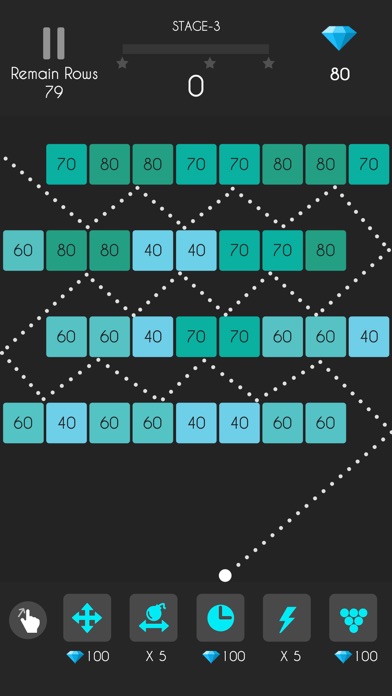
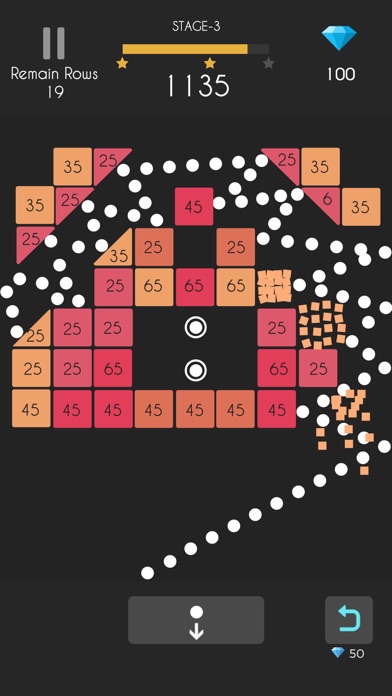
Balls Bounce 2: Bricks Challenge arrives in the App Store and brings the free-to-play arcade game enjoyment for all Balls Bounce fans.
The unique mix between brick breaker and bubble shooter games, perfect time killer to spend your leisure time.
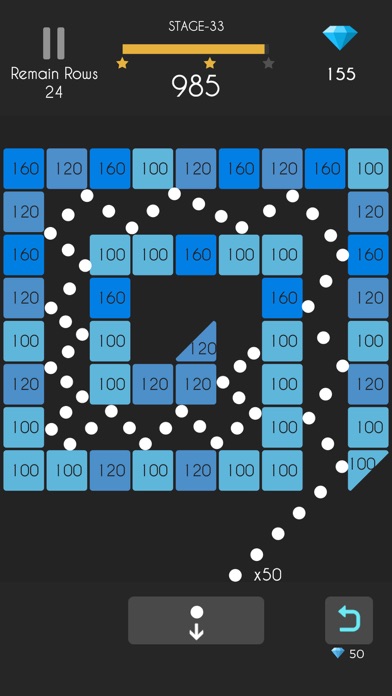
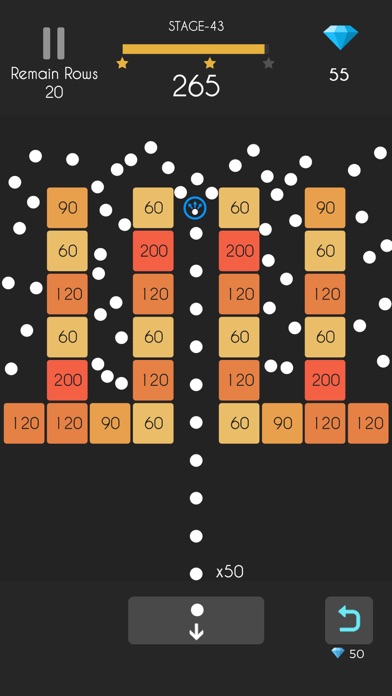
Over hundreds of challengeable levels, clear the stages by eliminating bricks on the board. This brick breaker block game is going to be a hit!
▶ HOW TO PLAY?
Swipe your finger and throw balls, break all bricks and finish all puzzle challenges. Boost your score by skills and concentration, time to challenge and shoot balls with your friends now!
▶ Balls Bounce 2 – Bricks Challenge Game Features
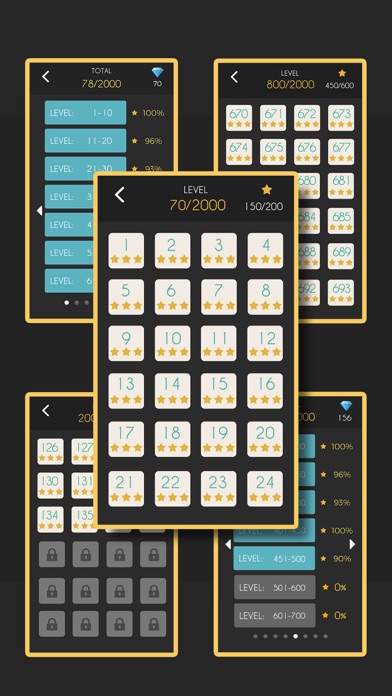
* Over 1000 challenges, can play without an internet connection
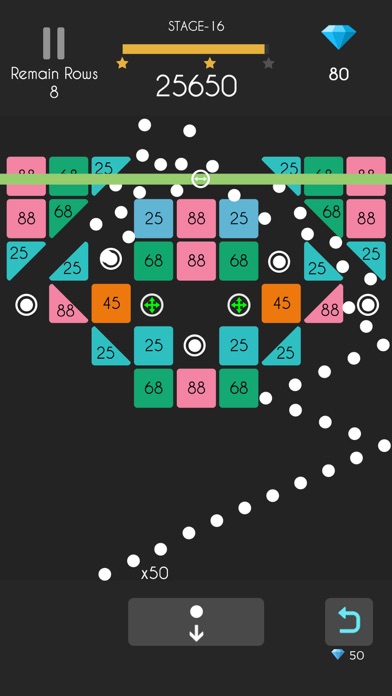
* 10 different items and numbers of special bricks
* No time limit, best casual game to kill your free time
* Coolest Super Aim! Crash all bricks precisely
* Stunning graphic: burst all bricks!
* More than 20 color ball patterns
* Free to play bouncing balls game, easy to play and free for all ages
Like the classic bubble shooter game, you need to focus on balls chain, release your balls snake and shoot balls, bounce your ball chain and brick all bricks. Balls Bounce 2 is suitable for players who love ball bricks breaker puzzle games, classic arcade games, searching for the best casual arcade game like bouncy balls, kick balls games and free block breaker games.
Download for free today, relax your brain in the addicted ball bouncy bricks game world!
▶ Subscription options
We have the following subscription periods in Balls Bounce 2:
1. Weekly VIP Membership offers a weekly subscription for $7.99 which provides 500 diamonds and 6 props per day, Super Aim and Remove Ads.
2. Monthly VIP Membership offers a weekly subscription for $19.99 which provides 500 diamonds and 6 props per day, Super Aim and Remove Ads.
3. Yearly VIP Membership offers a weekly subscription for $99.99 which provides 500 diamonds and 6 props per day, Super Aim and Remove Ads.
This price is established for United States users. Pricing in other countries may vary and actual charges may be converted to your local currency depending on the country of residence.
End of Trial and Subscription Renewal
Payment will be charged to your iTunes Account at confirmation of purchase.
Subscription automatically renews unless auto-renew is turned off at least 24-hours before the end of the current period.
The account will be charged for renewal within 24-hours prior to the end of the current period, and identify the cost of the renewal.
Subscriptions may be managed by the user and auto-renewal may be turned off by going to the user’s Account Settings after purchase.
Any unused portion of a free trial period, if offered, will be forfeited when the user purchases a subscription to that publication, where applicable.
Canceling trial or subscription
You can turn off the auto-renew for the subscription whenever you want to through iTunes. Check https://support.apple.com/HT202039. When your current trial/subscription period expires, you will be unsubscribed. The current active subscription period cannot be canceled. When your subscription expires, you will no longer be able to use elements included in Subscription option.
If you have any questions or comments, feel free to contact us at [email protected]
Privacy Policy: https://sites.google.com/view/silver-alpaca-privacy-policy
Terms of Service: https://sites.google.com/view/silveralpacatermsofservice
Terms of Subscription: https://sites.google.com/view/auto-renewable-subscription
- iPhone أو iPad بجيلبريك أو بدون جيلبريك.
- Sideloadly أو بدائلها.
- كمبيوتر يعمل بنظام Windows/macOS/Linux مع تثبيت iTunes.
الخطوة 1: قم بتنزيل ملف .IPA المعدّل مسبقًا من الرابط أعلاه إلى الكمبيوتر الخاص بك. للتنزيل من تطبيق iOSGods App، اطلع على دليل تنزيل IPA من تطبيق iOSGods App الذي يتضمن مثالًا بالفيديو.
الخطوة 2: قم بتنزيل Sideloadly وتثبيته على جهاز Windows أو Mac.
الخطوة 3: افتح Sideloadly على الكمبيوتر، ووصّل جهاز iOS الخاص بك، وانتظر حتى يظهر اسم جهازك داخل Sideloadly.
الخطوة 4: بمجرد التعرّف على جهاز iDevice الخاص بك، اسحب ملف .IPA المعدّل الذي قمت بتنزيله وأفلِته داخل تطبيق Sideloadly.
الخطوة 5: أدخل البريد الإلكتروني لحساب Apple Account الخاص بك، ثم اضغط على «Start». سيُطلب منك بعد ذلك إدخال كلمة المرور. تابع وأدخل المعلومات المطلوبة.
الخطوة 6: انتظر حتى ينتهي Sideloadly من تحميل/تثبيت ملف IPA المعدّل. في حال واجهت أي مشاكل أثناء التثبيت، يرجى قراءة الملاحظة أدناه.
الخطوة 7: بعد اكتمال التثبيت ورؤية التطبيق على الشاشة الرئيسية، انتقل إلى Settings → General → Profiles / VPN & Device Management. ثم اضغط على البريد الإلكتروني الذي أدخلته في الخطوة 6، ثم اضغط على «الوثوق بـ [email protected]».
الخطوة 8: الآن انتقل إلى الشاشة الرئيسية وافتح التطبيق الذي تم تثبيته للتو وسيعمل كل شيء بشكل صحيح. قد تحتاج إلى اتباع تعليمات إضافية خاصة بكل تطبيق داخل النافذة المنبثقة للتعديل أثناء اللعب.
ملاحظة: بدءًا من iOS/iPadOS 16 وما بعده، يجب تفعيل وضع المطور (Developer Mode). بالنسبة لحسابات Apple Developer المجانية، ستحتاج إلى تكرار هذه العملية كل 7 أيام. إذا كانت لديك أي أسئلة أو مشاكل، يرجى قراءة قسم الأسئلة الشائعة حول Sideloadly في الموضوع.