Inloggning krävs
Logga in med ditt iOSGods-konto för att fortsätta.
Logga in med ditt iOSGods-konto för att fortsätta.

Obegränsade mynt och borttagna annonser förvandlar Balls Bounce 2 Hack till en oavbruten brick-breaker-upplevelse, så att du kan fokusera helt på pusselupplösning utan betalväggar eller avbrott.
Med alla bollar upplåsta och obegränsade booster till dina fingertoppar kan du experimentera fritt med varje power-up och bolltyp som spelet erbjuder. Den här modifierade iOS-versionen tar bort slitningen och förvandlar casual spelsessioner till ren arkadnöje där skicklighet och strategi betyder mer än att spendera pengar.
- Obegränsade mynt → spendera fritt utan gränser
- Borttagna annonser → oavbruten spelupplevelse
- Förbättrad sikthållare → förbättrad sikthållningsassistans
- Alla bollar upplåsta → få tillgång till varje bolltyp från början
- Obegränsade booster → använd power-ups utan begränsning
@GeTRoZ
Den här appen levereras även med iGameGod, vilket ger dig tillgång till Auto Touch för att automatisera repetitiva uppgifter, App Speed Manager för justerbar spelhastighet, värdesredigering med Memory Engine och fler kraftfulla verktyg för iOS-spel.
Ladda ner Balls Bounce 2 Hack modded IPA från länkarna ovan. Tryck på installationsknappen och följ instruktionerna för att installera denna iOS-apphack på iPhone, iPad eller Apple Silicon.
Behöver du mer hjälp? Se våra iOSGods-appens vanliga frågor för detaljerade svar och felsökningstips.
Balls Bounce 2: Bricks Challenge arrives in the App Store and brings the free-to-play arcade game enjoyment for all Balls Bounce fans.
The unique mix between brick breaker and bubble shooter games, perfect time killer to spend your leisure time.
Over hundreds of challengeable levels, clear the stages by eliminating bricks on the board. This brick breaker block game is going to be a hit!
▶ HOW TO PLAY?
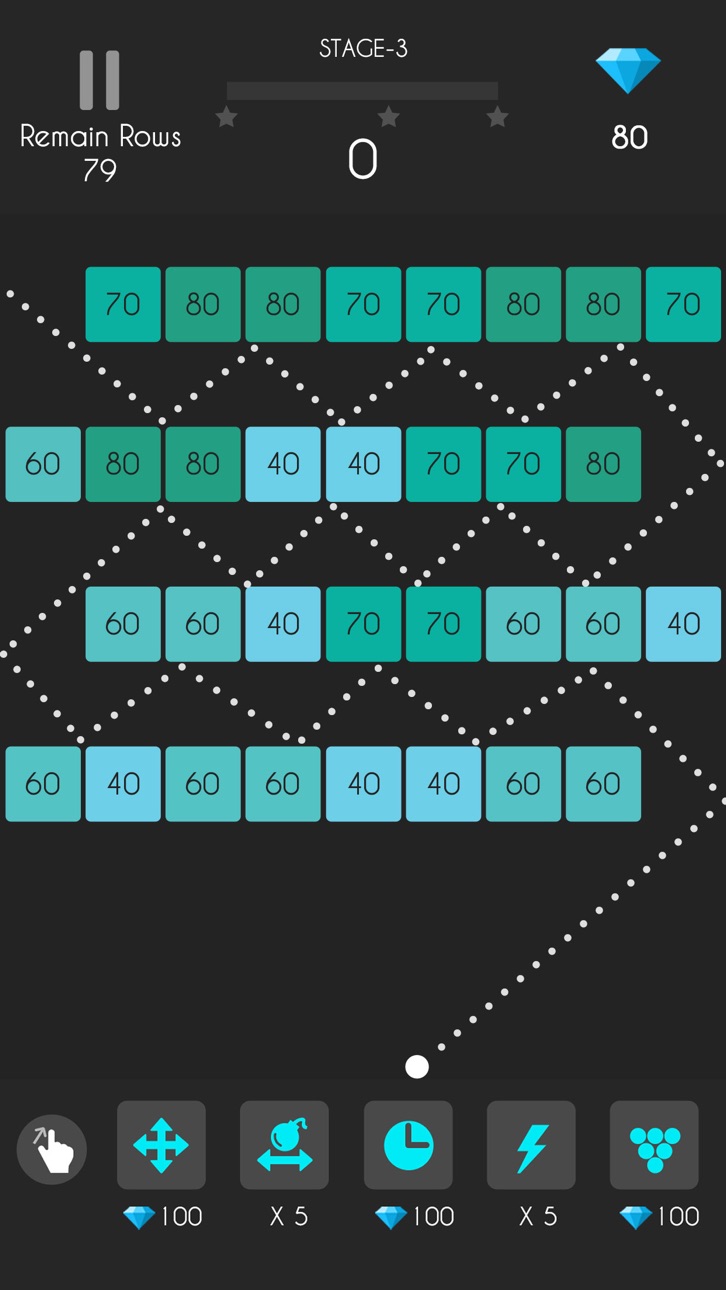
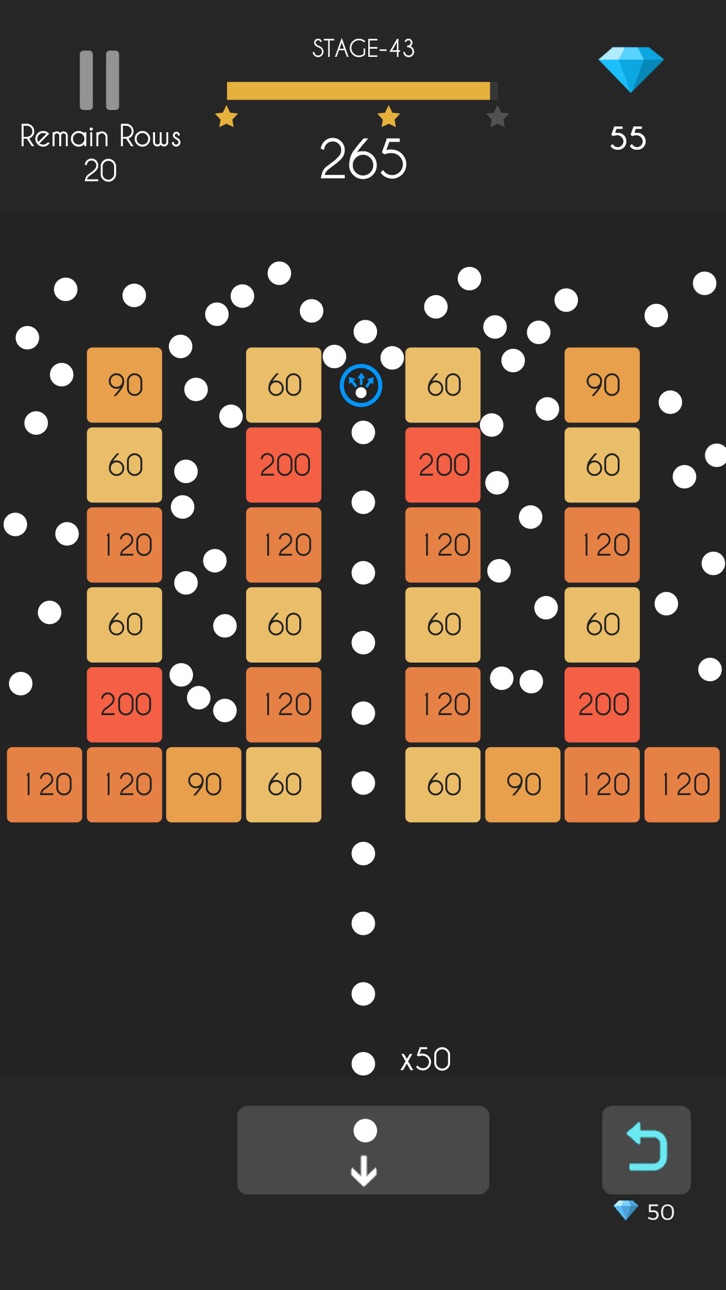
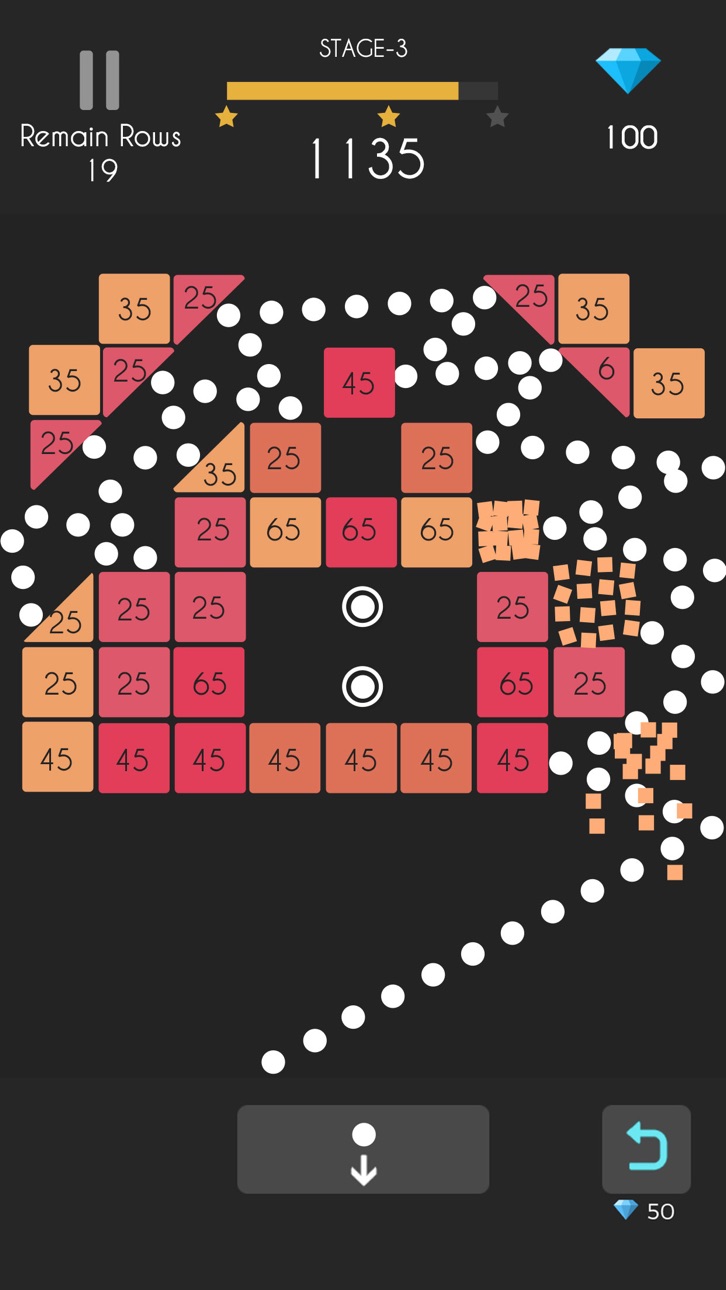
Swipe your finger and throw balls, break all bricks and finish all puzzle challenges. Boost your score by skills and concentration, time to challenge and shoot balls with your friends now!
▶ Balls Bounce 2 – Bricks Challenge Game Features
* Over 1000 challenges, can play without an internet connection
* 10 different items and numbers of special bricks
* No time limit, best casual game to kill your free time
* Coolest Super Aim! Crash all bricks precisely
* Stunning graphic: burst all bricks!
* More than 20 color ball patterns
* Free to play bouncing balls game, easy to play and free for all ages
Like the classic bubble shooter game, you need to focus on balls chain, release your balls snake and shoot balls, bounce your ball chain and brick all bricks. Balls Bounce 2 is suitable for players who love ball bricks breaker puzzle games, classic arcade games, searching for the best casual arcade game like bouncy balls, kick balls games and free block breaker games.
Download for free today, relax your brain in the addicted ball bouncy bricks game world!
▶ Subscription options
We have the following subscription periods in Balls Bounce 2:
1. Weekly VIP Membership offers a weekly subscription for $7.99 which provides 500 diamonds and 6 props per day, Super Aim and Remove Ads.
2. Monthly VIP Membership offers a weekly subscription for $19.99 which provides 500 diamonds and 6 props per day, Super Aim and Remove Ads.
3. Yearly VIP Membership offers a weekly subscription for $99.99 which provides 500 diamonds and 6 props per day, Super Aim and Remove Ads.
This price is established for United States users. Pricing in other countries may vary and actual charges may be converted to your local currency depending on the country of residence.
End of Trial and Subscription Renewal
Payment will be charged to your iTunes Account at confirmation of purchase.
Subscription automatically renews unless auto-renew is turned off at least 24-hours before the end of the current period.
The account will be charged for renewal within 24-hours prior to the end of the current period, and identify the cost of the renewal.
Subscriptions may be managed by the user and auto-renewal may be turned off by going to the user’s Account Settings after purchase.
Any unused portion of a free trial period, if offered, will be forfeited when the user purchases a subscription to that publication, where applicable.
Canceling trial or subscription
You can turn off the auto-renew for the subscription whenever you want to through iTunes. Check https://support.apple.com/HT202039. When your current trial/subscription period expires, you will be unsubscribed. The current active subscription period cannot be canceled. When your subscription expires, you will no longer be able to use elements included in Subscription option.
If you have any questions or comments, feel free to contact us at [email protected]
Terms of Subscription: https://sites.google.com/view/auto-renewable-subscription
Skärmbilder © respektive ägare · App Store



iOSGods är inte anslutet till, godkänt av eller sponsrat av Apple Inc., Google LLC eller utvecklarna av apparna som listas här. Apple, iOS och App Store är varumärken som tillhör Apple Inc. Android och Google Play är varumärken som tillhör Google LLC. Alla övriga appnamn, ikoner, bilder och varumärken tillhör sina respektive ägare.
- iPhone eller iPad utan jailbreak/jailad eller med jailbreak.
- Sideloadly eller alternativ.
- Dator med Windows/macOS/Linux och iTunes installerat.
STEG 1: Ladda ner den förhackade .IPA-filen från länken ovan till din dator. För att ladda ner från iOSGods App, se vår Guide för att ladda ner IPA i iOSGods App som även innehåller ett videoexempel.
STEG 2: Ladda ner Sideloadly och installera det på din Windows eller Mac.
STEG 3: Öppna Sideloadly på din dator, anslut din iOS-enhet och vänta tills enhetens namn visas i Sideloadly.
STEG 4: När din iEnhet känns igen drar du den moddade .IPA-filen du laddat ner och släpper den i Sideloadly-programmet.
STEG 5: Ange e-postadressen till ditt Apple Account och tryck sedan på ”Start”. Du ombeds sedan ange ditt lösenord. Fyll i de uppgifter som krävs.
STEG 6: Vänta tills Sideloadly är klar med att sideloada/installera den hackade IPA-filen. Om problem uppstår under installationen, läs noten nedan.
STEG 7: När installationen är klar och du ser appen på din hemskärm behöver du gå till Inställningar → Allmänt → Profiler / VPN & enhetshantering. Tryck där på e-postadressen du angav i steg 6 och tryck sedan på ”Lita på [email protected]”.
STEG 8: Gå nu till din hemskärm och öppna den nyligen installerade appen — allt ska fungera som det ska. Du kan behöva följa ytterligare app-specifika instruktioner i hackets popup inne i spelet.
OBS: På iOS/iPadOS 16 och senare måste du aktivera Utvecklarläge. För gratis Apple Developer-konton behöver du upprepa processen var sjunde dag. Om du har frågor eller problem, läs vår Sideloadly FAQ-avsnitt i tråden.
Game Name iOS Mod IPA is an action adventure game enhanced with powerful gameplay boosts and quality-of-life improvements. Win battles faster, earn rewards quicker, and enjoy uninterrupted play without ads.
- Unlimited Gold - spend freely to unlock premium content
- Damage Multiplier - deal significantly more damage in combat
- Defense Multiplier - take less damage and survive longer
- Reward Multiplier - earn more loot from every battle
- Max Level - instantly reach the highest player rank
- No Ads - play without interruptions or advertisements
This app also comes with iGameGod, giving you access to Auto Touch to automate repetitive tasks, App Speed Manager for adjustable gameplay speed, Memory Engine value editing, and more powerful iOS game tools.
Ladda ner Game Name Mod IPA från länkarna ovan. Tryck på installationsknappen och följ instruktionerna för att installera denna iOS-apphack på iPhone, iPad eller Apple Silicon.
Behöver du mer hjälp Se våra iOSGods-appens vanliga frågor för detaljerade svar och felsökningstips.
----------------------------------------------------------
--------------------------------------------------