ต้องเข้าสู่ระบบ
เข้าสู่ระบบด้วยบัญชี iOSGods เพื่อดำเนินการต่อ
Hack Features:
- PREMIUM
ดาวน์โหลด Goodnotes 6 Modded modded IPA จากลิงก์ด้านบน แตะปุ่มติดตั้งและทำตามคำแนะนำบนหน้าจอเพื่อติดตั้งแฮ็กแอป iOS นี้บน iPhone, iPad หรือ Apple Silicon
ต้องการความช่วยเหลือเพิ่มเติม? ดู คำถามที่พบบ่อยของแอป iOSGods สำหรับคำตอบโดยละเอียดและเคล็ดลับการแก้ไขปัญหา
Replace your paper notebooks and reimagine digital note-taking with Goodnotes. Introducing Goodnotes 6!
*Existing Goodnotes users can continue to use Goodnotes 5 or upgrade to Goodnotes 6. Either way, your notes are safe!*
Digital notebooks. Unlimited notebooks for the price of one physical one.
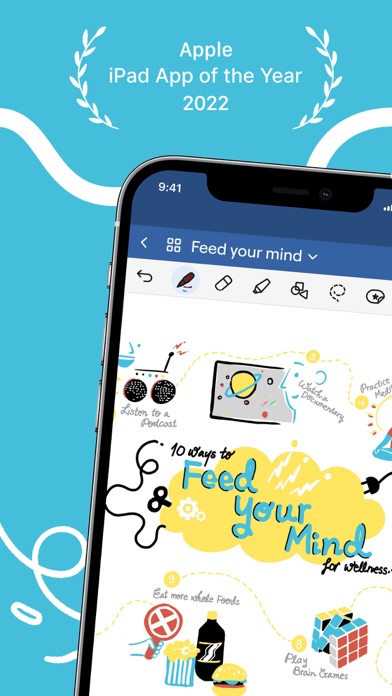
■ Combine both handwriting and typed text on one page, alongside images, stickers, diagrams and doodles.
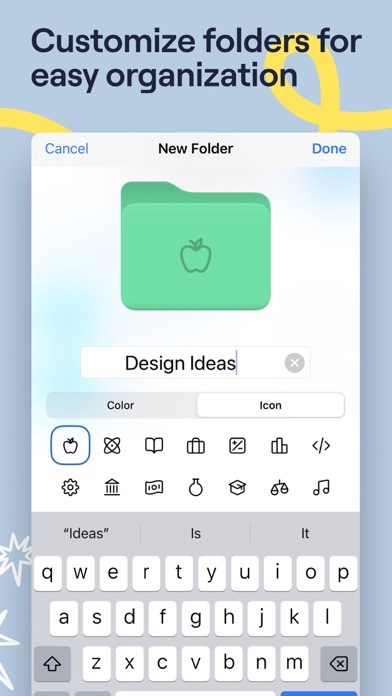
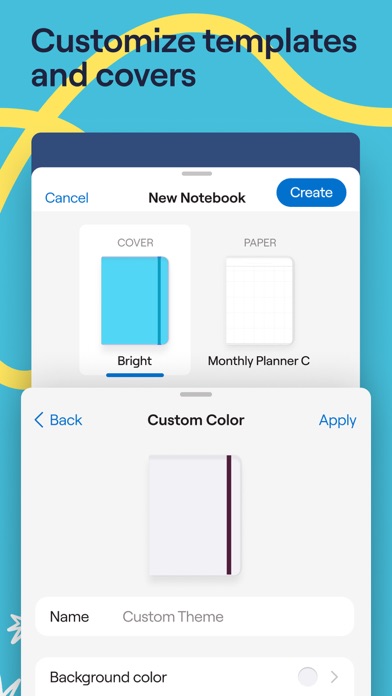
■ Create digital notebooks with customizable paper templates, including Blank Paper, Ruled Paper, Cornell Paper, Checklists, Planners, and more.
■ Navigate long documents with ease. PDF tables of contents are automatically imported; otherwise create custom outlines yourself.
■ Backup all your notes to Google Drive, Dropbox, or OneDrive and use iCloud to sync across iPad, iPhone, and Mac so your notes are always safe.
■ Draw perfect shapes and lines that snap into place with Shape Recognition technology.
■ Edit your writing by resizing it, changing the color of your text, or moving it to another spot on the page.
AI note-taking. Your notes just got way smarter.
■ Write freely on paper that catches every typo or mistake.
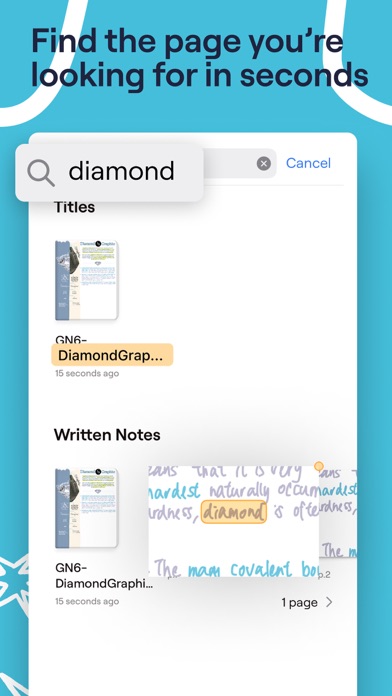
■ Always find what you’re looking for. Search your handwritten notes, typed text, PDF text, document outlines, folder titles, and document titles.
■ Forget how to spell a word? Word Complete will give you suggestions to finish your sentences.
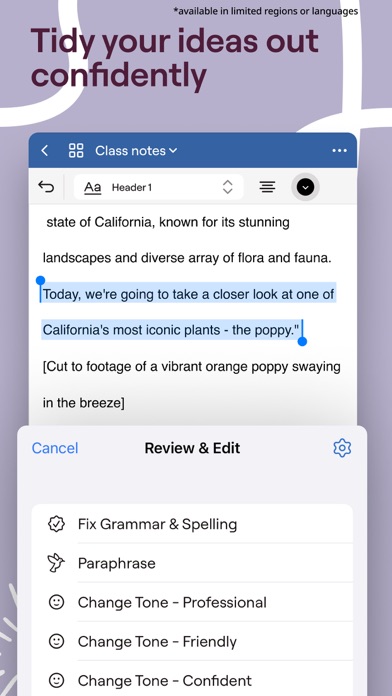
■ Use AI to summarize, shorten, change the tone of your words, and otherwise perfect your typed text.
Science-backed learning. Master any topic.
■ Study and practice straight from your notes with Study Sets — flashcards built on active recall and spaced repetition.
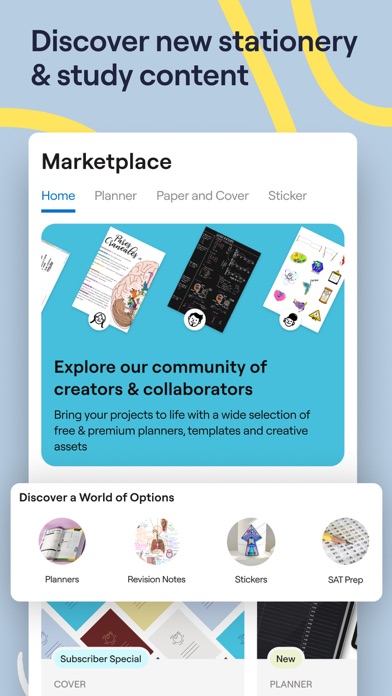
■ Find relevant study material like revision notes or textbooks from the in-app Marketplace.
For students: Ace your exams with ease.
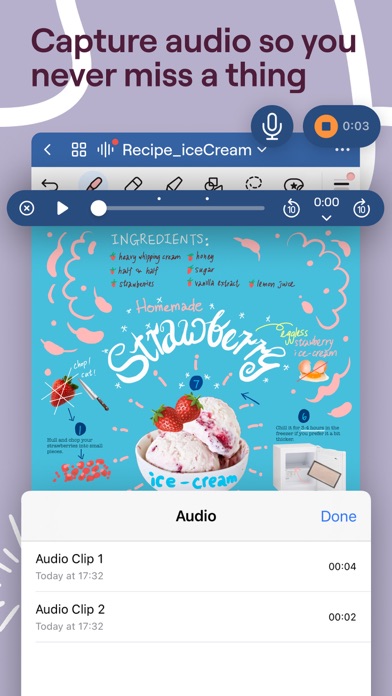
■ Record audio notes that are magically synced to the moment you write, perfect for lectures or presentations.
■ Scan any physical notes to import them straight into Goodnotes, where they’ll be indexed using OCR technology. Perfect for past exams, handouts, or miscellaneous pages.
■ Import all your lecture slides, textbooks, and past exams and annotate them directly on your iPad.
■ Ace your math exams with SAT and DSE math prep courses, with built-in AI Math Assistance to catch any mistakes.
■ Search and instantly find any of your notes from any of your classes.
For planners: Let your creativity flow and create notes you can’t stop looking at.
■ Create aesthetic notes with customizable pen color, thickness, pressure sensitivity, and style (fountain pen, ball pen, brush pen, and highlighter).
■ Customize the size and color of your paper templates to create the template you want.
■ Add, create, or import your stickers, stamps, washi tapes, images, and more to reuse again and again.
■ Easily discover and download new digital stickers, paper templates, planners, and more on the in-app Marketplace.
For professionals: Increase productivity at work.
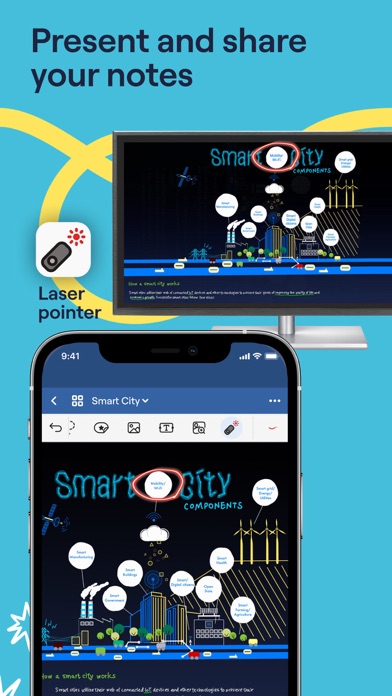
■ Present your notes, slides, and content directly from Goodnotes when you connect your device via AirPlay or HDMI to an external screen.
■ Use Laser Pointer on your iPad to guide your audience’s attention during your presentation.
■ Export your notes to email, print, or share them anywhere as PDFs.
■ Send a link to your notebooks to work on the same notes directly, perfect for asynchronous work or collaborative brainstorming.
■ Import documents by emailing them to your custom Goodnotes email.
For the price of one paper notebook, get unlimited digital notebooks that are backed up, synced across your devices, and searchable for an entire year. Try Goodnotes today.
Privacy policy: https://www.goodnotes.com/privacy-policy
Terms and Conditions: https://www.goodnotes.com/terms-and-conditions
- iPhone หรือ iPad ที่ไม่ได้เจลเบรก/ไม่ได้เจลเบรก หรือเจลเบรกแล้ว
- Sideloadly หรือทางเลือกอื่น
- คอมพิวเตอร์ที่ใช้ Windows/macOS/Linux และติดตั้ง iTunes ไว้
ขั้นตอนที่ 1: ดาวน์โหลดไฟล์ .IPA ที่แฮกไว้ล่วงหน้าจากลิงก์ด้านบนลงในคอมพิวเตอร์ของคุณ หากต้องการดาวน์โหลดจากแอป iOSGods โปรดดู วิธีดาวน์โหลด IPA ในแอป iOSGods ซึ่งมีตัวอย่างวิดีโอประกอบ
ขั้นตอนที่ 2: ดาวน์โหลด Sideloadly แล้วติดตั้งบน Windows หรือ Mac ของคุณ
ขั้นตอนที่ 3: เปิด Sideloadly บนคอมพิวเตอร์ เชื่อมต่ออุปกรณ์ iOS แล้วรอจนกว่าชื่ออุปกรณ์ของคุณจะปรากฏใน Sideloadly
ขั้นตอนที่ 4: เมื่อ iDevice ของคุณถูกตรวจพบแล้ว ให้ลากไฟล์ .IPA ที่ม็อดมาวางลงในโปรแกรม Sideloadly
ขั้นตอนที่ 5: กรอกอีเมล Apple Account ของคุณ จากนั้นกด "Start" ระบบจะถามรหัสผ่าน กรอกข้อมูลที่จำเป็นให้เรียบร้อย
ขั้นตอนที่ 6: รอจนกว่า Sideloadly จะ sideload/ติดตั้งไฟล์ IPA ที่แฮกเสร็จ หากเกิดปัญหาระหว่างติดตั้ง โปรดอ่านหมายเหตุด้านล่าง
ขั้นตอนที่ 7: เมื่อการติดตั้งเสร็จสิ้นและเห็นแอปบนหน้าจอหลักแล้ว ให้ไปที่ การตั้งค่า → ทั่วไป → โปรไฟล์ / VPN และการจัดการอุปกรณ์ จากนั้นแตะที่อีเมลที่คุณกรอกในขั้นตอนที่ 6 แล้วแตะ "เชื่อถือ [email protected]"
ขั้นตอนที่ 8: จากนั้นไปที่หน้าจอหลักและเปิดแอปที่ติดตั้งใหม่ ทุกอย่างควรทำงานได้ปกติ คุณอาจต้องทำตามคำแนะนำเพิ่มเติมเฉพาะแอปในป๊อปอัปของม็อดในเกม
หมายเหตุ: สำหรับ iOS/iPadOS 16 ขึ้นไป คุณต้อง เปิดโหมดนักพัฒนา (Developer Mode) สำหรับบัญชี Apple Developer แบบฟรี คุณต้องทำขั้นตอนนี้ซ้ำทุก 7 วัน หากมีคำถามหรือพบปัญหา โปรดอ่าน หัวข้อ FAQ ของ Sideloadly ในกระทู้