Login Diperlukan
Masuk dengan akun iOSGods kamu untuk melanjutkan.
Masuk dengan akun iOSGods kamu untuk melanjutkan.
- PREMIUM
Aplikasi ini juga dilengkapi dengan iGameGod, yang memberi Anda akses ke Auto Touch untuk mengotomatiskan tugas berulang, App Speed Manager untuk mengatur kecepatan permainan, pengeditan nilai Memory Engine, dan alat permainan iOS lainnya yang lebih canggih.
Unduh Goodnotes 6 Modded modded IPA dari tautan di atas. Ketuk tombol pasang dan ikuti petunjuk di layar untuk memasang hack iOS ini di iPhone, iPad, atau Apple Silicon.
Butuh bantuan lebih lanjut? Lihat Pertanyaan yang Sering Diajukan untuk Aplikasi iOSGods kami untuk jawaban dan tips lengkap.
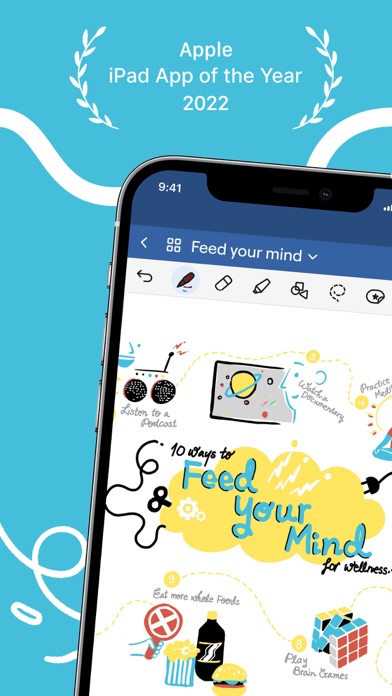
Goodnotes has always been the place to capture your ideas — from quick notes to big plans. Now, it goes further. With powerful AI and new ways to capture information, Goodnotes helps you connect the dots, unlock insights, and turn ideas into action.
*Existing Goodnotes 5 users can continue to use Goodnotes 5 indefinitely or upgrade to the new Goodnotes. Either way, your notes are safe!*
For professionals: Increase productivity at work
■ Whiteboard + Goodnotes AI: One of our most requested features — brainstorm, mind-map, and diagram freely on an infinite canvas that grows with your ideas. Enhanced diagramming tools and real-time collaboration make it easy for teams to workshop, ideate, and problem-solve together, while Goodnotes AI helps you capture and organize key takeaways instantly.
■ Goodnotes AI Audio & Meetings: Stay fully present in every conversation while Goodnotes does the work for you. AI-powered transcription and live summarization automatically capture discussions and structure them into clear meeting minutes. After the meeting, merge transcripts with your own notes to create polished, shareable documents in seconds.
■ Text Documents + AI: Create documents that think with you. Enjoy a superior typing experience with rich inline blocks, build on ideas with external insights, and collaborate seamlessly with teammates. With AI-powered summarization, automated note generation, and transcript support, you can turn rough notes and meetings into finished content faster than ever.
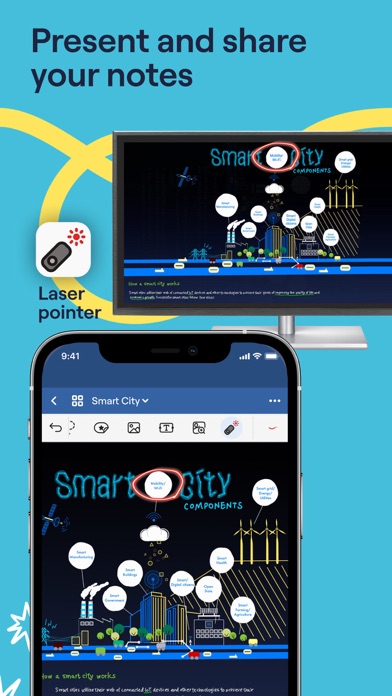
■ Present your notes, slides, and content directly from Goodnotes when you connect your device via AirPlay or HDMI to an external screen.
■ Use Laser Pointer to guide your audience’s attention during your presentation.
■ Export your notes to email, print, or share them anywhere as PDFs.
■ Send a link to your notebooks to work on the same notes directly — perfect for asynchronous work or collaborative brainstorming.
■ Import documents by emailing them to your custom Goodnotes email.
For students: Ace your exams with ease
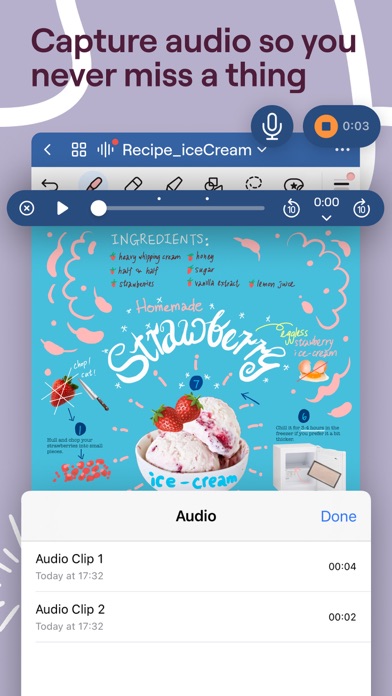
■ Record audio notes that are magically synced to the moment you write — perfect for lectures or presentations.
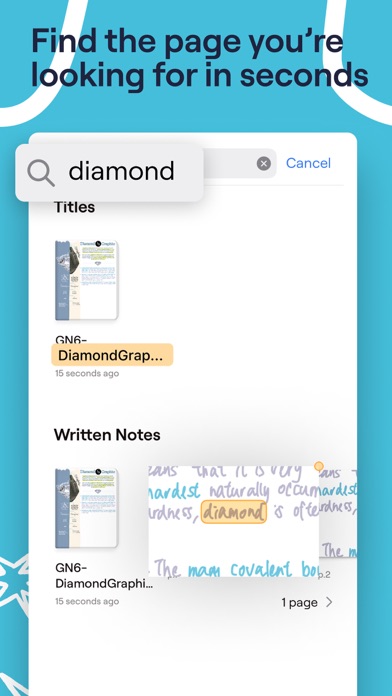
■ Search and instantly find any of your notes from any class.
■ Study and practice straight from your notes with Study Sets — flashcards built on active recall and spaced repetition.
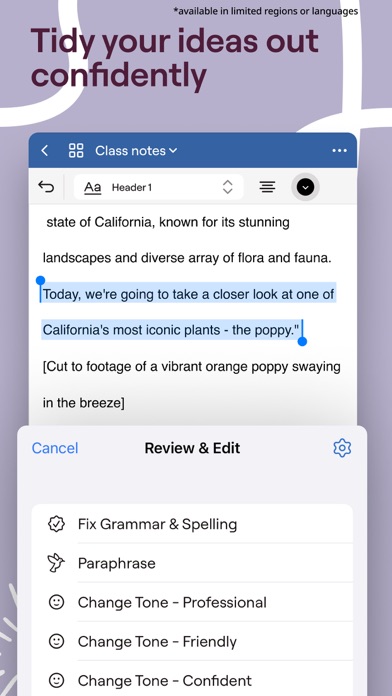
■ Use AI to summarize, shorten, change the tone of your words, and perfect your typed text.
For planners: Let your creativity flow
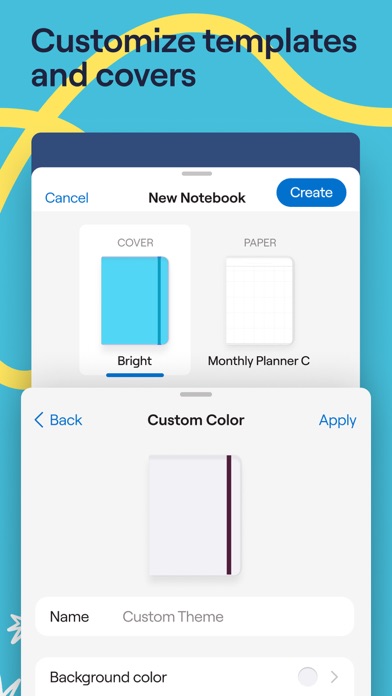
■ Customize the size and color of your paper templates to create the template you want.
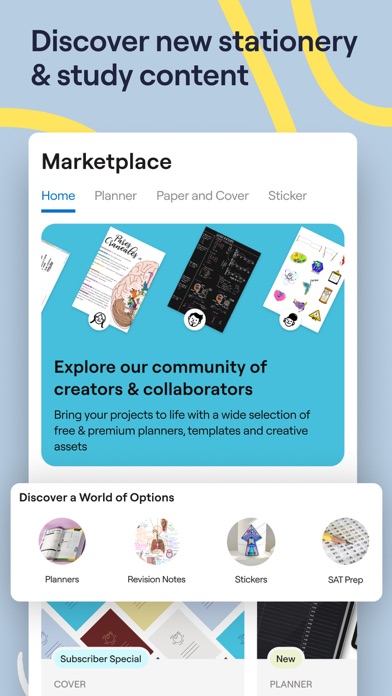
■ Add, create, or import stickers, stamps, washi tapes, images, and more
Digital notebooks: unlimited notebooks for the price of a single physical one.
■ Combine handwriting and typed text on one page, alongside images, stickers, diagrams, and doodles.
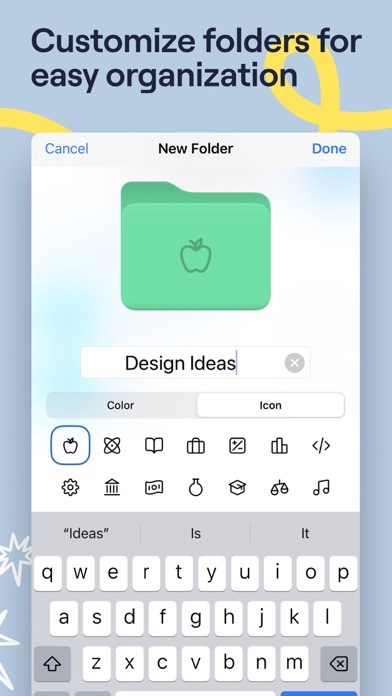
■ Create digital notebooks with customizable paper templates, including Blank Paper, Ruled Paper, Cornell Paper, Checklists, Planners, and more.
■ Navigate long documents with ease. PDF tables of contents are automatically imported; or create custom outlines yourself.
■ Back up all your notes to Google Drive, Dropbox, or OneDrive, and use iCloud to sync across iPad, iPhone, and Mac — so your notes are always safe.
■ Edit your writing by resizing it, changing the text color, or moving it to another spot on the page.
Privacy Policy: https://www.goodnotes.com/privacy-policy
Terms and Conditions: https://www.goodnotes.com/terms-and-conditions

- iPhone atau iPad tanpa Jailbreak atau dengan Jailbreak.
- Sideloadly atau alternatifnya.
- Komputer dengan Windows/macOS/Linux dan iTunes terpasang.
LANGKAH 1: Unduh file .IPA yang sudah di-hack dari tautan di atas ke komputer Anda. Untuk mengunduhnya dari iOSGods App, silakan lihat Tutorial Mengunduh IPA dari iOSGods App kami yang dilengkapi contoh video.
LANGKAH 2: Unduh Sideloadly dan pasang di Windows atau Mac Anda.
LANGKAH 3: Buka Sideloadly di komputer Anda, sambungkan perangkat iOS Anda, dan tunggu hingga nama perangkat Anda muncul di Sideloadly.
LANGKAH 4: Setelah iDevice Anda terdeteksi, seret file .IPA yang sudah dimodifikasi dan lepaskan ke dalam aplikasi Sideloadly.
LANGKAH 5: Masukkan email Apple Account Anda, lalu tekan "Start". Anda kemudian akan diminta memasukkan kata sandi. Silakan isi informasi yang diminta.
LANGKAH 6: Tunggu hingga Sideloadly selesai melakukan sideloading/pemasangan IPA yang di-hack. Jika terjadi masalah saat pemasangan, silakan baca catatan di bawah ini.
LANGKAH 7: Setelah pemasangan selesai dan Anda melihat aplikasi di Layar Beranda, Anda perlu masuk ke Pengaturan → Umum → Profil / VPN & Manajemen Perangkat. Setelah itu, ketuk email yang Anda masukkan pada langkah 6, lalu ketuk "Percayai [email protected]".
LANGKAH 8: Sekarang buka Layar Beranda dan jalankan aplikasi yang baru saja dipasang; semuanya seharusnya berjalan normal. Anda mungkin perlu mengikuti petunjuk tambahan per aplikasi yang muncul di popup hack di dalam game.
CATATAN: Pada iOS/iPadOS 16 dan yang lebih baru, Anda harus mengaktifkan Mode Pengembang. Untuk akun Apple Developer gratis, Anda perlu mengulangi proses ini setiap 7 hari. Jika Anda memiliki pertanyaan atau masalah, silakan baca bagian FAQ Sideloadly di topik tersebut kami.