需要登入
請使用您的 iOSGods 帳戶登入以繼續。
請使用您的 iOSGods 帳戶登入以繼續。
在 Universe Invader 2: Alien War Mod IPA 中突破外星入侵者的波浪,在這款快節奏的街機太空射擊遊戲中保衛銀河系。此破解版移除進度障礙並解鎖高級強化道具,讓你專注於動作而不是為資源而磨練。
無論你是在追求高分還是無限制地探索每個關卡,這個修改版本都能消除成本障礙和能量限制,讓你按自己的節奏遊玩並享受完整的街機冒險。
- 生命值最大 → 最大化你的生命值
- 傷害最大 → 將武器傷害提升至最高
- 區域解鎖 [無需星星] → 無需星星要求即可進入所有關卡
- 船隻和無人機解鎖成本 0 → 免費配備船隻和無人機
:: ViP ::
- 自動勝利 → 自動完成戰鬥
- ViP 點數 → 獲得高級貨幣
- 無限寶石 → 無限制地花費寶石
- 無限金幣 → 無限遊戲貨幣
- 無限能量 → 無能量限制地遊玩
- 無限增強器 → 無限使用強化道具
- 無限鑰匙 +2 → 自由解鎖寶箱和獎勵
此應用程式也內建 iGameGod,讓你可以使用 Auto Touch 自動執行重複操作、透過 App Speed Manager 調整遊戲速度、使用 Memory Engine 修改記憶體數值,以及更多強大的 iOS 遊戲工具。
從上方連結下載 Universe Invader 2: Alien War Hack modded IPA。點選安裝按鈕並依照畫面指示在 iPhone、iPad 或 Apple Silicon 上安裝此 iOS 應用程式修改版。
需要更多協助?請查看我們的 iOSGods 應用程式常見問題 以獲得詳細解答與疑難排解。
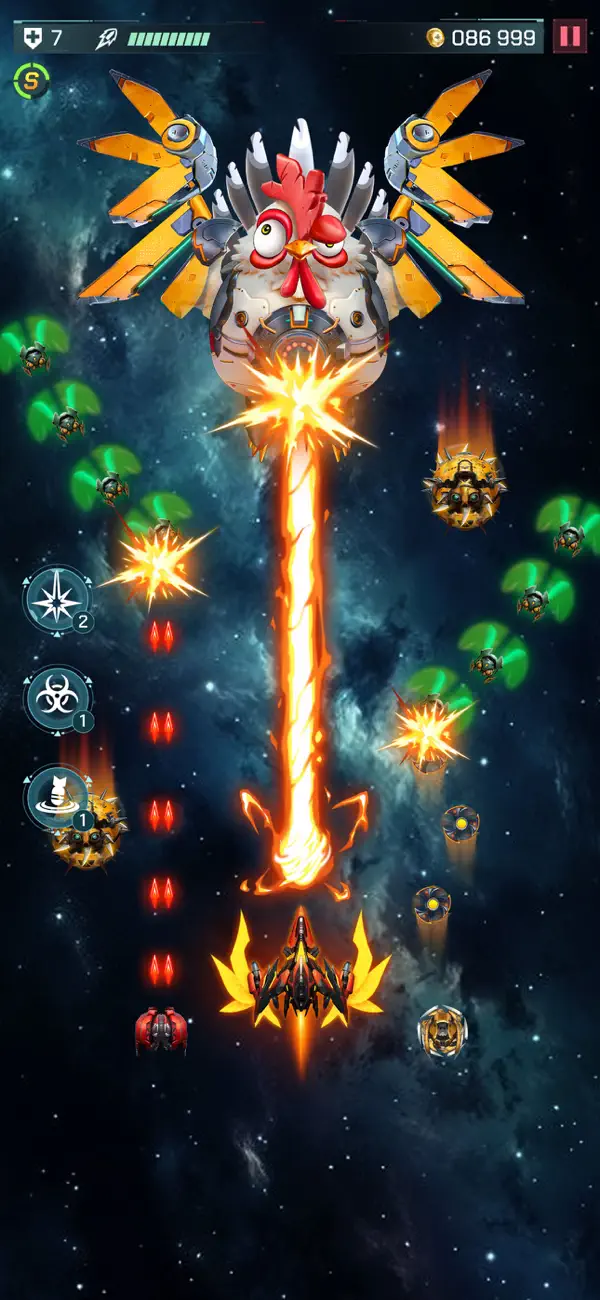
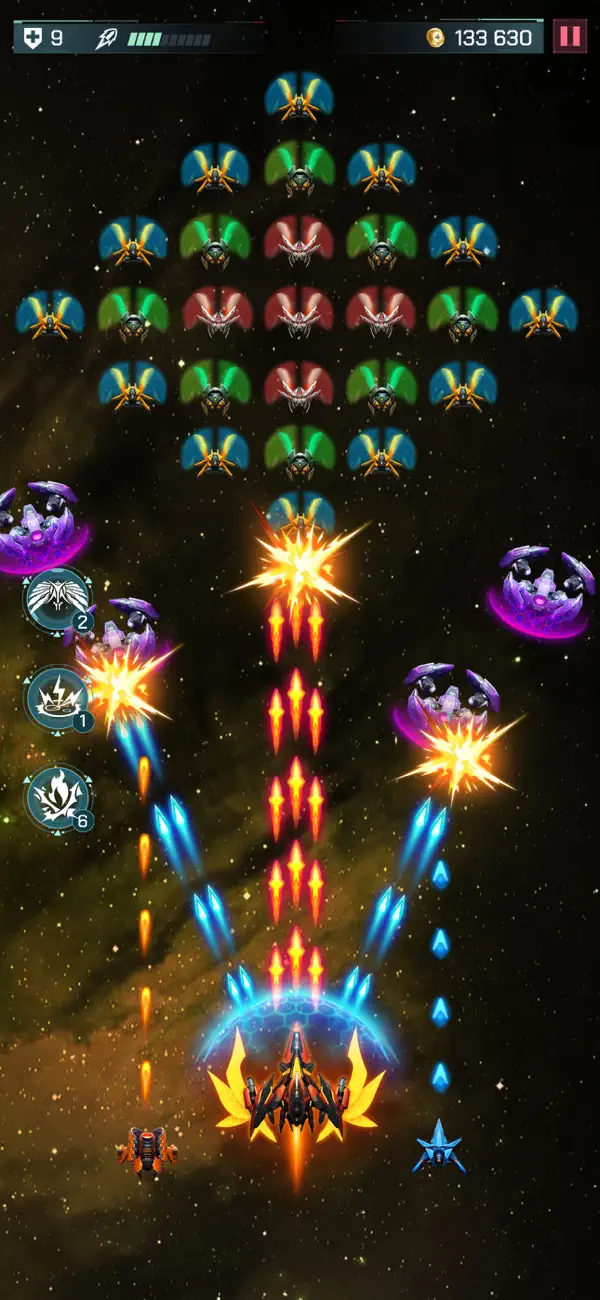
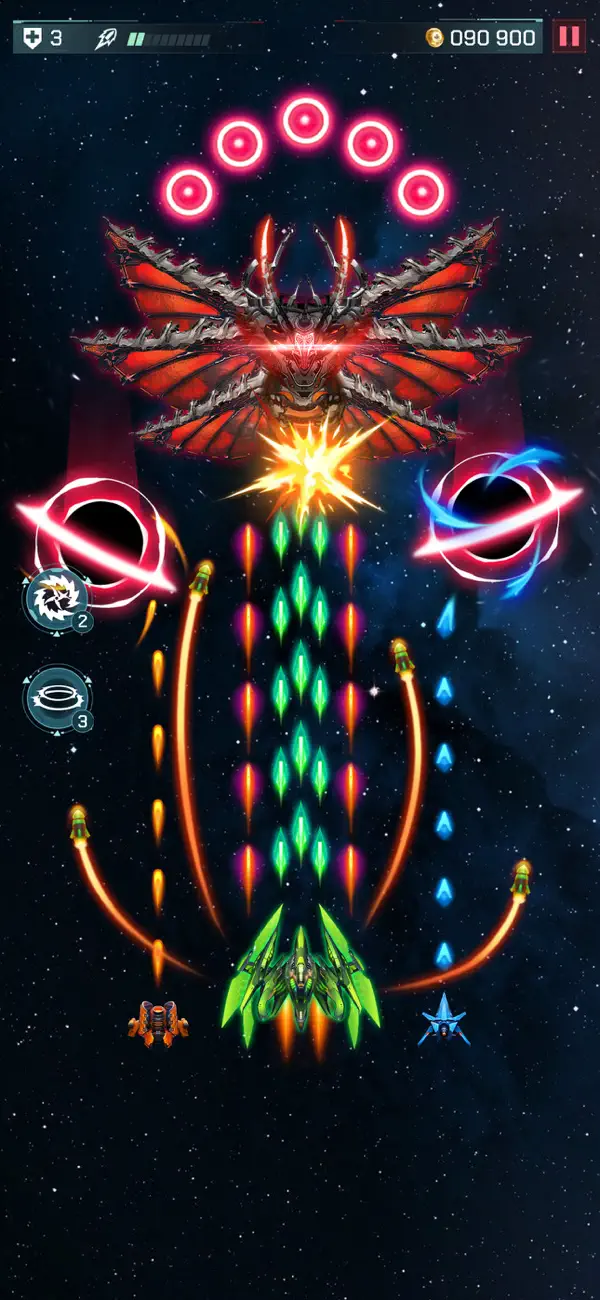
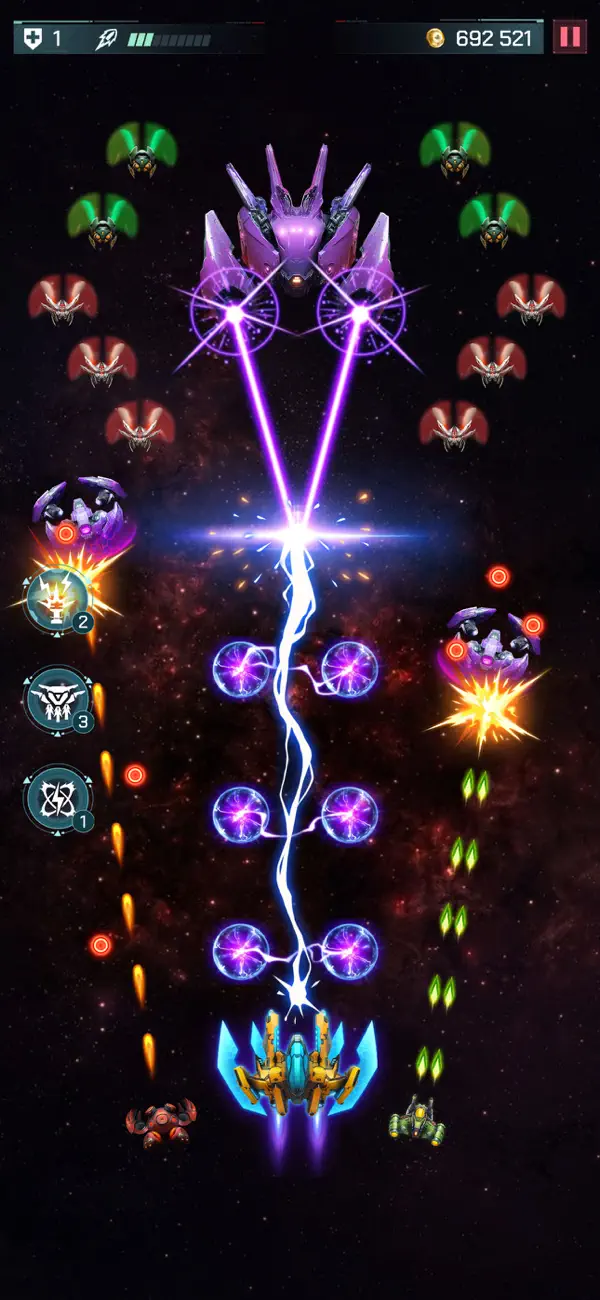
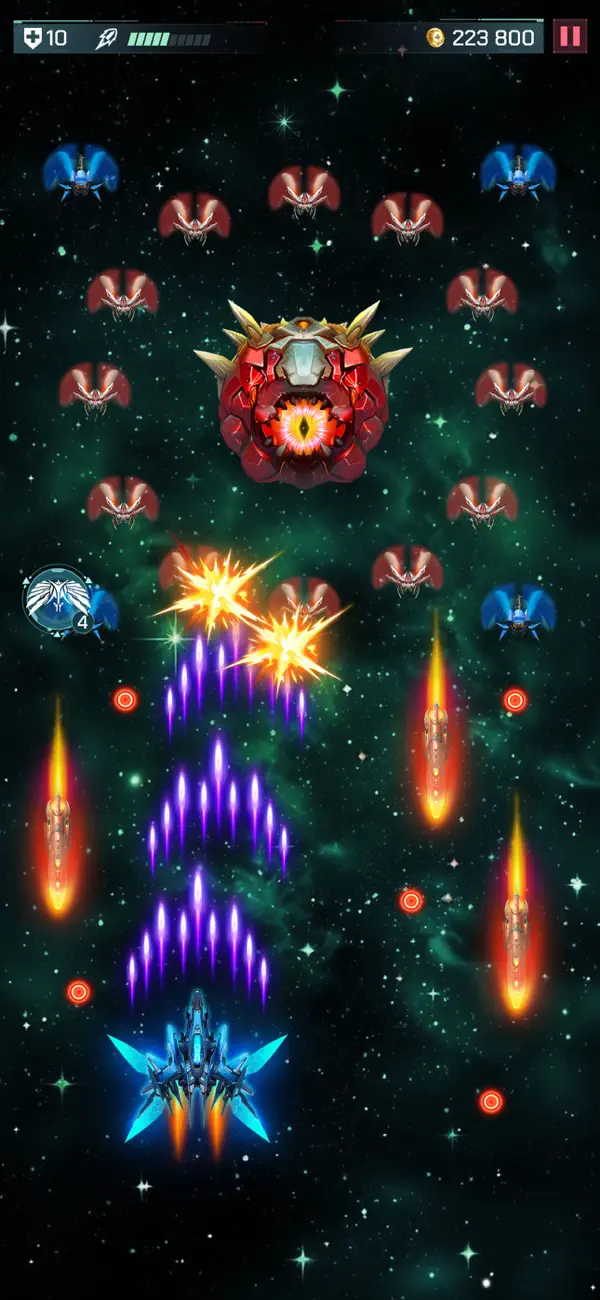
Universe Invader 2: Alien War - Get ready for an exciting journey through space! Protect the galaxy from an alien invasion in this fun arcade space shooter game.
Step into a thrilling universe full of danger and adventure. Universe Invader 2: Alien War combines the excitement of classic arcade games with modern graphics and features. Each level offers new challenges and surprises to keep you entertained.
KEY FEATURES OF THE SPACE SHOOTER GAME:
- Amazing Graphics: Explore beautifully designed galaxies that look stunning.
- Exciting Battles: Fight fast and intense battles against waves of alien enemies.
- Epic Boss Fights: Take on giant alien warships in challenging boss levels.
- Power-Ups and Bonuses: Collect special items to improve your ship and win battles.
- Achievements and Rewards: Unlock achievements and earn rewards as you progress.
The universe’s future depends on you! Every alien you defeat brings you closer to solving the mystery of their attack. Can you uncover their plan and bring peace back to the galaxy?
Are you ready to be the hero the galaxy needs? Download Universe Invader 2: Alien War today and join the adventure! Get ready, power up your ship, and start the battle—the galaxy is counting on you!

- 未越獄/受限或已越獄的 iPhone 或 iPad。
- Sideloadly 或替代方案。
- 執行 Windows/macOS/Linux 且已安裝 iTunes 的電腦。
步驟 1: 透過上方連結將已破解的 .IPA 檔案下載到您的電腦。若要從 iOSGods App 下載,請參閱我們的 iOSGods App IPA 下載教學,其中包含影片範例。
步驟 2: 下載 Sideloadly 並將其安裝在您的 Windows 或 Mac 上。
步驟 3: 在電腦上開啟 Sideloadly,連接您的 iOS 裝置,並等待裝置名稱出現在 Sideloadly 中。
步驟 4: 當 Sideloadly 辨識到您的 iOS 裝置後,將下載好的修改版 .IPA 檔案拖曳並放到 Sideloadly 應用程式中。
步驟 5: 輸入您的 Apple Account 電子郵件,然後按下「Start」。系統會要求您輸入密碼,請依指示提供所需資訊。
步驟 6: 等待 Sideloadly 完成已破解 IPA 的旁載/安裝。如果安裝過程中發生問題,請閱讀下方的注意事項。
步驟 7: 安裝完成並在主畫面上看到該應用程式後,您需要前往 設定 → 一般 → 描述檔 / VPN 與裝置管理。進入後,點選您在步驟 6 中輸入的電子郵件,然後點選「信任 [email protected]」。
步驟 8: 現在回到主畫面並開啟新安裝的應用程式,一切應該都能正常運作。您可能需要依照遊戲內破解彈出視窗中的進一步指示操作。
注意: 在 iOS/iPadOS 16 及更新版本上,您必須 啟用開發者模式。若使用免費的 Apple Developer 帳號,您將需要每 7 天重複此程序。如有任何疑問或問題,請閱讀我們的 主題中的 Sideloadly 常見問題區段。