تسجيل الدخول مطلوب
سجّل الدخول بحساب iOSGods للمتابعة.
سجّل الدخول بحساب iOSGods للمتابعة.
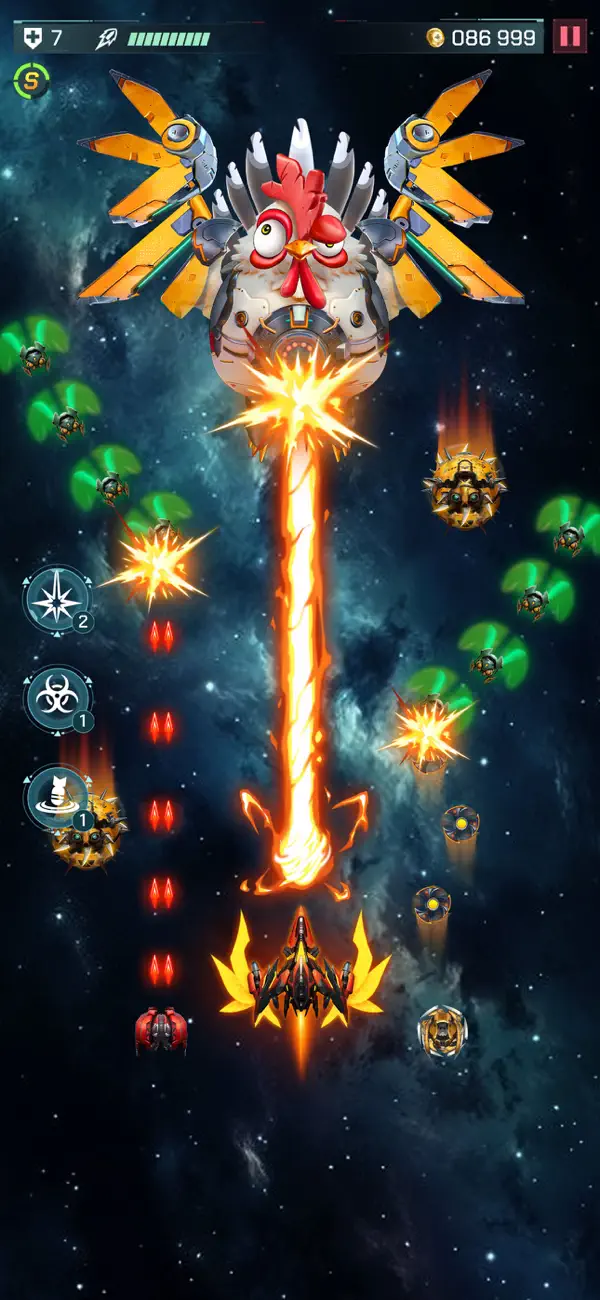
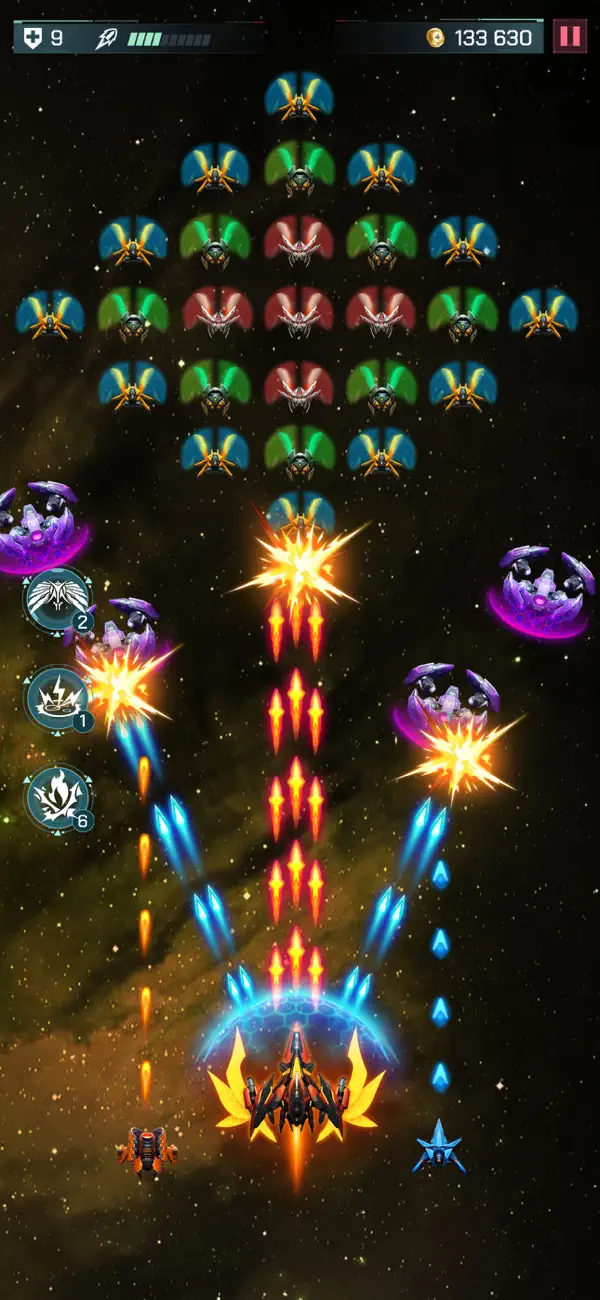
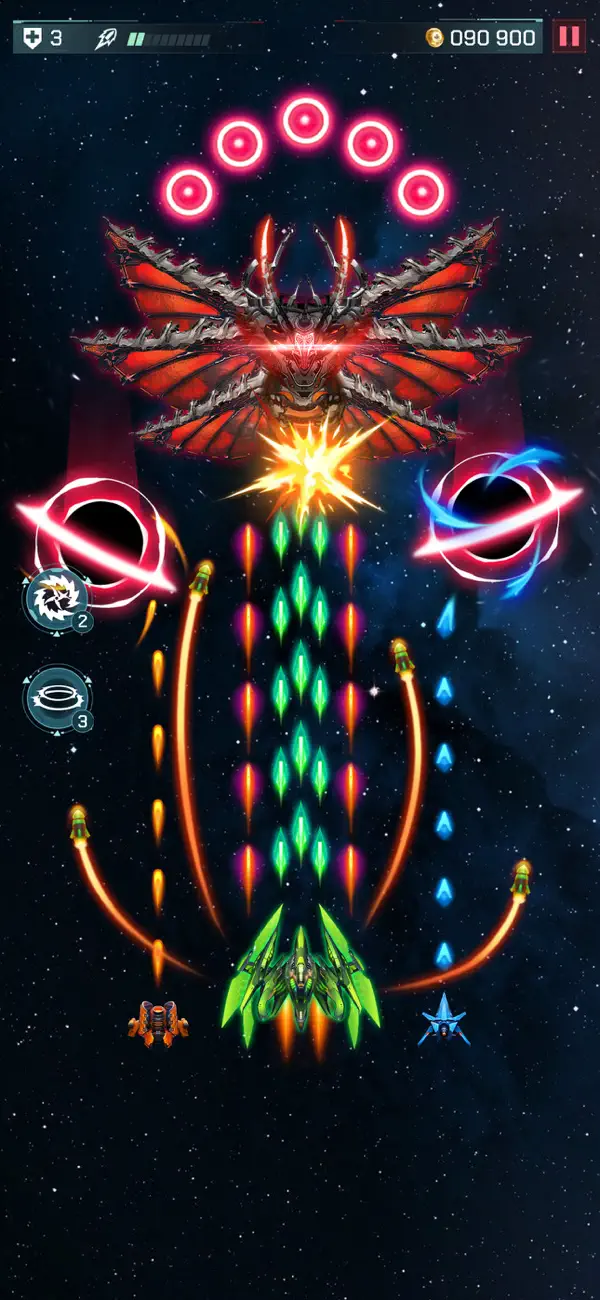
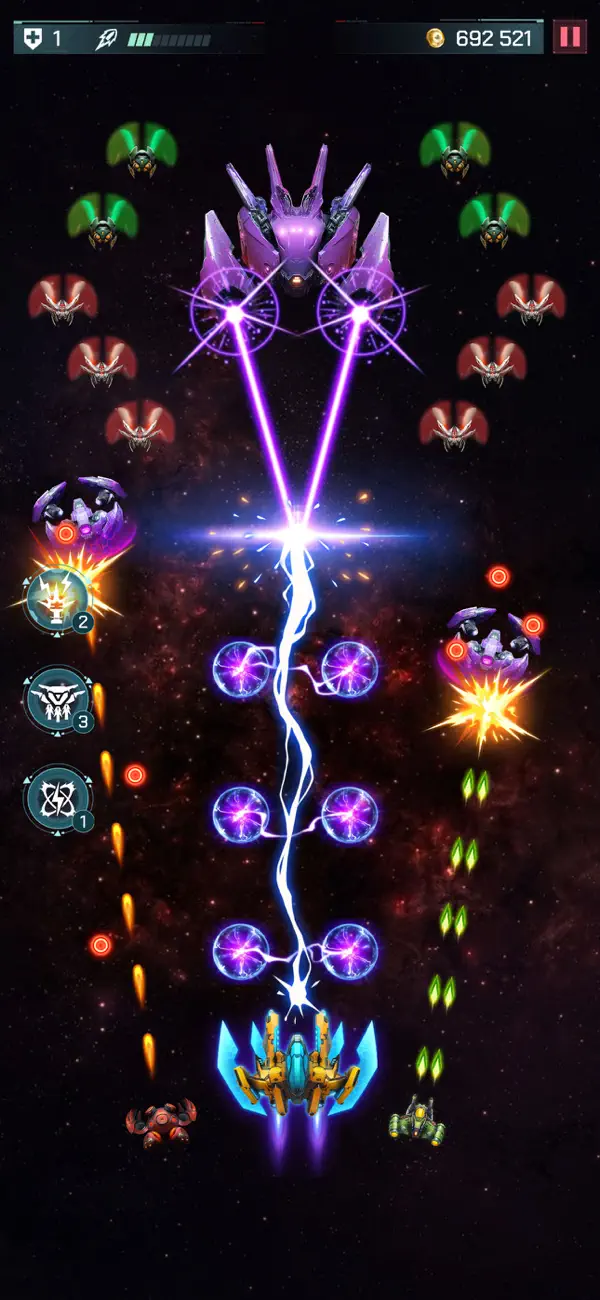
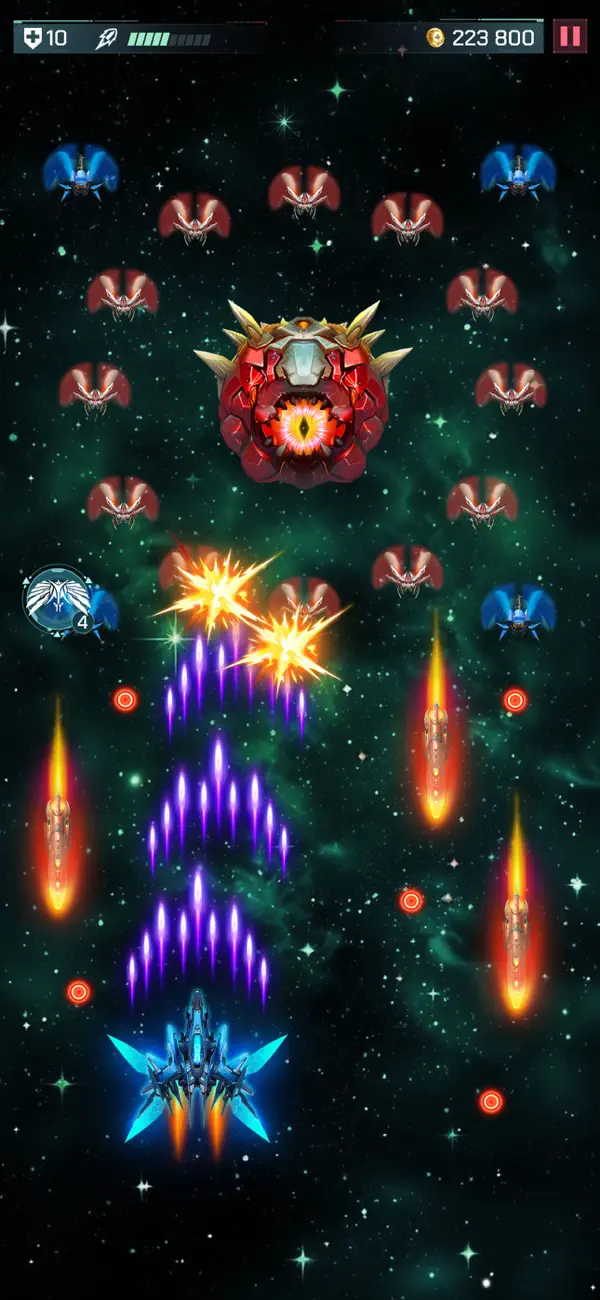
اقضِ على موجات الغزاة الفضائيين في Universe Invader 2: Alien War Mod IPA، حيث تدافع عن المجرة في لعبة إطلاق نار فضائية سريعة الإيقاع. يزيل هذا التعديل حواجز التقدم ويفتح مميزات قوة متقدمة، مما يتيح لك التركيز على الحركة بدلاً من الكدح للحصول على الموارد.
سواء كنت تسعى للحصول على أعلى الدرجات أو استكشاف كل مستوى بدون حدود، فإن هذه النسخة المعدلة تحول التجربة بالقضاء على حواجز التكلفة وقيود الطاقة، حتى تتمكن من اللعب بسرعتك الخاصة والاستمتاع بمغامرة الأركيد الكاملة.
- الحياة القصوى → زيادة مجموعة صحتك إلى الحد الأقصى
- الضرر الأقصى → زيادة ضرر السلاح إلى الحد الأقصى
- فتح المنطقة [بدون الحاجة إلى نجوم] → الوصول إلى جميع المستويات بدون متطلبات النجوم
- فتح السفينة والطائرة بدون تكلفة → تجهيز السفن والطائرات بالمجان
:: ViP ::
- الفوز التلقائي → إكمال المعارك تلقائياً
- نقاط ViP → اكسب العملة المتقدمة
- أحجار كريمة غير محدودة → أنفق الأحجار الكريمة بدون حدود
- عملات غير محدودة → عملة داخل اللعبة لا نهائية
- طاقة غير محدودة → العب بدون قيود الطاقة
- معززات غير محدودة → استخدم المميزات بلا نهاية
- مفاتيح غير محدودة +2 → افتح الصناديق والمكافآت بحرية
يأتي هذا التطبيق أيضًا مع iGameGod، مما يتيح لك الوصول إلى Auto Touch لأتمتة المهام المتكررة، وApp Speed Manager لضبط سرعة اللعب، وتعديل القيم عبر Memory Engine، والمزيد من أدوات ألعاب iOS القوية.
قم بتنزيل Universe Invader 2: Alien War Hack modded IPA من الروابط أعلاه. اضغط على زر التثبيت واتبع التعليمات لتثبيت هذا التعديل لـ iOS على iPhone أو iPad أو Apple Silicon.
هل تحتاج إلى مزيد من المساعدة؟ راجع الأسئلة الشائعة لتطبيق iOSGods للحصول على إجابات مفصلة ونصائح لاستكشاف الأخطاء.
Universe Invader 2: Alien War - Get ready for an exciting journey through space! Protect the galaxy from an alien invasion in this fun arcade space shooter game.
Step into a thrilling universe full of danger and adventure. Universe Invader 2: Alien War combines the excitement of classic arcade games with modern graphics and features. Each level offers new challenges and surprises to keep you entertained.
KEY FEATURES OF THE SPACE SHOOTER GAME:
- Amazing Graphics: Explore beautifully designed galaxies that look stunning.
- Exciting Battles: Fight fast and intense battles against waves of alien enemies.
- Epic Boss Fights: Take on giant alien warships in challenging boss levels.
- Power-Ups and Bonuses: Collect special items to improve your ship and win battles.
- Achievements and Rewards: Unlock achievements and earn rewards as you progress.
The universe’s future depends on you! Every alien you defeat brings you closer to solving the mystery of their attack. Can you uncover their plan and bring peace back to the galaxy?
Are you ready to be the hero the galaxy needs? Download Universe Invader 2: Alien War today and join the adventure! Get ready, power up your ship, and start the battle—the galaxy is counting on you!

- iPhone أو iPad بجيلبريك أو بدون جيلبريك.
- Sideloadly أو بدائلها.
- كمبيوتر يعمل بنظام Windows/macOS/Linux مع تثبيت iTunes.
الخطوة 1: قم بتنزيل ملف .IPA المعدّل مسبقًا من الرابط أعلاه إلى الكمبيوتر الخاص بك. للتنزيل من تطبيق iOSGods App، اطلع على دليل تنزيل IPA من تطبيق iOSGods App الذي يتضمن مثالًا بالفيديو.
الخطوة 2: قم بتنزيل Sideloadly وتثبيته على جهاز Windows أو Mac.
الخطوة 3: افتح Sideloadly على الكمبيوتر، ووصّل جهاز iOS الخاص بك، وانتظر حتى يظهر اسم جهازك داخل Sideloadly.
الخطوة 4: بمجرد التعرّف على جهاز iDevice الخاص بك، اسحب ملف .IPA المعدّل الذي قمت بتنزيله وأفلِته داخل تطبيق Sideloadly.
الخطوة 5: أدخل البريد الإلكتروني لحساب Apple Account الخاص بك، ثم اضغط على «Start». سيُطلب منك بعد ذلك إدخال كلمة المرور. تابع وأدخل المعلومات المطلوبة.
الخطوة 6: انتظر حتى ينتهي Sideloadly من تحميل/تثبيت ملف IPA المعدّل. في حال واجهت أي مشاكل أثناء التثبيت، يرجى قراءة الملاحظة أدناه.
الخطوة 7: بعد اكتمال التثبيت ورؤية التطبيق على الشاشة الرئيسية، انتقل إلى Settings → General → Profiles / VPN & Device Management. ثم اضغط على البريد الإلكتروني الذي أدخلته في الخطوة 6، ثم اضغط على «الوثوق بـ [email protected]».
الخطوة 8: الآن انتقل إلى الشاشة الرئيسية وافتح التطبيق الذي تم تثبيته للتو وسيعمل كل شيء بشكل صحيح. قد تحتاج إلى اتباع تعليمات إضافية خاصة بكل تطبيق داخل النافذة المنبثقة للتعديل أثناء اللعب.
ملاحظة: بدءًا من iOS/iPadOS 16 وما بعده، يجب تفعيل وضع المطور (Developer Mode). بالنسبة لحسابات Apple Developer المجانية، ستحتاج إلى تكرار هذه العملية كل 7 أيام. إذا كانت لديك أي أسئلة أو مشاكل، يرجى قراءة قسم الأسئلة الشائعة حول Sideloadly في الموضوع.