ログインが必要
iOSGodsアカウントでサインインして続けてください。
iOSGodsアカウントでサインインして続けてください。
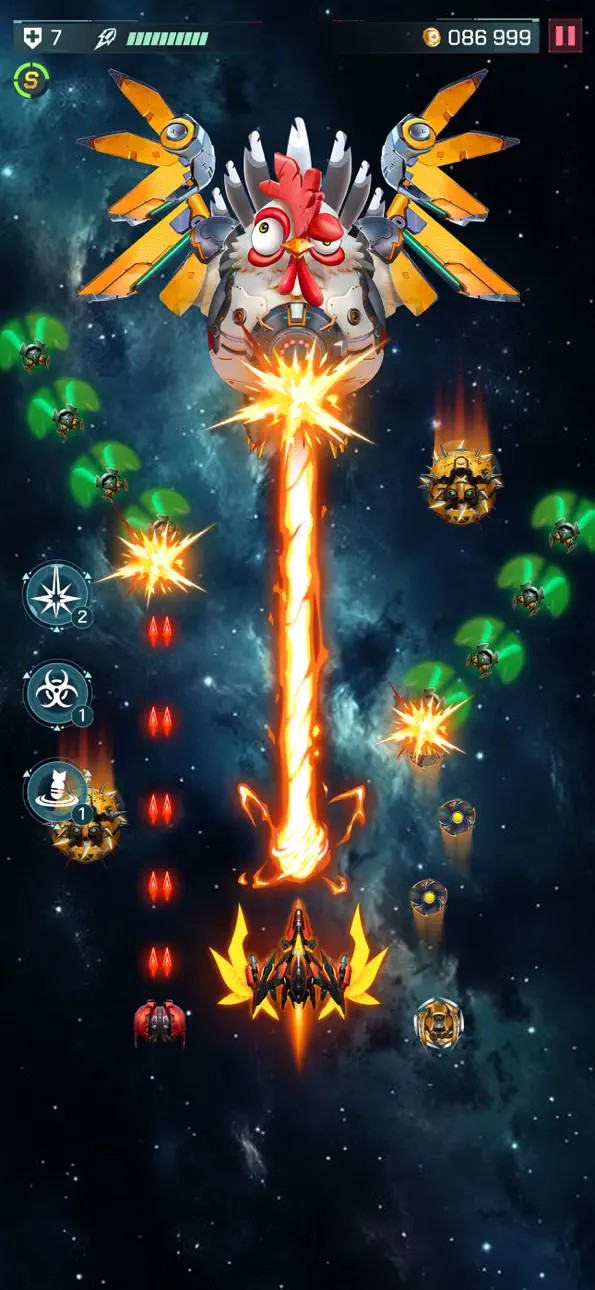
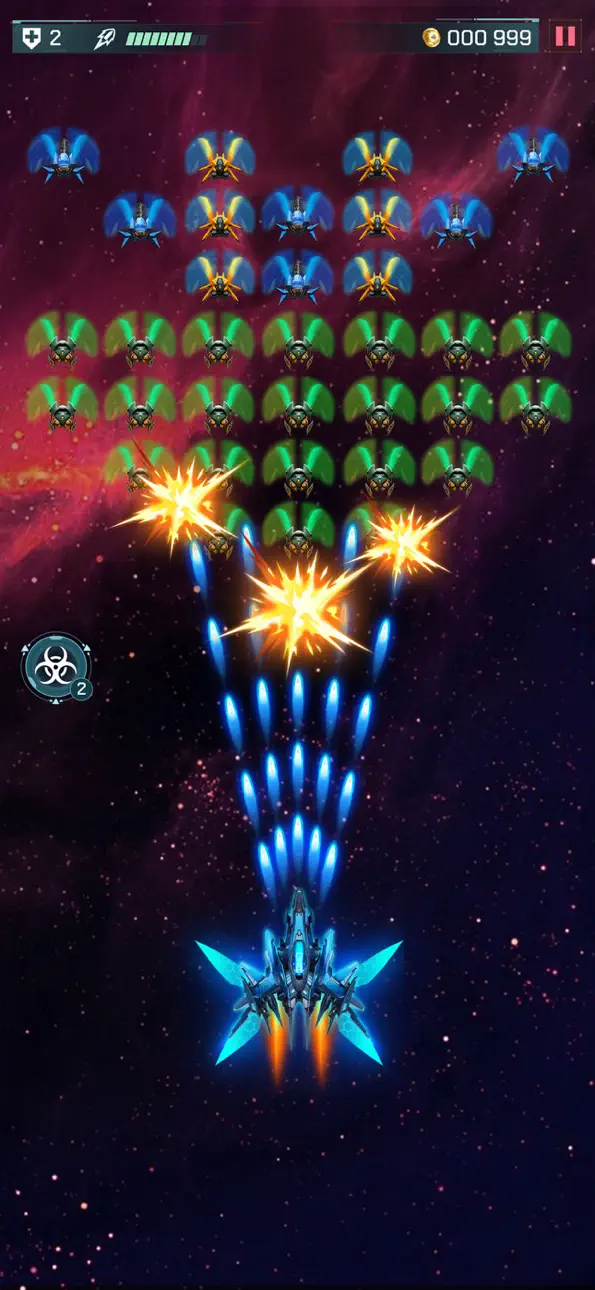
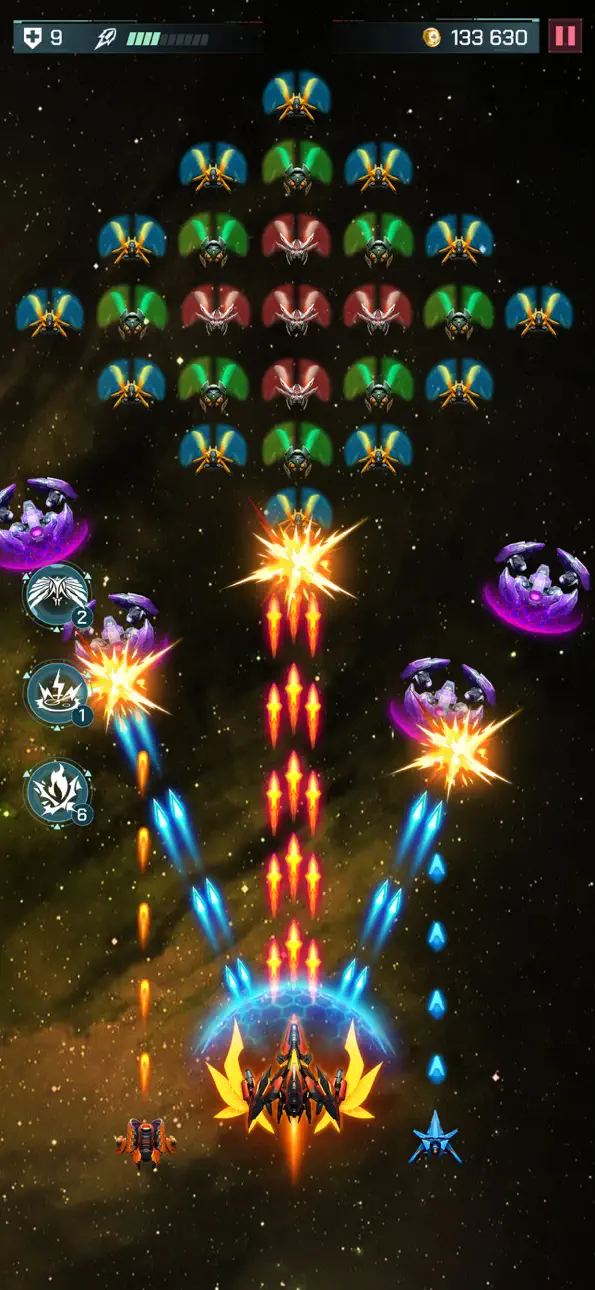
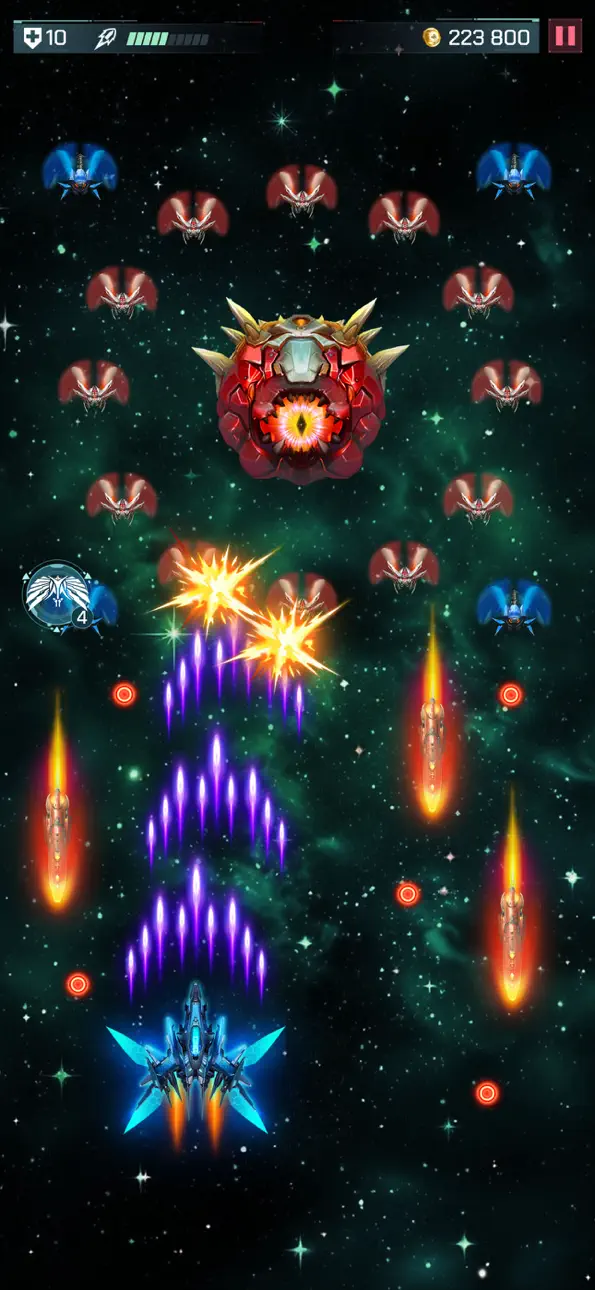
Universe Invader 2: Alien War Mod IPAで宇宙人の波状攻撃を撃ち抜き、高速ペースのアーケード宇宙シューティングで銀河を守ります。このハックは進行の壁を取り除き、プレミアムパワーアップをアンロックするため、リソースをグラインドする代わりにアクションに集中できます。
ハイスコアを狙うにせよ、すべてのレベルを制限なく探索するにせよ、このモッド版は費用障壁とエネルギー制限を排除することで体験を変え、自分のペースでプレイして完全なアーケードアドベンチャーを楽しむことができます。
- ライフ最大 → ヘルスプールを最大化
- ダメージ最大 → 武器ダメージを最大にブースト
- ゾーンアンロック [スター不要] → スター要件なしですべてのレベルにアクセス
- 船とドローンアンロックコスト0 → 船とドローンを無料で装備
:: ViP ::
- 自動勝利 → バトルを自動で完了
- ViPポイント → プレミアム通貨を獲得
- 無制限ジェム → ジェムを無制限に使用
- 無制限コイン → 無限のゲーム内通貨
- 無制限エネルギー → エネルギー制限なしでプレイ
- 無制限ブースター → パワーアップを無限に使用
- 無制限キー +2 → チェストと報酬を自由にアンロック
このアプリにはiGameGodも搭載されており、繰り返し作業を自動化するAuto Touch、ゲーム速度を調整できるApp Speed Manager、Memory Engineによる値の編集など、強力なiOSゲーム用ツールをご利用いただけます。
Universe Invader 2: Alien War Hack modded IPAを上のリンクからダウンロードします。インストールボタンをタップし、画面の指示に従ってiPhone、iPad、Apple SiliconにこのiOSアプリハックをインストールします。
さらにヘルプが必要ですか? 詳しい回答とトラブルシューティングはiOSGodsアプリ よくある質問をご覧ください。
Universe Invader 2: Alien War - Préparez-vous pour un voyage passionnant à travers l'espace ! Protégez la galaxie d'une invasion extraterrestre dans cet amusant jeu de tir spatial d'arcade.
Entrez dans un univers passionnant plein de dangers et d'aventures. Universe Invader 2 : Alien War combine l'excitation des jeux d'arcade classiques avec des graphismes et des fonctionnalités modernes. Chaque niveau propose de nouveaux défis et surprises pour vous divertir.
CARACTÉRISTIQUES CLÉS DU JEU SPACE SHOOTER :
- Des graphismes époustouflants : explorez des galaxies magnifiquement conçues et époustouflantes.
- Des batailles passionnantes : menez des batailles rapides et intenses contre des vagues d'ennemis extraterrestres.
- Epic Boss Fights : affrontez des navires de guerre extraterrestres géants dans des niveaux de boss difficiles.
- Power-Ups et bonus : collectez des objets spéciaux pour améliorer votre vaisseau et gagner des batailles.
- Réalisations et récompenses : débloquez des réalisations et gagnez des récompenses au fur et à mesure de votre progression.
L’avenir de l’univers dépend de vous ! Chaque extraterrestre que vous battez vous rapproche de la résolution du mystère de leur attaque. Pouvez-vous découvrir leur plan et ramener la paix dans la galaxie ?
Êtes-vous prêt à être le héros dont la galaxie a besoin ? Téléchargez Universe Invader 2: Alien War aujourd'hui et rejoignez l'aventure ! Préparez-vous, mettez votre vaisseau sous tension et lancez la bataille : la galaxie compte sur vous !
スクリーンショット © 各権利者 · App Store


iOSGods は Apple Inc.、Google LLC、および掲載アプリの開発者と提携しておらず、承認や協賛も受けていません。Apple、iOS、App Store は Apple Inc. の商標です。Android および Google Play は Google LLC の商標です。その他のアプリ名、アイコン、画像、商標はすべて各権利者に帰属します。

- 脱獄/Jailed済みまたは脱獄済みのiPhoneまたはiPad。
- Sideloadlyまたは代替手段。
- iTunesがインストールされているWindows/macOS/Linuxを実行しているコンピュータ。
ステップ1: 上のリンクから事前にハックされた.IPAファイルをコンピュータにダウンロードします。iOSGodsアプリからダウンロードする方法は、ビデオ例付きのiOSGodsアプリIPAダウンロードチュートリアルをご覧ください。
ステップ2: SideloadlyをダウンロードしてWindowsまたはMacにインストールします。
ステップ3: コンピュータでSideloadlyを開き、iOSデバイスを接続して、デバイス名がSideloadlyに表示されるまで待ちます。
ステップ4: iDeviceが認識されたら、ダウンロードしたModされた.IPAファイルをSideloadlyアプリにドラッグ&ドロップします。
ステップ5: Apple Accountのメールアドレスを入力し、「Start」を押します。次にパスワードの入力を求められます。必要な情報を入力してください。
ステップ6: Sideloadlyがハックされたipaのサイドロード/インストールを完了するのを待ちます。インストール中に問題が発生した場合は、以下の注意事項をお読みください。
ステップ7: インストールが完了し、ホーム画面にアプリが表示されたら、設定 → 一般 → プロファイル / VPNとデバイス管理に移動する必要があります。そこで、ステップ6で入力したメールをタップし、「Trust [email protected]」をタップします。
ステップ8: ホーム画面に戻り、新しくインストールされたアプリを開けば、すべて正常に動作するはずです。ゲーム内のハックのポップアップで、アプリごとの追加指示に従う必要がある場合があります。
注意: iOS/iPadOS 16以降では、デベロッパモードを有効にするが必要です。無料のApple Developerアカウントの場合、このプロセスを7日ごとに繰り返す必要があります。質問や問題がある場合は、トピックのSideloadly FAQセクションをお読みください。
Hack Features:
- Inf Coins (Spend)
App Installation Instructions:
---------------------------------------------------------
----------------------------------------------------------
If you require more information or help, please read our Frequently Asked Questions topic on iOSGods.com.
----------------------------------------------------------
--------------------------------------------------