Cần đăng nhập
Đăng nhập bằng tài khoản iOSGods để tiếp tục.
Đăng nhập bằng tài khoản iOSGods để tiếp tục.
Tiền xu không giới hạn, sợi len, ánh sáng mặt trời và mọi vật dụng cho mèo trong hack Window Meow iOS Mod IPA miễn phí này có nghĩa là bạn sẽ không bao giờ hết tài nguyên để thu hút và chăm sóc những chú mèo đến thăm. Xây dựng khu vườn mơ ước của bạn mà không cần phải chơi lặp lại hoặc chờ đợi bộ đếm thời gian reset.
Cho dù bạn là một người yêu mèo bình thường tìm kiếm sự thư giãn thuần túy hay một người hoàn hảo quyết tâm mở khóa mọi chú mèo xấu hổ trong khu phố, mod này loại bỏ tắc nghẽn tài nguyên để bạn có thể tập trung vào việc gắn kết, trang trí và chụp những khoảnh khắc ảnh quý giá làm cho trò chơi trở nên đặc biệt.
- Tiền xu Không Giới Hạn → chi tiêu tự do cho đồ nội thất và trang trí
- Sợi Len Không Giới Hạn → thời gian chơi vô tận với những chú mèo đến thăm
- Ánh Sáng Mặt Trời Không Giới Hạn → không có độ trễ cho các hoạt động khu vườn
- Thức Ăn Không Giới Hạn +11 → thu hút và cho ăn tất cả các giống mèo
- Nước Không Giới Hạn +5 → giữ cho khu vườn của bạn phát triển
- Sữa Ấm Không Giới Hạn → những món ăn nhẹ thoải mái luôn có sẵn
- Âm Nhạc Không Giới Hạn → làm dịu mèo bằng những giai điệu vô tận
- Lông Thỏ Không Giới Hạn → vật liệu thủ công không bao giờ cạn kiệt
- Găng Tay Lông Không Giới Hạn → các vật dụng chăm sóc luôn có sẵn
- Bàn Chải Ba Chiều Không Giới Hạn → chải mèo mà không có giới hạn
- Quả Bóng Sọc Không Giới Hạn → đồ chơi vô tận cho các phiên chơi
- Cây Đũa Chuột Không Giới Hạn → đồ chơi tương tác luôn sẵn sàng
- Đóng Băng Tiền xu → khóa số tiền xu của bạn tại chỗ
- Đóng Băng Sợi Len → ngăn chặn sự cạn kiệt sợi len
- Đóng Băng Ánh Sáng Mặt Trời → duy trì mức ánh sáng mặt trời
- Đóng Băng Thức Ăn +11 → bảo tồn tất cả các loại thức ăn
- Đóng Băng Nước +5 → khóa nguồn cung nước
- Đóng Băng Sữa Ấm → giữ cho dự trữ sữa ổn định
- Đóng Băng Âm Nhạc → duy trì kho âm nhạc
- Đóng Băng Lông Thỏ → bảo tồn vật liệu thủ công
- Đóng Băng Găng Tay Lông → khóa vật dụng chăm sóc
- Đóng Băng Bàn Chải Ba Chiều → giữ kho bàn chải cố định
- Đóng Băng Quả Bóng Sọc → duy trì kho đồ chơi
- Đóng Băng Cây Đũa Chuột → bảo tồn đồ chơi tương tác
Ứng dụng này cũng đi kèm với iGameGod, cho phép bạn truy cập Auto Touch để tự động hóa các thao tác lặp lại, App Speed Manager để điều chỉnh tốc độ chơi game, chỉnh sửa giá trị bằng Memory Engine, và nhiều công cụ mạnh mẽ khác cho game iOS.
Tải Window Meow iOS Mod IPA từ các liên kết ở trên. Nhấn nút cài đặt và làm theo hướng dẫn để cài bản hack iOS lên iPhone, iPad hoặc Apple Silicon.
Cần thêm trợ giúp? Hãy xem Câu hỏi thường gặp ứng dụng iOSGods để có câu trả lời chi tiết và mẹo khắc phục sự cố.
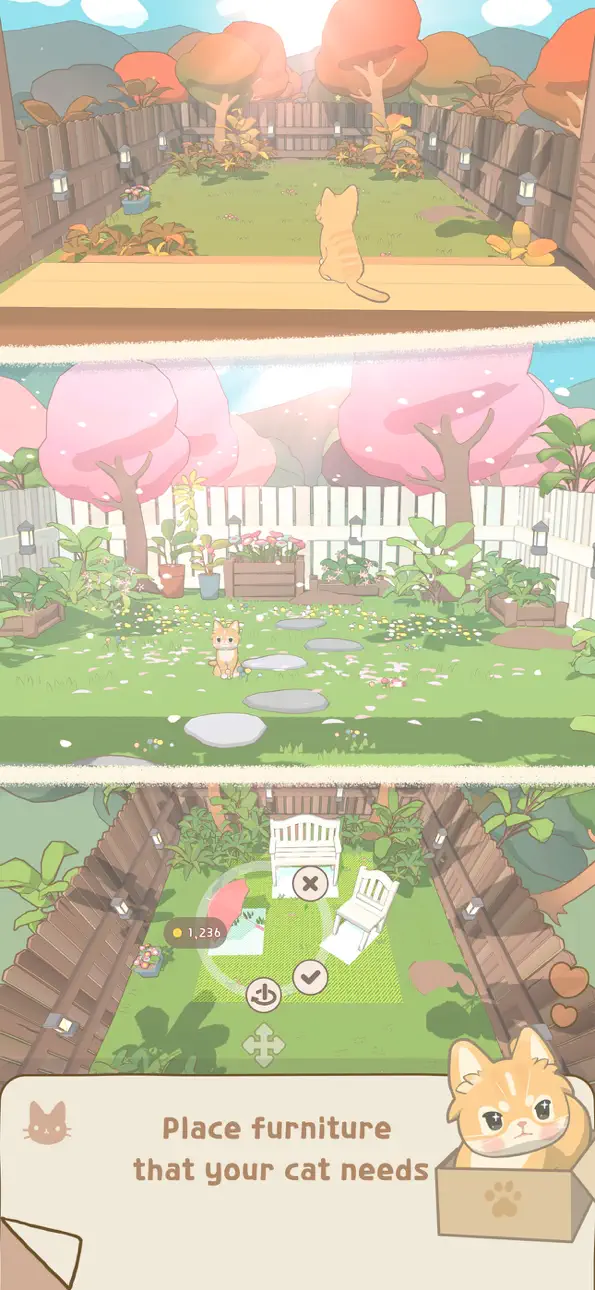
# A Small Garden a Cat Comes to Visit
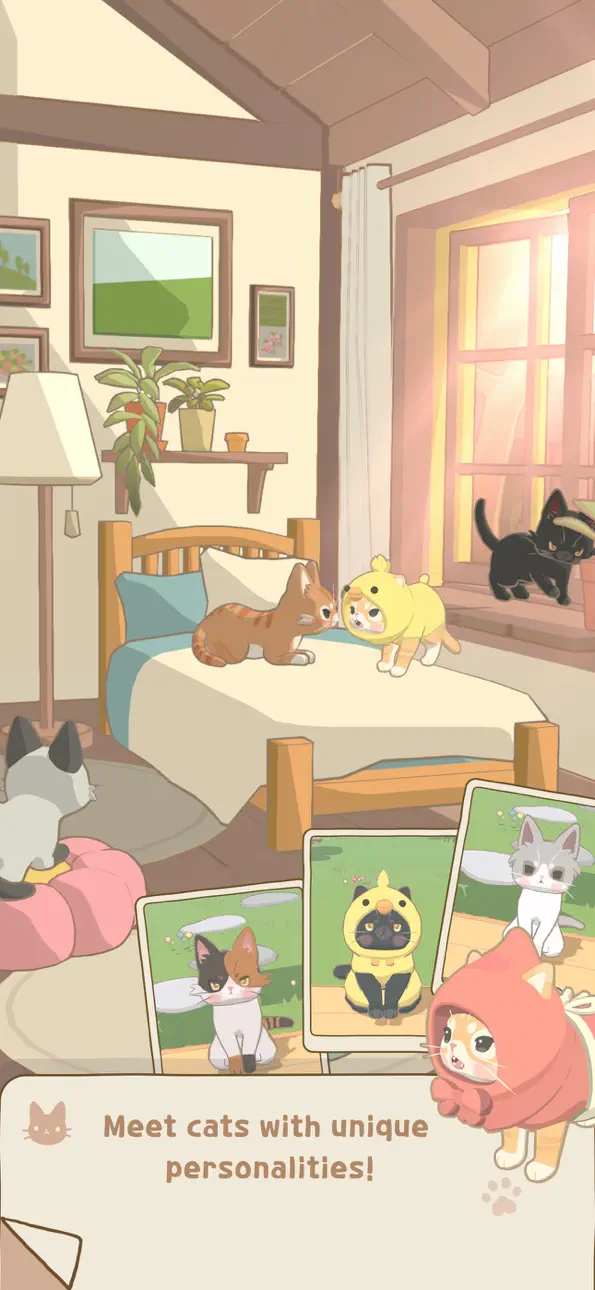
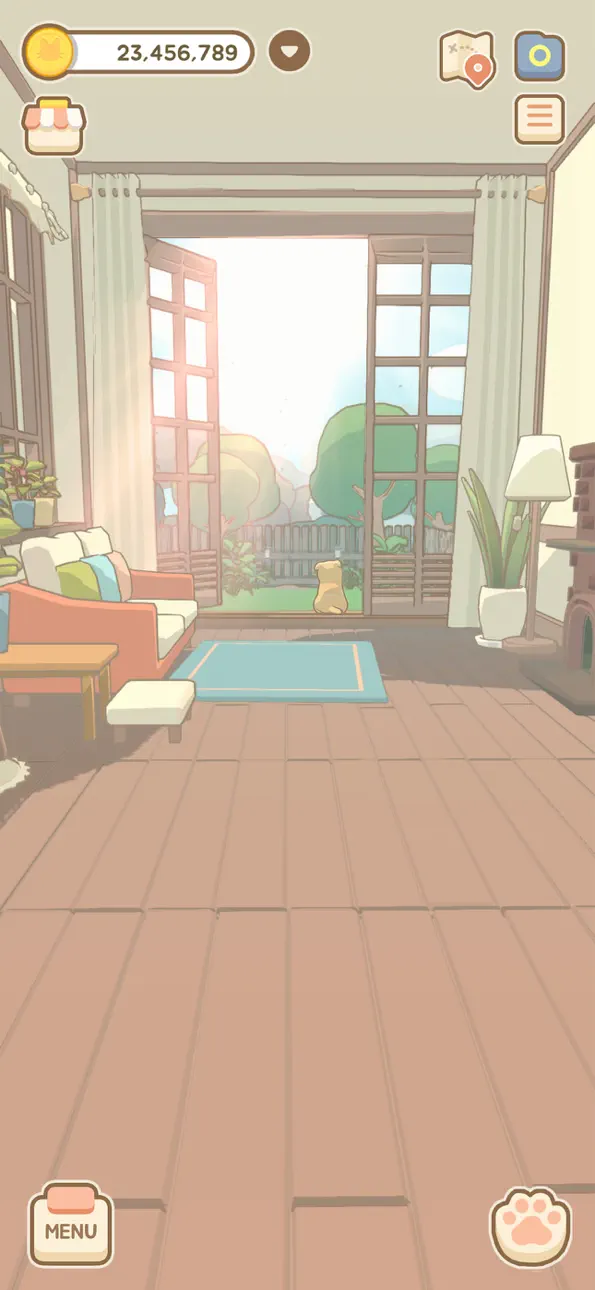
Enjoy a quiet, cozy day as you bond with a cat in your garden.
Window Meow
is a heartwarming healing sim
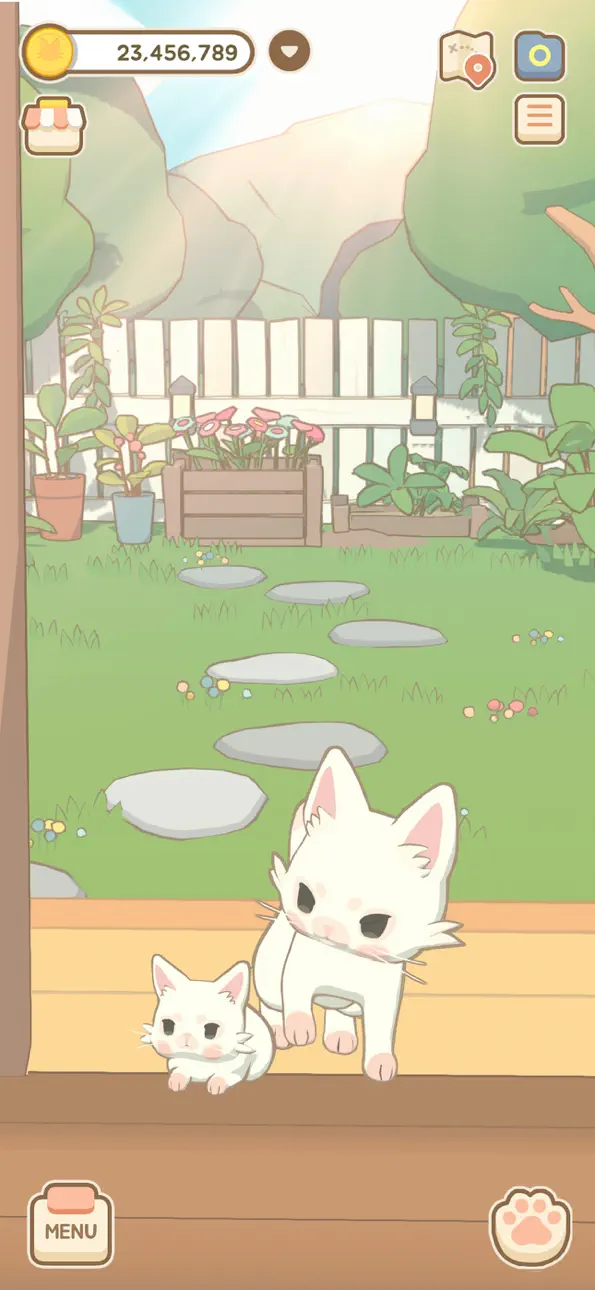
where cats visit your window
and gentle bonds begin.
# Where Little Bonds Begin
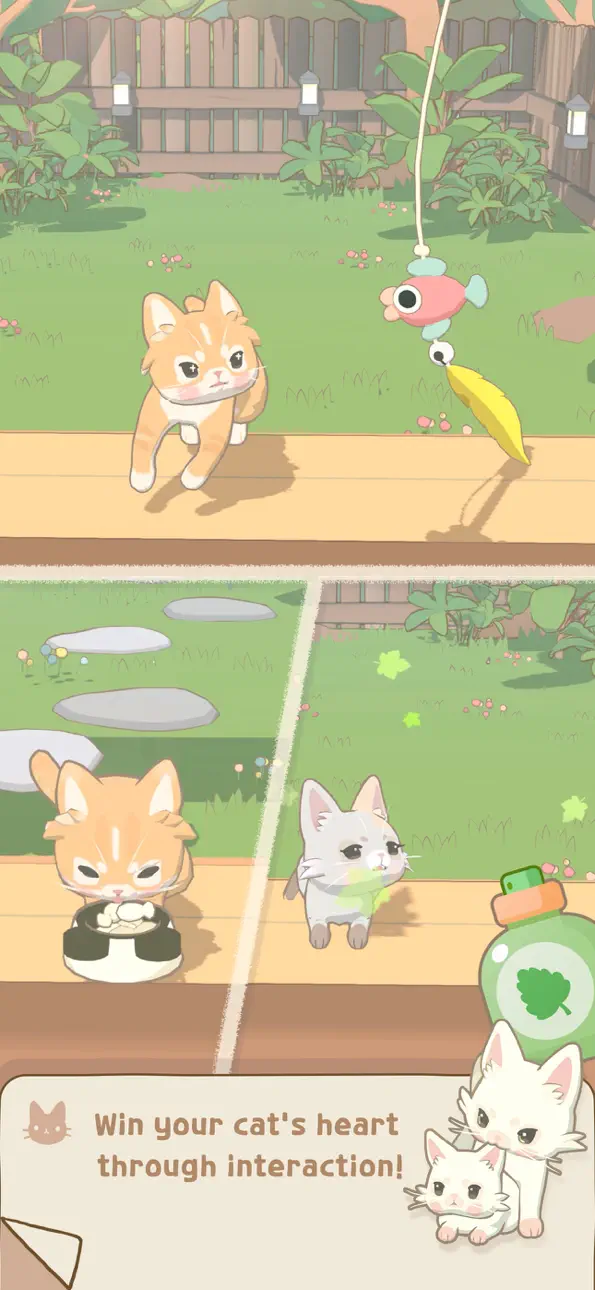
With food, water, treats, and play,
the cat gradually starts to open its heart to you.
Add cat furniture to your garden,
and shy, hard-to-find cats
may slowly come out to visit.
# Capture Precious Cat Moments
Take photos of the cats that visit your garden and neighborhood,
decorate them with cute stickers,
and create your very own cat album.
Even cats that only stop by for a while
are more likely to return
if you capture them in photos.
# The Moment the Heart Door Opens
As you continue bonding with a cat,
its closed Heart Door
slowly—before you even realize it—begins to open wide.
In that moment, a special “Chosen” event occurs—
the cat chooses you,
and you become its caretaker.
# Living Together
Once a cat becomes part of your family,
you can share a new daily life together—even in your room.
Set up furniture for your cat,
and watch its adorable, affectionate side
that only appears indoors.
Put on outfits, chat with your cat,
and go through the day’s little tasks together
as your bond grows deeper.
# Little Rewards & Changing Seasons
From daily login and event rewards,
to limited outfits from the Season Pass,
and even seasonal packages that transform your garden.
As your garden gently changes day by day,
enjoy building a quiet, daily life with your cat.
# The Moment a Cat Chooses You
There’s no need to rush.
Like a small miracle that comes after waiting,
one day a cat will come to you
and place its heart in your care.
A heartwarming healing sim about life and bonds with cats
Window Meow
Ảnh chụp © chủ sở hữu tương ứng · App Store


iOSGods không liên kết, không được chứng thực hay tài trợ bởi Apple Inc., Google LLC hoặc các nhà phát triển của những ứng dụng được liệt kê ở đây. Apple, iOS và App Store là thương hiệu của Apple Inc. Android và Google Play là thương hiệu của Google LLC. Mọi tên ứng dụng, biểu tượng, hình ảnh và thương hiệu khác đều thuộc về chủ sở hữu tương ứng.

- iPhone hoặc iPad chưa jailbreak/đã đóng hoặc đã jailbreak.
- Sideloadly hoặc các lựa chọn thay thế.
- Máy tính chạy Windows/macOS/Linux đã cài iTunes.
BƯỚC 1: Tải tệp .IPA đã được hack sẵn từ liên kết phía trên về máy tính của bạn. Để tải từ iOSGods App, hãy xem Hướng dẫn tải IPA bằng iOSGods App của chúng tôi, có kèm ví dụ bằng video.
BƯỚC 2: Tải Sideloadly và cài đặt trên Windows hoặc Mac của bạn.
BƯỚC 3: Mở Sideloadly trên máy tính, kết nối thiết bị iOS của bạn và chờ cho đến khi tên thiết bị hiển thị trong Sideloadly.
BƯỚC 4: Khi thiết bị iOS của bạn đã được nhận diện, hãy kéo tệp .IPA đã chỉnh sửa mà bạn tải về và thả vào ứng dụng Sideloadly.
BƯỚC 5: Nhập email Apple Account của bạn, sau đó nhấn "Start." Bạn sẽ được yêu cầu nhập mật khẩu. Hãy cung cấp các thông tin cần thiết.
BƯỚC 6: Chờ Sideloadly hoàn tất quá trình sideload/cài đặt tệp IPA đã hack. Nếu gặp sự cố trong quá trình cài đặt, vui lòng đọc lưu ý bên dưới.
BƯỚC 7: Khi cài đặt hoàn tất và bạn thấy ứng dụng trên Màn hình chính, bạn cần truy cập Cài đặt → Cài đặt chung → Hồ sơ / VPN & Quản lý thiết bị. Tại đó, nhấn vào email bạn đã nhập ở bước 6, rồi nhấn "Tin cậy [email protected]".
BƯỚC 8: Bây giờ hãy về Màn hình chính và mở ứng dụng vừa cài đặt, mọi thứ sẽ hoạt động bình thường. Bạn có thể cần làm theo hướng dẫn riêng của từng ứng dụng trong cửa sổ popup của bản hack trong game.
LƯU Ý: Trên iOS/iPadOS 16 trở lên, bạn phải bật Chế độ nhà phát triển. Với tài khoản Apple Developer miễn phí, bạn sẽ cần lặp lại quy trình này mỗi 7 ngày. Nếu bạn có thắc mắc hoặc gặp sự cố, hãy đọc mục FAQ về Sideloadly trong chủ đề của chúng tôi.
Game Name iOS Mod IPA is an action adventure game enhanced with powerful gameplay boosts and quality-of-life improvements. Win battles faster, earn rewards quicker, and enjoy uninterrupted play without ads.
- Unlimited Gold - spend freely to unlock premium content
- Damage Multiplier - deal significantly more damage in combat
- Defense Multiplier - take less damage and survive longer
- Reward Multiplier - earn more loot from every battle
- Max Level - instantly reach the highest player rank
- No Ads - play without interruptions or advertisements
This app also comes with iGameGod, giving you access to Auto Touch to automate repetitive tasks, App Speed Manager for adjustable gameplay speed, Memory Engine value editing, and more powerful iOS game tools.
Tải Game Name Mod IPA từ các liên kết ở trên. Nhấn nút cài đặt và làm theo hướng dẫn để cài bản hack iOS lên iPhone, iPad hoặc Apple Silicon.
Cần thêm trợ giúp Hãy xem Câu hỏi thường gặp ứng dụng iOSGods để có câu trả lời chi tiết và mẹo khắc phục sự cố.
----------------------------------------------------------
--------------------------------------------------