Inicio de sesión requerido
Inicia sesión con tu cuenta de iOSGods para continuar.
Inicia sesión con tu cuenta de iOSGods para continuar.

Desbloquea herramientas premium de animación y gráficos en movimiento con este Alight Motion Mod IPA para iOS, dándote acceso completo a funciones de nivel profesional sin restricciones. Alight Motion es una poderosa aplicación de diseño en movimiento que lleva animación de calidad profesional, efectos visuales y edición de video a tu smartphone, y este hack elimina el muro de pago para que puedas crear sin límites.
- Premium → todas las funciones pro desbloqueadas
Esta app también incluye iGameGod, que te ofrece acceso a Auto Touch para automatizar tareas repetitivas, App Speed Manager para ajustar la velocidad del juego, edición de valores con Memory Engine y más potentes herramientas para juegos de iOS.
Descarga Alight Motion Modded modded IPA desde los enlaces de arriba. Toca el botón de instalación y sigue las instrucciones para instalar este hack iOS en tu iPhone, iPad o Mac con Apple Silicon.
¿Necesitas más ayuda? Consulta nuestras Preguntas frecuentes de la app iOSGods para respuestas detalladas y consejos de solución de problemas.
成為運動的一部分! Alight Motion是第一款適用於iPhone、iPad和Mac的專業動態設計應用程序,帶來專業品質的動畫、動態圖形、視覺效果、視頻編輯、視頻合成等!
• 多層圖形、視訊和音訊
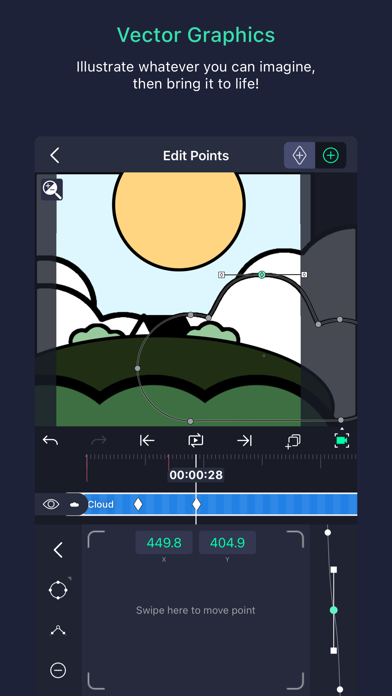
• 矢量和位圖支持(直接在手機上編輯矢量圖形!)
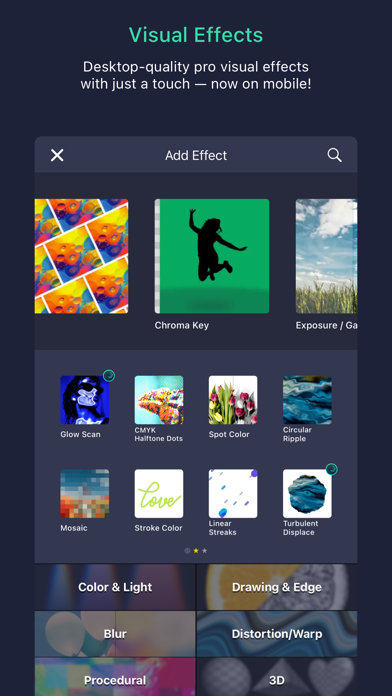
• 超過160個基本效果構建塊,可以組合起來創建複雜的視覺效果
• 可用於所有設定的關鍵幀動畫
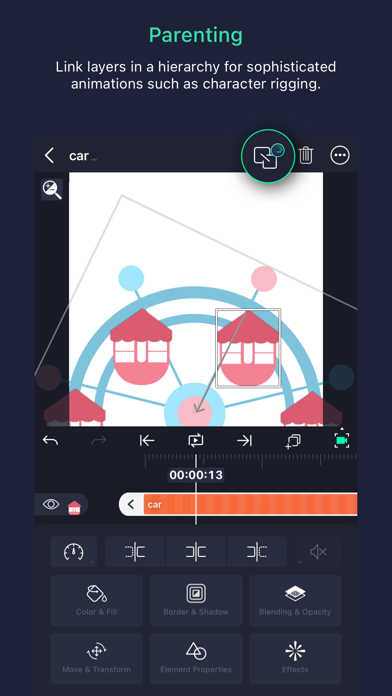
• 連結父層和子層以及綁定角色關節
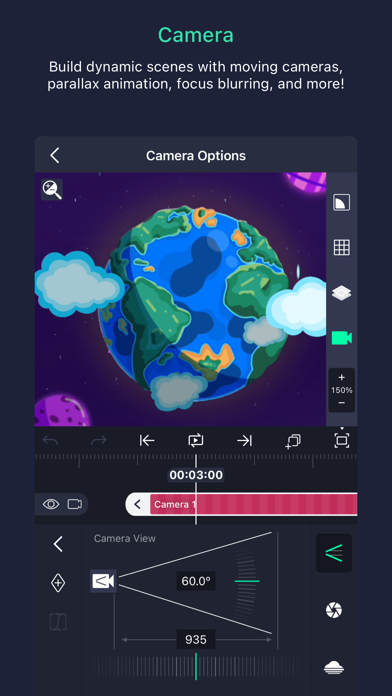
• 可平移、縮放並支持焦點模糊和霧化的相機
• 分組和掩蔽
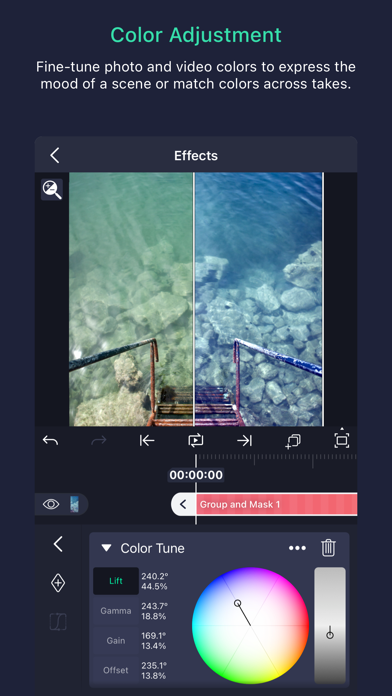
• 顔色調整
• 動畫緩動以獲得更流暢的動作:從預設中選擇或構建你自己的時序曲線
• 易於編輯的書籤
• 基於速度的運動模糊
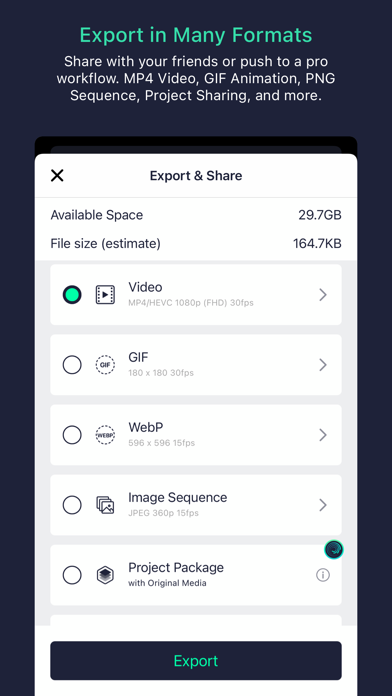
• 匯出MP4視訊、GIF動畫、PNG序列和靜止圖像
• 與他人共享項目包
• 純色和漸變填充效果
• 邊框、陰影和描邊效果
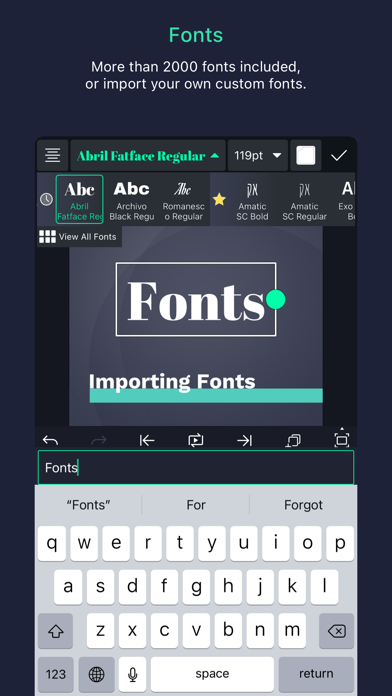
• 自訂字體支持
• 複製並粘貼整個圖層或只是它們的樣式
• 儲存你最喜歡的元素,以便在未來的項目中輕鬆重複使用
Alight Motion可以免費使用基本功能和創建帶浮水印的視訊。應用程式中有付費會員選項,可移除浮水印及訪問定期更新的高級效果和功能庫。這些訂閱會員選項在您選擇購買時收費,並會自動續訂,除非在下一訂閱期開始之前至少24小時取消。購買後,可以在Apple ID設定中管理訂閱。您可以在 https://alightcreative.com/support 上找到關於訂閱的更多資訊。
服務條款:alightcreative.com/tos
隱私政策:alightcreative.com/privacy
- iPhone o iPad con o sin Jailbreak.
- Sideloadly u otras alternativas.
- Ordenador con Windows/macOS/Linux e iTunes instalado.
PASO 1: Descargue el archivo .IPA pre-modificado desde el enlace de arriba a su ordenador. Para descargarlo desde la iOSGods App, consulte nuestro Tutorial de descarga del IPA desde la iOSGods App, que incluye un ejemplo en vídeo.
PASO 2: Descargue Sideloadly e instálelo en su Windows o Mac.
PASO 3: Abra Sideloadly en su ordenador, conecte su dispositivo iOS y espere hasta que el nombre del dispositivo aparezca en Sideloadly.
PASO 4: Una vez que su iDevice sea reconocido, arrastre el archivo .IPA modificado que descargó y suéltelo en la aplicación Sideloadly.
PASO 5: Introduzca el correo electrónico de su Apple Account y, a continuación, pulse «Start». Le pedirá que introduzca su contraseña. Proporcione la información solicitada.
PASO 6: Espere a que Sideloadly termine de hacer sideload/instalar el IPA modificado. Si surgen problemas durante la instalación, por favor lea la nota a continuación.
PASO 7: Una vez completada la instalación y al ver la app en la pantalla de inicio, deberá ir a Ajustes → General → Perfiles / VPN y Gestión de Dispositivos. Una vez allí, toque el correo electrónico que introdujo en el paso 6 y, después, toque en «Confiar en [email protected]».
PASO 8: Ahora vaya a la pantalla de inicio y abra la app recién instalada; todo debería funcionar correctamente. Es posible que tenga que seguir instrucciones adicionales específicas de cada app dentro del popup del hack en el juego.
NOTA: En iOS/iPadOS 16 y posteriores, debe activar el Modo Desarrollador. Para cuentas gratuitas de Apple Developer, deberá repetir este proceso cada 7 días. Si tiene alguna pregunta o problema, lea nuestra sección de Preguntas Frecuentes de Sideloadly del tema.