로그인 필요
계속하려면 iOSGods 계정으로 로그인하세요.
계속하려면 iOSGods 계정으로 로그인하세요.
이 iOS용 Alight Motion Mod IPA로 프리미엄 애니메이션 및 모션 그래픽 도구를 잠금 해제하고, 제한 없이 전문가 수준의 기능에 완전히 접근할 수 있습니다. Alight Motion은 스마트폰에서 전문가 수준의 애니메이션, 시각 효과 및 비디오 편집을 제공하는 강력한 모션 디자인 앱이며, 이 Hack은 페이월을 제거하여 제한 없이 창작할 수 있게 해줍니다.
- 프리미엄 → 모든 프로 기능 잠금 해제
이 앱에는 iGameGod도 포함되어 있어 반복 작업을 자동화하는 Auto Touch, 게임 속도를 조절할 수 있는 App Speed Manager, Memory Engine 값 편집 등 강력한 iOS 게임 도구를 사용할 수 있습니다.
위의 링크에서 Alight Motion Modded modded IPA을 다운로드합니다. 설치 버튼을 누르고 화면 안내에 따라 iPhone, iPad 또는 Apple Silicon에 이 iOS 앱 해킹을 설치합니다.
더 많은 도움이 필요하신가요? 자세한 답변과 문제 해결 팁은 iOSGods 앱 자주 묻는 질문을 확인하세요.
Be part of the movement! Alight Motion is the first professional motion design app for your smartphone for iPhone, iPad, and Mac, bringing you professional-quality animation, motion graphics, visual effects, video editing, video compositing, and more!
• Multiple layers of graphics, video, and audio
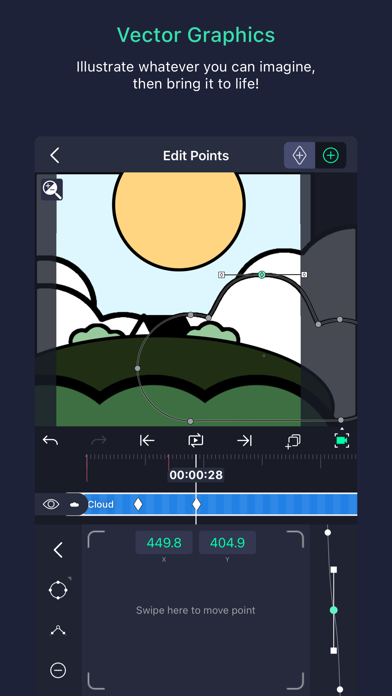
• Vector and bitmap support (edit vector graphics right on your phone!)
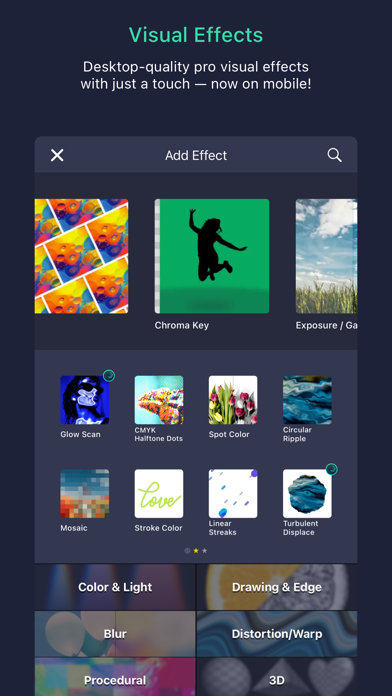
• 160+ basic effect building blocks that can be combined to create sophisticated visual effects
• Keyframe animation available for all settings
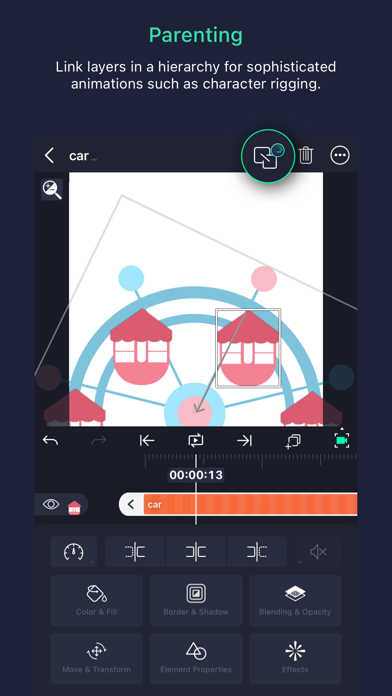
• Link parent and child layers and rig character joints
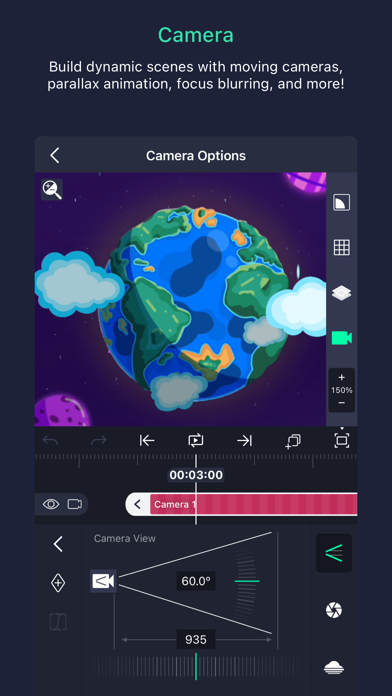
• Cameras that pan, zoom, and support focus blur and fog
• Grouping and Masking
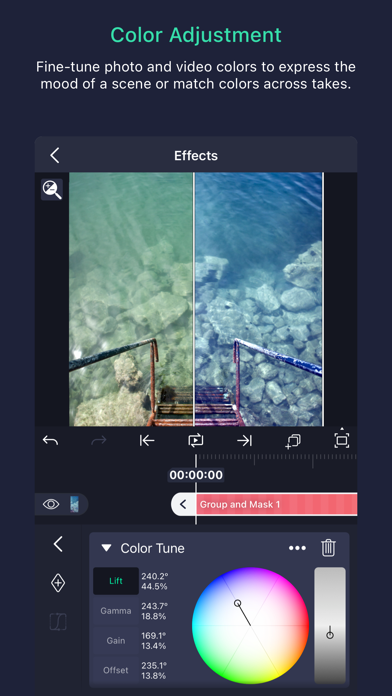
• Color Adjustment
• Animation easing for more fluid motion: Pick from presets or build your own timing curves
• Bookmarks for ease of editing
• Velocity-based motion blur
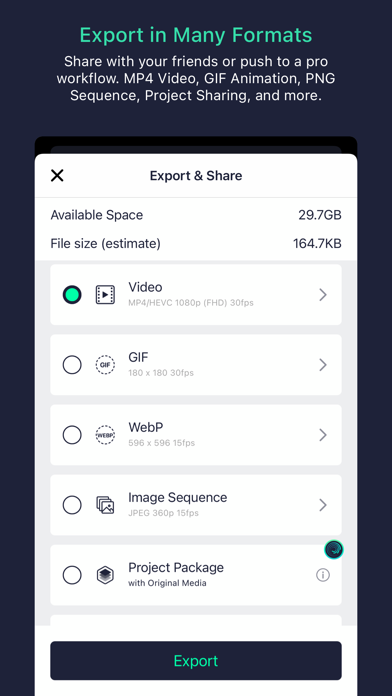
• Export MP4 video, GIF animation, PNG sequences, and stills
• Share project packages with others
• Solid color and gradient fill effects
• Border, shadow, and stroke effects
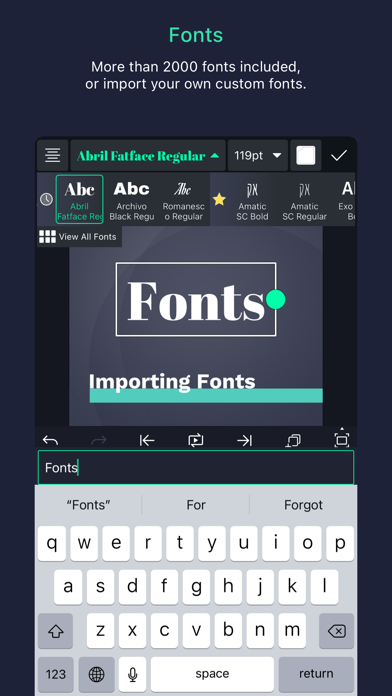
• Custom font support
• Copy and paste entire layers or just their style
• Save your favorite elements for easy re-use in future projects
Alight Motion is free to use with basic features and a watermark on videos you create. There are several paid membership options in the app to remove the watermark and access a regularly updated library of premium effects and features. These subscription membership options are charged when you select to purchase them, and renew automatically unless canceled at least 24 hours prior to the beginning of the next subscription period. After purchasing, subscriptions can be managed in your Apple ID settings. You can find more information about subscriptions at https://alightcreative.com/support
Terms of Service: alightcreative.com/tos
Privacy Policy: alightcreative.com/privacy

- 탈옥/제일 또는 탈옥된 iPhone 또는 iPad가 필요합니다.
- Sideloadly 또는 대체 도구가 필요합니다.
- iTunes가 설치된 Windows/macOS/Linux 컴퓨터가 필요합니다.
1단계: 위 링크에서 미리 해킹된 .IPA 파일을 컴퓨터에 다운로드합니다. iOSGods App에서 다운로드하려면 동영상 예시가 포함된 iOSGods App IPA 다운로드 튜토리얼를 참고하십시오.
2단계: Sideloadly를 다운로드하여 Windows 또는 Mac에 설치합니다.
3단계: 컴퓨터에서 Sideloadly를 실행하고 iOS 기기를 연결한 후, Sideloadly에 기기 이름이 표시될 때까지 기다립니다.
4단계: iDevice가 인식되면, 다운로드한 모드된 .IPA 파일을 Sideloadly 애플리케이션에 끌어다 놓습니다.
5단계: Apple Account 이메일을 입력한 후 “Start”를 누릅니다. 그러면 비밀번호를 입력하라는 메시지가 표시됩니다. 요청된 정보를 제공해 주십시오.
6단계: Sideloadly가 해킹된 IPA의 사이드로드/설치를 완료할 때까지 기다리십시오. 설치 중 문제가 발생하면 아래 참고 사항을 읽어 주십시오.
7단계: 설치가 완료되어 홈 화면에서 앱이 보이면 설정 → 일반 → 프로파일 / VPN 및 기기 관리 경로로 이동해야 합니다. 그곳에서 6단계에서 입력한 이메일을 탭한 다음 “[email protected] 신뢰”를 탭하십시오.
8단계: 이제 홈 화면으로 돌아가 새로 설치된 앱을 열면 모든 것이 정상적으로 작동할 것입니다. 게임 내 해킹 팝업에서 앱별 추가 안내를 따라야 할 수도 있습니다.
참고: iOS/iPadOS 16 이상에서는 개발자 모드를 활성화해야 합니다. 무료 Apple Developer 계정의 경우 이 과정을 7일마다 반복해야 합니다. 질문이나 문제가 있는 경우 해당 토픽의 Sideloadly FAQ 섹션를 읽어보십시오.