Inicio de sesión requerido
Inicia sesión con tu cuenta de iOSGods para continuar.
Inicia sesión con tu cuenta de iOSGods para continuar.

Desbloquea la fotografía computacional profesional en tu iPhone con Focos Modded, un hack que trae efectos de bokeh similares a DSLR y edición avanzada de campo de luz a cada dispositivo. Ajusta el enfoque después de capturar, modifica la configuración de apertura y añade múltiples luces 3D a tus fotos con la libertad creativa de herramientas premium, todo sin límites.
- Premium Desbloqueado → acceso a todas las funciones de edición profesional
Esta app también incluye iGameGod, que te ofrece acceso a Auto Touch para automatizar tareas repetitivas, App Speed Manager para ajustar la velocidad del juego, edición de valores con Memory Engine y más potentes herramientas para juegos de iOS.
Descarga Focos Modded modded IPA desde los enlaces de arriba. Toca el botón de instalación y sigue las instrucciones para instalar este hack iOS en tu iPhone, iPad o Mac con Apple Silicon.
¿Necesitas más ayuda? Consulta nuestras Preguntas frecuentes de la app iOSGods para respuestas detalladas y consejos de solución de problemas.
使用人工智能算法為所有相片添加單反眼的背景虛化效果,被蘋果官方評為《年度本土優秀app》。
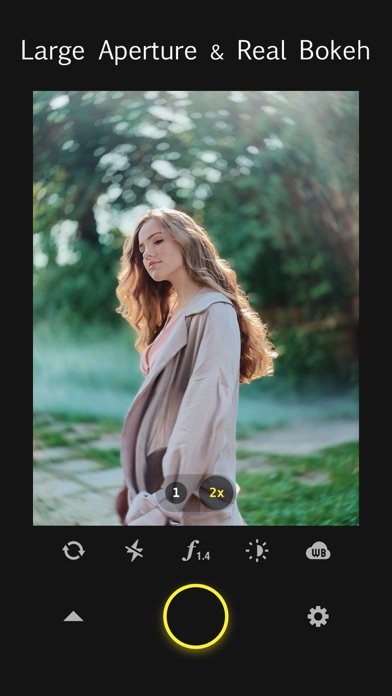
作為計算式攝影的先驅,Focos相機帶來業界領先的大光圈和真實背景虛化,將你的iPhone轉變為專業單眼相機。Focos在已成像的任意照片上,能無限次的修改焦點、光圈、鏡頭光學效果,讓你的照片有無限可能。這是第三代攝影技術的開端,代表著未來攝影的新方向。
The Verge,
“Focos是iOS上最偉大的攝影軟體之一,可以將任意照片變成可調景深的人像模式。”
主要特點:
- 拍攝帶有真實景深的相片,無需用畫筆添加蒙版或劃定模糊範圍;
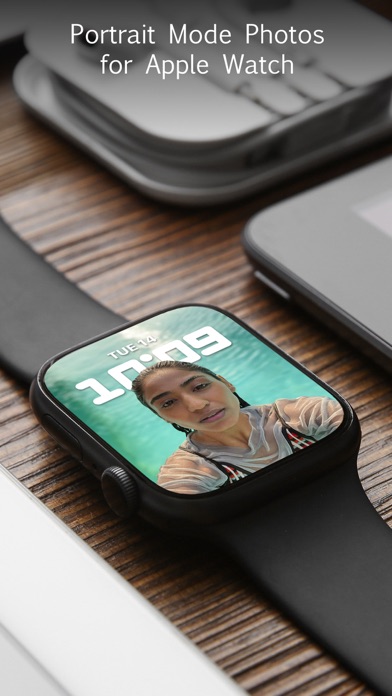
- AI引擎可以為所有照片自動計算景深和添加虛化效果;
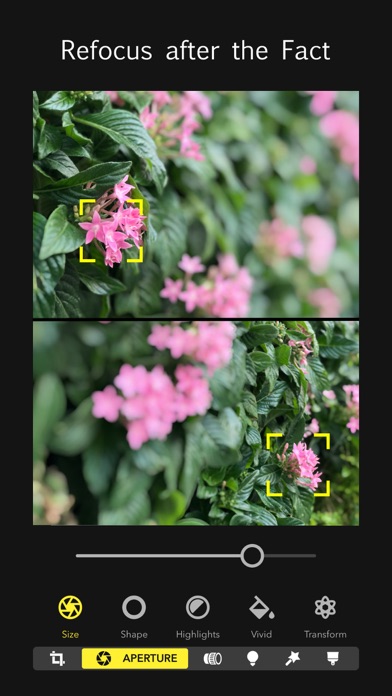
- 先拍攝再對焦,真正高科技;
- 真3D成像;
- f/1.4大光圈、淺景深;
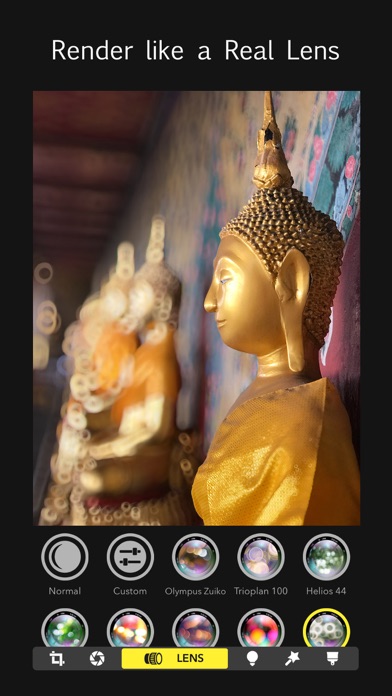
- 提供專業單眼配備高級鏡頭的背景虛化光斑;
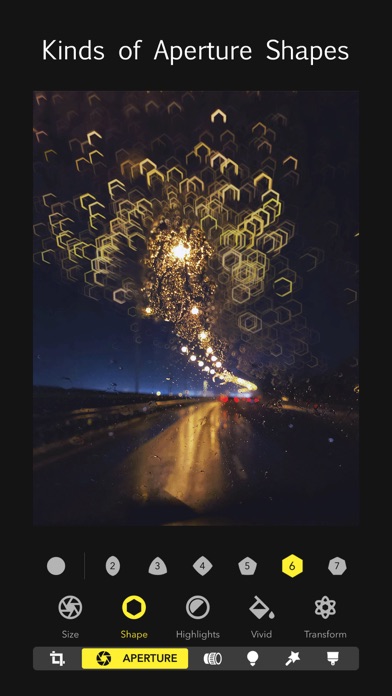
- 各種專業和趣味光斑效果,模擬不同的快門葉片形狀;
- 專業參數模擬各種鏡頭的光學效果,如奶油化開、焦外二線性、口徑蝕、焦外旋轉等;
- 用3D視角來查看景深相片,直觀的添加景深濾鏡,為遠近不同的物體添加不同的效果;
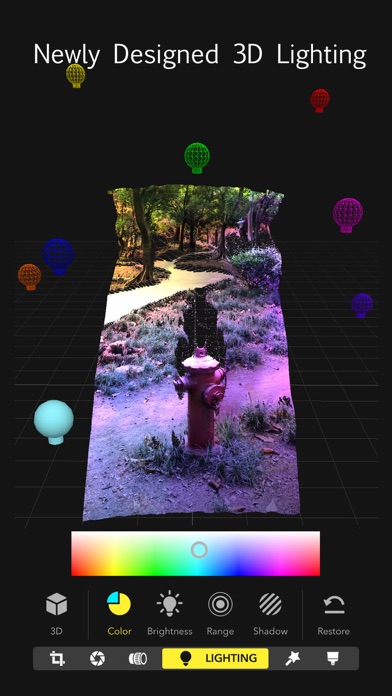
- 在真3D環境中使用3D照明工具,添加燈光,為人像照片局部補光;
- 利用AR虛擬現實技術重塑打光工具,你可以在真實環境中查看人像照片,更加便捷地添加和控制光源;
- 在iPad中使用Apple Pencil以更高的精度來修復景深;
- 全視頻教程,簡單易用;
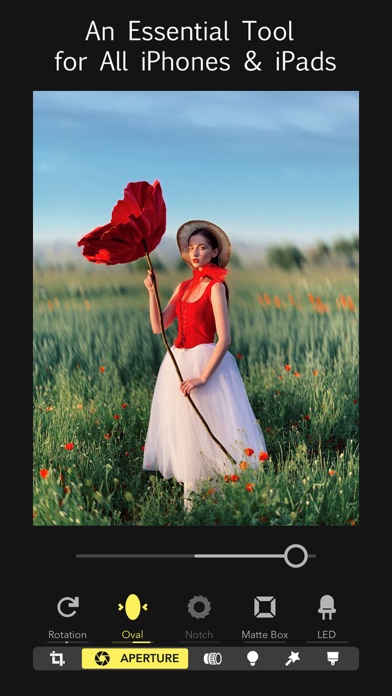
- 支援在所有的64位iPhone及iPad上使用。
有問題或建議?與該郵件聯系support @ focos . me,純中文服務。
- iPhone o iPad con o sin Jailbreak.
- Sideloadly u otras alternativas.
- Ordenador con Windows/macOS/Linux e iTunes instalado.
PASO 1: Descargue el archivo .IPA pre-modificado desde el enlace de arriba a su ordenador. Para descargarlo desde la iOSGods App, consulte nuestro Tutorial de descarga del IPA desde la iOSGods App, que incluye un ejemplo en vídeo.
PASO 2: Descargue Sideloadly e instálelo en su Windows o Mac.
PASO 3: Abra Sideloadly en su ordenador, conecte su dispositivo iOS y espere hasta que el nombre del dispositivo aparezca en Sideloadly.
PASO 4: Una vez que su iDevice sea reconocido, arrastre el archivo .IPA modificado que descargó y suéltelo en la aplicación Sideloadly.
PASO 5: Introduzca el correo electrónico de su Apple Account y, a continuación, pulse «Start». Le pedirá que introduzca su contraseña. Proporcione la información solicitada.
PASO 6: Espere a que Sideloadly termine de hacer sideload/instalar el IPA modificado. Si surgen problemas durante la instalación, por favor lea la nota a continuación.
PASO 7: Una vez completada la instalación y al ver la app en la pantalla de inicio, deberá ir a Ajustes → General → Perfiles / VPN y Gestión de Dispositivos. Una vez allí, toque el correo electrónico que introdujo en el paso 6 y, después, toque en «Confiar en [email protected]».
PASO 8: Ahora vaya a la pantalla de inicio y abra la app recién instalada; todo debería funcionar correctamente. Es posible que tenga que seguir instrucciones adicionales específicas de cada app dentro del popup del hack en el juego.
NOTA: En iOS/iPadOS 16 y posteriores, debe activar el Modo Desarrollador. Para cuentas gratuitas de Apple Developer, deberá repetir este proceso cada 7 días. Si tiene alguna pregunta o problema, lea nuestra sección de Preguntas Frecuentes de Sideloadly del tema.