ログインが必要
iOSGodsアカウントでサインインして続けてください。
Hack Features:
- PREMIUM
Alight Motion Modded modded IPAを上のリンクからダウンロードします。インストールボタンをタップし、画面の指示に従ってiPhone、iPad、Apple SiliconにこのiOSアプリハックをインストールします。
さらにヘルプが必要ですか? 詳しい回答とトラブルシューティングはiOSGodsアプリ よくある質問をご覧ください。
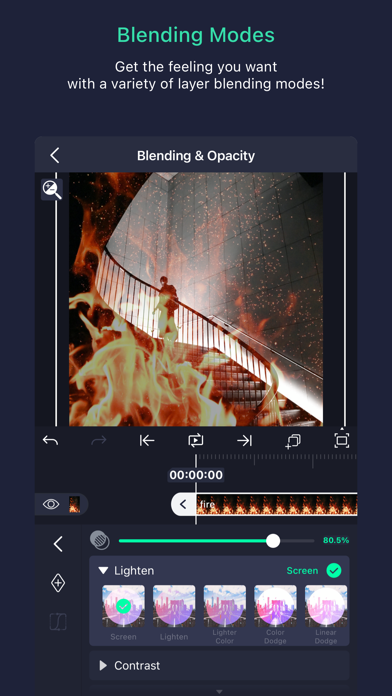
Be part of the movement! Alight Motion is the first professional motion design app for your smartphone for iPhone, iPad, and Mac, bringing you professional-quality animation, motion graphics, visual effects, video editing, video compositing, and more!
• Multiple layers of graphics, video, and audio
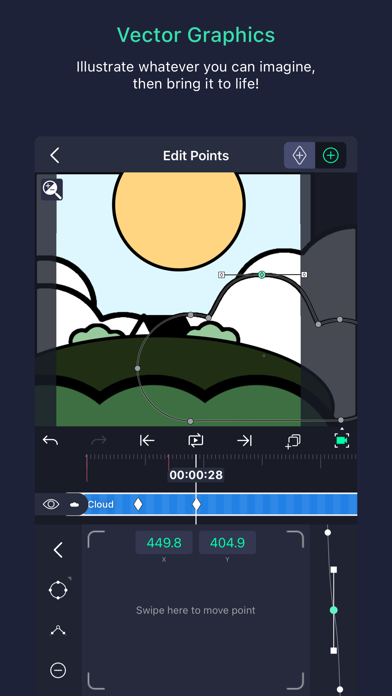
• Vector and bitmap support (edit vector graphics right on your phone!)
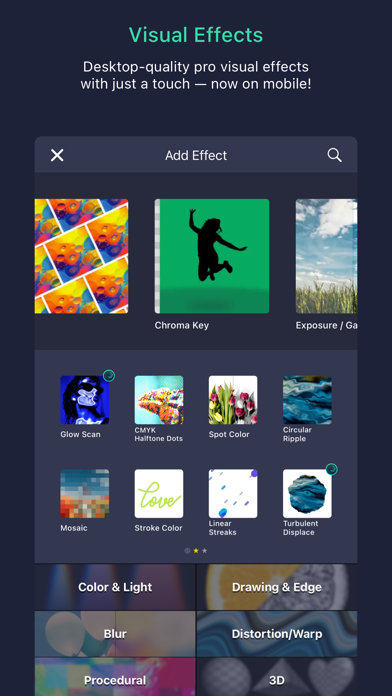
• 160+ basic effect building blocks that can be combined to create sophisticated visual effects
• Keyframe animation available for all settings
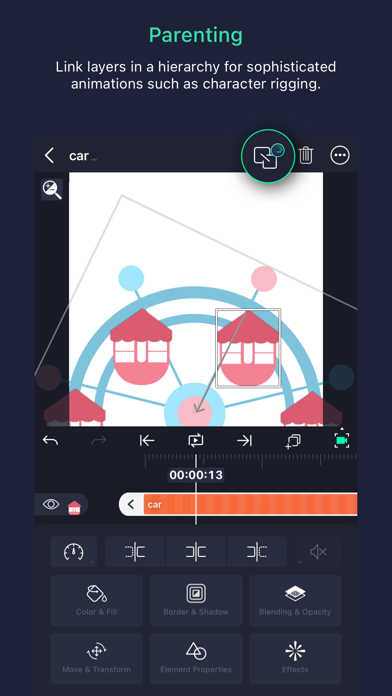
• Link parent and child layers and rig character joints
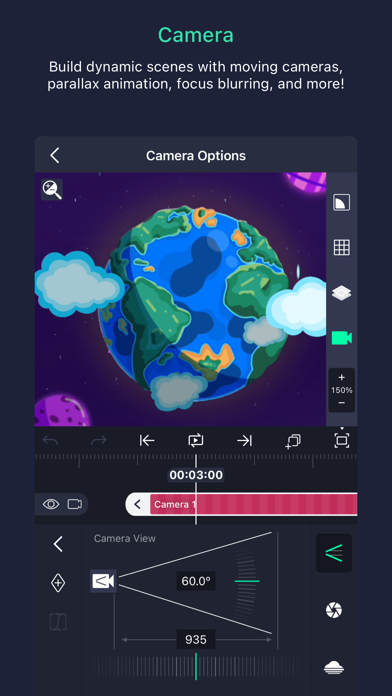
• Cameras that pan, zoom, and support focus blur and fog
• Grouping and Masking
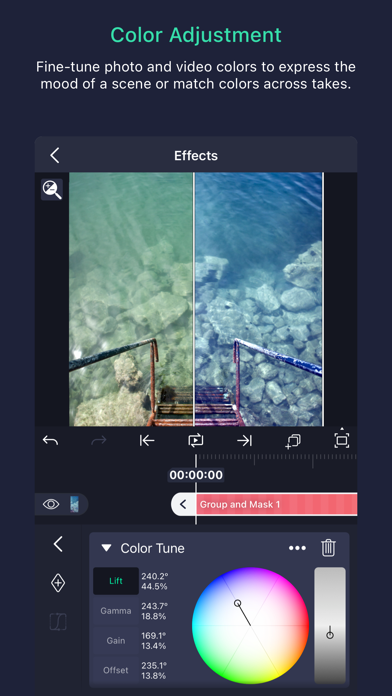
• Color Adjustment
• Animation easing for more fluid motion: Pick from presets or build your own timing curves
• Bookmarks for ease of editing
• Velocity-based motion blur
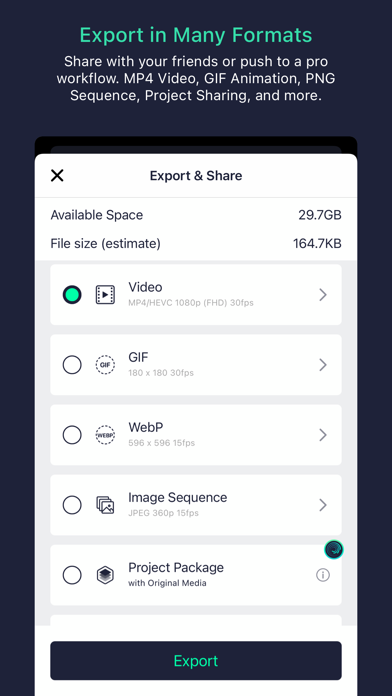
• Export MP4 video, GIF animation, PNG sequences, and stills
• Share project packages with others
• Solid color and gradient fill effects
• Border, shadow, and stroke effects
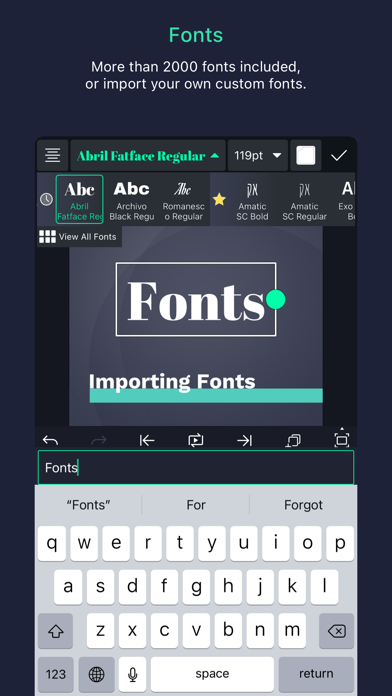
• Custom font support
• Copy and paste entire layers or just their style
• Save your favorite elements for easy re-use in future projects
Alight Motion is free to use with basic features and a watermark on videos you create. There are several paid membership options in the app to remove the watermark and access a regularly updated library of premium effects and features. These subscription membership options are charged when you select to purchase them, and renew automatically unless canceled at least 24 hours prior to the beginning of the next subscription period. After purchasing, subscriptions can be managed in your Apple ID settings. You can find more information about subscriptions at https://alightcreative.com/support
Terms of Service: alightcreative.com/tos
Privacy Policy: alightcreative.com/privacy
- 脱獄/Jailed済みまたは脱獄済みのiPhoneまたはiPad。
- Sideloadlyまたは代替手段。
- iTunesがインストールされているWindows/macOS/Linuxを実行しているコンピュータ。
ステップ1: 上のリンクから事前にハックされた.IPAファイルをコンピュータにダウンロードします。iOSGodsアプリからダウンロードする方法は、ビデオ例付きのiOSGodsアプリIPAダウンロードチュートリアルをご覧ください。
ステップ2: SideloadlyをダウンロードしてWindowsまたはMacにインストールします。
ステップ3: コンピュータでSideloadlyを開き、iOSデバイスを接続して、デバイス名がSideloadlyに表示されるまで待ちます。
ステップ4: iDeviceが認識されたら、ダウンロードしたModされた.IPAファイルをSideloadlyアプリにドラッグ&ドロップします。
ステップ5: Apple Accountのメールアドレスを入力し、「Start」を押します。次にパスワードの入力を求められます。必要な情報を入力してください。
ステップ6: Sideloadlyがハックされたipaのサイドロード/インストールを完了するのを待ちます。インストール中に問題が発生した場合は、以下の注意事項をお読みください。

ステップ7: インストールが完了し、ホーム画面にアプリが表示されたら、設定 → 一般 → プロファイル / VPNとデバイス管理に移動する必要があります。そこで、ステップ6で入力したメールをタップし、「Trust [email protected]」をタップします。
ステップ8: ホーム画面に戻り、新しくインストールされたアプリを開けば、すべて正常に動作するはずです。ゲーム内のハックのポップアップで、アプリごとの追加指示に従う必要がある場合があります。
注意: iOS/iPadOS 16以降では、デベロッパモードを有効にするが必要です。無料のApple Developerアカウントの場合、このプロセスを7日ごとに繰り返す必要があります。質問や問題がある場合は、トピックのSideloadly FAQセクションをお読みください。