Inloggen vereist
Log in met je iOSGods-account om door te gaan.
Hack Features:
- Fully unlocked
Deze app bevat iGameGod, waarmee je toegang krijgt tot Auto Touch om repetitieve taken te automatiseren, App Speed Manager voor een aanpasbare spelsnelheid, het bewerken van waarden met Memory Engine en andere krachtige iOS-gametools.
Download Live Wallpapers for Me Hack modded IPA via de bovenstaande links. Tik op de installatieknop en volg de instructies om deze iOS-app-hack op je iPhone, iPad of Apple Silicon te installeren.
Meer hulp nodig? Bekijk onze Veelgestelde vragen over de iOSGods-app voor uitgebreide antwoorden en probleemoplossingstips.
IMPORTANT: ONLY WORKS ON iPhone 13, iPhone 13 Pro, iPhone 13 mini, iPhone 13 Pro Max, iPhone 12, iPhone 12 Pro, iPhone 12 mini, iPhone 12 Pro Max, iPhone 11, iPhone 11 Pro, iPhone 11 Pro Max, iPhone Xs, iPhone Xs Max, iPhone X, iPhone 8 & iPhone 8 Plus, iPhone 7 & 7 Plus, iPhone 6s & 6s Plus!
Great news: optimized for iOS 15!
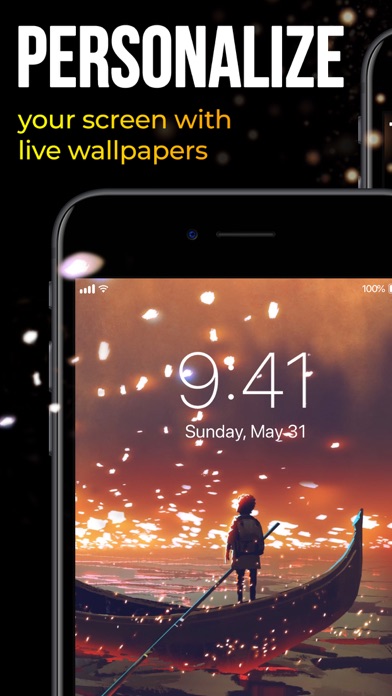
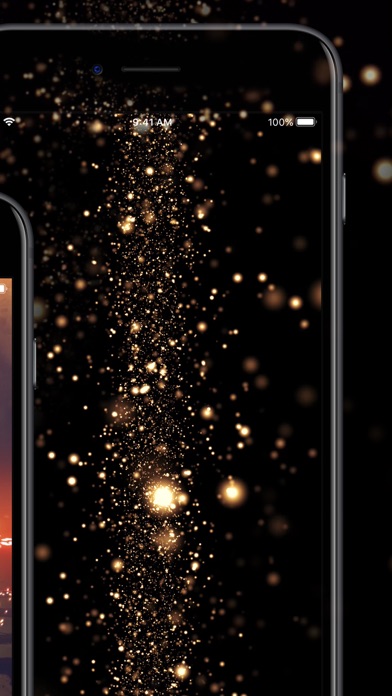
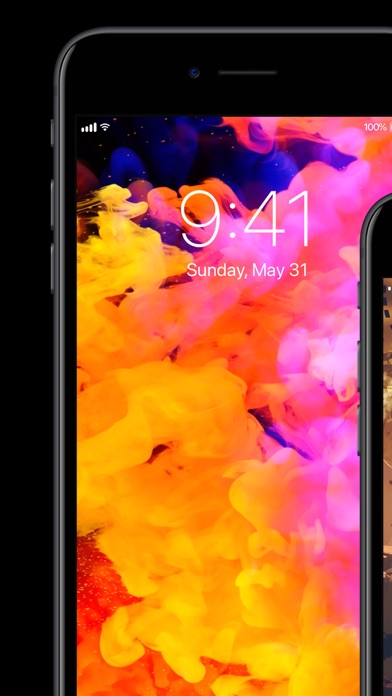
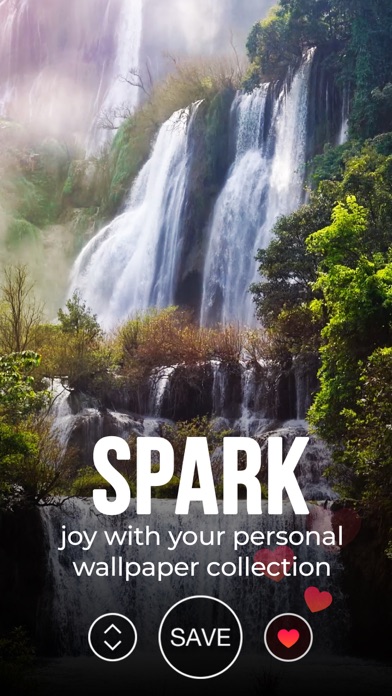
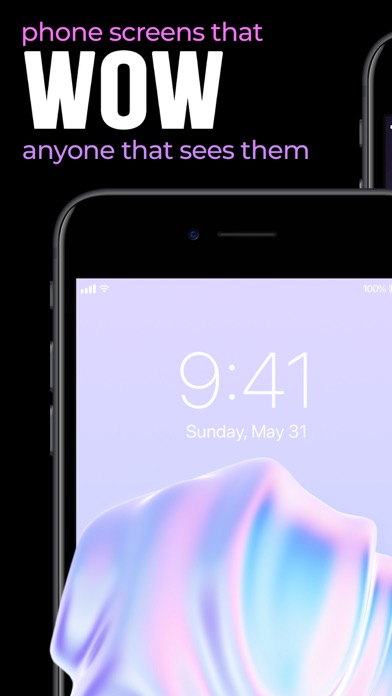
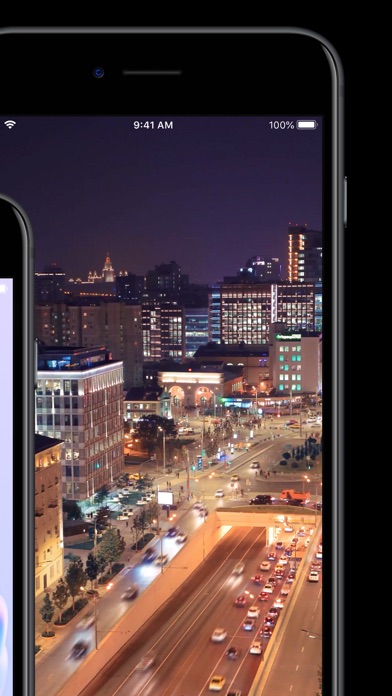
Ready to take a step up in customizing your device? Animate your screen with spectacular time-lapse sceneries, cute pets bringing a smile to your face, or hypnotic abstract dynamic patterns, carrying your thoughts away. You can even witness a powerful cosmic explosion right on your Lock Screen!
We add new great animations and dynamic themes weekly, on the fly, so you’ll always have something new for your screen at hand.
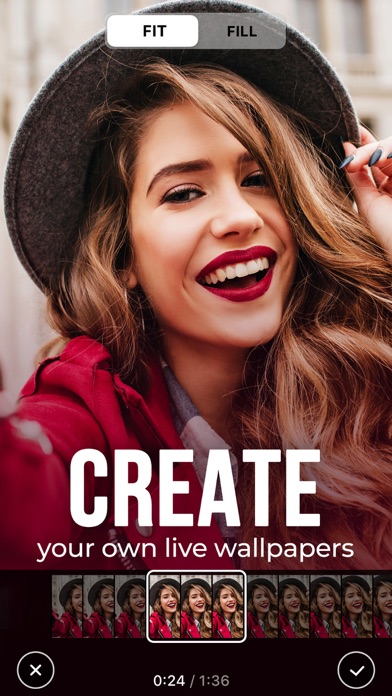
Also, we have something special for you! With our Live Wallpaper Maker tool, you can turn your videos into live wallpapers and keep happy memories alive on your device's Lock Screen!
Here’s how to WOW everyone with the new look of your device:
- Choose from impressive live wallpapers and press Save
- Set the Live background you selected as your Lock Screen wallpaper
- Press your Lock Screen to let the magic happen!
You can also create a personal collection of wallpapers of your choice in a tap! Save and store them in the “Favorite” category. Have the wallpapers you liked at your fingertips to customize your lock screen anytime you want.
Get high-quality animations for your screen and make your device draw admiring glances!
For complete access to all Live Wallpapers for Me features, you will need to allow access to the following:
*Photos - to import backgrounds you like and set them to your Lock Screen;
*Notifications to keep you informed when new live wallpapers are added to the app.
Get Live Wallpapers for Me Premium
Upgrade to the Premium version and unlock all premium wallpapers, get regular content updates and remove ads!
* Choose from different subscription options. Our standard subscription options are:
1-month Subscription
3-month Subscription
1-year Subscription
* Subscription payments will be charged to your iTunes account at confirmation of your purchase and upon commencement of each renewal term. Subscription with a free trial period will automatically renew to a paid subscription. You can cancel your subscription or free trial in the iTunes settings at least 24-hours before the end of the free trial period. The cancellation will take effect the day after the last day of the current subscription period and you will be downgraded to the free service.
* Please note: any unused portion of a free trial period (if offered) will be forfeited when you purchase a premium subscription during the free trial period.
* Please note that you can’t set Live wallpapers if you’re using the Low Power Mode.
Privacy Policy: https://customlyapps.com/privacy_policy.html
EULA: https://customlyapps.com/eula.html
AdChoices: https://customlyapps.com/privacy_policy.html
California Privacy Notice: https://customlyapps.com/privacy_policy.html#h
- Niet-jailbroken/jailed of jailbroken iPhone of iPad.
- Sideloadly of alternatieven.
- Computer met Windows/macOS/Linux en iTunes geïnstalleerd.
STAP 1: Download het vooraf gehackte .IPA-bestand via de link hierboven naar uw computer. Om het te downloaden vanuit de iOSGods App, bekijk onze iOSGods App IPA-downloadhandleiding met een videovoorbeeld.
STAP 2: Download Sideloadly en installeer het op uw Windows of Mac.
STAP 3: Open Sideloadly op uw computer, sluit uw iOS-apparaat aan en wacht tot de naam van uw apparaat in Sideloadly verschijnt.
STAP 4: Zodra uw iDevice is herkend, sleept u het gedownloade gemodde .IPA-bestand naar de Sideloadly-applicatie.
STAP 5: Voer het e-mailadres van uw Apple Account in en druk op “Start”. U wordt vervolgens gevraagd om uw wachtwoord in te voeren. Geef de gevraagde informatie op.
STAP 6: Wacht tot Sideloadly het sideloaden/installeren van de gehackte IPA heeft voltooid. Als er problemen zijn tijdens de installatie, lees dan onderstaande opmerking.
STAP 7: Zodra de installatie is voltooid en u de app op uw beginscherm ziet, gaat u naar Instellingen → Algemeen → Profielen / VPN- en apparaatbeheer. Tik daar op het e-mailadres dat u in stap 6 hebt ingevoerd en tik vervolgens op “Vertrouw [email protected]”.
STAP 8: Ga nu naar uw beginscherm en open de zojuist geïnstalleerde app; alles zou correct moeten werken. Mogelijk moet u verdere app-specifieke instructies volgen in de hack-popup in het spel.
OPMERKING: Op iOS/iPadOS 16 en later moet u Ontwikkelaarsmodus inschakelen. Voor gratis Apple Developer-accounts moet u dit proces elke 7 dagen herhalen. Als u vragen of problemen hebt, lees dan onze Sideloadly FAQ-sectie van het onderwerp.