Login necessário
Entre com sua conta iOSGods para continuar.
Hack Features:
- Fully unlocked
Este app vem com iGameGod, oferecendo acesso ao Auto Touch para automatizar tarefas repetitivas, App Speed Manager para ajustar a velocidade do jogo, edição de valores com Memory Engine e outras ferramentas avançadas para jogos iOS.
Baixe Live Wallpapers for Me Hack modded IPA dos links acima. Toque no botão de instalação e siga as instruções para instalar este hack iOS no seu iPhone, iPad ou Apple Silicon.
Precisa de mais ajuda? Confira nossas Perguntas frequentes sobre o app iOSGods para respostas detalhadas e dicas de solução de problemas.
IMPORTANT: ONLY WORKS ON iPhone 13, iPhone 13 Pro, iPhone 13 mini, iPhone 13 Pro Max, iPhone 12, iPhone 12 Pro, iPhone 12 mini, iPhone 12 Pro Max, iPhone 11, iPhone 11 Pro, iPhone 11 Pro Max, iPhone Xs, iPhone Xs Max, iPhone X, iPhone 8 & iPhone 8 Plus, iPhone 7 & 7 Plus, iPhone 6s & 6s Plus!
Great news: optimized for iOS 15!
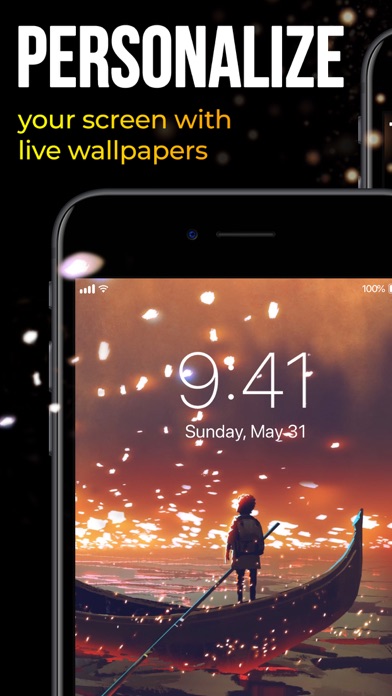
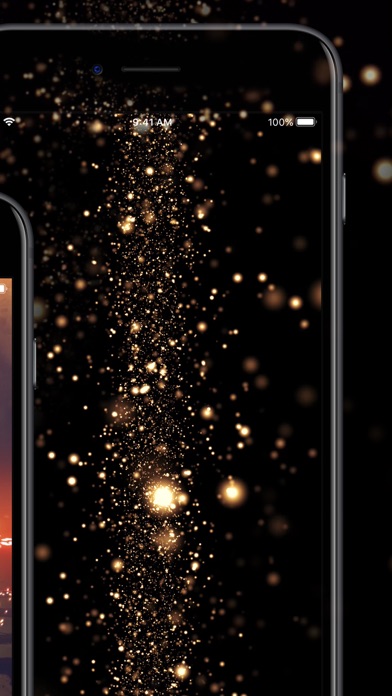
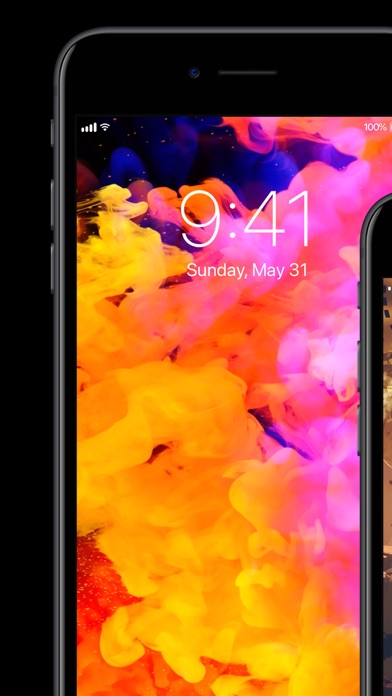
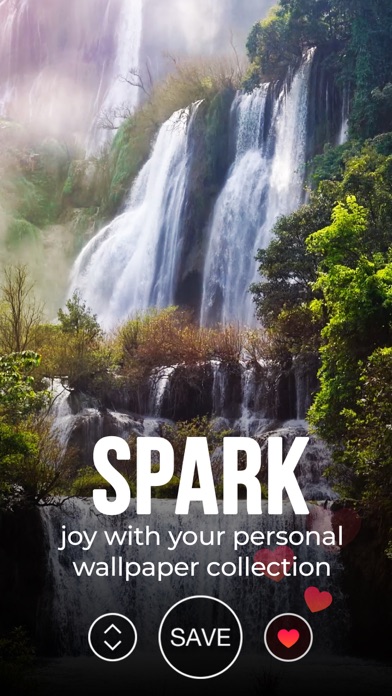
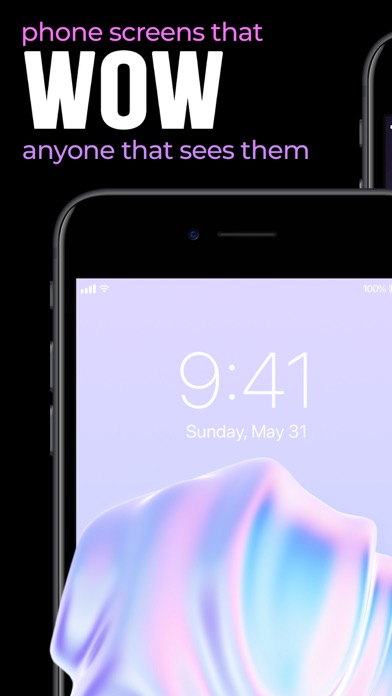
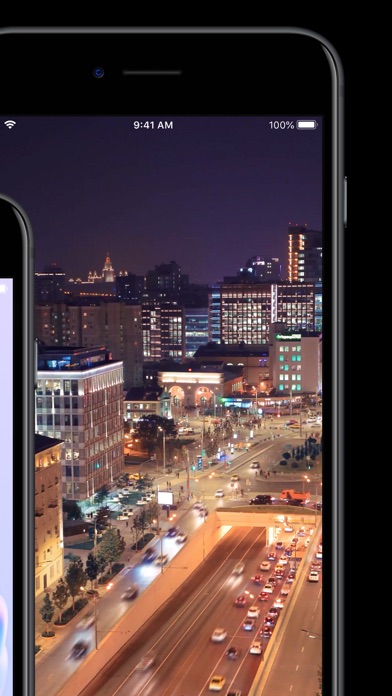
Ready to take a step up in customizing your device? Animate your screen with spectacular time-lapse sceneries, cute pets bringing a smile to your face, or hypnotic abstract dynamic patterns, carrying your thoughts away. You can even witness a powerful cosmic explosion right on your Lock Screen!
We add new great animations and dynamic themes weekly, on the fly, so you’ll always have something new for your screen at hand.
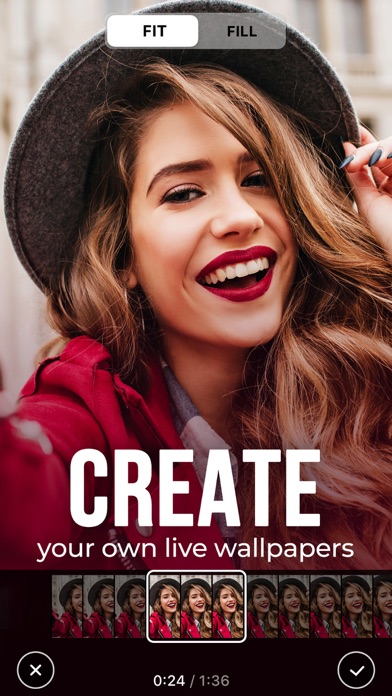
Also, we have something special for you! With our Live Wallpaper Maker tool, you can turn your videos into live wallpapers and keep happy memories alive on your device's Lock Screen!
Here’s how to WOW everyone with the new look of your device:
- Choose from impressive live wallpapers and press Save
- Set the Live background you selected as your Lock Screen wallpaper
- Press your Lock Screen to let the magic happen!
You can also create a personal collection of wallpapers of your choice in a tap! Save and store them in the “Favorite” category. Have the wallpapers you liked at your fingertips to customize your lock screen anytime you want.
Get high-quality animations for your screen and make your device draw admiring glances!
For complete access to all Live Wallpapers for Me features, you will need to allow access to the following:
*Photos - to import backgrounds you like and set them to your Lock Screen;
*Notifications to keep you informed when new live wallpapers are added to the app.
Get Live Wallpapers for Me Premium
Upgrade to the Premium version and unlock all premium wallpapers, get regular content updates and remove ads!
* Choose from different subscription options. Our standard subscription options are:
1-month Subscription
3-month Subscription
1-year Subscription
* Subscription payments will be charged to your iTunes account at confirmation of your purchase and upon commencement of each renewal term. Subscription with a free trial period will automatically renew to a paid subscription. You can cancel your subscription or free trial in the iTunes settings at least 24-hours before the end of the free trial period. The cancellation will take effect the day after the last day of the current subscription period and you will be downgraded to the free service.
* Please note: any unused portion of a free trial period (if offered) will be forfeited when you purchase a premium subscription during the free trial period.
* Please note that you can’t set Live wallpapers if you’re using the Low Power Mode.
Privacy Policy: https://customlyapps.com/privacy_policy.html
EULA: https://customlyapps.com/eula.html
AdChoices: https://customlyapps.com/privacy_policy.html
California Privacy Notice: https://customlyapps.com/privacy_policy.html#h
- iPhone ou iPad sem jailbreak/jailed ou com jailbreak.
- Sideloadly ou alternativas.
- Computador com Windows/macOS/Linux e iTunes instalado.
PASSO 1: Baixe o arquivo .IPA pré-hackeado do link acima para o seu computador. Para baixar pelo iOSGods App, veja nosso Tutorial de download de IPA do iOSGods App, que inclui um exemplo em vídeo.
PASSO 2: Baixe o Sideloadly e instale-o no seu Windows ou Mac.
PASSO 3: Abra o Sideloadly no seu computador, conecte seu dispositivo iOS e aguarde até que o nome do dispositivo apareça no Sideloadly.
PASSO 4: Assim que seu iDevice for reconhecido, arraste o arquivo .IPA modificado que você baixou e solte-o no aplicativo Sideloadly.
PASSO 5: Digite o e-mail da sua Apple Account e pressione “Start”. Em seguida, será solicitada a sua senha. Prossiga e forneça as informações solicitadas.
PASSO 6: Aguarde o Sideloadly finalizar o sideload/instalação do IPA hackeado. Se houver problemas durante a instalação, leia a observação abaixo.
PASSO 7: Quando a instalação estiver concluída e você vir o app na Tela de Início, será necessário acessar Ajustes → Geral → Perfis / Gerenciamento de VPN e Dispositivo. Lá, toque no e-mail que você inseriu no passo 6 e, em seguida, toque em “Confiar em [email protected]”.
PASSO 8: Agora vá para a Tela de Início e abra o app recém-instalado; tudo deve funcionar normalmente. Você pode precisar seguir instruções adicionais específicas no popup do hack dentro do jogo.
OBSERVAÇÃO: No iOS/iPadOS 16 e versões posteriores, você deve ativar o Modo de Desenvolvedor. Para contas Apple Developer gratuitas, será necessário repetir este processo a cada 7 dias. Se tiver dúvidas ou problemas, leia nossa seção de FAQ do Sideloadly no tópico.