Giriş Gerekli
Devam etmek için iOSGods hesabınızla giriş yapın.
Devam etmek için iOSGods hesabınızla giriş yapın.
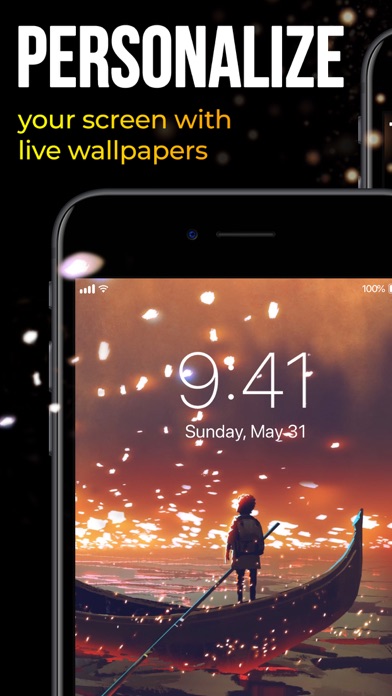
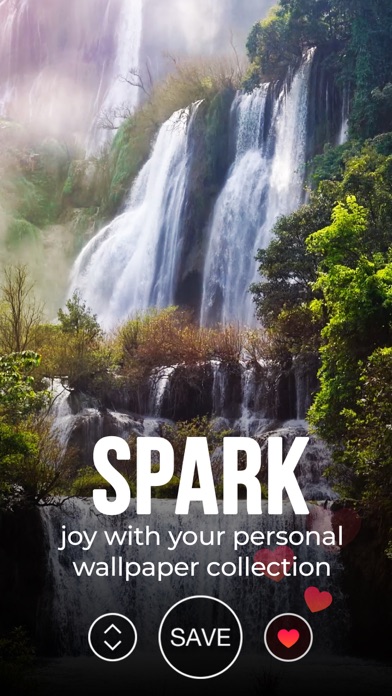
Bu Live Wallpapers for Me Hack uygulamasıyla animasyonlu duvar kağıtlarının tam kütüphanesinin kilidini açın ve tüm premium manzaraları, evcil hayvanları ve dinamik desenlere kısıtlama olmaksızın anında erişim sağlayın. iPhone'unuzu etkileyici zaman atlamalı görüntüler, sevimli animasyonlar ve hipnotik soyut tasarımlarla desteklenen cihazlarda özelleştirin.
- Tamamen kilidi açılmış → tüm premium duvar kağıtları ve içerik kullanılabilir
Bu uygulama ayrıca, tekrar eden görevleri otomatikleştirmek için Auto Touch, ayarlanabilir oyun hızı için App Speed Manager, Memory Engine ile değer düzenleme ve daha pek çok güçlü iOS oyun aracına erişim sağlayan iGameGod ile birlikte gelir.
Yukarıdaki bağlantılardan Live Wallpapers for Me Hack modded IPA indirin. Yükle düğmesine dokunup ekrandaki yönergeleri izleyerek bu iOS uygulama hack'ini iPhone, iPad veya Apple Silicon'a yükleyin.
Daha fazla yardıma mı ihtiyacınız var? Ayrıntılı yanıtlar ve sorun giderme ipuçları için iOSGods Uygulaması Sık Sorulan Sorular sayfamıza bakın.
IMPORTANT: ONLY WORKS ON iPhone 13, iPhone 13 Pro, iPhone 13 mini, iPhone 13 Pro Max, iPhone 12, iPhone 12 Pro, iPhone 12 mini, iPhone 12 Pro Max, iPhone 11, iPhone 11 Pro, iPhone 11 Pro Max, iPhone Xs, iPhone Xs Max, iPhone X, iPhone 8 & iPhone 8 Plus, iPhone 7 & 7 Plus, iPhone 6s & 6s Plus!
Great news: optimized for iOS 15!
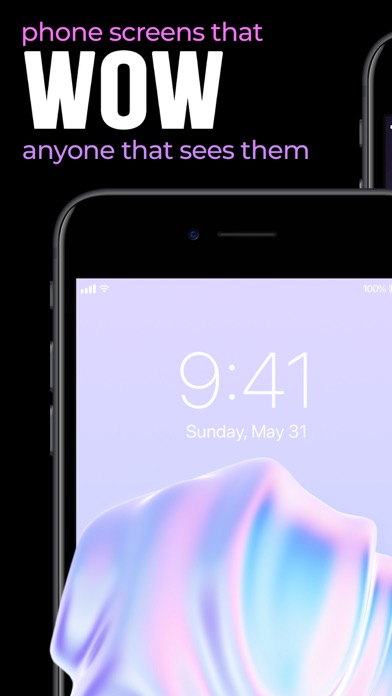
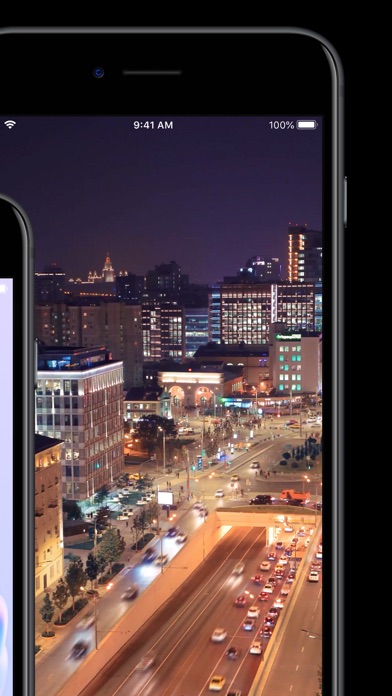
Ready to take a step up in customizing your device? Animate your screen with spectacular time-lapse sceneries, cute pets bringing a smile to your face, or hypnotic abstract dynamic patterns, carrying your thoughts away. You can even witness a powerful cosmic explosion right on your Lock Screen!
We add new great animations and dynamic themes weekly, on the fly, so you’ll always have something new for your screen at hand.
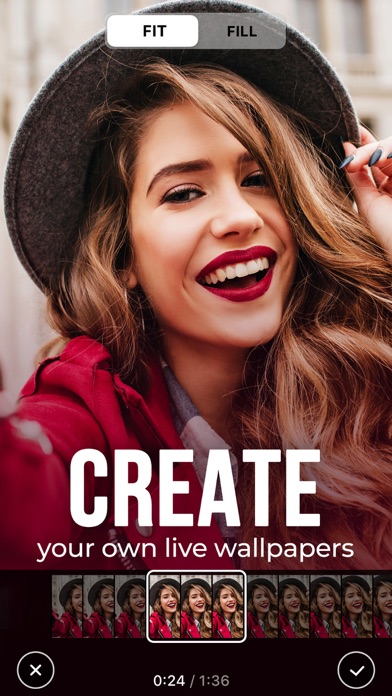
Also, we have something special for you! With our Live Wallpaper Maker tool, you can turn your videos into live wallpapers and keep happy memories alive on your device's Lock Screen!
Here’s how to WOW everyone with the new look of your device:
- Choose from impressive live wallpapers and press Save
- Set the Live background you selected as your Lock Screen wallpaper
- Press your Lock Screen to let the magic happen!
You can also create a personal collection of wallpapers of your choice in a tap! Save and store them in the “Favorite” category. Have the wallpapers you liked at your fingertips to customize your lock screen anytime you want.
Get high-quality animations for your screen and make your device draw admiring glances!
For complete access to all Live Wallpapers for Me features, you will need to allow access to the following:
*Photos - to import backgrounds you like and set them to your Lock Screen;
*Notifications to keep you informed when new live wallpapers are added to the app.
Get Live Wallpapers for Me Premium
Upgrade to the Premium version and unlock all premium wallpapers, get regular content updates and remove ads!
* Choose from different subscription options. Our standard subscription options are:
1-month Subscription
3-month Subscription
1-year Subscription
* Subscription payments will be charged to your iTunes account at confirmation of your purchase and upon commencement of each renewal term. Subscription with a free trial period will automatically renew to a paid subscription. You can cancel your subscription or free trial in the iTunes settings at least 24-hours before the end of the free trial period. The cancellation will take effect the day after the last day of the current subscription period and you will be downgraded to the free service.
* Please note: any unused portion of a free trial period (if offered) will be forfeited when you purchase a premium subscription during the free trial period.
* Please note that you can’t set Live wallpapers if you’re using the Low Power Mode.
IMPORTANT DISCLOSURES AND CONSENT
If you live in the European Union and wish to cancel your order, you may do so within 14 days. You can do this by following the process laid out in the Apple App Store. Please note and acknowledge: you cannot cancel your order or obtain a refund if you have downloaded the app and started using it (i.e. for example, by opening and using the app).
Privacy Policy: https://customlyapps.com/privacy_policy.html
EULA: https://customlyapps.com/eula.html
AdChoices: https://customlyapps.com/privacy_policy.html
- Jailbreak'siz/normal ya da jailbreak'li iPhone veya iPad.
- Sideloadly veya alternatifleri.
- iTunes yüklü Windows/macOS/Linux çalıştıran bir bilgisayar.
ADIM 1: Yukarıdaki bağlantıdan önceden hacklenmiş .IPA dosyasını bilgisayarınıza indirin. iOSGods App üzerinden indirmek için video örneği de içeren iOSGods App IPA İndirme Kılavuzu bölümümüze göz atın.
ADIM 2: Sideloadly indirin ve Windows veya Mac'inize kurun.
ADIM 3: Bilgisayarınızda Sideloadly'yi açın, iOS cihazınızı bağlayın ve cihaz adınız Sideloadly'de görünene kadar bekleyin.
ADIM 4: iCihazınız tanındıktan sonra, indirdiğiniz modlu .IPA dosyasını sürükleyip Sideloadly uygulamasına bırakın.
ADIM 5: Apple Account e-posta adresinizi girin ve ardından "Start" düğmesine basın. Sonrasında sizden şifreniz istenecektir. Gerekli bilgileri girin.
ADIM 6: Sideloadly'nin hacklenmiş IPA'yı sideload edip yüklemesini bekleyin. Yükleme sırasında bir sorun olursa lütfen aşağıdaki notu okuyun.
ADIM 7: Yükleme tamamlandıktan ve uygulamayı Ana Ekranınızda gördükten sonra Ayarlar → Genel → Profiller / VPN ve Cihaz Yönetimi bölümüne gitmelisiniz. Burada 6. adımda girdiğiniz e-postaya dokunun ve ardından "[email protected]'a Güven" seçeneğine dokunun.
ADIM 8: Şimdi Ana Ekranınıza gidin ve yeni yüklediğiniz uygulamayı açın; her şey sorunsuz çalışmalıdır. Oyun içindeki hack açılır penceresinde uygulamaya özel ek talimatları takip etmeniz gerekebilir.
NOT: iOS/iPadOS 16 ve sonrasında Geliştirici Modu'nu etkinleştirmeniz gerekir. Ücretsiz Apple Developer hesapları için bu işlemi her 7 günde bir tekrarlamanız gerekir. Sorularınız veya sorunlarınız varsa konunun Sideloadly SSS bölümünü okuyun.