Connexion requise
Connectez-vous avec votre compte iOSGods pour continuer.

Téléchargez AnkiMobile Flashcards modded IPA depuis les liens ci-dessus. Appuyez sur le bouton d'installation et suivez les instructions pour installer ce hack iOS sur votre iPhone, iPad ou Apple Silicon.
Besoin de plus d'aide ? Consultez notre FAQ de l'app iOSGods pour des réponses détaillées et des conseils de dépannage.
AnkiMobile is a mobile companion to Anki®, a powerful, intelligent flashcard program that is free, multi-platform, and open-source. Sales of this app support the development of both the computer and mobile version, which is why the app is priced as a computer application.
AnkiMobile was written by the lead developer of Anki and AnkiWeb, and it has been around since 2010. Beware other apps using "Anki" in their name that have sprung up recently - they are not compatible with the rest of the Anki ecosystem, and they offer far fewer features, despite charging expensive subscriptions.
Some of AnkiMobile's features include:
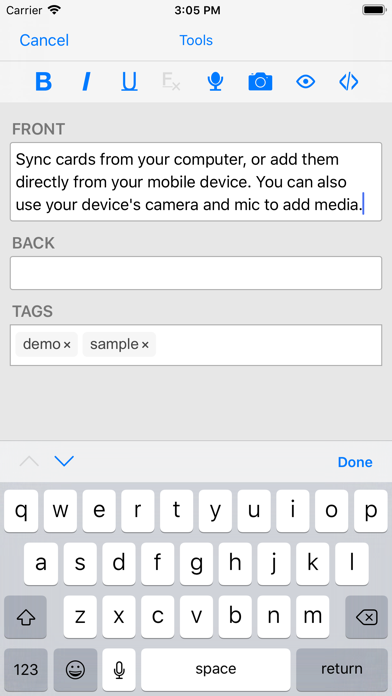
- A free cloud synchronization service that lets you keep your card content synchronized across multiple mobile and computer devices. This makes it easy to add content on a computer and then study it on your mobile, easily keep your study progress current between an iPhone and iPad, and so on.
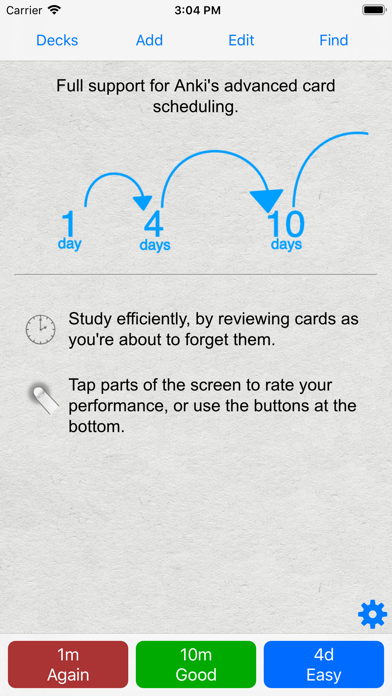
- The same SM2 and FSRS scheduling algorithms that the computer version of Anki uses, which remind you of material as you're about to forget it.
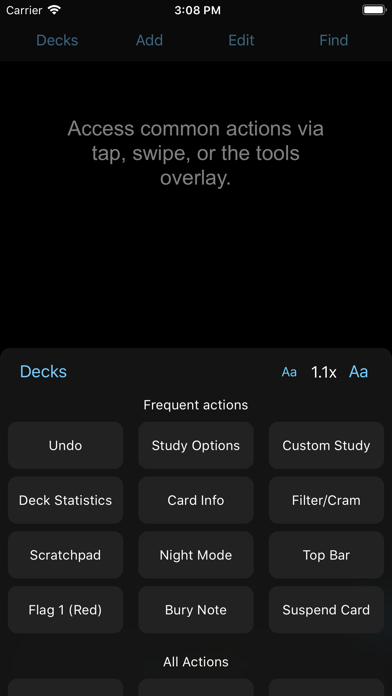
- A flexible interface designed for smooth and efficient study. You can set up AnkiMobile to perform different actions when you tap or swipe on various parts of the screen, and control which actions appear on the tool buttons.
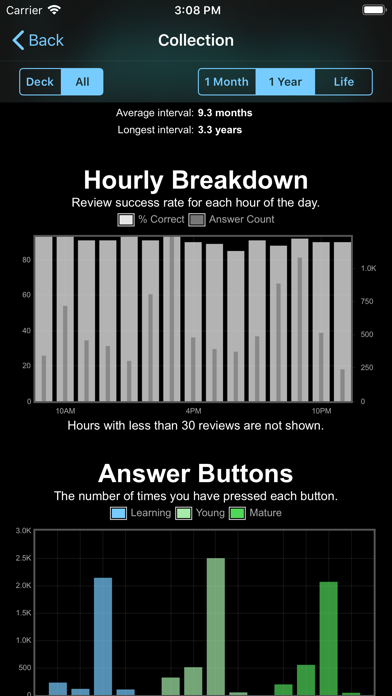
- Comprehensive graphs and statistics about your studies.
- Support for large card decks - even 100,000+ cards.
- If your cards use images or audio clips, the media is stored on your device, so you can study without an internet connection.
- A powerful search facility that allows you to find cards that match criteria such as 'tagged high priority, answered in the last ten days and not containing the following words', and automatically place them into a deck to study.
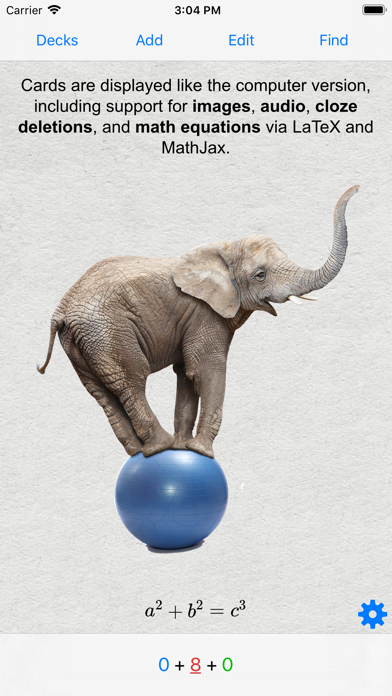
- Support for displaying mathematical equations with MathJax, and rendering LaTeX created with the computer version.
- Support for adding images drawn with the Apple Pencil to your cards.
Please note that AnkiMobile is currently intended as a companion to the computer version of Anki, rather than a complete replacement for it. While AnkiMobile is able to display and schedule your cards in the same way the computer version does, certain changes like modifying note types need to be done with the computer software. Add-ons are not supported, so while you can study image occlusion cards created with the computer version, they can not be created within AnkiMobile. For this reason, please start with the computer version of Anki before you think about buying this app.
The cloud synchronization service is optional, and data can also be imported/exported from the app via a USB cable or AirDrop.
Like all apps, AnkiMobile can be purchased once and then used on multiple devices in a household using the same Apple ID. Family sharing is also supported (apart from in India). For information on bulk discounts for educational institutions, please see Apple's Volume Purchase Program.
For more information on AnkiMobile, including a link to the online manual, please have a look at the support page: https://docs.ankimobile.net/support.html. If you have any questions or want to report an issue, please let us know on our support site and we'll get back to you as soon as possible.
- iPhone ou iPad avec ou sans Jailbreak.
- Sideloadly ou alternatives.
- Ordinateur sous Windows/macOS/Linux avec iTunes installé.
ÉTAPE 1: Téléchargez le fichier .IPA pré-modifié depuis le lien ci-dessus sur votre ordinateur. Pour le télécharger depuis l'iOSGods App, consultez notre Tutoriel de téléchargement de l'IPA depuis l'iOSGods App qui comprend un exemple en vidéo.
ÉTAPE 2: Téléchargez Sideloadly et installez-le sur votre Windows ou Mac.
ÉTAPE 3: Ouvrez Sideloadly sur votre ordinateur, connectez votre appareil iOS et attendez que le nom de votre appareil apparaisse dans Sideloadly.
ÉTAPE 4: Une fois votre iDevice reconnu, glissez le fichier .IPA modifié que vous avez téléchargé et déposez-le dans l'application Sideloadly.
ÉTAPE 5: Saisissez l'adresse e-mail de votre Apple Account, puis appuyez sur « Start ». Il vous sera ensuite demandé d'entrer votre mot de passe. Fournissez les informations requises.
ÉTAPE 6: Attendez que Sideloadly termine le sideloading/l'installation de l'IPA modifié. En cas de problème durant l'installation, veuillez lire la remarque ci-dessous.
ÉTAPE 7: Une fois l'installation terminée et l'app visible sur votre écran d'accueil, vous devez aller dans Réglages → Général → Profils / VPN et gestion de l'appareil. Là, appuyez sur l'adresse e-mail saisie à l'étape 6, puis appuyez sur « Faire confiance à [email protected] ».
ÉTAPE 8: Allez maintenant sur votre écran d'accueil et ouvrez l'app nouvellement installée ; tout devrait fonctionner correctement. Vous devrez peut-être suivre des instructions supplémentaires propres à chaque app, dans la fenêtre du hack en jeu.
REMARQUE : À partir d'iOS/iPadOS 16, vous devez activer le mode Développeur. Pour les comptes Apple Developer gratuits, vous devrez répéter ce processus tous les 7 jours. Pour toute question ou problème, lisez notre section FAQ Sideloadly du sujet.