تسجيل الدخول مطلوب
سجّل الدخول بحساب iOSGods للمتابعة.
Free Paid App
قم بتنزيل AnkiMobile Flashcards modded IPA من الروابط أعلاه. اضغط على زر التثبيت واتبع التعليمات لتثبيت هذا التعديل لـ iOS على iPhone أو iPad أو Apple Silicon.
هل تحتاج إلى مزيد من المساعدة؟ راجع الأسئلة الشائعة لتطبيق iOSGods للحصول على إجابات مفصلة ونصائح لاستكشاف الأخطاء.

AnkiMobile is a mobile companion to Anki, a powerful, intelligent flashcard program that is free, multi-platform, and open-source. Sales of this app support the development of both the computer and mobile version, which is why the app is priced as a computer application.
AnkiMobile offers some features not found in other flashcard apps:
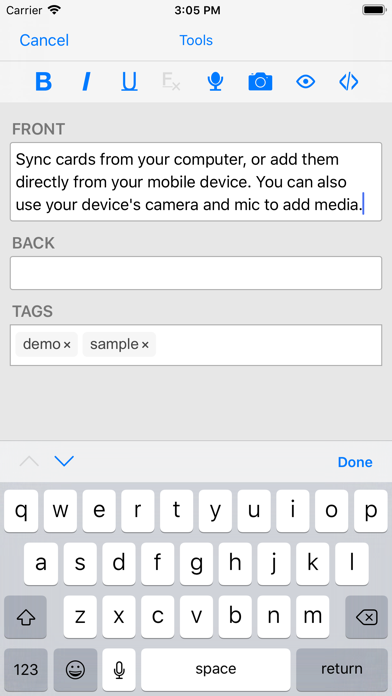
- A free cloud synchronization service that lets you keep your card content synchronized across multiple mobile and computer devices. This makes it easy to add content on a computer and then study it on your mobile, easily keep your study progress current between an iPhone and iPad, and so on.
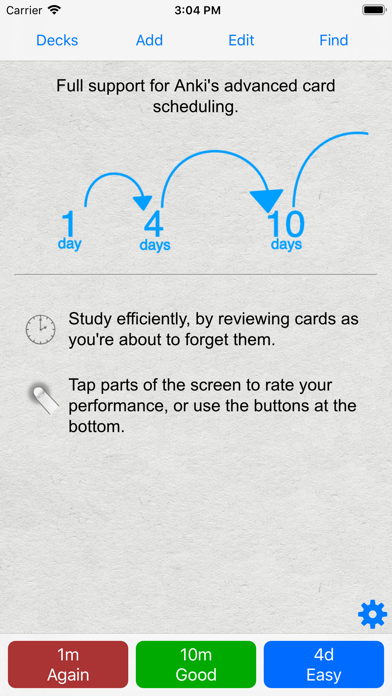
- The same proven scheduling algorithm that the computer version of Anki uses, which reminds you of material as you're about to forget it.
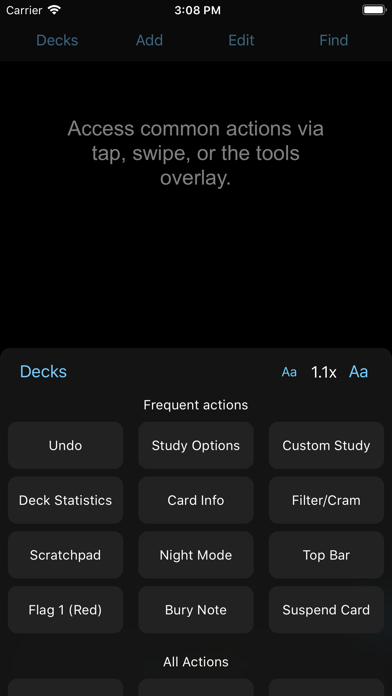
- A flexible interface designed for smooth and efficient study. You can set up AnkiMobile to perform different actions when you tap or swipe on various parts of the screen, and control which actions appear on the tool buttons.
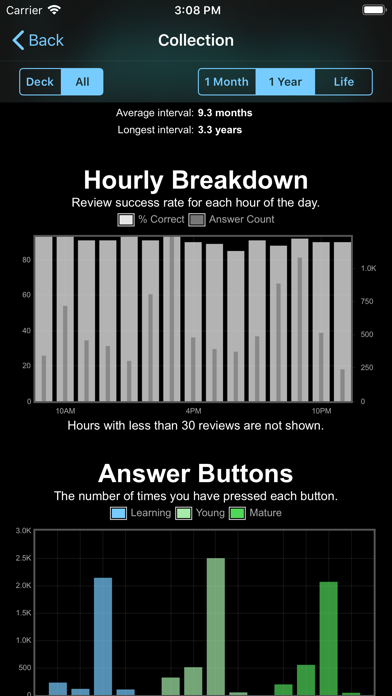
- Comprehensive graphs and statistics about your studies.
- Support for large card decks - even 100,000+ cards.
- If your cards use images or audio clips, the media is stored on your device, so you can study without an internet connection.
- A powerful search facility that allows you to find cards that match criteria such as 'tagged high priority, answered in the last ten days and not containing the following words', and automatically place them into a deck to study.
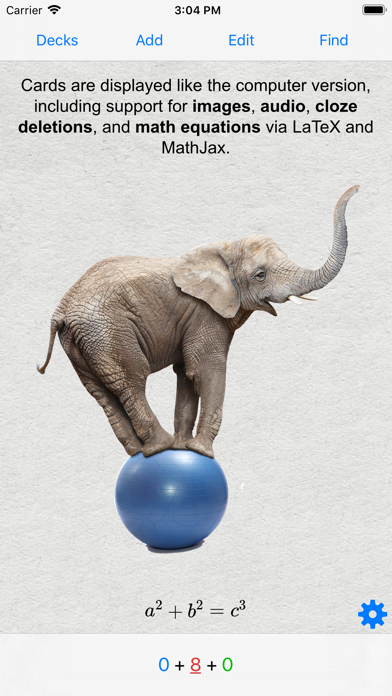
- Support for displaying mathematical equations with MathJax, and rendering LaTeX created with the computer version.
Please note that AnkiMobile is currently intended as a companion to the computer version of Anki, rather than a complete replacement for it. While AnkiMobile is able to display your cards in the same way the computer version does, certain changes like modifying note types need to be done with the computer software. For this reason, please familiarize yourself with the computer version of Anki before you think about buying this app.
Aside from the cloud synchronization service, AnkiMobile also supports copying decks to and from your device via the USB cable and iTunes.
Like all apps, AnkiMobile can be purchased once and then used on multiple devices in a household using the same Apple ID. Family sharing is also supported. For information on bulk discounts for educational institutions, please see Apple's Volume Purchase Program.
For more information on AnkiMobile, including a link to the online manual, please have a look at the support page: http://ankisrs.net/docs/AnkiMobile.html
If you have any questions or want to report an issue, please let us know on our support site and we'll get back to you as soon as possible.
- iPhone أو iPad بجيلبريك أو بدون جيلبريك.
- Sideloadly أو بدائلها.
- كمبيوتر يعمل بنظام Windows/macOS/Linux مع تثبيت iTunes.
الخطوة 1: قم بتنزيل ملف .IPA المعدّل مسبقًا من الرابط أعلاه إلى الكمبيوتر الخاص بك. للتنزيل من تطبيق iOSGods App، اطلع على دليل تنزيل IPA من تطبيق iOSGods App الذي يتضمن مثالًا بالفيديو.
الخطوة 2: قم بتنزيل Sideloadly وتثبيته على جهاز Windows أو Mac.
الخطوة 3: افتح Sideloadly على الكمبيوتر، ووصّل جهاز iOS الخاص بك، وانتظر حتى يظهر اسم جهازك داخل Sideloadly.
الخطوة 4: بمجرد التعرّف على جهاز iDevice الخاص بك، اسحب ملف .IPA المعدّل الذي قمت بتنزيله وأفلِته داخل تطبيق Sideloadly.
الخطوة 5: أدخل البريد الإلكتروني لحساب Apple Account الخاص بك، ثم اضغط على «Start». سيُطلب منك بعد ذلك إدخال كلمة المرور. تابع وأدخل المعلومات المطلوبة.
الخطوة 6: انتظر حتى ينتهي Sideloadly من تحميل/تثبيت ملف IPA المعدّل. في حال واجهت أي مشاكل أثناء التثبيت، يرجى قراءة الملاحظة أدناه.
الخطوة 7: بعد اكتمال التثبيت ورؤية التطبيق على الشاشة الرئيسية، انتقل إلى Settings → General → Profiles / VPN & Device Management. ثم اضغط على البريد الإلكتروني الذي أدخلته في الخطوة 6، ثم اضغط على «الوثوق بـ [email protected]».
الخطوة 8: الآن انتقل إلى الشاشة الرئيسية وافتح التطبيق الذي تم تثبيته للتو وسيعمل كل شيء بشكل صحيح. قد تحتاج إلى اتباع تعليمات إضافية خاصة بكل تطبيق داخل النافذة المنبثقة للتعديل أثناء اللعب.
ملاحظة: بدءًا من iOS/iPadOS 16 وما بعده، يجب تفعيل وضع المطور (Developer Mode). بالنسبة لحسابات Apple Developer المجانية، ستحتاج إلى تكرار هذه العملية كل 7 أيام. إذا كانت لديك أي أسئلة أو مشاكل، يرجى قراءة قسم الأسئلة الشائعة حول Sideloadly في الموضوع.