Connexion requise
Connectez-vous avec votre compte iOSGods pour continuer.
Connectez-vous avec votre compte iOSGods pour continuer.
Ce jeu de course arcade Mod IPA pour iOS vous permet de dessiner votre chemin jusqu'à la ligne d'arrivée sur des pistes hardcore avec tous les outils premium déverrouillés. Draw Rider Plus vous offre des courses sans publicité, des gains d'expérience doublés, l'inversion des couleurs, le mode ralenti, et un éditeur de niveaux complet pour créer et partager des pistes personnalisées avec d'autres joueurs, le tout à partir de l'IPA original de l'App Store.
Cette app est également livrée avec iGameGod, qui vous donne accès à Auto Touch pour automatiser les tâches répétitives, App Speed Manager pour ajuster la vitesse de jeu, à l'édition de valeurs avec Memory Engine, et à d'autres outils puissants pour les jeux iOS.
Téléchargez Draw Rider Plus modded IPA depuis les liens ci-dessus. Appuyez sur le bouton d'installation et suivez les instructions pour installer ce hack iOS sur votre iPhone, iPad ou Apple Silicon.
Besoin de plus d'aide ? Consultez notre FAQ de l'app iOSGods pour des réponses détaillées et des conseils de dépannage.
Caractéristiques Draw Rider Plus:
+ Pas de publicité
+ Tous les outils de l'éditeur
+ 2x expérience
+ Inversion de couleur
+ Mode ralenti
Draw Rider - l'un des meilleurs jeux d'arcade sur iOS!
Pouvez-vous atteindre la ligne d'arrivée en toute sécurité? Draw Rider n'est pas une course ordinaire, vous attendez des tests insidieux de nombreux niveaux hardcore. Obtenez des médailles d'or, devenez le meilleur coureur sur chaque piste, pour débloquer de nouveaux niveaux et de nouveaux personnages.
Grâce à l'éditeur de niveau, vous pouvez créer de nouvelles pistes et les partager avec d'autres joueurs. Participez à la course pendant un moment, communiquez et évaluez les traces des autres joueurs, devenez membre de la communauté Draw Rider!
Figures folles:
- Plus de 20 000 000 Game Over!
- Plus de 6 000 000 téléchargements dans le monde entier!
- Plus de 200 000 niveaux incroyables créés par les utilisateurs!
- Plus de 500 nouveaux niveaux chaque semaine dans la communauté!
Caractéristiques:
- Physique ragdoll drôle
- physique du vélo réaliste
- Sang, sang, sang (peut être désactivé dans les paramètres)
- Sept véhicules (vélo, moto, VTT, vélo électrique, segway, mini moto, skateboard volant)
- Gestion personnalisable
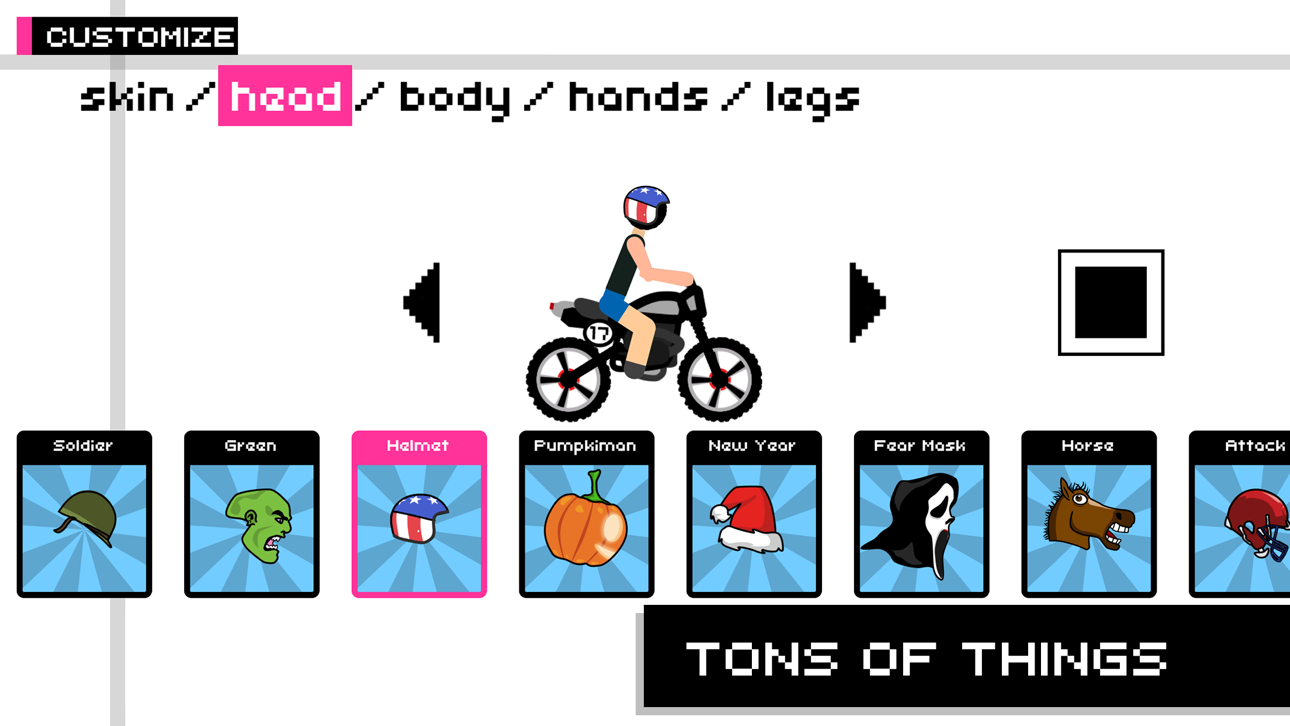
- Personnalisation du personnage
- Différents modes de jeu (contre la montre et course aux points)
- Plus de 320 courses passionnantes
- Éditeur de niveau
- Possibilité de partager vos niveaux avec des amis!
- Mode d'inversion de couleur et action retardée en cas de chute
- Grand jeu communautaire
Devenez fan de Draw Rider sur Facebook:
www.facebook.com/gamingstudio17
Suivez-nous sur Twitter:
www.twitter.com/17Studio
Photos exclusives que vous trouverez sur notre Instagram:
www.instagram.com/17studio_official
Nous avons également un blog sur Tumblr:
www.17studio.tumblr.com
- iPhone ou iPad avec ou sans Jailbreak.
- Sideloadly ou alternatives.
- Ordinateur sous Windows/macOS/Linux avec iTunes installé.
ÉTAPE 1: Téléchargez le fichier .IPA pré-modifié depuis le lien ci-dessus sur votre ordinateur. Pour le télécharger depuis l'iOSGods App, consultez notre Tutoriel de téléchargement de l'IPA depuis l'iOSGods App qui comprend un exemple en vidéo.
ÉTAPE 2: Téléchargez Sideloadly et installez-le sur votre Windows ou Mac.
ÉTAPE 3: Ouvrez Sideloadly sur votre ordinateur, connectez votre appareil iOS et attendez que le nom de votre appareil apparaisse dans Sideloadly.
ÉTAPE 4: Une fois votre iDevice reconnu, glissez le fichier .IPA modifié que vous avez téléchargé et déposez-le dans l'application Sideloadly.
ÉTAPE 5: Saisissez l'adresse e-mail de votre Apple Account, puis appuyez sur « Start ». Il vous sera ensuite demandé d'entrer votre mot de passe. Fournissez les informations requises.
ÉTAPE 6: Attendez que Sideloadly termine le sideloading/l'installation de l'IPA modifié. En cas de problème durant l'installation, veuillez lire la remarque ci-dessous.
ÉTAPE 7: Une fois l'installation terminée et l'app visible sur votre écran d'accueil, vous devez aller dans Réglages → Général → Profils / VPN et gestion de l'appareil. Là, appuyez sur l'adresse e-mail saisie à l'étape 6, puis appuyez sur « Faire confiance à [email protected] ».
ÉTAPE 8: Allez maintenant sur votre écran d'accueil et ouvrez l'app nouvellement installée ; tout devrait fonctionner correctement. Vous devrez peut-être suivre des instructions supplémentaires propres à chaque app, dans la fenêtre du hack en jeu.
REMARQUE : À partir d'iOS/iPadOS 16, vous devez activer le mode Développeur. Pour les comptes Apple Developer gratuits, vous devrez répéter ce processus tous les 7 jours. Pour toute question ou problème, lisez notre section FAQ Sideloadly du sujet.
Hack Features:
- Inf Coins (Spend)
App Installation Instructions:
---------------------------------------------------------
----------------------------------------------------------
If you require more information or help, please read our Frequently Asked Questions topic on iOSGods.com.
----------------------------------------------------------
--------------------------------------------------






![[ SEA ] Honkai Impact 3 iOS Mod IPA](https://is1-ssl.mzstatic.com/image/thumb/Purple211/v4/f2/6b/8e/f26b8e2b-e408-c3bd-0f31-52abe0b7cbc1/AppIcon-1x_U007emarketing-0-10-0-85-220-0.png/100x100bb.jpg)