ログインが必要
iOSGodsアカウントでサインインして続けてください。
iOSGodsアカウントでサインインして続けてください。

プレイヤーダメージをx1からx30に調整し、ゴッドモードを有効にして、このLegend of Solgard Free Hack Mod IPAで決して死なないようにしましょう。北欧神話RPGを支配するための、リンク解除されたチートをアンロックして、敵を自動撃破し、ラグナロクの氷の軍勢に対して完全な戦闘戦略を手に入れることができます。このゲーム内モッドメニューハックは、アプリ内のiOSGodsボタンをタップしてアクセスできます。
- プレイヤーダメージ - x1 - 30 → 攻撃力を幅広い範囲でスケーリング
- ゴッドモード / 決して死なない → 戦闘中に無敵になる
- 敵を自動撃破 → 手動戦闘なしで敵を瞬時に倒す
すべての機能はリンク解除されており、プレイヤーのあなただけのためのものです。
このハックはゲーム内モッドメニュー(iGMM)です。モッドメニューを有効にするには、アプリ内にあるiOSGodsボタンをタップしてください。
このアプリにはiGameGodも搭載されており、繰り返し作業を自動化するAuto Touch、ゲーム速度を調整できるApp Speed Manager、Memory Engineによる値の編集など、強力なiOSゲーム用ツールをご利用いただけます。
Legend of Solgard Free Hack modded IPAを上のリンクからダウンロードします。インストールボタンをタップし、画面の指示に従ってiPhone、iPad、Apple SiliconにこのiOSアプリハックをインストールします。
さらにヘルプが必要ですか? 詳しい回答とトラブルシューティングはiOSGodsアプリ よくある質問をご覧ください。
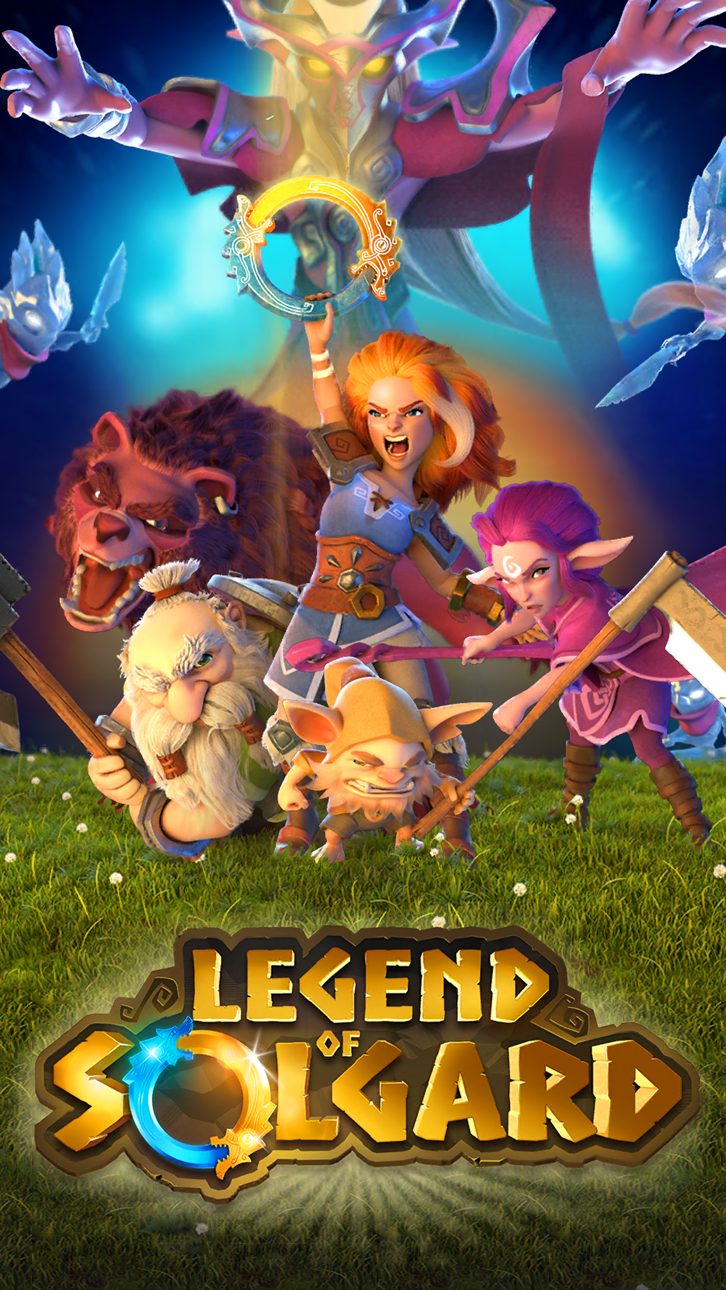
En este RPG único, acompaña a Embla en su épica lucha para detener el fin de todos los mundos y conviértela en una de las heroínas más legendarias de Solgard.
Utiliza la estrategia para combatir a horas de enemigos de hielo en la Arena de Héroes, cobra la captura de villanos legendarios, derrota a jefes épicos y gana la guerra contra el mal para pasar a ser una auténtica leyenda de Solgard.
SE ACERCA EL RAGNARÖK
Lucha con criaturas fantásticas épicas, invoca dioses legendarios de la mitología nórdica para derrotar a jefes monstruosos y gana la guerra contra el invierno sin fin.
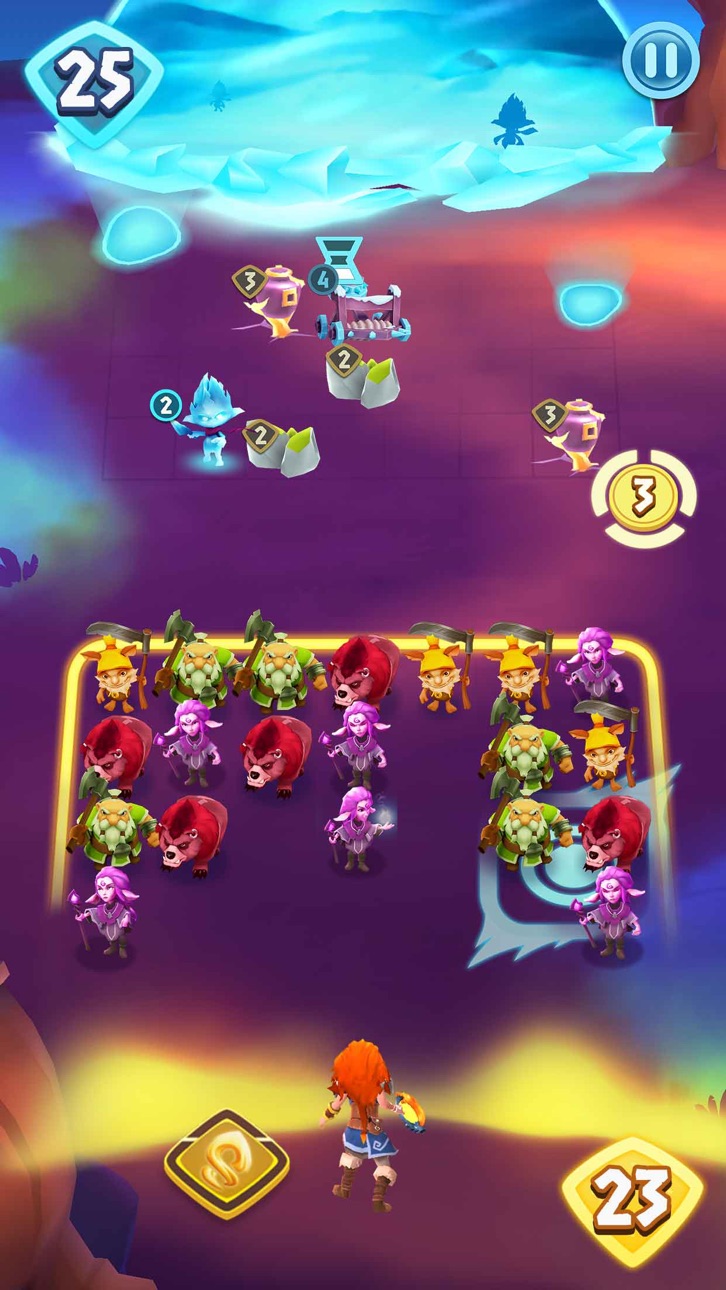
Utiliza tácticas y estrategia para combatir a tus enemigos y cerrar todos los vórtices de hielo.
CONVIÉRTETE EN LA MAYOR ESPERANZA DE SOLGARD
Pon en marcha tu habilidad con los RPG y lucha contra otros héroes en la Arena de Héroes.
UNE FUERZAS Y DOMINA LAS TÁCTICAS DE RPG
Crea clanes con otros jugadores, debatid vuestras tácticas de RPG, luchad juntos para combatir a jefes de clan épicos y ganad tesoros legendarios.
AVENTÚRATE EN CINCO TIERRAS LEGENDARIAS
Reúne aliados y derrota a monstruos de los 5 reinos de Solgard.
PERFECCIONA TU PODER
Mejora a tu héroe y aumenta tu ejército para conquistar a tus oponentes.
La guerra para impedir el Ragnarök ha comenzado y cada batalla requerirá de tu mejor estrategia.
¿Todo listo para saltar a la arena, luchar batallas épicas y entrar en el panteón de héroes ancestrales de Solgard? ¡Descarga ahora este RPG y forma parte de la leyenda!
Jugar a Legend of Solgard es gratis, pero algunos objetos opcionales del juego son de pago.
Al descargar esta aplicación, confirmas que estás de acuerdo con los términos del servicio (https://www.snowprintstudios.com/en/snowprint-studios-terms-of-service/).
Debes tener conexión a Internet para desbloquear todas las funciones del juego.
Conéctate a Internet para desbloquear todas las funciones del juego y sincronizar tu partida entre todos tus dispositivos móviles.
スクリーンショット © 各権利者 · App Store


iOSGods は Apple Inc.、Google LLC、および掲載アプリの開発者と提携しておらず、承認や協賛も受けていません。Apple、iOS、App Store は Apple Inc. の商標です。Android および Google Play は Google LLC の商標です。その他のアプリ名、アイコン、画像、商標はすべて各権利者に帰属します。
- 脱獄/Jailed済みまたは脱獄済みのiPhoneまたはiPad。
- Sideloadlyまたは代替手段。
- iTunesがインストールされているWindows/macOS/Linuxを実行しているコンピュータ。
ステップ1: 上のリンクから事前にハックされた.IPAファイルをコンピュータにダウンロードします。iOSGodsアプリからダウンロードする方法は、ビデオ例付きのiOSGodsアプリIPAダウンロードチュートリアルをご覧ください。
ステップ2: SideloadlyをダウンロードしてWindowsまたはMacにインストールします。
ステップ3: コンピュータでSideloadlyを開き、iOSデバイスを接続して、デバイス名がSideloadlyに表示されるまで待ちます。
ステップ4: iDeviceが認識されたら、ダウンロードしたModされた.IPAファイルをSideloadlyアプリにドラッグ&ドロップします。
ステップ5: Apple Accountのメールアドレスを入力し、「Start」を押します。次にパスワードの入力を求められます。必要な情報を入力してください。
ステップ6: Sideloadlyがハックされたipaのサイドロード/インストールを完了するのを待ちます。インストール中に問題が発生した場合は、以下の注意事項をお読みください。
ステップ7: インストールが完了し、ホーム画面にアプリが表示されたら、設定 → 一般 → プロファイル / VPNとデバイス管理に移動する必要があります。そこで、ステップ6で入力したメールをタップし、「Trust [email protected]」をタップします。
ステップ8: ホーム画面に戻り、新しくインストールされたアプリを開けば、すべて正常に動作するはずです。ゲーム内のハックのポップアップで、アプリごとの追加指示に従う必要がある場合があります。
注意: iOS/iPadOS 16以降では、デベロッパモードを有効にするが必要です。無料のApple Developerアカウントの場合、このプロセスを7日ごとに繰り返す必要があります。質問や問題がある場合は、トピックのSideloadly FAQセクションをお読みください。
Game Name iOS Mod IPA is an action adventure game enhanced with powerful gameplay boosts and quality-of-life improvements. Win battles faster, earn rewards quicker, and enjoy uninterrupted play without ads.
- Unlimited Gold - spend freely to unlock premium content
- Damage Multiplier - deal significantly more damage in combat
- Defense Multiplier - take less damage and survive longer
- Reward Multiplier - earn more loot from every battle
- Max Level - instantly reach the highest player rank
- No Ads - play without interruptions or advertisements
This app also comes with iGameGod, giving you access to Auto Touch to automate repetitive tasks, App Speed Manager for adjustable gameplay speed, Memory Engine value editing, and more powerful iOS game tools.
Game Name Mod IPAを上のリンクからダウンロードします。インストールボタンをタップし、画面の指示に従ってiPhone、iPad、Apple SiliconにこのiOSアプリハックをインストールします。
さらにヘルプが必要ですか 詳しい回答とトラブルシューティングはiOSGodsアプリ よくある質問をご覧ください。
----------------------------------------------------------
--------------------------------------------------