Inicio de sesión requerido
Inicia sesión con tu cuenta de iOSGods para continuar.
Inicia sesión con tu cuenta de iOSGods para continuar.
Atrapa peces ilimitados con monedas infinitas en este Go Fish! Mod IPA, permitiéndote mejorar tu equipo al instante y bucear más profundo sin necesidad de grindear. Desbloquea la Membresía ViP para acceder a funciones premium y acelera tu progreso a través de las profundidades del océano.
- Monedas Infinitas → mejora tu equipo y progresa sin límites
- Membresía ViP → accede a funciones y beneficios premium
Esta app también incluye iGameGod, que te ofrece acceso a Auto Touch para automatizar tareas repetitivas, App Speed Manager para ajustar la velocidad del juego, edición de valores con Memory Engine y más potentes herramientas para juegos de iOS.
Descarga Go Fish! Hack modded IPA desde los enlaces de arriba. Toca el botón de instalación y sigue las instrucciones para instalar este hack iOS en tu iPhone, iPad o Mac con Apple Silicon.
¿Necesitas más ayuda? Consulta nuestras Preguntas frecuentes de la app iOSGods para respuestas detalladas y consejos de solución de problemas.
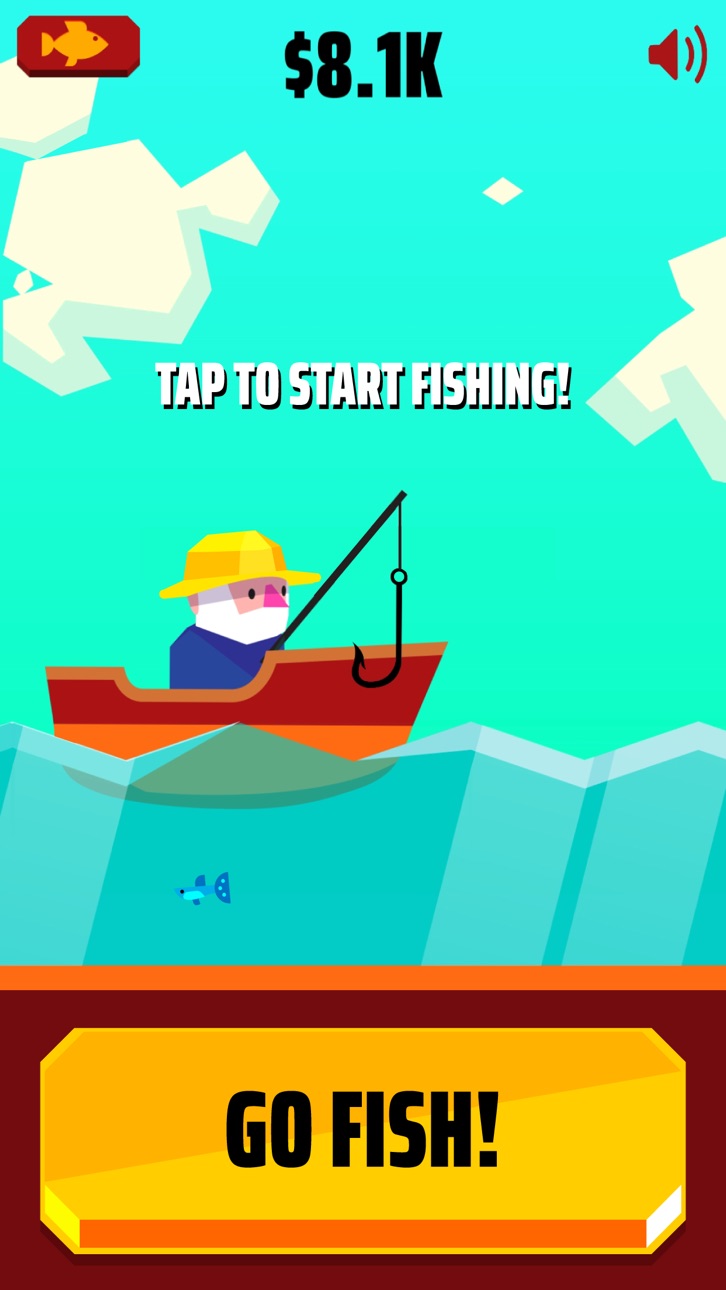
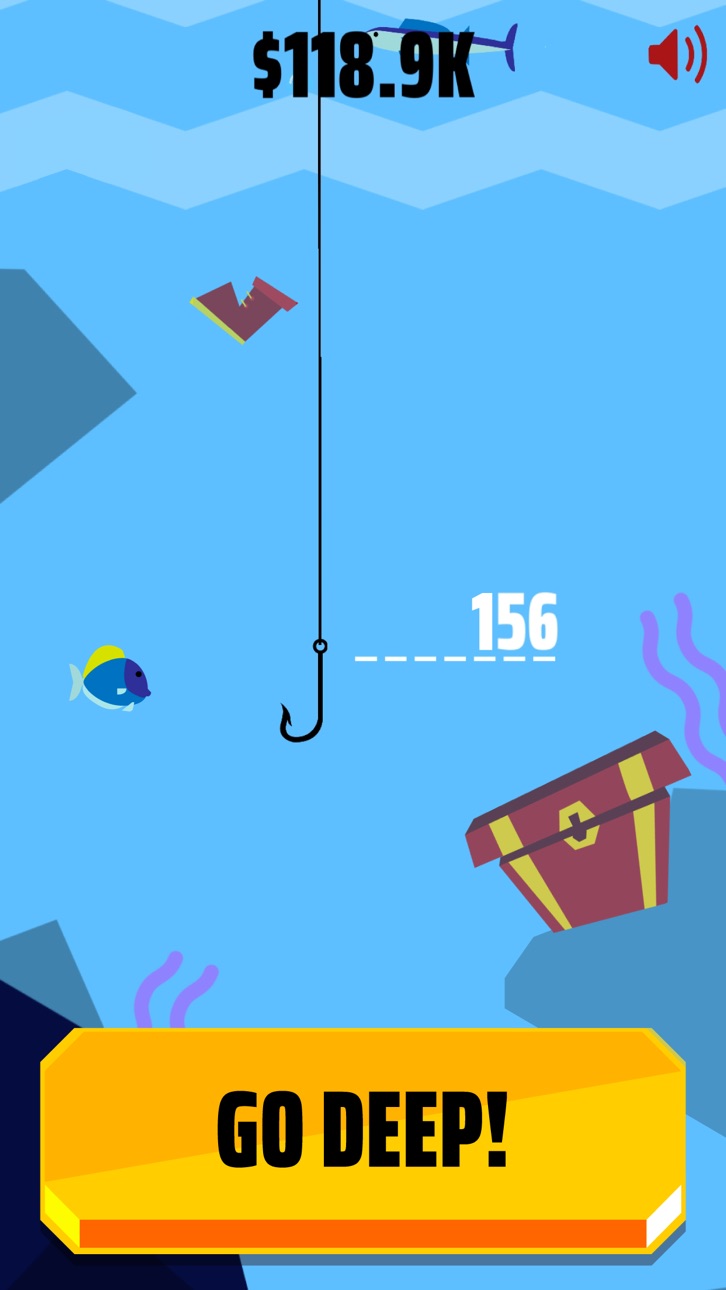
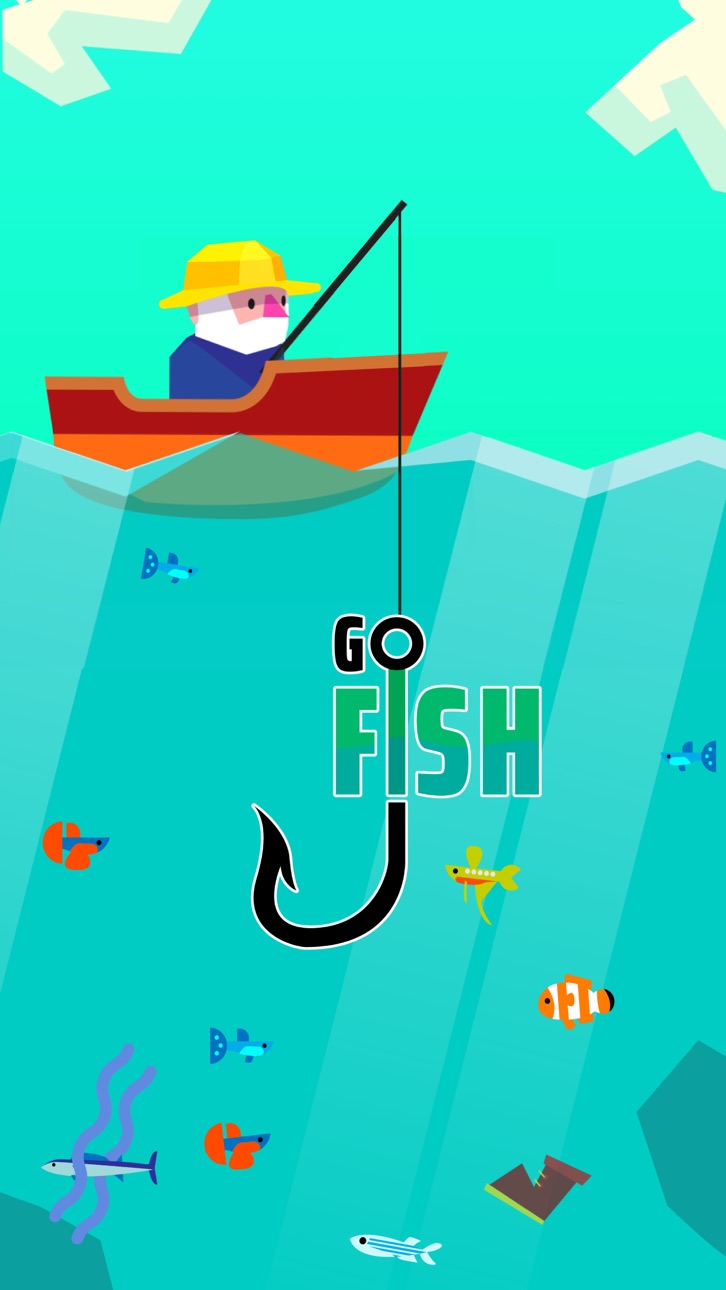
¡Lanza tu sedal, alcanza las profundidades y pesca tantos peces como puedas mientras lo recoges! ¡Mejora tu equipo para capturar más peces y sumergirte más profundamente, haz hallazgos fuera de lo común y descubre nuevas especies!
Características de Go Fish!:
- Mecánica de juego simple y adictiva: ¡Toca, lanza y captura todos los peces que puedas!
- ¡Mejora tu red para capturar más peces y alcanzar profundidades mayores!
- ¡El viejo marinero seguirá ganando dinero por ti en tu ausencia!
¿Puedes descubrir los misterios que esconde el océano?
Go Fish!
Términos de la suscripción:
El acceso para socios VIP de Go Fish! ofrece una suscripción semanal y 3 días de prueba GRATUITA, tras los cuales se cargará un pago de $6.49 semanales. Tras comprar esta suscripción, desbloquearás un aspecto de pirata exclusivo para tu pescador, el anzuelo dorado de duplicación de ingresos y se eliminarán los anuncios no opcionales. Esta suscripción se renueva automáticamente. El pago se carga a tu cuenta tras la confirmación. La suscripción se renovará a menos que te des de baja 24 horas antes de que finalice el período. La renovación también se cargará a tu cuenta.
Los precios que se muestran son para clientes de los Estados Unidos. Los precios en otros países pueden cambiar y los cargos efectivos pueden convertirse a la moneda local.
Fin del período de prueba y renovación de la suscripción:
- El pago se cargará a tu cuenta de iTunes tras la confirmación de la compra
- La suscripción se renovará a menos que la canceles 24 horas antes de que finalice el período actual
- La cuenta recibirá el cargo por la renovación 24 horas antes de que finalice el período actual según la tarifa estándar de la suscripción semanal
- El usuario puede administrar la suscripción y la renovación automática accediendo tras la compra a los ajustes de su cuenta en la tienda
- No se puede cancelar la suscripción actual durante el período de suscripción activo
- La parte del período de prueba gratuito que no se haya utilizado se perderá cuando se compre la suscripción
Cancelar un período de prueba o una suscripción:
- Para cancelar una suscripción durante el período de prueba gratuito, tendrás que hacerlo en la tienda a través de tu cuenta. Esto se debe llevar a cabo por lo menos 24 horas antes de que finalice el período de prueba gratuito para evitar que se cargue el pago.
Para obtener más información, visita: https://support.apple.com/en-gb/HT207865
Capturas © sus respectivos dueños · App Store


iOSGods no está afiliado, avalado ni patrocinado por Apple Inc., Google LLC ni por los desarrolladores de las apps que aparecen aquí. Apple, iOS y App Store son marcas comerciales de Apple Inc. Android y Google Play son marcas comerciales de Google LLC. Todos los demás nombres de apps, iconos, imágenes y marcas pertenecen a sus respectivos dueños.
- iPhone o iPad con o sin Jailbreak.
- Sideloadly u otras alternativas.
- Ordenador con Windows/macOS/Linux e iTunes instalado.
PASO 1: Descargue el archivo .IPA pre-modificado desde el enlace de arriba a su ordenador. Para descargarlo desde la iOSGods App, consulte nuestro Tutorial de descarga del IPA desde la iOSGods App, que incluye un ejemplo en vídeo.
PASO 2: Descargue Sideloadly e instálelo en su Windows o Mac.
PASO 3: Abra Sideloadly en su ordenador, conecte su dispositivo iOS y espere hasta que el nombre del dispositivo aparezca en Sideloadly.
PASO 4: Una vez que su iDevice sea reconocido, arrastre el archivo .IPA modificado que descargó y suéltelo en la aplicación Sideloadly.
PASO 5: Introduzca el correo electrónico de su Apple Account y, a continuación, pulse «Start». Le pedirá que introduzca su contraseña. Proporcione la información solicitada.
PASO 6: Espere a que Sideloadly termine de hacer sideload/instalar el IPA modificado. Si surgen problemas durante la instalación, por favor lea la nota a continuación.
PASO 7: Una vez completada la instalación y al ver la app en la pantalla de inicio, deberá ir a Ajustes → General → Perfiles / VPN y Gestión de Dispositivos. Una vez allí, toque el correo electrónico que introdujo en el paso 6 y, después, toque en «Confiar en [email protected]».
PASO 8: Ahora vaya a la pantalla de inicio y abra la app recién instalada; todo debería funcionar correctamente. Es posible que tenga que seguir instrucciones adicionales específicas de cada app dentro del popup del hack en el juego.
NOTA: En iOS/iPadOS 16 y posteriores, debe activar el Modo Desarrollador. Para cuentas gratuitas de Apple Developer, deberá repetir este proceso cada 7 días. Si tiene alguna pregunta o problema, lea nuestra sección de Preguntas Frecuentes de Sideloadly del tema.
Game Name iOS Mod IPA is an action adventure game enhanced with powerful gameplay boosts and quality-of-life improvements. Win battles faster, earn rewards quicker, and enjoy uninterrupted play without ads.
- Unlimited Gold - spend freely to unlock premium content
- Damage Multiplier - deal significantly more damage in combat
- Defense Multiplier - take less damage and survive longer
- Reward Multiplier - earn more loot from every battle
- Max Level - instantly reach the highest player rank
- No Ads - play without interruptions or advertisements
This app also comes with iGameGod, giving you access to Auto Touch to automate repetitive tasks, App Speed Manager for adjustable gameplay speed, Memory Engine value editing, and more powerful iOS game tools.
Descarga Game Name Mod IPA desde los enlaces de arriba. Toca el botón de instalación y sigue las instrucciones para instalar este hack iOS en tu iPhone, iPad o Mac con Apple Silicon.
¿Necesitas más ayuda Consulta nuestras Preguntas frecuentes de la app iOSGods para respuestas detalladas y consejos de solución de problemas.
----------------------------------------------------------
--------------------------------------------------