ต้องเข้าสู่ระบบ
เข้าสู่ระบบด้วยบัญชี iOSGods เพื่อดำเนินการต่อ
เข้าสู่ระบบด้วยบัญชี iOSGods เพื่อดำเนินการต่อ
Train the Brain - Coordination Hack เป็นชุดเกมปริศนาที่ช่วยเพิ่มความเชี่ยวชาญในการประสานงานระหว่างมือและตา ผ่านแบบฝึกหัดที่สนุกสนานและเหมาะสำหรับครอบครัวทุกวัย เวอร์ชัน iOS ที่ปรับแต่งนี้ลบโฆษณาทั้งหมดออก ให้คุณมุ่งเน้นไปที่การท้าทายการฝึกสมองได้อย่างต่อเนื่องโดยไม่มีการรบกวน
- ไม่มีโฆษณา → การเล่นเกมที่ไม่มีการขัดจังหวะ
แอปนี้ยังมาพร้อมกับ iGameGod ซึ่งช่วยให้คุณเข้าถึง Auto Touch สำหรับการทำงานซ้ำ ๆ โดยอัตโนมัติ, App Speed Manager สำหรับปรับความเร็วของเกม, การแก้ไขค่าด้วย Memory Engine และเครื่องมือสำหรับเกม iOS ที่ทรงพลังอื่น ๆ อีกมากมาย
ดาวน์โหลด Train the Brain - Coordination Hack modded IPA จากลิงก์ด้านบน แตะปุ่มติดตั้งและทำตามคำแนะนำบนหน้าจอเพื่อติดตั้งแฮ็กแอป iOS นี้บน iPhone, iPad หรือ Apple Silicon
ต้องการความช่วยเหลือเพิ่มเติม? ดู คำถามที่พบบ่อยของแอป iOSGods สำหรับคำตอบโดยละเอียดและเคล็ดลับการแก้ไขปัญหา
Wir präsentieren diese Sammlung von Koordinationsspielen zur Entwicklung und Stimulierung von
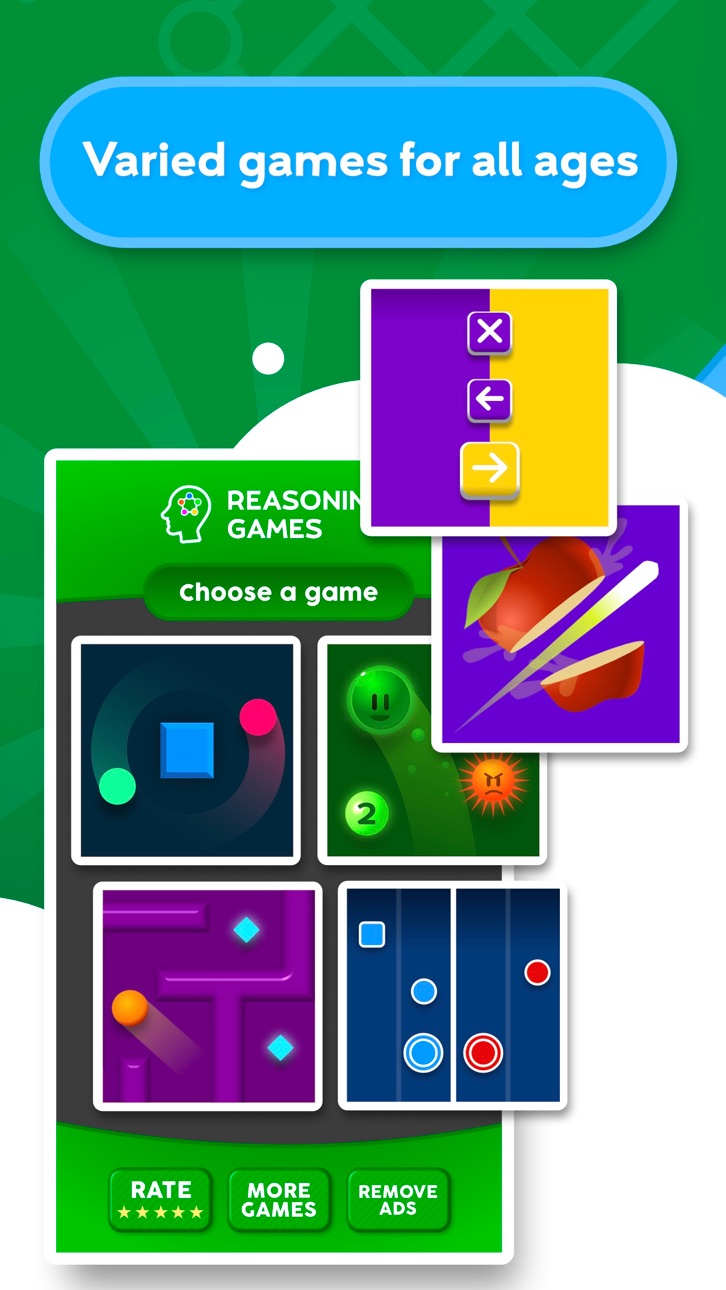
Hand-Augen-Bewegungsfähigkeit. Lustige Koordinationsübungen für die ganze Familie, um den Geist auf spielerische Weise zu stimulieren. Dieses Spiel ist für alle Arten von Menschen geeignet, von den Jüngsten bis hin zu älteren Spielern.
SPIELEARTEN
- Bimanuelle Koordination der Elemente
- Auswahl der richtigen Positionen
- Lösen Sie Labyrinthe mit dem Gyroskop
- Entscheiden Sie sich zwischen rechter und linker Seite
- Vermeiden Sie Kollisionen mit Gegenständen
- Bilden Sie eine Reihe von Zahlen und meiden Sie Gegenstände
Neben der Koordination helfen diese Spiele, andere Bereiche wie visuelle Wahrnehmung, psychomotorische Fähigkeiten, Aufmerksamkeit oder Geschwindigkeit der Verarbeitung zu stimulieren.
APP-FEATURES
- Tägliches Gehirntraining mit Spaß
- Erhältlich in 6 Sprachen: Spanisch, Italienisch, Französisch, Englisch, Portugiesisch und Deutsch.
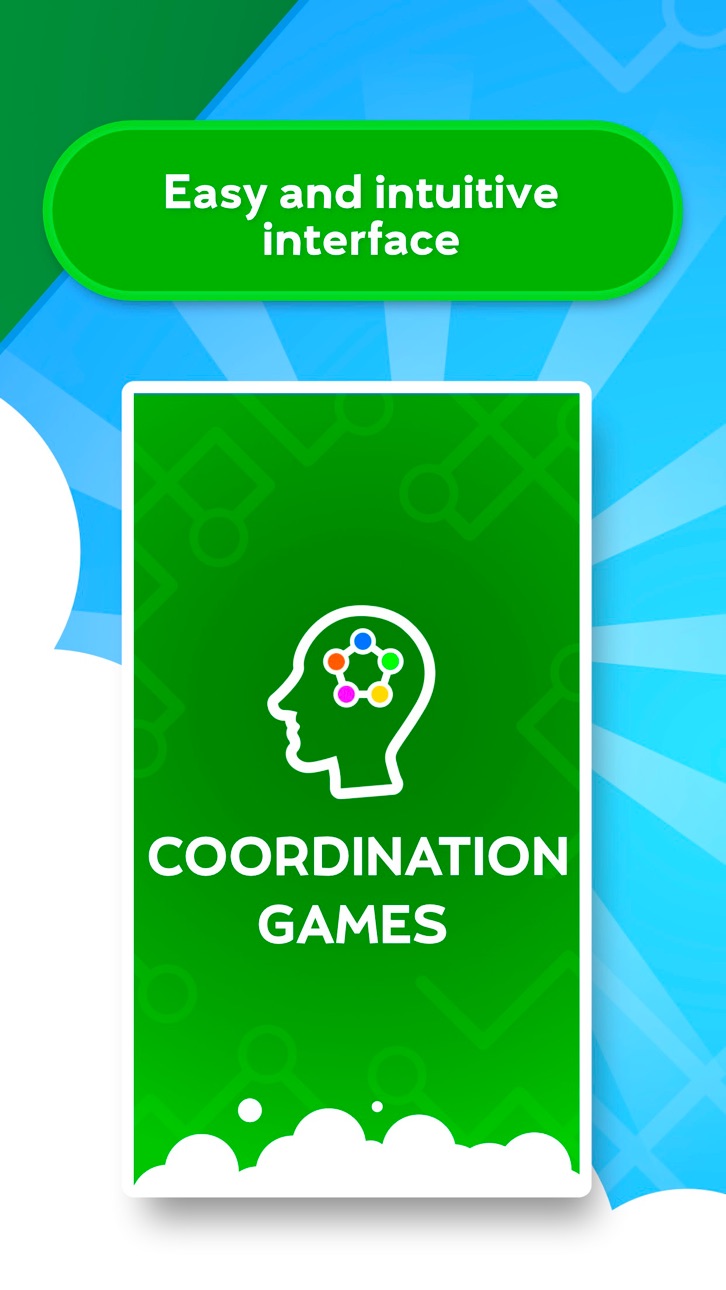
- Einfache und intuitive Benutzeroberfläche
- Verschiedene Stufen für jedes Alter
- Ständige Updates mit neuen Spielen
SPIELE ZUR STIMULATION DER KOORDINATION
Koordination ist eine der wesentlichen kognitiven Funktionen in unserem täglichen Leben. Die Entwicklung von Koordinationsfähigkeiten hilft, einen gesunden Geist und ein gesundes Leben zu erhalten.
Die Koordination von Auge und Hand ist die kognitive Fähigkeit, die es uns ermöglicht, Aufgaben gleichzeitig mit den Augen und Händen auszuführen. Es wird auch definiert als oculomotorische Koordination, oculo-manuell oder visuomotorisch. Diese Koordinationsspiele helfen, die Wirkung der Handmuskulatur zu synchronisieren, um eine angemessene Geschwindigkeit und Intensität der Bewegung zu präzisieren.
Die verschiedenen Spiele dieser App funktionieren unter verschiedenen Aspekten der Koordination wie Genauigkeit, Synchronisation von Händen und Fingern, Feinmotorik, räumliche Orientierung, Reaktionsgeschwindigkeit oder Reflexe.
Diese App ist Teil der Sammlung von Rätseln, die in Zusammenarbeit mit Ärzten und Neuropsychologen unter anderem für die kognitive Stimulation von Gedächtnis, Aufmerksamkeit, visueller Funktion oder Argumentation entwickelt wurden.
ÜBER TELLMEWOW
Tellmewow ist ein Unternehmen für die Entwicklung von Handyspielen, das sich auf einfache Anpassung und grundlegende Benutzerfreundlichkeit spezialisiert hat, was seine Spiele ideal für ältere oder junge Menschen macht, die einfach nur gelegentlich Spiele ohne größere Komplikationen spielen wollen.
Wenn du Verbesserungsvorschläge hast oder über kommende Spiele informiert bleiben möchtest, folge uns in unseren sozialen Netzwerken.
@tellmewow
ภาพหน้าจอ © เจ้าของแต่ละราย · App Store



iOSGods ไม่มีความเกี่ยวข้อง ไม่ได้รับการรับรอง และไม่ได้รับการสนับสนุนจาก Apple Inc., Google LLC หรือผู้พัฒนาแอปที่แสดงไว้ที่นี่ Apple, iOS และ App Store เป็นเครื่องหมายการค้าของ Apple Inc. Android และ Google Play เป็นเครื่องหมายการค้าของ Google LLC ชื่อแอป ไอคอน ภาพ และเครื่องหมายการค้าอื่นทั้งหมดเป็นทรัพย์สินของเจ้าของแต่ละราย
- iPhone หรือ iPad ที่ไม่ได้เจลเบรก/ไม่ได้เจลเบรก หรือเจลเบรกแล้ว
- Sideloadly หรือทางเลือกอื่น
- คอมพิวเตอร์ที่ใช้ Windows/macOS/Linux และติดตั้ง iTunes ไว้
ขั้นตอนที่ 1: ดาวน์โหลดไฟล์ .IPA ที่แฮกไว้ล่วงหน้าจากลิงก์ด้านบนลงในคอมพิวเตอร์ของคุณ หากต้องการดาวน์โหลดจากแอป iOSGods โปรดดู วิธีดาวน์โหลด IPA ในแอป iOSGods ซึ่งมีตัวอย่างวิดีโอประกอบ
ขั้นตอนที่ 2: ดาวน์โหลด Sideloadly แล้วติดตั้งบน Windows หรือ Mac ของคุณ
ขั้นตอนที่ 3: เปิด Sideloadly บนคอมพิวเตอร์ เชื่อมต่ออุปกรณ์ iOS แล้วรอจนกว่าชื่ออุปกรณ์ของคุณจะปรากฏใน Sideloadly
ขั้นตอนที่ 4: เมื่อ iDevice ของคุณถูกตรวจพบแล้ว ให้ลากไฟล์ .IPA ที่ม็อดมาวางลงในโปรแกรม Sideloadly
ขั้นตอนที่ 5: กรอกอีเมล Apple Account ของคุณ จากนั้นกด "Start" ระบบจะถามรหัสผ่าน กรอกข้อมูลที่จำเป็นให้เรียบร้อย
ขั้นตอนที่ 6: รอจนกว่า Sideloadly จะ sideload/ติดตั้งไฟล์ IPA ที่แฮกเสร็จ หากเกิดปัญหาระหว่างติดตั้ง โปรดอ่านหมายเหตุด้านล่าง
ขั้นตอนที่ 7: เมื่อการติดตั้งเสร็จสิ้นและเห็นแอปบนหน้าจอหลักแล้ว ให้ไปที่ การตั้งค่า → ทั่วไป → โปรไฟล์ / VPN และการจัดการอุปกรณ์ จากนั้นแตะที่อีเมลที่คุณกรอกในขั้นตอนที่ 6 แล้วแตะ "เชื่อถือ [email protected]"
ขั้นตอนที่ 8: จากนั้นไปที่หน้าจอหลักและเปิดแอปที่ติดตั้งใหม่ ทุกอย่างควรทำงานได้ปกติ คุณอาจต้องทำตามคำแนะนำเพิ่มเติมเฉพาะแอปในป๊อปอัปของม็อดในเกม
หมายเหตุ: สำหรับ iOS/iPadOS 16 ขึ้นไป คุณต้อง เปิดโหมดนักพัฒนา (Developer Mode) สำหรับบัญชี Apple Developer แบบฟรี คุณต้องทำขั้นตอนนี้ซ้ำทุก 7 วัน หากมีคำถามหรือพบปัญหา โปรดอ่าน หัวข้อ FAQ ของ Sideloadly ในกระทู้
Game Name iOS Mod IPA is an action adventure game enhanced with powerful gameplay boosts and quality-of-life improvements. Win battles faster, earn rewards quicker, and enjoy uninterrupted play without ads.
- Unlimited Gold - spend freely to unlock premium content
- Damage Multiplier - deal significantly more damage in combat
- Defense Multiplier - take less damage and survive longer
- Reward Multiplier - earn more loot from every battle
- Max Level - instantly reach the highest player rank
- No Ads - play without interruptions or advertisements
This app also comes with iGameGod, giving you access to Auto Touch to automate repetitive tasks, App Speed Manager for adjustable gameplay speed, Memory Engine value editing, and more powerful iOS game tools.
ดาวน์โหลด Game Name Mod IPA จากลิงก์ด้านบน แตะปุ่มติดตั้งและทำตามคำแนะนำบนหน้าจอเพื่อติดตั้งแฮ็กแอป iOS นี้บน iPhone, iPad หรือ Apple Silicon
ต้องการความช่วยเหลือเพิ่มเติม ดู คำถามที่พบบ่อยของแอป iOSGods สำหรับคำตอบโดยละเอียดและเคล็ดลับการแก้ไขปัญหา
----------------------------------------------------------
--------------------------------------------------