需要登录
请使用您的 iOSGods 账户登录以继续。
请使用您的 iOSGods 账户登录以继续。
使用 Calm Modded 立即解锁高级冥想和睡眠内容,这是一款免费破解 IPA,可以移除屡获殊荣的正念应用的付费墙。无需订阅限制,即可访问引导冥想、睡眠故事、呼吸程序和放松音乐,让您按照自己的节奏体验更好的睡眠和更低的压力。
- 高级版本 → 所有内容已解锁
此应用还内置 iGameGod,让你能够使用 Auto Touch 自动执行重复操作、通过 App Speed Manager 调节游戏速度、使用 Memory Engine 修改内存数值,以及更多强大的 iOS 游戏工具。
从上方链接下载 Calm Modded modded IPA。点击安装按钮并按照屏幕提示在 iPhone、iPad 或 Apple Silicon 上安装此 iOS 应用修改版。
需要更多帮助?请查看我们的 iOSGods 应用常见问题解答 获取详细解答和故障排除技巧。
Calm is the #1 app for sleep, meditation, and relaxation. Find anxiety relief, stress relief, and better sleep through breathing exercises, sleep sounds, deep sleep music, and mindfulness programs for insomnia, beginner meditation, and beyond. Downloaded by 180 million people worldwide.
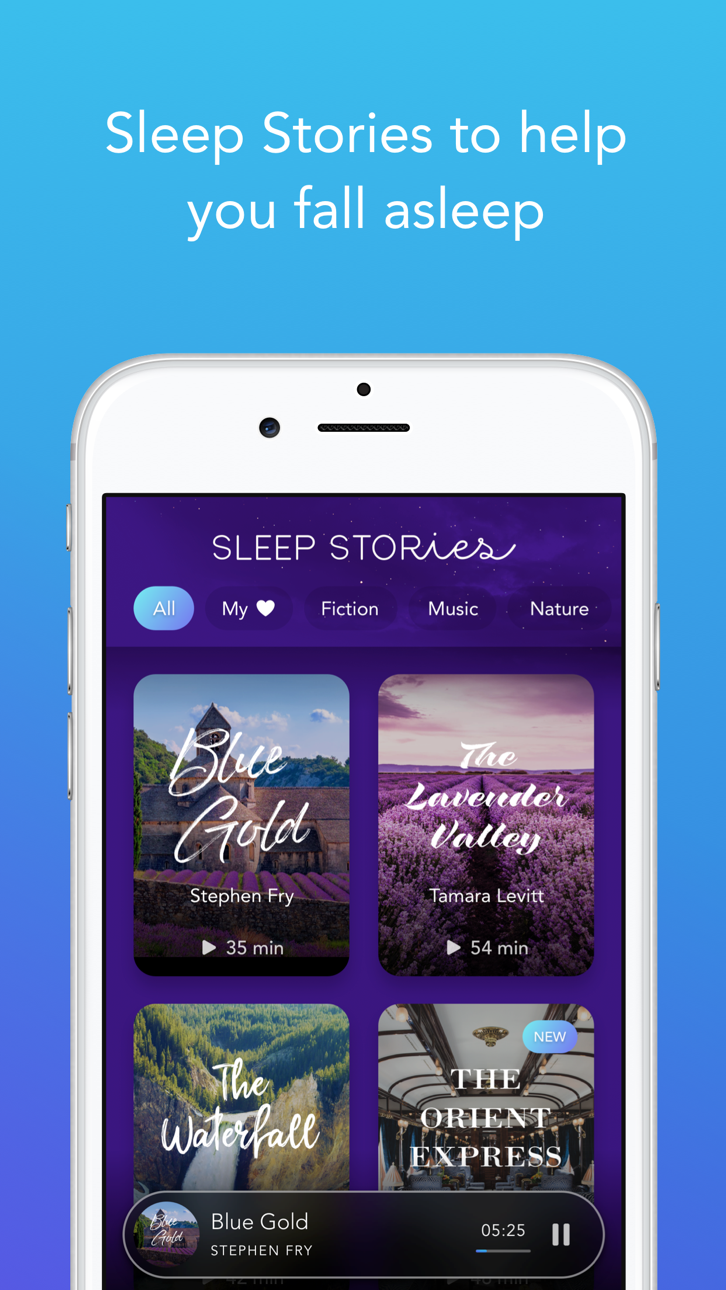
Fall asleep faster with Sleep Stories, bedtime stories for adults narrated by Matthew McConaughey, Stephen Fry, P\!nk, Bob Ross, and more. Only on Calm.
Manage stress, relieve anxiety, improve your sleep cycle, and refocus your attention.
Apple App of the Year. Apple Editors' Choice. Happiest App in the World (Center for Humane Technology). 3M+ five-star reviews. Recommended by top psychologists, therapists, and mental health experts.
SLEEP STORIES — ONLY ON CALM
* Drift off to Matthew McConaughey's Wonder — a dreamy journey through the mysteries of the universe
* Travel through the village of Provence with master storyteller Stephen Fry in Blue Gold
* Fall asleep to the soothing brush strokes of beloved painter Bob Ross in Happy Little Zzzs
* Tackle insomnia with 100+ exclusive Sleep Stories, new content added every month
MEDITATION & MINDFULNESS
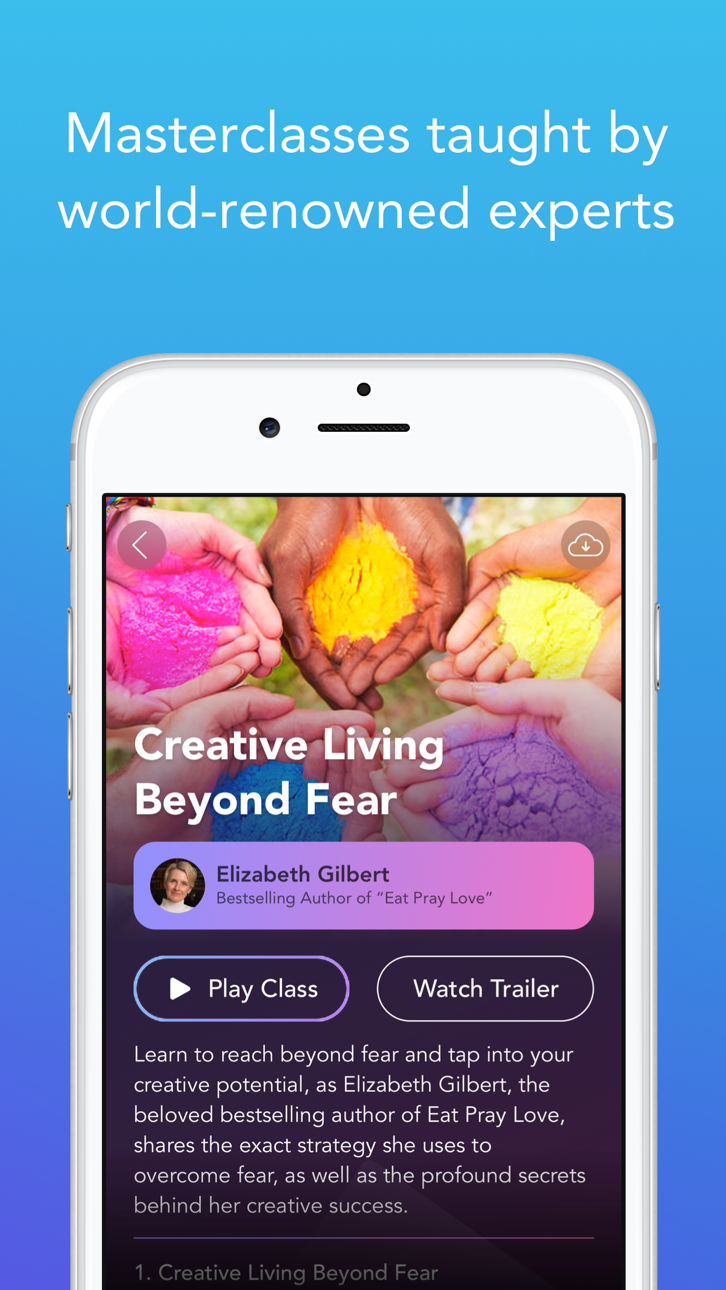
* Beginner meditation to advanced practice — guided sessions for every experience level
* Daily Calm with Tamara Levitt, Daily Jay with Jay Shetty, Daily Trip with Jeff Warren
* Mindfulness topics: deep sleep, anxiety relief, stress relief, focus, breaking habits, self-care, personal growth, and more
* 7- and 21-day mindfulness programs to build a lasting practice
ANXIETY RELIEF & RELAXATION
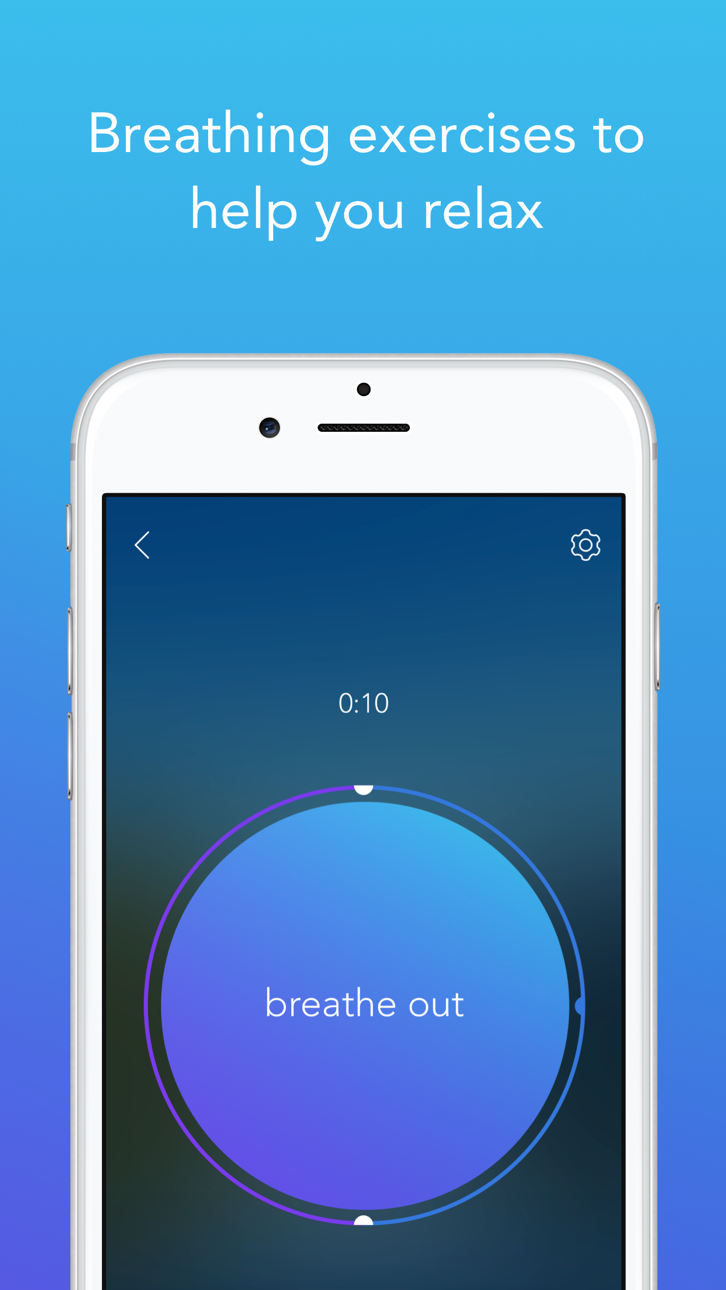
* Breathing exercises and breathwork to ease anxiety, stress, and insomnia
* Bilateral stimulation music and neuroacoustic sounds for nervous system regulation and somatic relaxation
* Guided breathwork for stress relief, anxiety relief, and deep calm
* Stress management and self-healing through Dailies: programs for social anxiety, personal growth, and mood balance
* Mindful movement and stretching with Daily Move
SLEEP SOUNDS, MUSIC & SOUNDSCAPES
* Calming music, nature sounds, and sleep sounds: ocean waves, heavy rain, campfire, and more
* Exclusive focus and sleep music from top artists
* Full soundscapes and sleep sounds to help you relax, meditate, and sleep soundly
ALSO FEATURING
* Daily Streaks & Mindful Minutes — emotion and mental health tracker
* Calm saves your meditation and sleep sessions to your Apple Health app.
Mental health is health. Calm is for anyone looking to improve their sleep, manage stress, and address everyday anxiety. Meditation novice or seasoned expert.
Take a deep breath and find your Calm.
Calm is free to download and use. There are never any ads and some of the programs and features are free forever. Some content is only available through an optional paid subscription. Be sure to check out our Apple Watch app to quick-start breathing exercises and track your meditations.
Subscription pricing and terms:
Calm offers an auto-renewing monthly subscription at $14.99/month and an auto-renewing yearly subscription at $69.99/year to provide you with unlimited access to the Calm Collection while you maintain an active subscription.
Payment will be charged to the credit card connected to your iTunes Account when you confirm the initial subscription purchase. Subscriptions automatically renew unless auto-renew is turned off at least 24-hours before the end of the current subscription period. Your account will be charged for renewal within 24-hours prior to the end of the current period, and the cost of the renewal will be identified. You may manage your subscription and auto-renewal may be turned off by going to your Account Settings after the purchase. Any unused portion of a free trial period, if offered, will be forfeited when you purchase a subscription, where applicable.
Read more about our terms and conditions here:
截图 © 各自所有者 · App Store


iOSGods 与 Apple Inc.、Google LLC 及此处列出应用的开发者没有任何关联,也未获得其认可或赞助。Apple、iOS 和 App Store 是 Apple Inc. 的商标。Android 和 Google Play 是 Google LLC 的商标。其他所有应用名称、图标、图片和商标均归各自所有者所有。

- 未越狱/受限或已越狱的 iPhone 或 iPad。
- Sideloadly 或替代方案。
- 运行 Windows/macOS/Linux 且已安装 iTunes 的电脑。
步骤 1: 通过上方链接将已破解的 .IPA 文件下载到您的电脑。如需从 iOSGods App 下载,请参阅我们的 iOSGods App IPA 下载教程,其中包含视频示例。
步骤 2: 下载 Sideloadly 并将其安装到您的 Windows 或 Mac 上。
步骤 3: 在电脑上打开 Sideloadly,连接您的 iOS 设备,等待设备名称在 Sideloadly 中显示。
步骤 4: 当 Sideloadly 识别到您的 iOS 设备后,将下载好的修改版 .IPA 文件拖放到 Sideloadly 应用中。
步骤 5: 输入您的 Apple Account 邮箱,然后点击 "Start"。系统会提示您输入密码,请按要求填写信息。
步骤 6: 等待 Sideloadly 完成已破解 IPA 的旁加载/安装。如果安装过程中出现问题,请阅读下方的注意事项。
步骤 7: 安装完成并在主屏幕上看到该应用后,您需要前往 设置 → 通用 → 描述文件 / VPN 与设备管理。进入后,点击您在第 6 步中输入的邮箱,然后点击 "信任 [email protected]"。
步骤 8: 现在返回主屏幕并打开新安装的应用,一切应可正常运行。您可能需要按照游戏内修改弹窗中的具体说明执行进一步操作。
注意: 在 iOS/iPadOS 16 及更高版本上,您必须 启用开发者模式。对于免费的 Apple Developer 账户,您需要每 7 天重复一次此操作。如有任何疑问或问题,请阅读我们的 主题中的 Sideloadly 常见问题部分。
Game Name iOS Mod IPA is an action adventure game enhanced with powerful gameplay boosts and quality-of-life improvements. Win battles faster, earn rewards quicker, and enjoy uninterrupted play without ads.
- Unlimited Gold - spend freely to unlock premium content
- Damage Multiplier - deal significantly more damage in combat
- Defense Multiplier - take less damage and survive longer
- Reward Multiplier - earn more loot from every battle
- Max Level - instantly reach the highest player rank
- No Ads - play without interruptions or advertisements
This app also comes with iGameGod, giving you access to Auto Touch to automate repetitive tasks, App Speed Manager for adjustable gameplay speed, Memory Engine value editing, and more powerful iOS game tools.
从上方链接下载 Game Name Mod IPA。点击安装按钮并按照屏幕提示在 iPhone、iPad 或 Apple Silicon 上安装此 iOS 应用修改版。
需要更多帮助请查看我们的 iOSGods 应用常见问题解答 获取详细解答和故障排除技巧。
----------------------------------------------------------
--------------------------------------------------