Login Diperlukan
Masuk dengan akun iOSGods kamu untuk melanjutkan.
Hack Features:
- PRO
Unduh Photo Retouch-Object Removal Hack modded IPA dari tautan di atas. Ketuk tombol pasang dan ikuti petunjuk di layar untuk memasang hack iOS ini di iPhone, iPad, atau Apple Silicon.
Butuh bantuan lebih lanjut? Lihat Pertanyaan yang Sering Diajukan untuk Aplikasi iOSGods kami untuk jawaban dan tips lengkap.
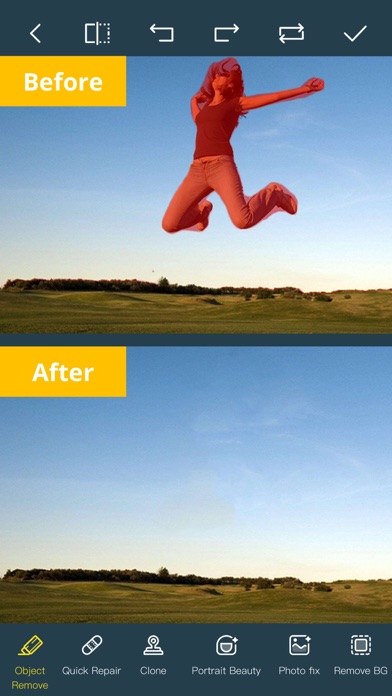
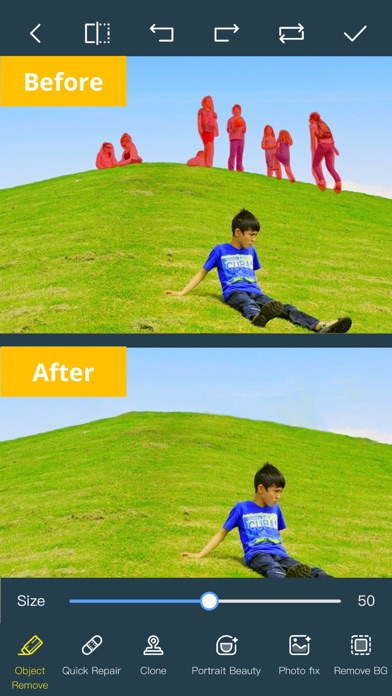
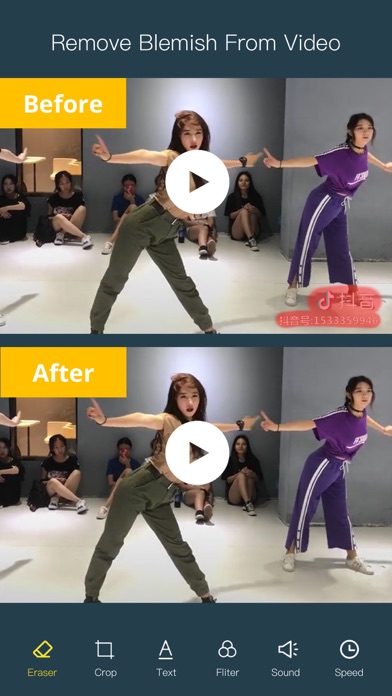
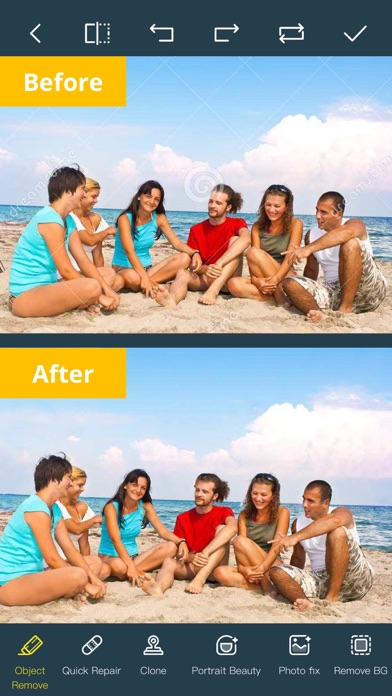
Ever wanted to remove something from a photo/video? Now you can. Photo Retouch can make objects disappear as if they were never there.
Very simple to use. Simply paint the items you want removed, and touch run erase.
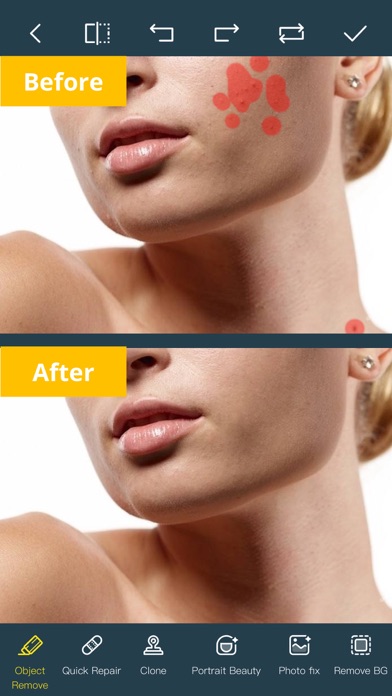
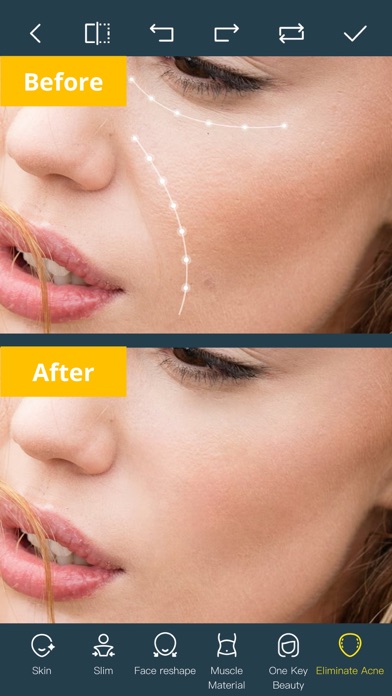
Make fun pictures/videos, remove unwanted people, remove unsightly pimples, clean up the perfect shot.
Even more features:
*Face Options: V-Face,Narrow Face,Little Face,Thin Face,Forehead,Chin,Cheekbones,Mandible Bone.
*Eye Options: Big Eye, Eye Opening, Eye Distance,Eye Angle,Brilliant.
*Nose Options: Long Nose,Thin Nose,Thin Philtrum.
*Mouth Options: Shape, Smile,Beautiful Teeth.
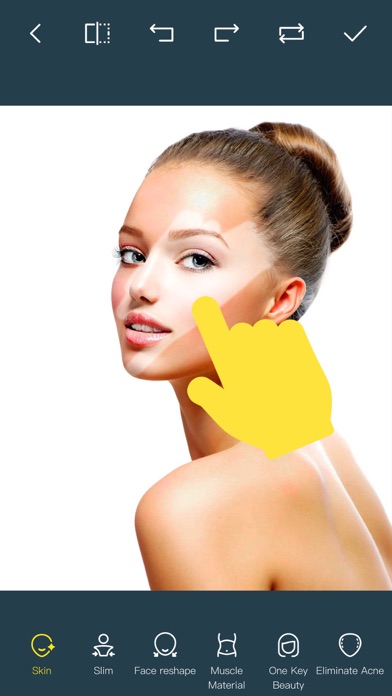
*Skin Options: Blur, Whitening, Sharpen, Rosy, Dark Circles, Nasolabial.
*Eliminate Acne, Wrinkle Killer, Thin Whiten Face.
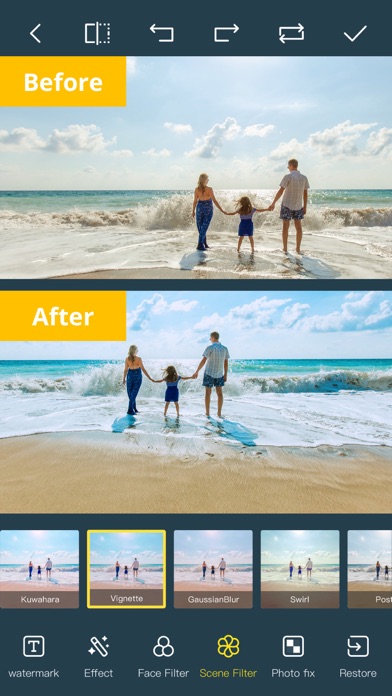
*Hundreds of new image filters.
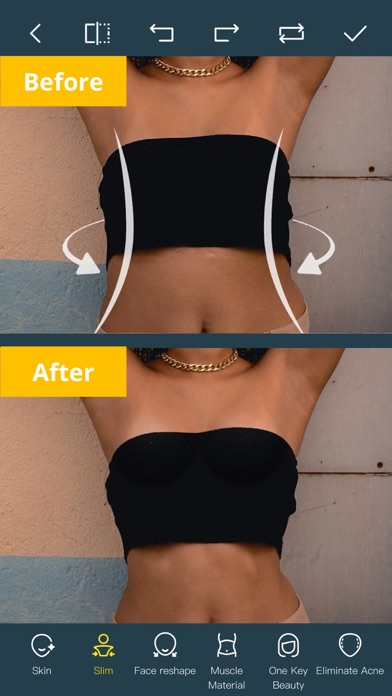
*Beautify Body
Turn your snaps into a model portfolio in a few minutes.
*Image Fill Color
Fill color to your old photos automatically.
*Face Blur
Blur the faces in the video Easily.
*Track Blur
Remove/blur the moving objects in the video.
*Cloud Storage
Backup your editing result via cloud center.
Premium Package Subscription
- You can subscribe for large cloud storage space & premium features
- Payment will be charged to iTunes Account at confirmation of purchase
- You will be able to use large cloud storage space & premium features for the duration of the subscription
- Subscription automatically renews for the same price and duration period as the original "one week"/"one month"/"one year" package unless auto-renew is turned off at least 24-hours before the end of the current period
- Account will be charged for renewal within 24-hours prior to the end of the current period at the cost of the chosen package (weekly, monthly or yearly package)
- Subscriptions may be managed by the user and auto-renewal may be turned off by going to the user's iTunes Account Settings after purchase
- No cancellation of the current subscription is allowed during active subscription period
- You may cancel a subscription during its free trial period via the subscription setting through your iTunes account. This must be done 24 hours before the end of the subscription period to avoid being charged. Please visit http://support.apple.com/kb/ht4098 for more information
- You may turn off the auto-renewal of your subscription via your iTunes Account Settings. However, you are not able to cancel the current subscription during its active period
- Any unused portion of a free trial period, if offered, will be forfeited when the user purchases a subscription to that publication, where applicable
Links to our Terms of Service and Privacy Policy can be found below
Privacy Policy:https://www.jianshu.com/p/699c62fcbbe2
Terms of Use: https://www.jianshu.com/p/bfcfbe02c85d
- iPhone atau iPad tanpa Jailbreak atau dengan Jailbreak.
- Sideloadly atau alternatifnya.
- Komputer dengan Windows/macOS/Linux dan iTunes terpasang.
LANGKAH 1: Unduh file .IPA yang sudah di-hack dari tautan di atas ke komputer Anda. Untuk mengunduhnya dari iOSGods App, silakan lihat Tutorial Mengunduh IPA dari iOSGods App kami yang dilengkapi contoh video.
LANGKAH 2: Unduh Sideloadly dan pasang di Windows atau Mac Anda.
LANGKAH 3: Buka Sideloadly di komputer Anda, sambungkan perangkat iOS Anda, dan tunggu hingga nama perangkat Anda muncul di Sideloadly.
LANGKAH 4: Setelah iDevice Anda terdeteksi, seret file .IPA yang sudah dimodifikasi dan lepaskan ke dalam aplikasi Sideloadly.
LANGKAH 5: Masukkan email Apple Account Anda, lalu tekan "Start". Anda kemudian akan diminta memasukkan kata sandi. Silakan isi informasi yang diminta.
LANGKAH 6: Tunggu hingga Sideloadly selesai melakukan sideloading/pemasangan IPA yang di-hack. Jika terjadi masalah saat pemasangan, silakan baca catatan di bawah ini.
LANGKAH 7: Setelah pemasangan selesai dan Anda melihat aplikasi di Layar Beranda, Anda perlu masuk ke Pengaturan → Umum → Profil / VPN & Manajemen Perangkat. Setelah itu, ketuk email yang Anda masukkan pada langkah 6, lalu ketuk "Percayai [email protected]".
LANGKAH 8: Sekarang buka Layar Beranda dan jalankan aplikasi yang baru saja dipasang; semuanya seharusnya berjalan normal. Anda mungkin perlu mengikuti petunjuk tambahan per aplikasi yang muncul di popup hack di dalam game.
CATATAN: Pada iOS/iPadOS 16 dan yang lebih baru, Anda harus mengaktifkan Mode Pengembang. Untuk akun Apple Developer gratis, Anda perlu mengulangi proses ini setiap 7 hari. Jika Anda memiliki pertanyaan atau masalah, silakan baca bagian FAQ Sideloadly di topik tersebut kami.