需要登入
請使用您的 iOSGods 帳戶登入以繼續。
請使用您的 iOSGods 帳戶登入以繼續。

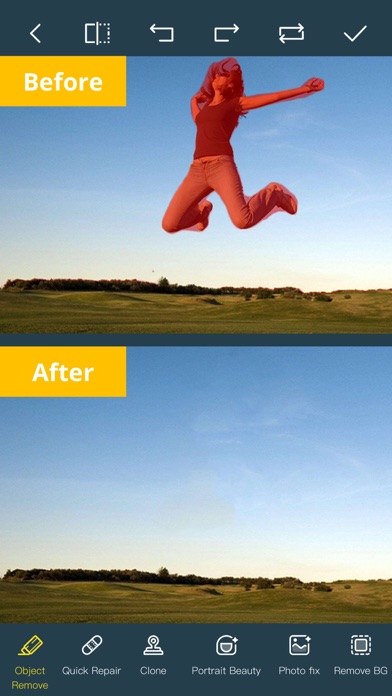
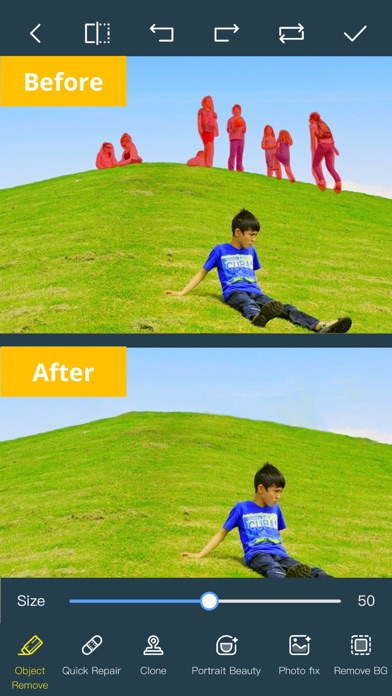
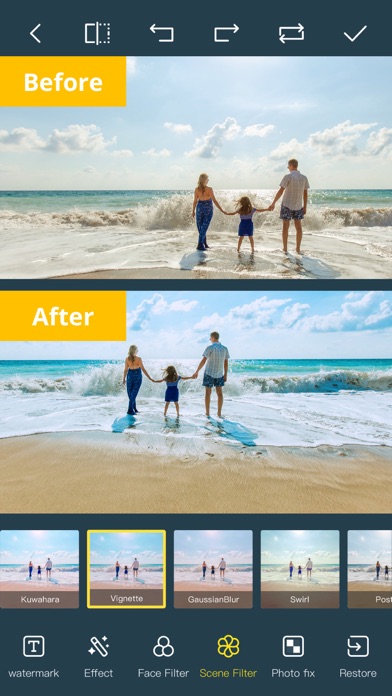
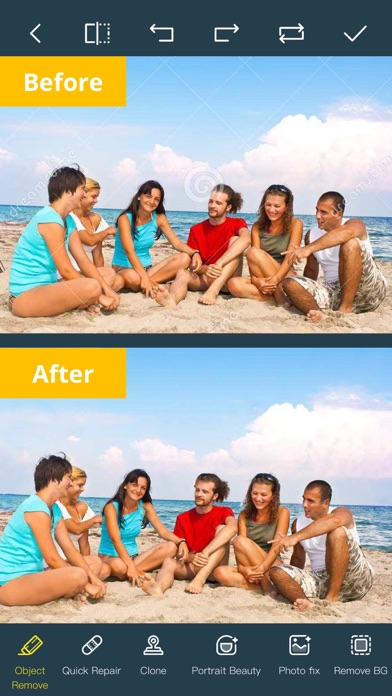
使用 Photo Retouch-Object Removal Hack 從您的照片和影片中移除不需要的物體、人物和瑕疵,這是一款經過修改的 iOS 應用程式,讓編輯變得輕而易舉。只需在您想要移除的部分上塗抹,讓破解功能無縫擦除它,使您的影像看起來自然完美。透過此 mod IPA 立即存取高級 PRO 功能。
- PRO → 解鎖所有高級編輯工具
此應用程式也內建 iGameGod,讓你可以使用 Auto Touch 自動執行重複操作、透過 App Speed Manager 調整遊戲速度、使用 Memory Engine 修改記憶體數值,以及更多強大的 iOS 遊戲工具。
從上方連結下載 Photo Retouch-Object Removal Hack modded IPA。點選安裝按鈕並依照畫面指示在 iPhone、iPad 或 Apple Silicon 上安裝此 iOS 應用程式修改版。
需要更多協助?請查看我們的 iOSGods 應用程式常見問題 以獲得詳細解答與疑難排解。
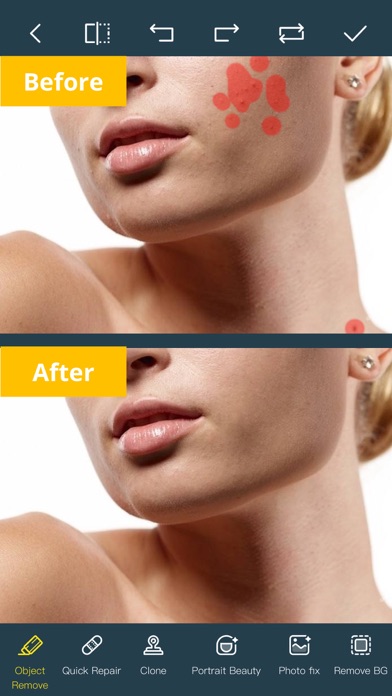
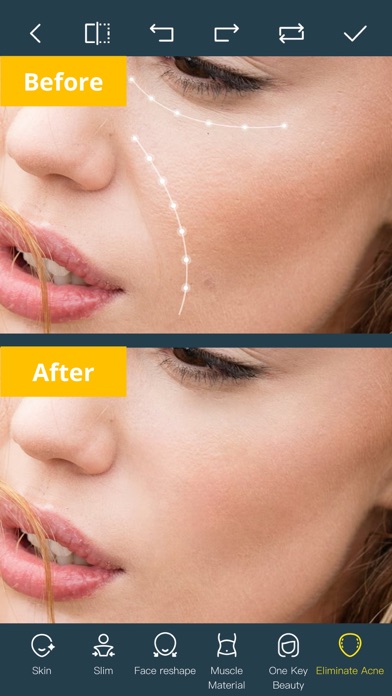
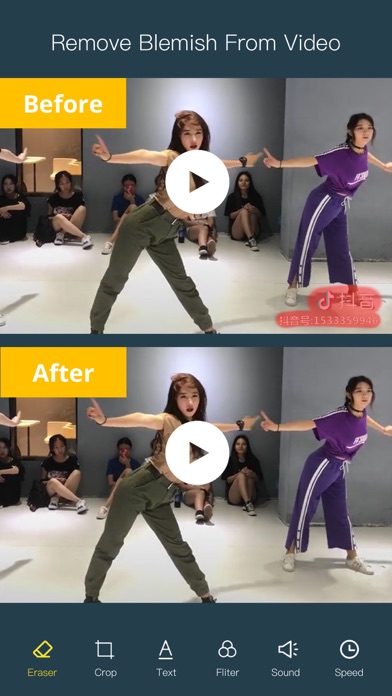
您拍照時不小心把路人甲路人乙也拍進去,影響觀感?用我們的app啦,快速把照片或視頻中不想要的瑕疵清除掉,還能將人物照片中的斑點瑕疵通通清理掉,方便又實用,使您的美顏照美美噠。功能強大就連視頻也能完美處理。
得益於我們強大的人工智能算法,清楚的部分能跟照片/視頻的其他部分自然無縫的銜接起來,效果棒棒噠。
除了AI智能擦除,這款功能強大的應用還具有如下功能:
*強大的AI照片編輯器,為照片添加文字、濾鏡和特效。
*臉型選項:V臉、窄臉、小臉、瘦臉、額頭、下巴、顴骨、下顎骨。
*眼睛選項:大眼睛、眼距、眼距、眼角、明亮。
*鼻子選項:長鼻子、瘦鼻子、瘦人中。
*嘴巴選項:嘴形、笑容、美齒。
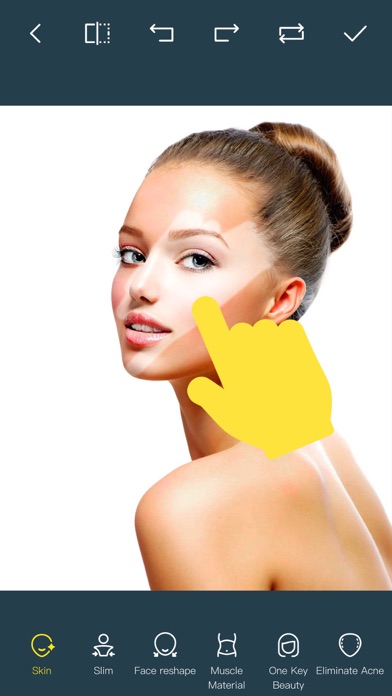
*皮膚選項:模糊、美白、銳利化、紅潤、黑眼圈、法令紋。
*消除痘痘、抗皺、瘦臉美白。
*數百款全新圖片濾鏡。
*妝容編輯:數十款可編輯妝容供您選擇。
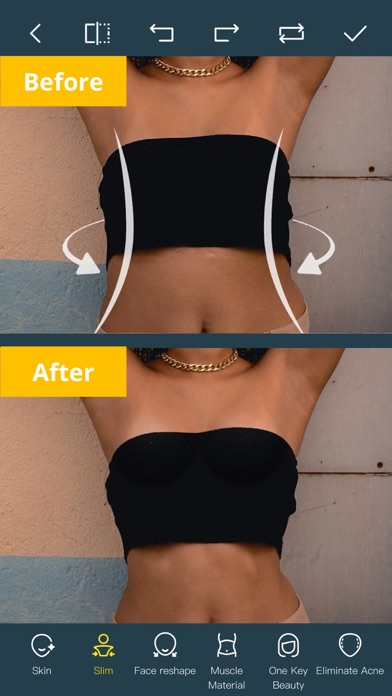
*美體:幾分鐘內將您的照片變成模特兒作品集。
*即時照片編輯:即時美化即時照片。
*AI 擴充:智慧填充場景,一鍵擴充。
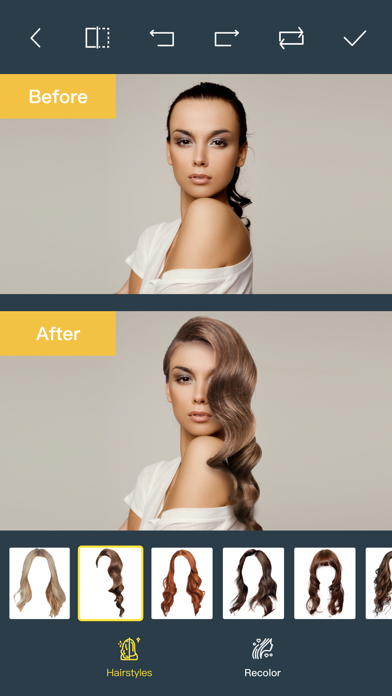
*AI 髮型變換:AI 驅動的髮型變換,自由改變您的造型。
*AI 繪圖:將文字或圖像轉換為圖像,使用 AI 創建藝術圖片。
*AI 背景去除:智慧型辨識精準摳圖,快速更換背景。
*拼貼:更改佈局、切換背景、無縫拼接和拼貼影像,捕捉生活中的精彩時刻。
*髮型和髮色:改變髮型和髮色,從上到下提升您的美麗。
*舊照片修復:為您的舊照片增添更多色彩。
*清晰度修復:幾秒鐘內將模糊照片變為高清,提升影像品質。
*圖像填滿顏色:自動為您的舊照片填滿顏色。
*人臉模糊:輕鬆模糊影片中的人臉。
*軌道模糊:移除/模糊影片中移動的人物/瑕疵。
*強大的AI編輯:AI人臉修復、AI臉部著色修復、AI潤飾自訂快速編輯、AI美甲設計、AI髮型、AI照片產生器。
*雲端儲存:透過雲端中心備份您的編輯結果。
Premium Package Subscription
- You can subscribe for large cloud storage space & premium features
- Payment will be charged to iTunes Account at confirmation of purchase
- You will be able to use large cloud storage space & premium features for the duration of the subscription
- Subscription automatically renews for the same price and duration period as the original "one week"/"one month"/"one year" package unless auto-renew is turned off at least 24-hours before the end of the current period
- Account will be charged for renewal within 24-hours prior to the end of the current period at the cost of the chosen package (weekly, monthly or yearly package)
- Subscriptions may be managed by the user and auto-renewal may be turned off by going to the user's iTunes Account Settings after purchase
- No cancellation of the current subscription is allowed during active subscription period
- You may cancel a subscription during its free trial period via the subscription setting through your iTunes account. This must be done 24 hours before the end of the subscription period to avoid being charged. Please visit http://support.apple.com/kb/ht4098 for more information
- You may turn off the auto-renewal of your subscription via your iTunes Account Settings. However, you are not able to cancel the current subscription during its active period
- Any unused portion of a free trial period, if offered, will be forfeited when the user purchases a subscription to that publication, where applicable
Links to our Terms of Service and Privacy Policy can be found below
Privacy Policy:https://privacy.tushikeji.com/app/privacy?name=photoretouch&os=ios&language=en&channelNo=1
Terms of Use: https://privacy.tushikeji.com/app/userAgreement?name=photoretouch&os=ios&language=en&channelNo=1
- 未越獄/受限或已越獄的 iPhone 或 iPad。
- Sideloadly 或替代方案。
- 執行 Windows/macOS/Linux 且已安裝 iTunes 的電腦。
步驟 1: 透過上方連結將已破解的 .IPA 檔案下載到您的電腦。若要從 iOSGods App 下載,請參閱我們的 iOSGods App IPA 下載教學,其中包含影片範例。
步驟 2: 下載 Sideloadly 並將其安裝在您的 Windows 或 Mac 上。
步驟 3: 在電腦上開啟 Sideloadly,連接您的 iOS 裝置,並等待裝置名稱出現在 Sideloadly 中。
步驟 4: 當 Sideloadly 辨識到您的 iOS 裝置後,將下載好的修改版 .IPA 檔案拖曳並放到 Sideloadly 應用程式中。
步驟 5: 輸入您的 Apple Account 電子郵件,然後按下「Start」。系統會要求您輸入密碼,請依指示提供所需資訊。
步驟 6: 等待 Sideloadly 完成已破解 IPA 的旁載/安裝。如果安裝過程中發生問題,請閱讀下方的注意事項。
步驟 7: 安裝完成並在主畫面上看到該應用程式後,您需要前往 設定 → 一般 → 描述檔 / VPN 與裝置管理。進入後,點選您在步驟 6 中輸入的電子郵件,然後點選「信任 [email protected]」。
步驟 8: 現在回到主畫面並開啟新安裝的應用程式,一切應該都能正常運作。您可能需要依照遊戲內破解彈出視窗中的進一步指示操作。
注意: 在 iOS/iPadOS 16 及更新版本上,您必須 啟用開發者模式。若使用免費的 Apple Developer 帳號,您將需要每 7 天重複此程序。如有任何疑問或問題,請閱讀我們的 主題中的 Sideloadly 常見問題區段。