تسجيل الدخول مطلوب
سجّل الدخول بحساب iOSGods للمتابعة.
Hack Features:
- PREMIUM
قم بتنزيل Focos Modded modded IPA من الروابط أعلاه. اضغط على زر التثبيت واتبع التعليمات لتثبيت هذا التعديل لـ iOS على iPhone أو iPad أو Apple Silicon.
هل تحتاج إلى مزيد من المساعدة؟ راجع الأسئلة الشائعة لتطبيق iOSGods للحصول على إجابات مفصلة ونصائح لاستكشاف الأخطاء.
Focos now supports all devices and editing of all pictures.
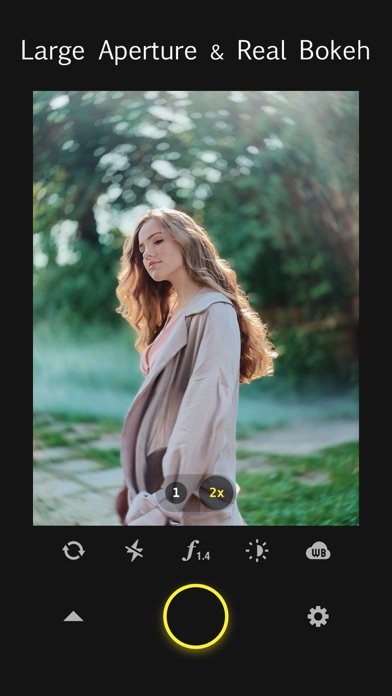
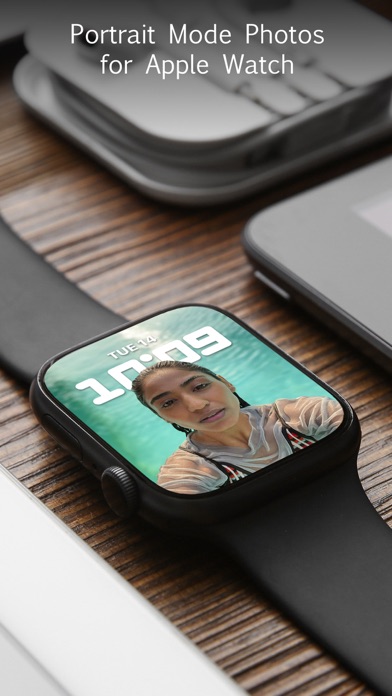
Focos is a big step into the future of computational photography and light-field camera, bringing DSLR-like photography to your iPhone and iPad Pro, with beautiful bokeh effects usually achievable only with professional large aperture cameras. With the technology of computational photography, you can make unlimited changes to your photos, focus after the fact, change the aperture repeatedly, and add multiple lights in 3D space, exceeding the limits of any editing tools you’ve known before. The creative potential unleashed by Focos is endless.
The Verge,
"Focos has long been one of the most ambitious photo-editing apps on iOS, turning any photo into a 'portrait mode'-style image with fully adjustable depth of field, no matter what kind of camera you took it with."
MAIN FEATURES
- Take photos with shallow depth of field, without manually painting or making selections.
- True 3D imaging.
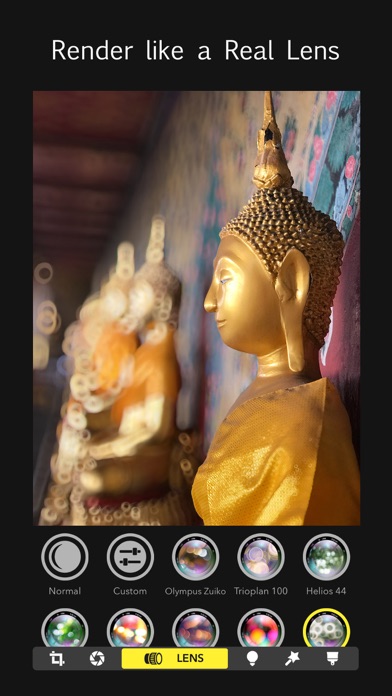
- Simulate large apertures to create real bokeh effects normally only possible with DSLR cameras and expensive lenses.
- Import all existing photos and customize the bokeh effect.
- With the advanced technology of machine learning, it calculates the depth of field automatically for every photo.
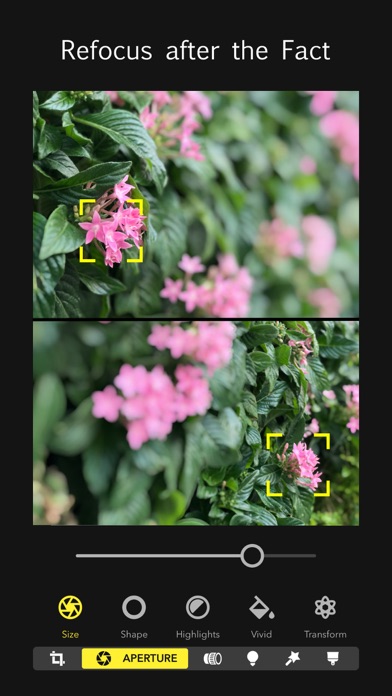
- Re-focus portrait photos that have already been taken, with a simple tap.
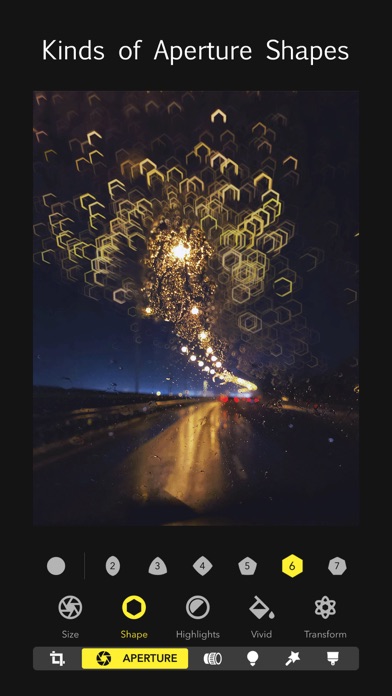
- Choose from various simulated aperture diaphragms to generate different bokeh spot effects.
- Professional options to simulate lens characteristics, such as creamy, bilinear, swirly, and reflex effects, and more.
- Visualize the depth of areas within your portrait photos in a 3D view, and intuitively add depth filters.
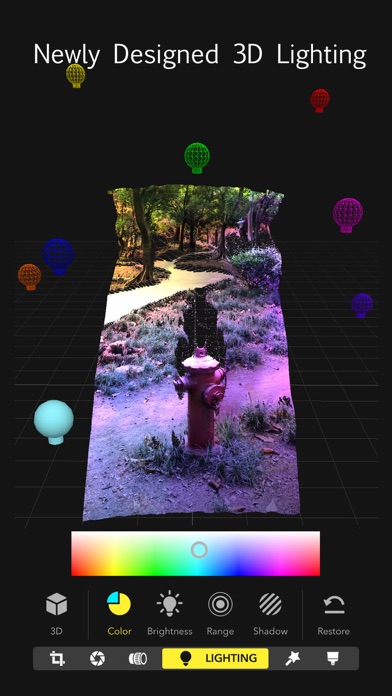
- Add multiple lights in a 3D space, and adjust the color, brightness and so on for each light.
- Check the portrait picture in the real world with augmented reality technique.
- It is possible to patch the depth map precisely on iPad with Apple Pencil.
- Intuitive and easy to use, with built-in video tutorials.
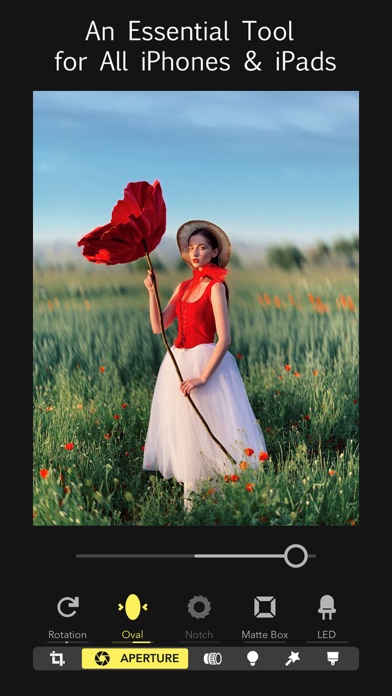
- An essential tool for all iPhones and iPads.
Do you have questions or suggestions? Contact us via support @ focos . me.
- iPhone أو iPad بجيلبريك أو بدون جيلبريك.
- Sideloadly أو بدائلها.
- كمبيوتر يعمل بنظام Windows/macOS/Linux مع تثبيت iTunes.
الخطوة 1: قم بتنزيل ملف .IPA المعدّل مسبقًا من الرابط أعلاه إلى الكمبيوتر الخاص بك. للتنزيل من تطبيق iOSGods App، اطلع على دليل تنزيل IPA من تطبيق iOSGods App الذي يتضمن مثالًا بالفيديو.
الخطوة 2: قم بتنزيل Sideloadly وتثبيته على جهاز Windows أو Mac.
الخطوة 3: افتح Sideloadly على الكمبيوتر، ووصّل جهاز iOS الخاص بك، وانتظر حتى يظهر اسم جهازك داخل Sideloadly.
الخطوة 4: بمجرد التعرّف على جهاز iDevice الخاص بك، اسحب ملف .IPA المعدّل الذي قمت بتنزيله وأفلِته داخل تطبيق Sideloadly.
الخطوة 5: أدخل البريد الإلكتروني لحساب Apple Account الخاص بك، ثم اضغط على «Start». سيُطلب منك بعد ذلك إدخال كلمة المرور. تابع وأدخل المعلومات المطلوبة.
الخطوة 6: انتظر حتى ينتهي Sideloadly من تحميل/تثبيت ملف IPA المعدّل. في حال واجهت أي مشاكل أثناء التثبيت، يرجى قراءة الملاحظة أدناه.
الخطوة 7: بعد اكتمال التثبيت ورؤية التطبيق على الشاشة الرئيسية، انتقل إلى Settings → General → Profiles / VPN & Device Management. ثم اضغط على البريد الإلكتروني الذي أدخلته في الخطوة 6، ثم اضغط على «الوثوق بـ [email protected]».
الخطوة 8: الآن انتقل إلى الشاشة الرئيسية وافتح التطبيق الذي تم تثبيته للتو وسيعمل كل شيء بشكل صحيح. قد تحتاج إلى اتباع تعليمات إضافية خاصة بكل تطبيق داخل النافذة المنبثقة للتعديل أثناء اللعب.
ملاحظة: بدءًا من iOS/iPadOS 16 وما بعده، يجب تفعيل وضع المطور (Developer Mode). بالنسبة لحسابات Apple Developer المجانية، ستحتاج إلى تكرار هذه العملية كل 7 أيام. إذا كانت لديك أي أسئلة أو مشاكل، يرجى قراءة قسم الأسئلة الشائعة حول Sideloadly في الموضوع.